Reading the audit log
Find who changed what in your workspace, narrow the list by date, person and entity type, and read the trail kept on a single record.
The audit log answers "who changed this, and when?". It lists changes across the whole workspace, most recent first. Only administrators can open it: in the sidebar, open Admin, then Audit Log.
What each entry tells you
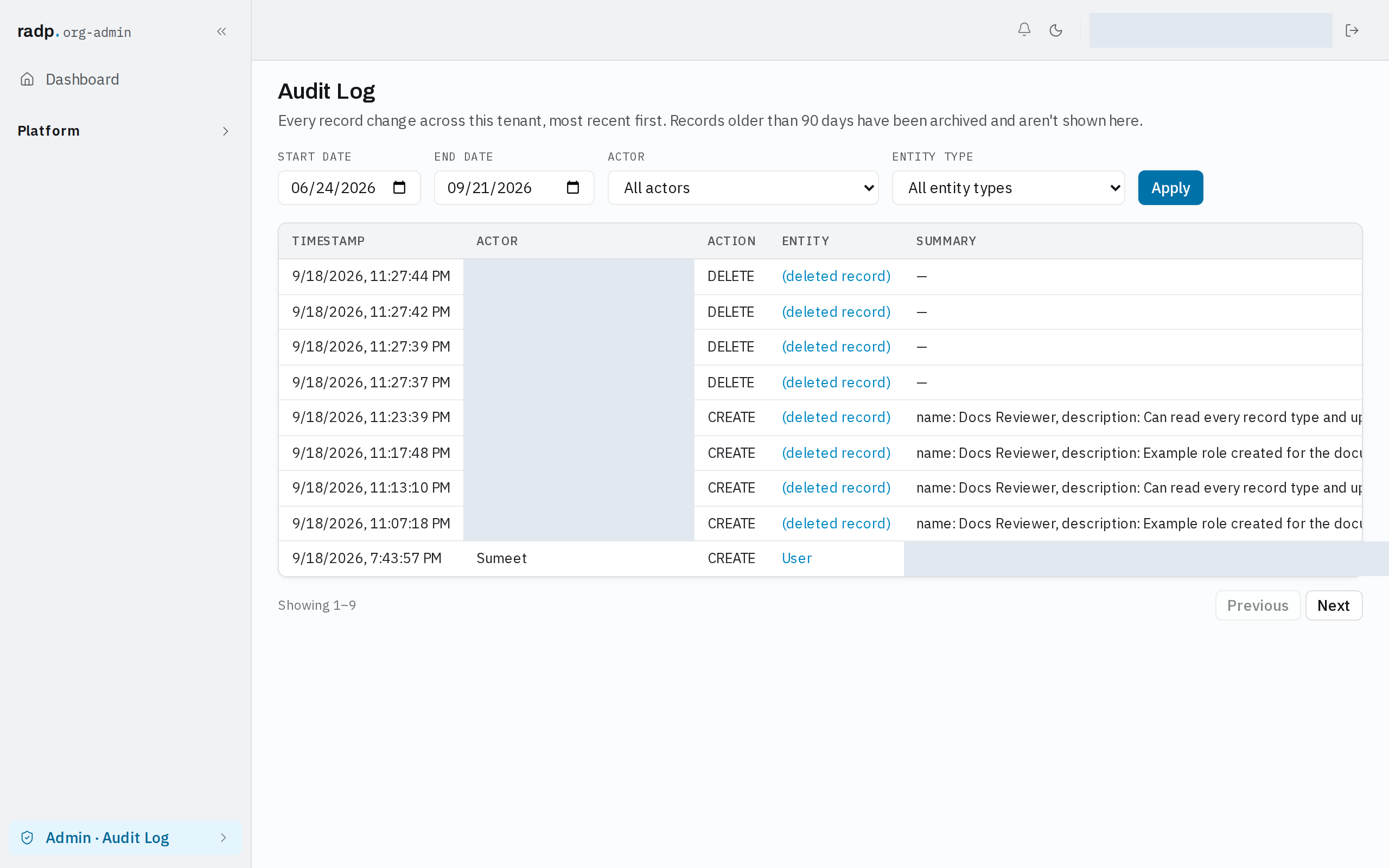
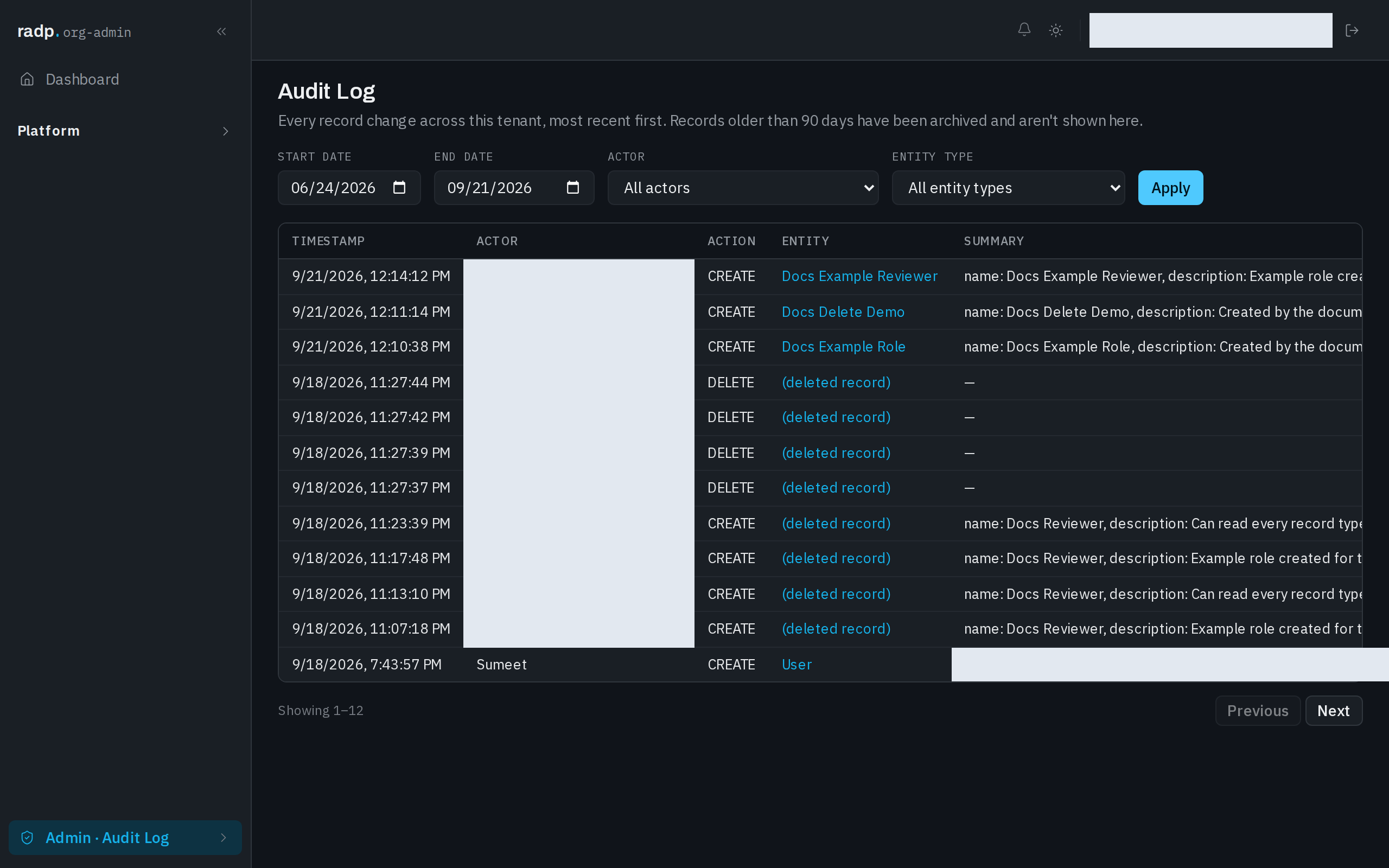
Every entry has a TIMESTAMP, the ACTOR who made the change, the ACTION (for example CREATE or DELETE), the ENTITY the change was made to, and a SUMMARY of what changed.
The summary is written to suit the action. A create lists the values the record started with, shortened where they are long. A delete has nothing left to summarise and shows a dash. If the record has since been deleted, the ENTITY column reads (deleted record) — the entry itself stays.
Narrowing the list
The whole workspace's history is long, so start from the question you are asking rather than scrolling.
- Set START DATE, END DATE, or both, to limit the entries to a period.
- Choose an ACTOR to see only one person's changes. Leave it on All actors to see everyone.
- Choose an ENTITY TYPE to see only changes to one kind of thing. Leave it on All entity types to see everything.
- Select Apply. Nothing changes in the list until you do.
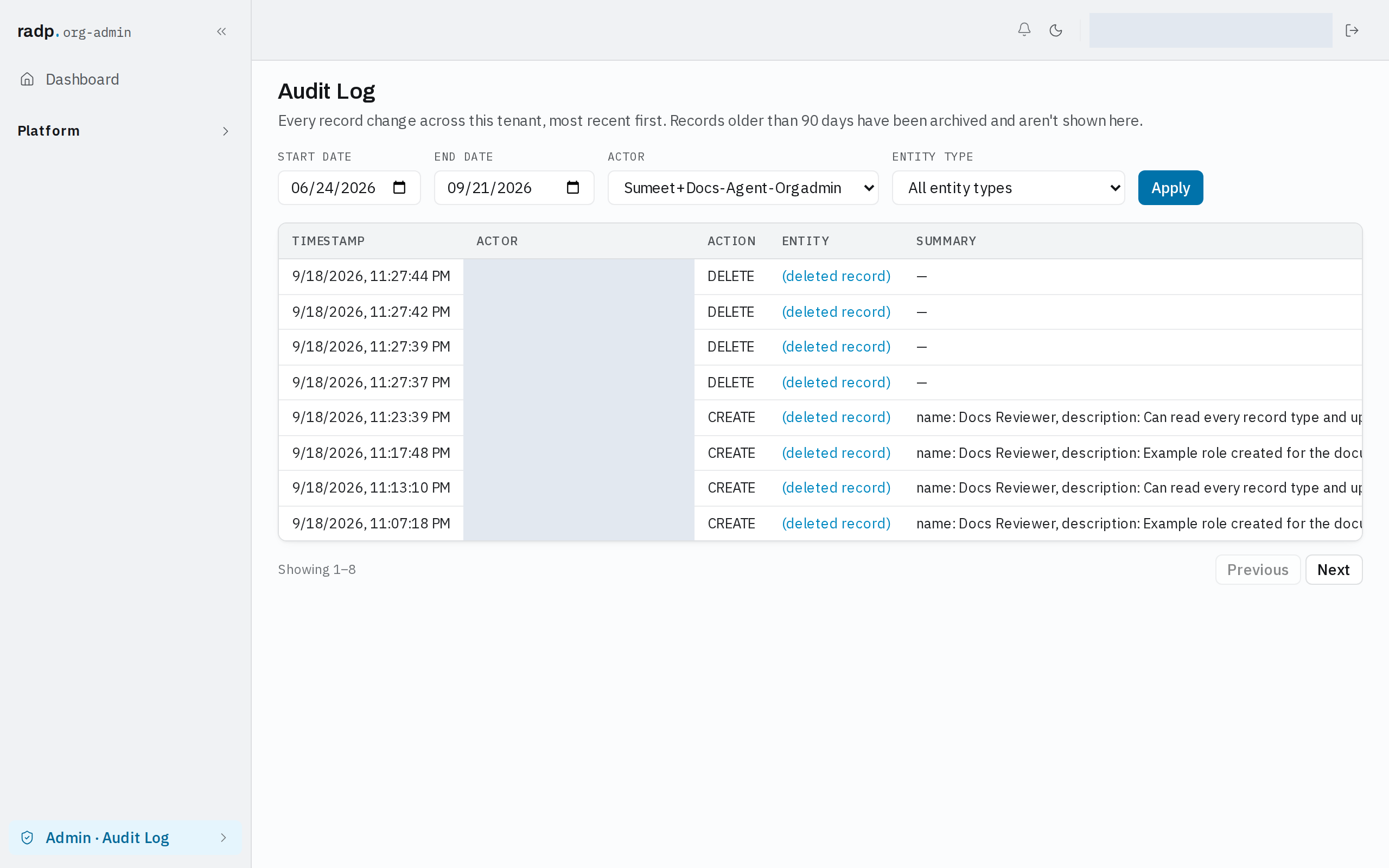
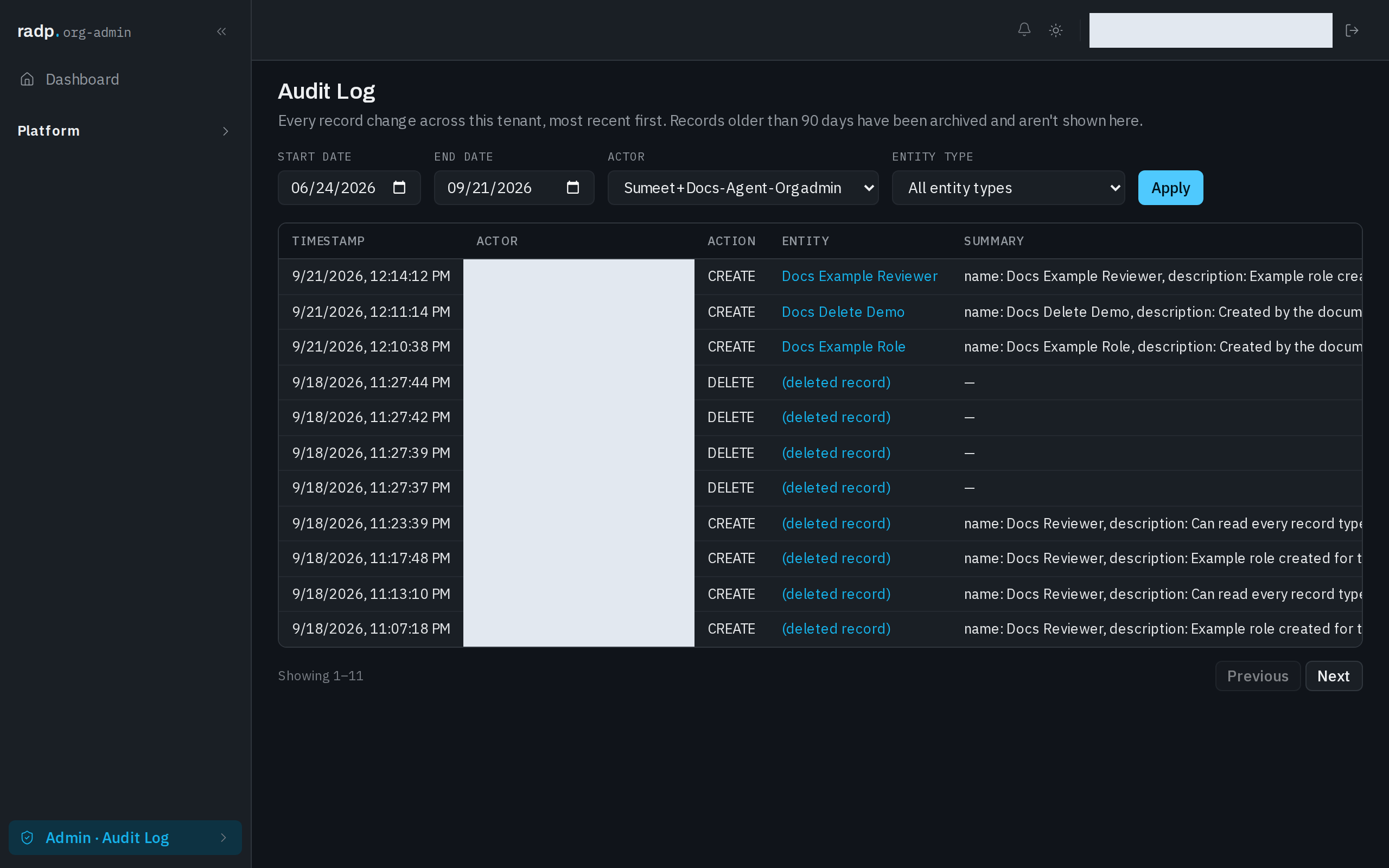
The filters combine: a person plus an entity type plus a date range gives you only the entries that match all three.
Choosing an entity type
Besides the record types in your workspace, the ENTITY TYPE list offers two choices that cut across them:
| Choice | Shows |
|---|---|
| Configuration changes | Changes to how the workspace is set up, rather than to records. |
| Module check-in / check-out | When modules were checked out and checked back in. |
Use these when you are tracing a change to the workspace itself — someone editing a record type or taking the edit lock on a module — rather than a change to a record.
Moving through the results
The log is shown a page at a time, with Previous and Next beneath it, and a count of the entries you are looking at. There is no total.
The trail kept on one record
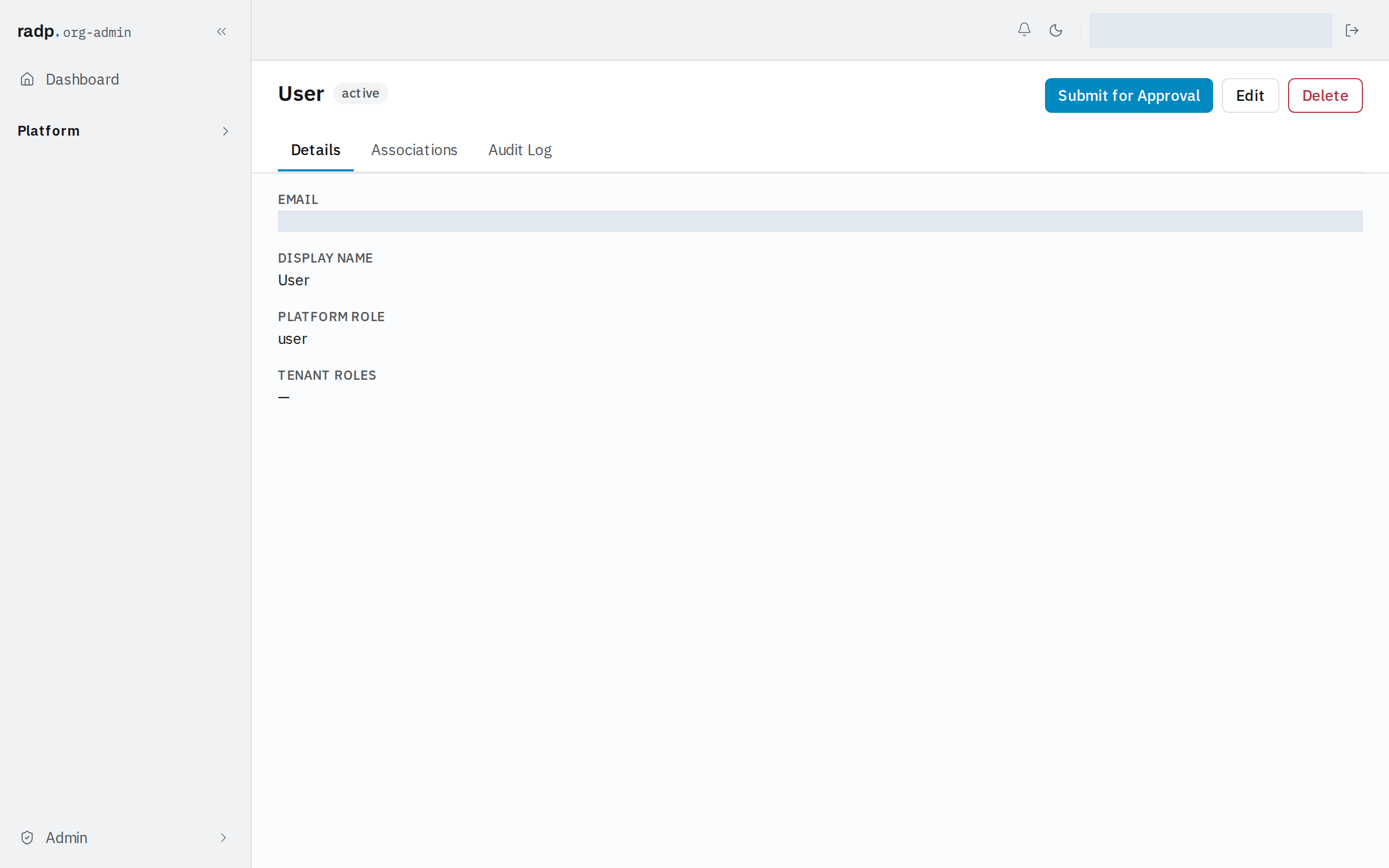
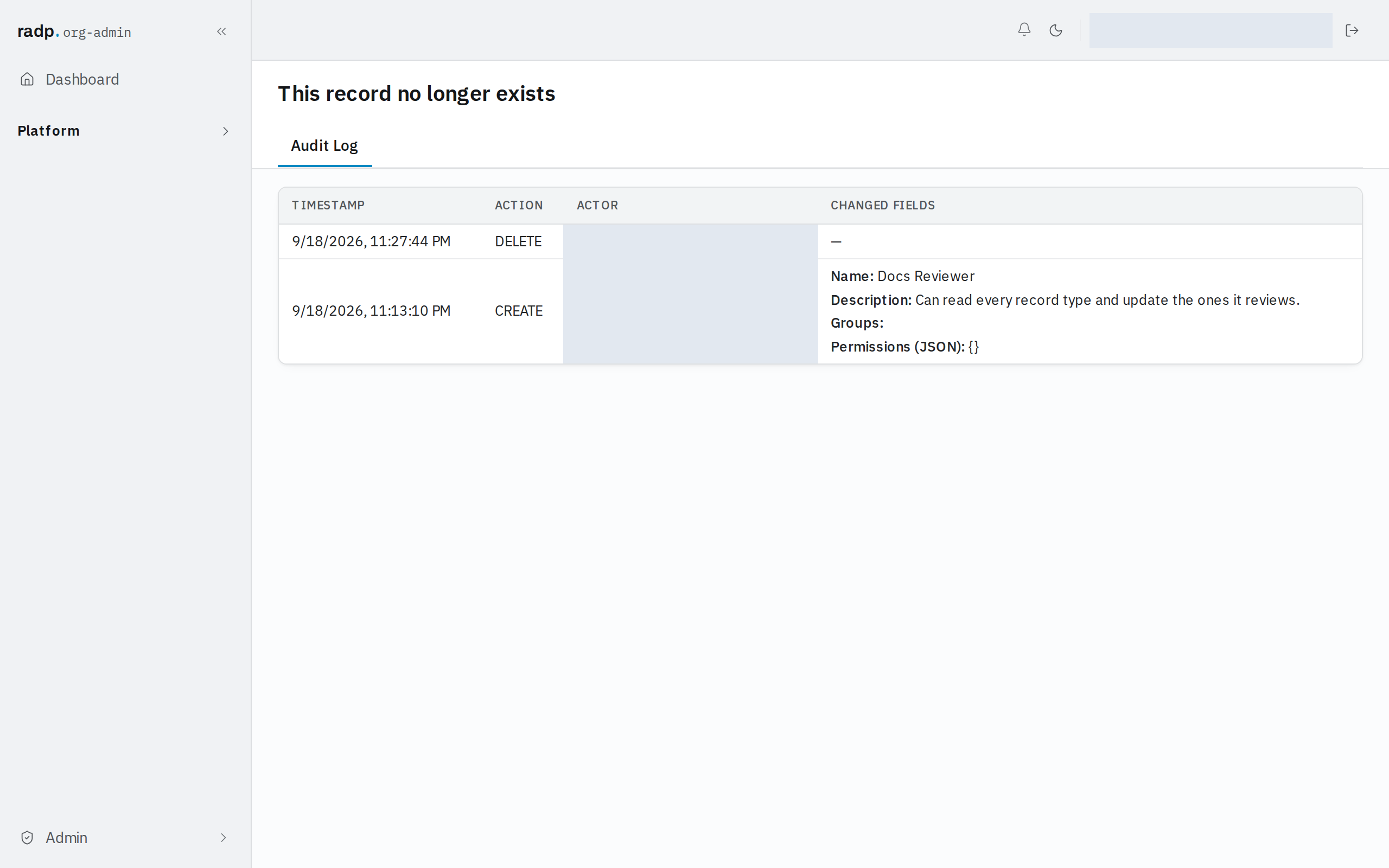
When you already know which record you are asking about, go to the record instead of the workspace-wide log. Every record has an Audit Log tab beside Details and Associations, listing only that record's history: TIMESTAMP, ACTION, ACTOR and the CHANGED FIELDS, with the values the change set.
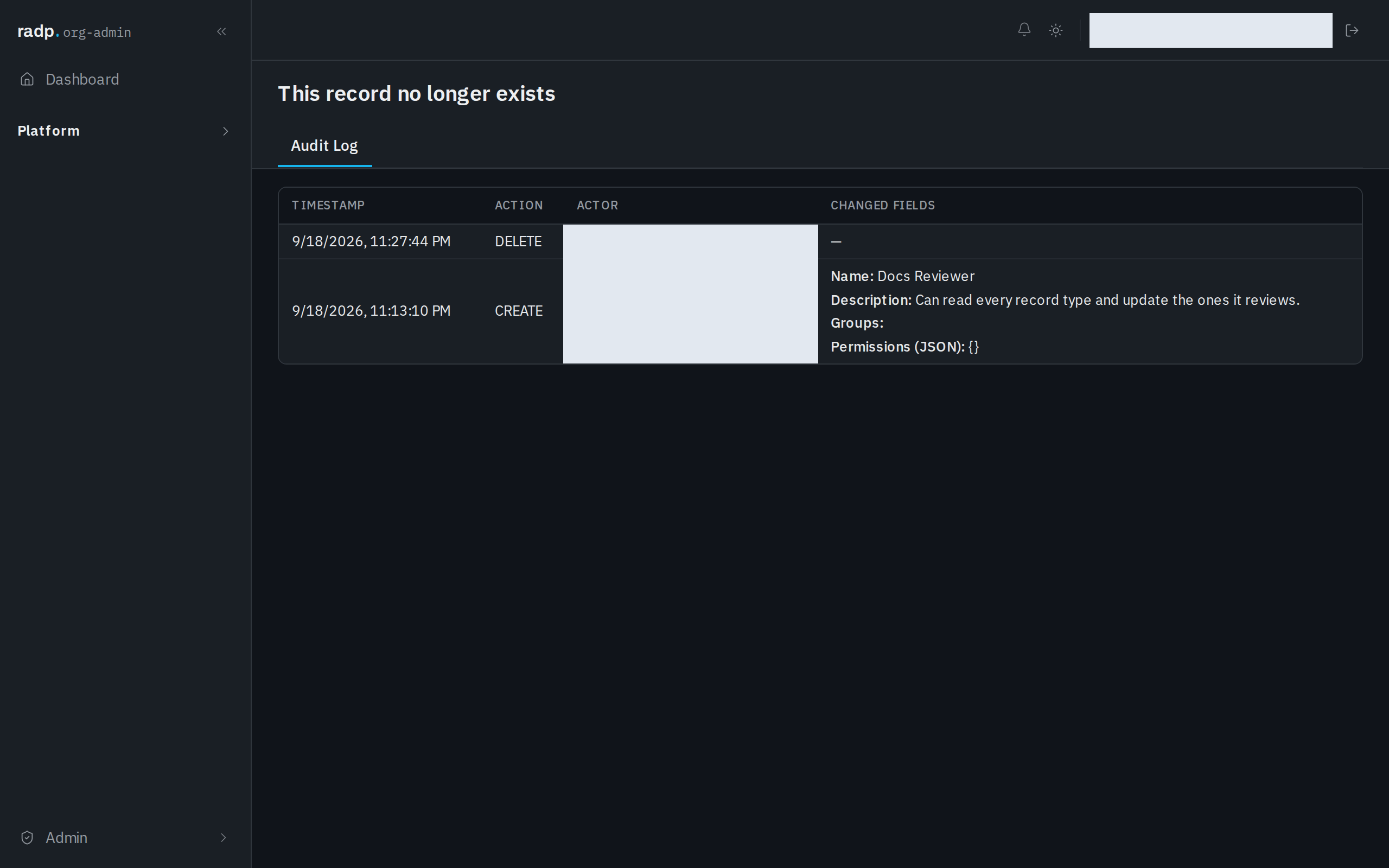
The trail outlives the record. Open a record that has since been deleted — from a link you kept, say — and the page tells you This record no longer exists while still showing its audit log, ending with the delete and who made it.
How far back it goes
Entries older than 90 days are archived and are not shown here. If you need to account for something older than that, ask RADP rather than expecting to find it in this list.
When you cannot find a change
- Check the date range first. An empty result is most often a start or end date that excludes the day you want.
- Check that the change is inside the 90 days the log keeps.
- A person's entries are recorded against the account that made the change, so if someone worked from a second account, filter by that account instead.
- If you are looking for a record that has gone, search by actor and date rather than by entity: the entry for a deleted record names the actor, but its entity reads (deleted record).