Workspace settings
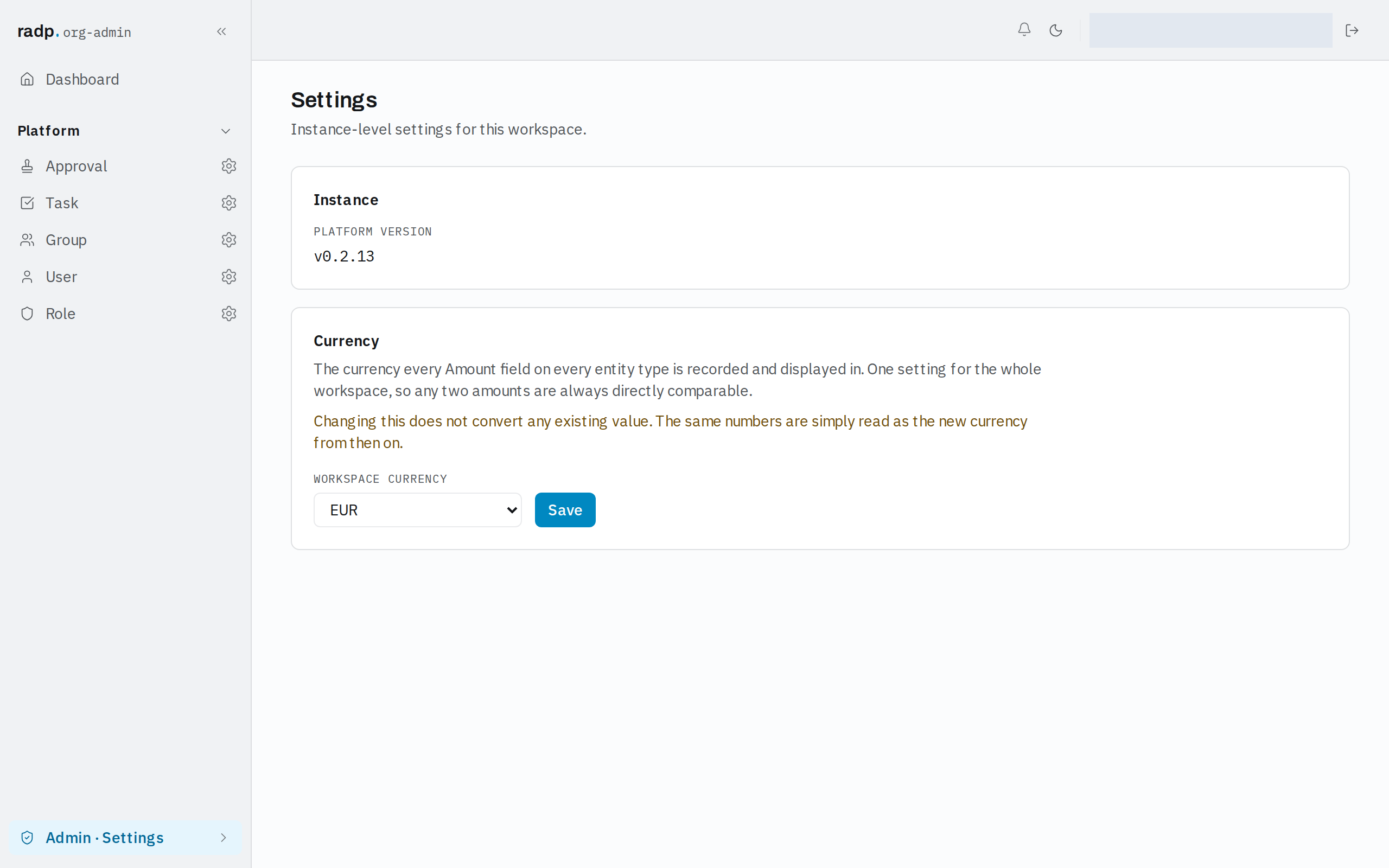
Set the currency every Amount field uses, and see which platform version this workspace runs.
Workspace settings hold the few things that apply to the whole workspace rather than to one record type. Only administrators can open them: in Admin, open Settings.
Platform version
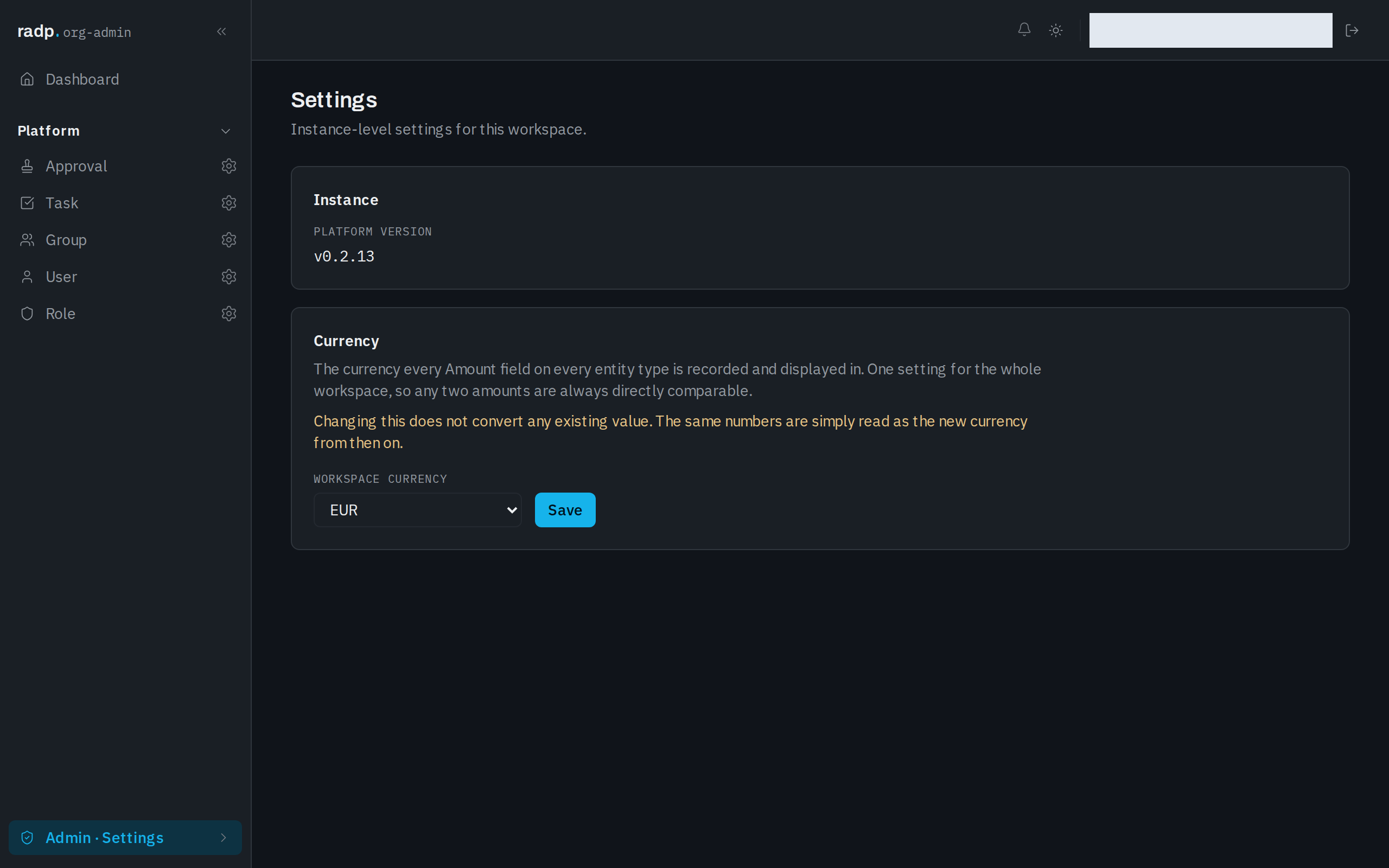
Under Instance, PLATFORM VERSION shows the version of RADP this workspace is running. Quote it when you report a problem to RADP. It is shown here for reference only — you cannot change it from this page.
Currency
WORKSPACE CURRENCY is the currency every Amount field, on every record type, is recorded and displayed in. It is one setting for the whole workspace, so any two amounts you compare are always in the same currency.
To change it:
- Choose the currency code you want from WORKSPACE CURRENCY.
- Select Save.
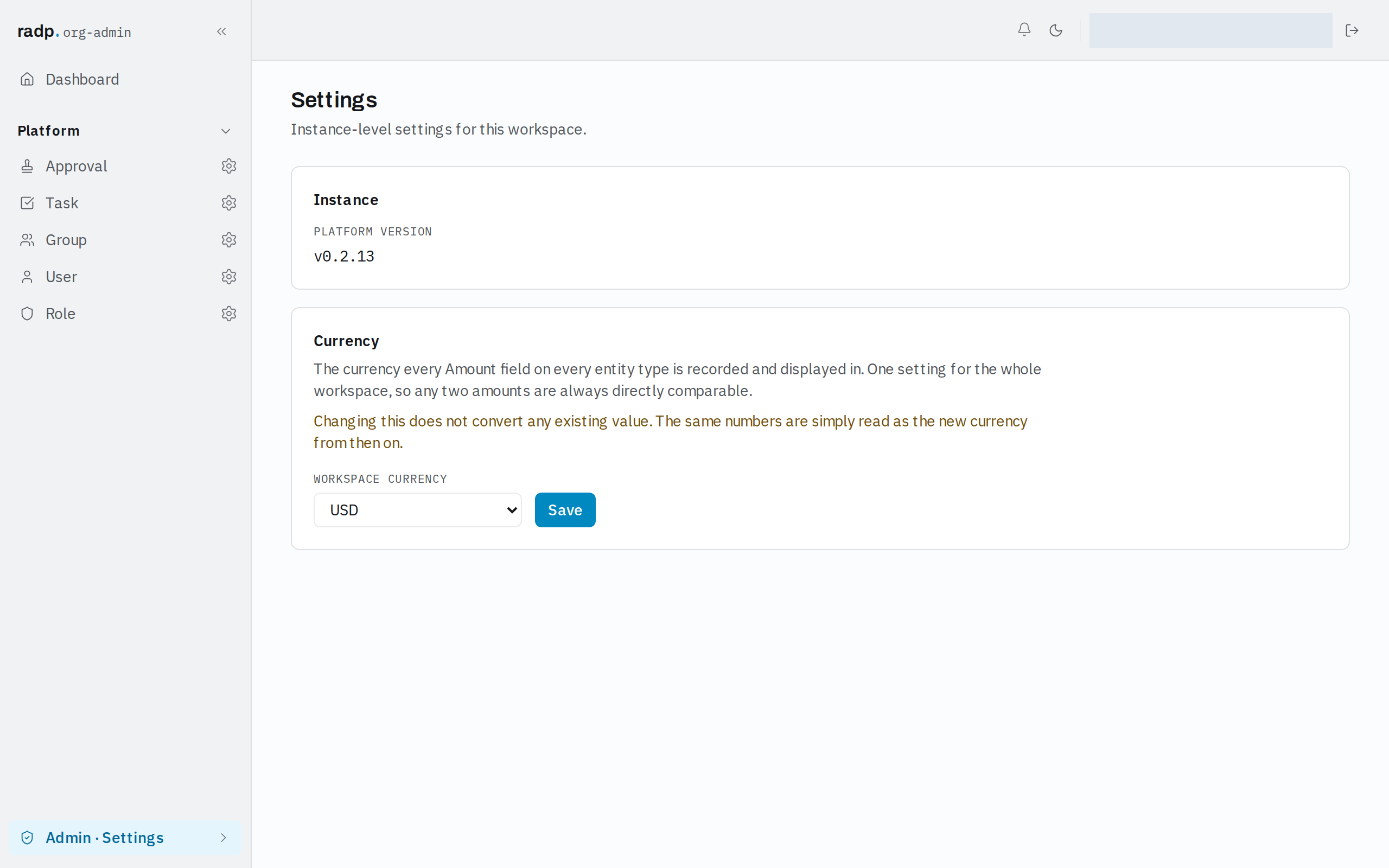
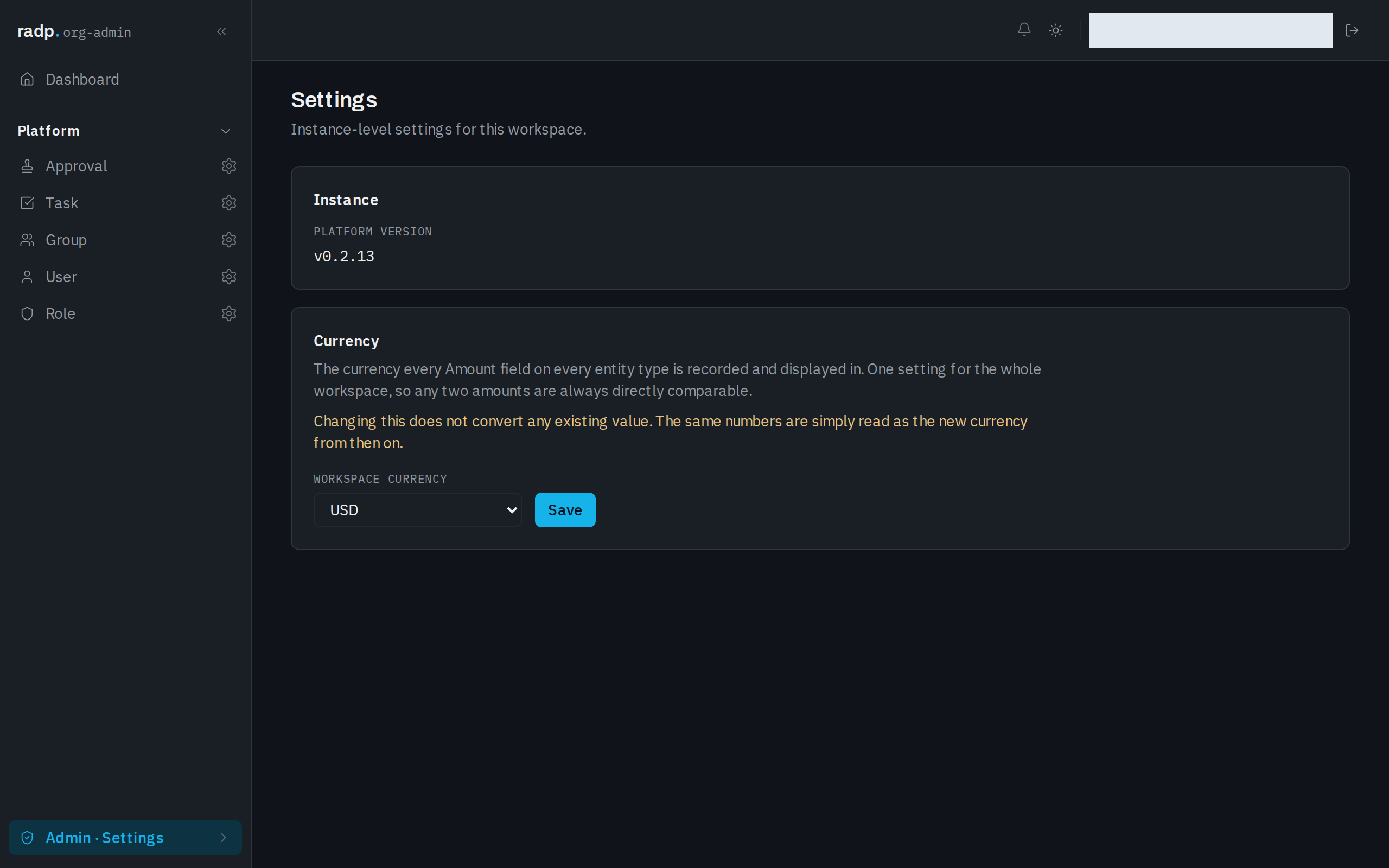
The codes offered are EUR, USD, GBP, CHF, SEK, NOK, DKK, PLN, CZK, INR, AED, SAR, SGD, AUD, CAD, NZD, JPY, CNY and ZAR.
Changing the currency converts nothing
This matters before you switch. Existing amounts keep exactly the numbers they already hold — nothing is converted. The same numbers are simply read as the new currency from then on. An amount entered as 100 under one currency reads as 100 of the new one.
So decide the currency when you set the workspace up, before people start entering amounts. If you do have to change it later, agree with your team what the existing figures now mean, because the platform will not tell them apart.