Approving and rejecting
Read the Approvals inbox, see decisions already made, know who a decision was handed to, and send a record for approval.
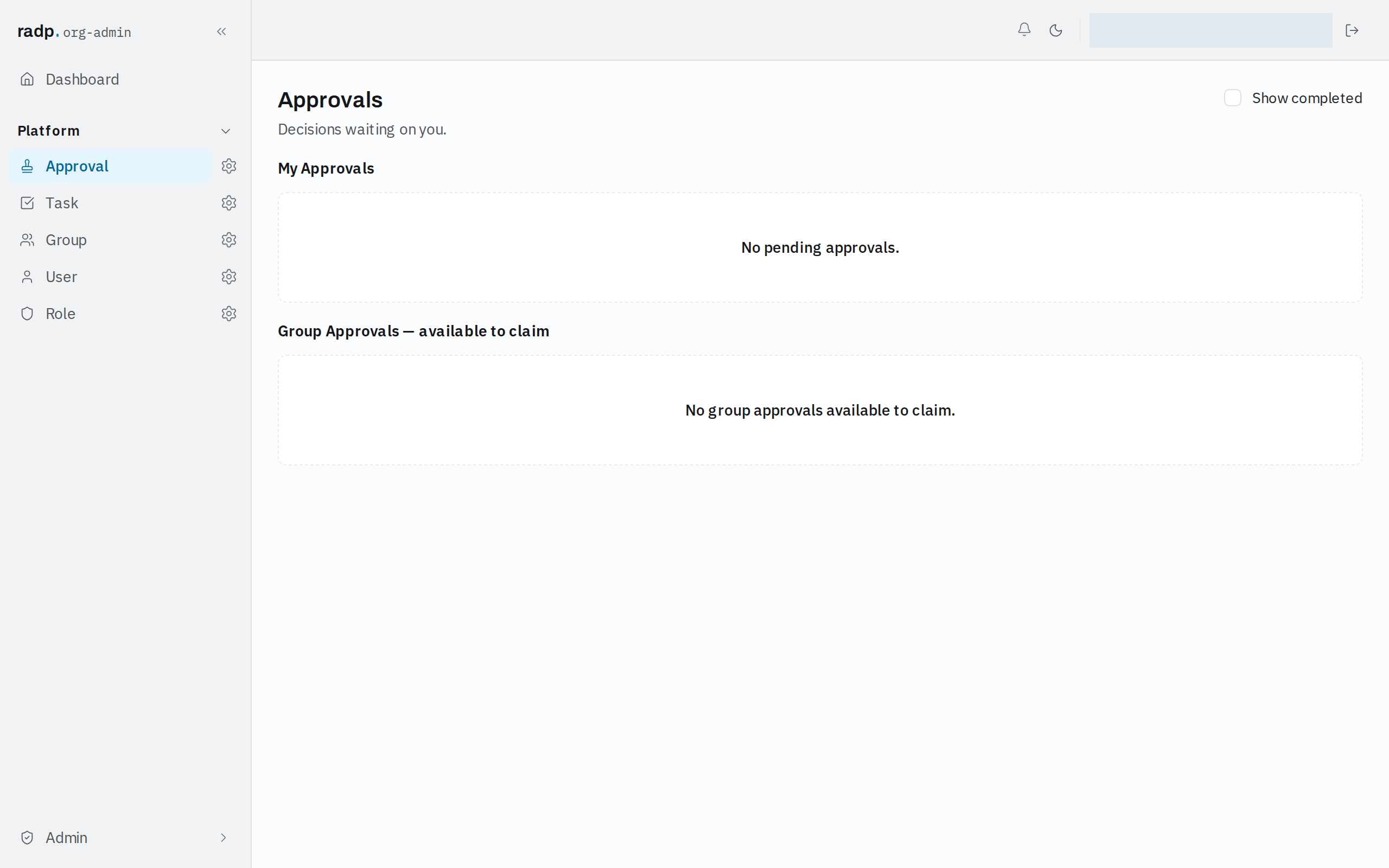
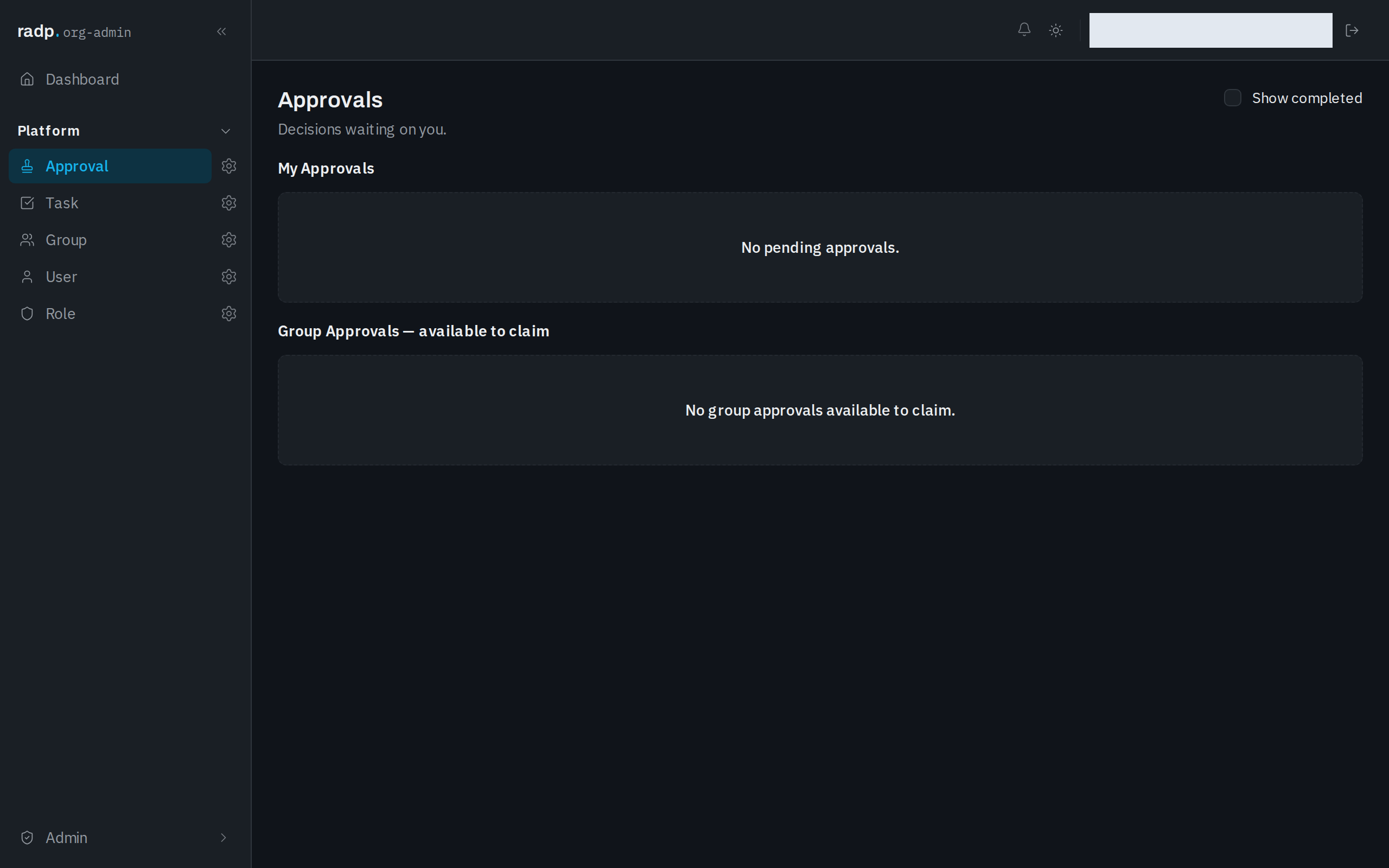
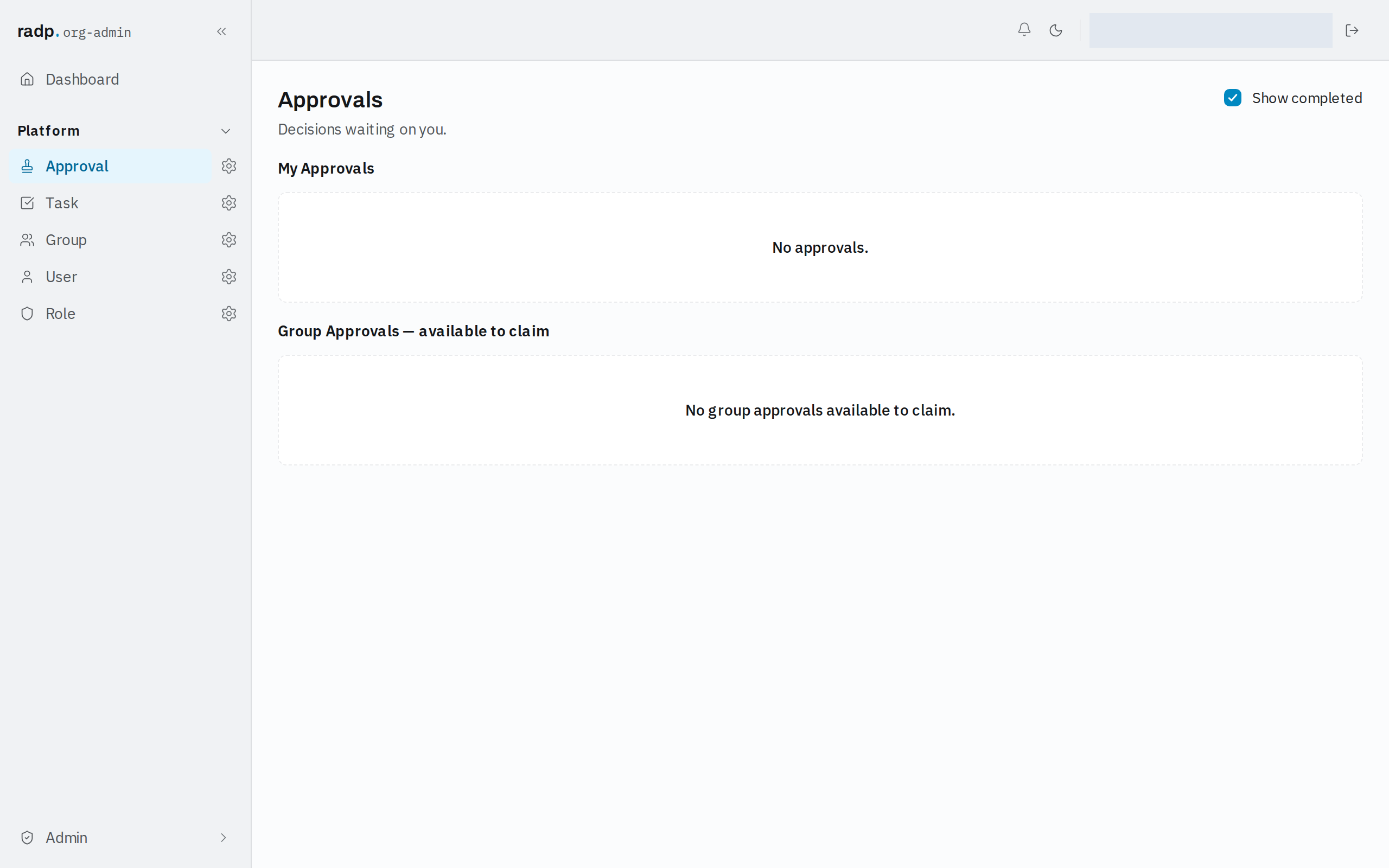
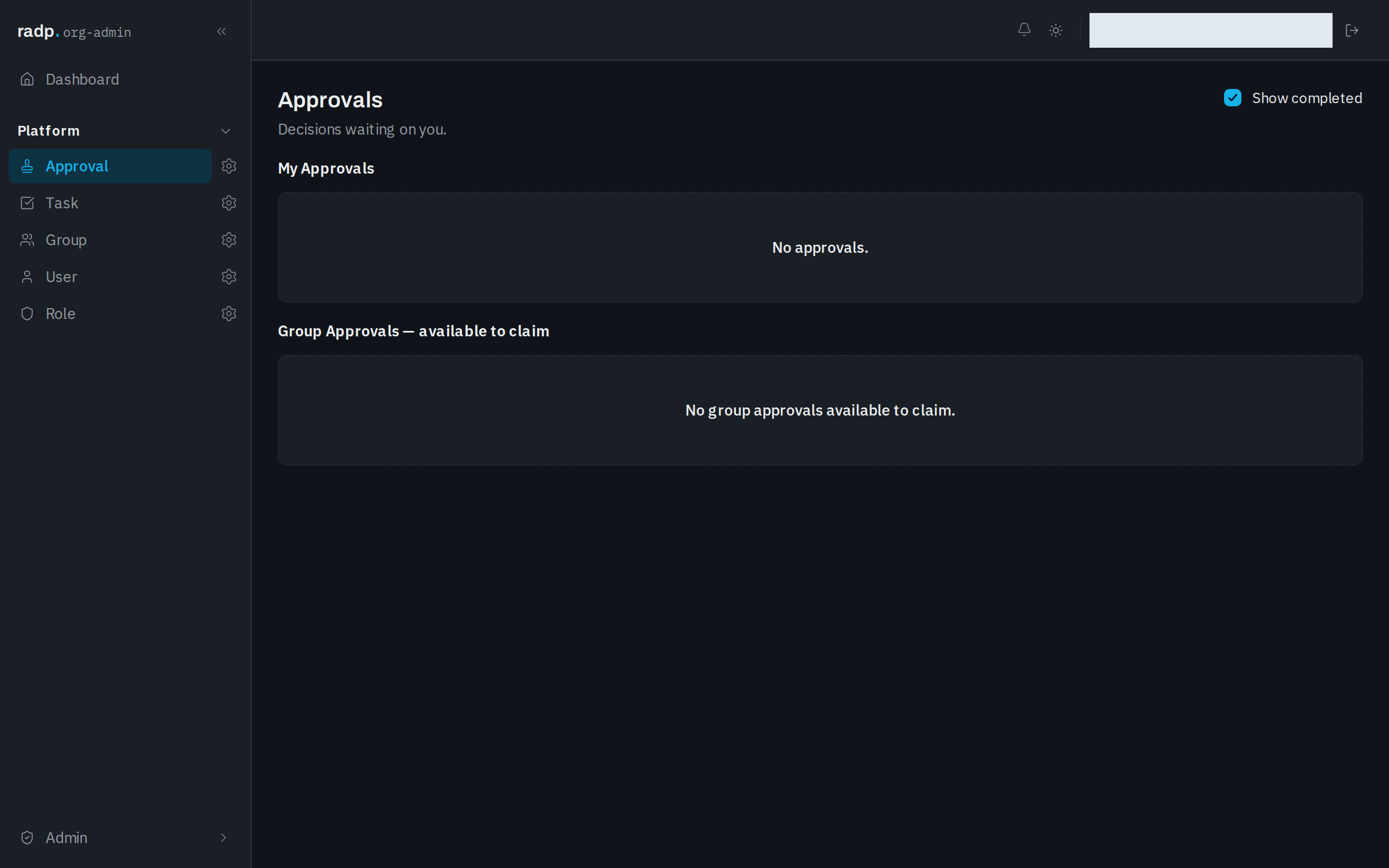
Approvals holds the decisions waiting on you.
What is in the inbox
- My Approvals — decisions that are yours to make.
- Group Approvals — available to claim — decisions assigned to a group you are in, that nobody has picked up yet.
Seeing decisions already made
Show completed is off to begin with, so My Approvals lists only decisions still pending. Turn it on to include approvals that have already been decided.
Who a decision is handed to
An approval is handed either to named people or to a group. One handed to a group waits under Group Approvals — available to claim until someone in that group takes it, and belongs to that person from then on. Org-admins and radp-admins can act on any approval, whoever it was handed to.
What an approval carries
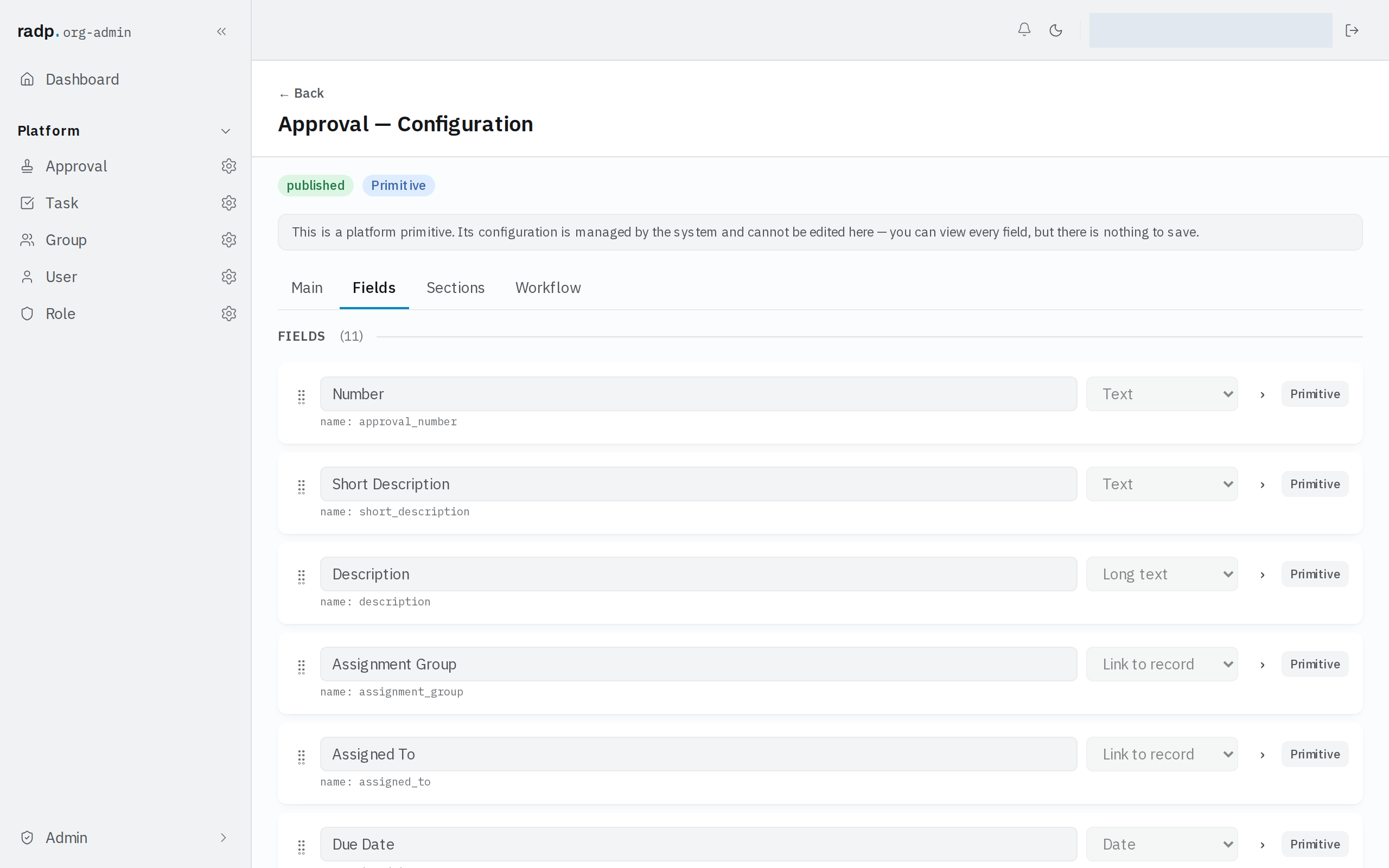
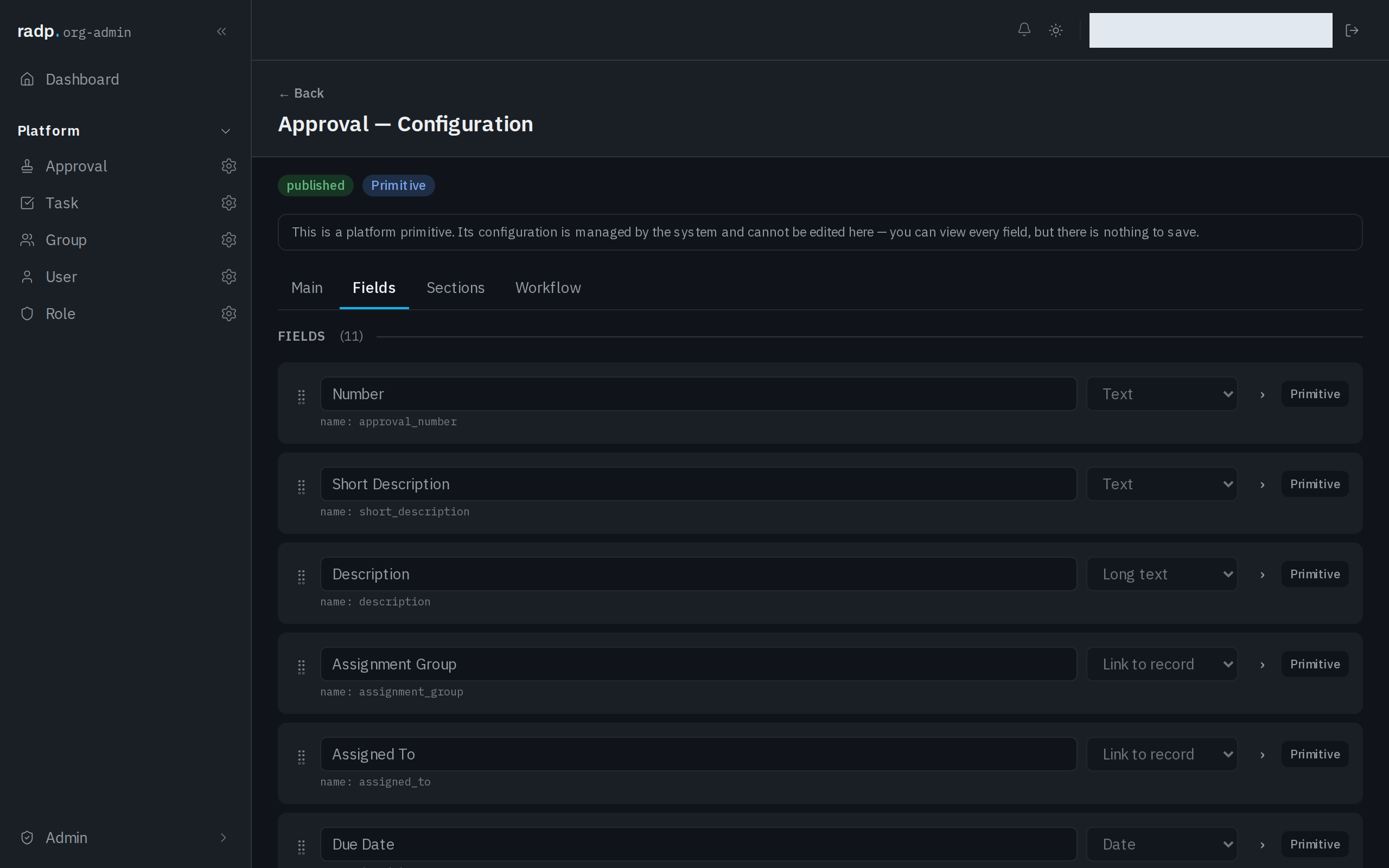
An approval is a record in its own right. These are the details it holds.
| Detail | What it is for |
|---|---|
| Number | The approval's own record number. |
| Short Description, Description | What is being asked for. |
| Assignment Group, Assigned To | The group or the person the decision was handed to. |
| Due Date | When the decision is wanted by. |
| State | Where the approval stands. |
| Entity, Associated Record | The record type, and the record, the decision is about. |
| Workflow Instance | The workflow run that asked for the decision. |
| Decision Comment | The comment left with the decision. |
Approval is a platform record type. An admin can open its configuration and read every field, but nothing in it can be changed or saved, so these details are the same in every workspace.
Sending a record for approval
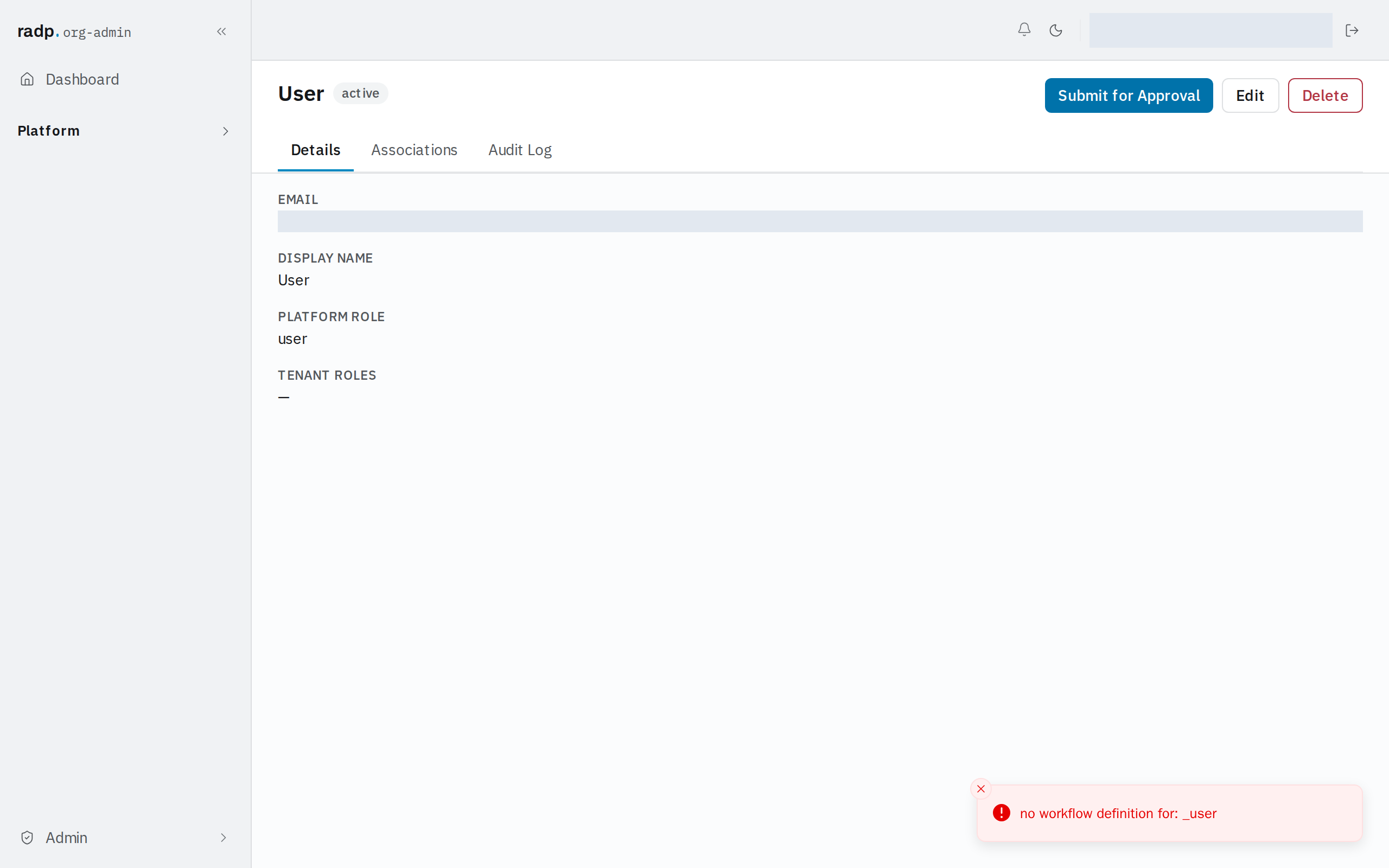
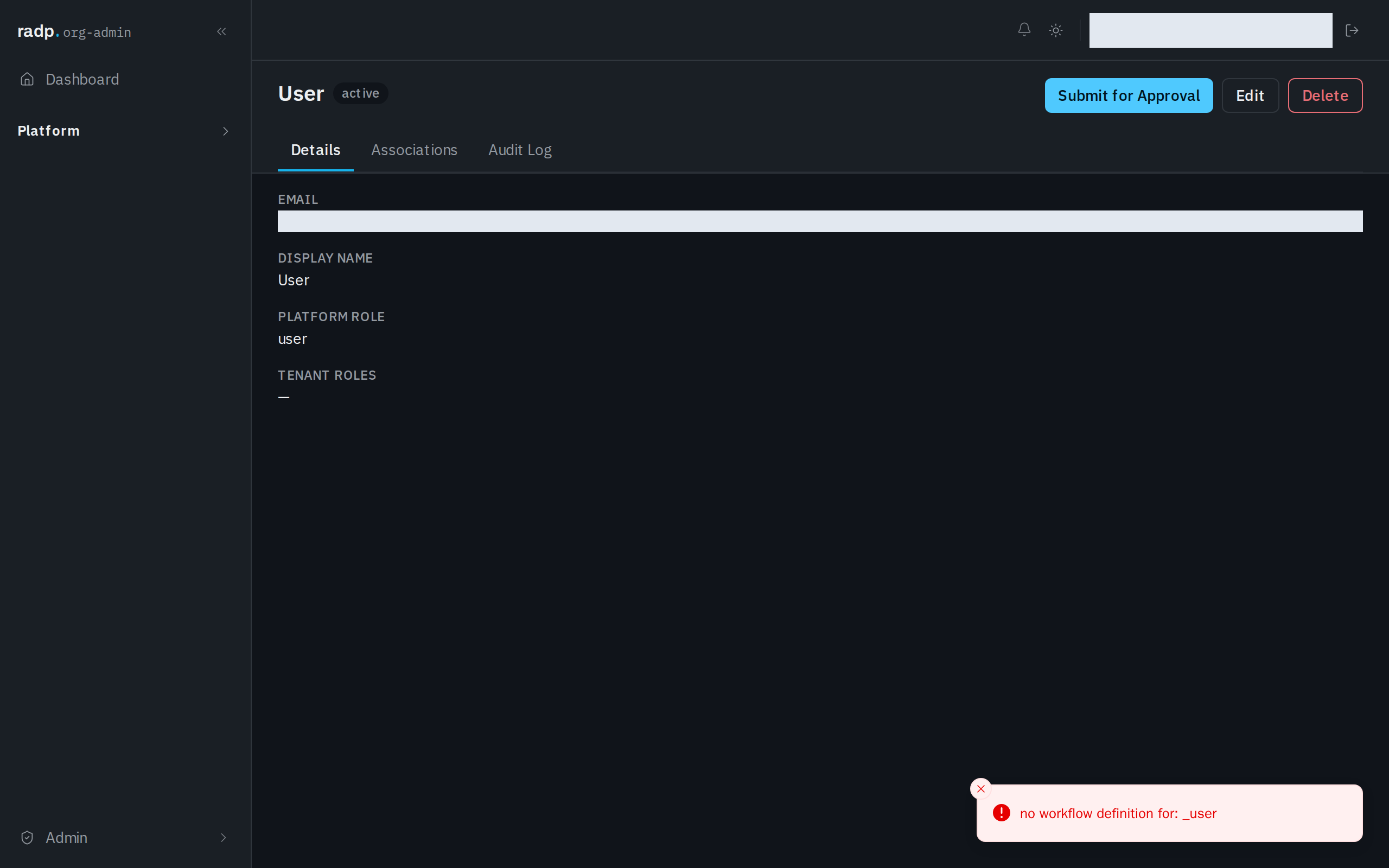
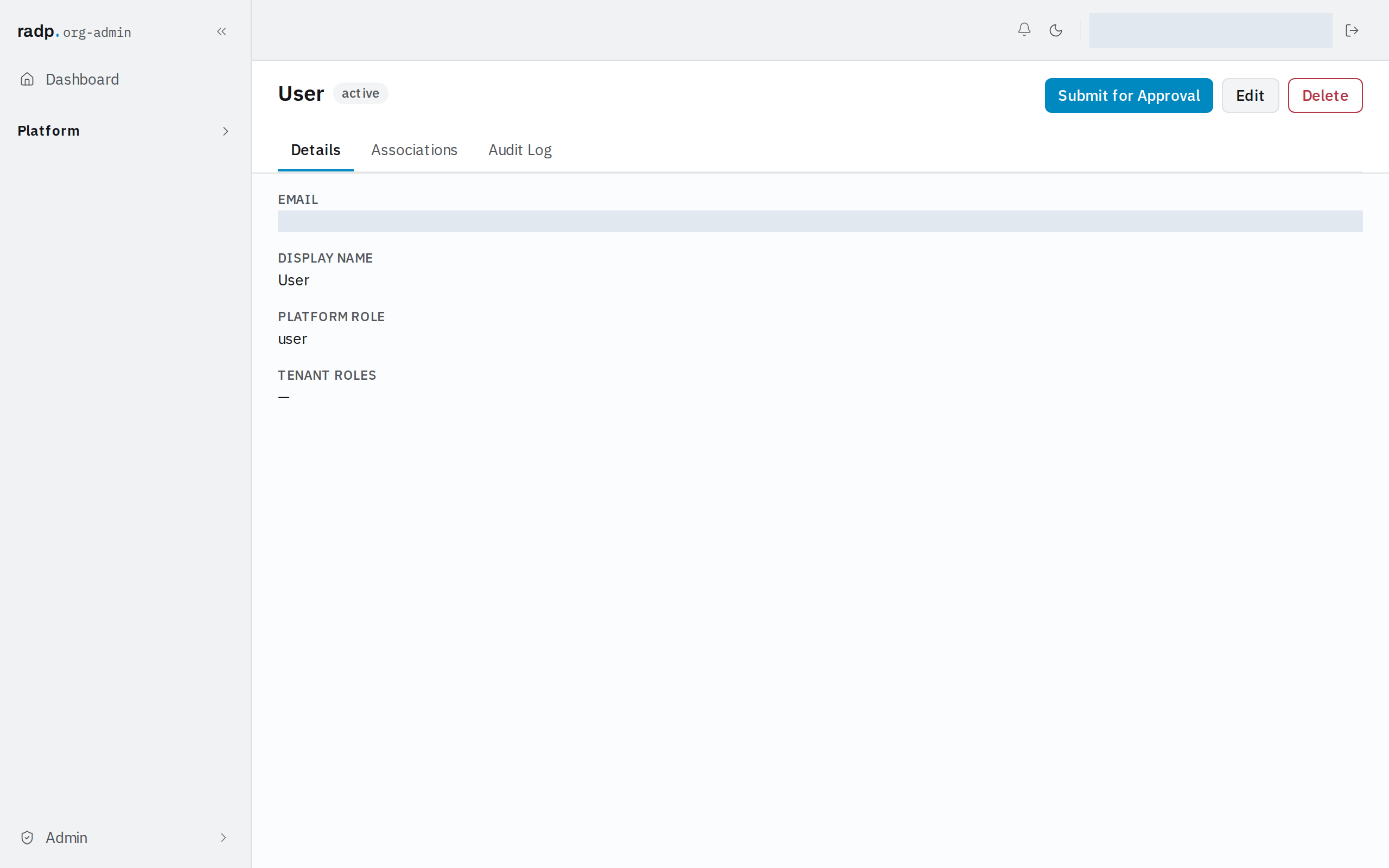
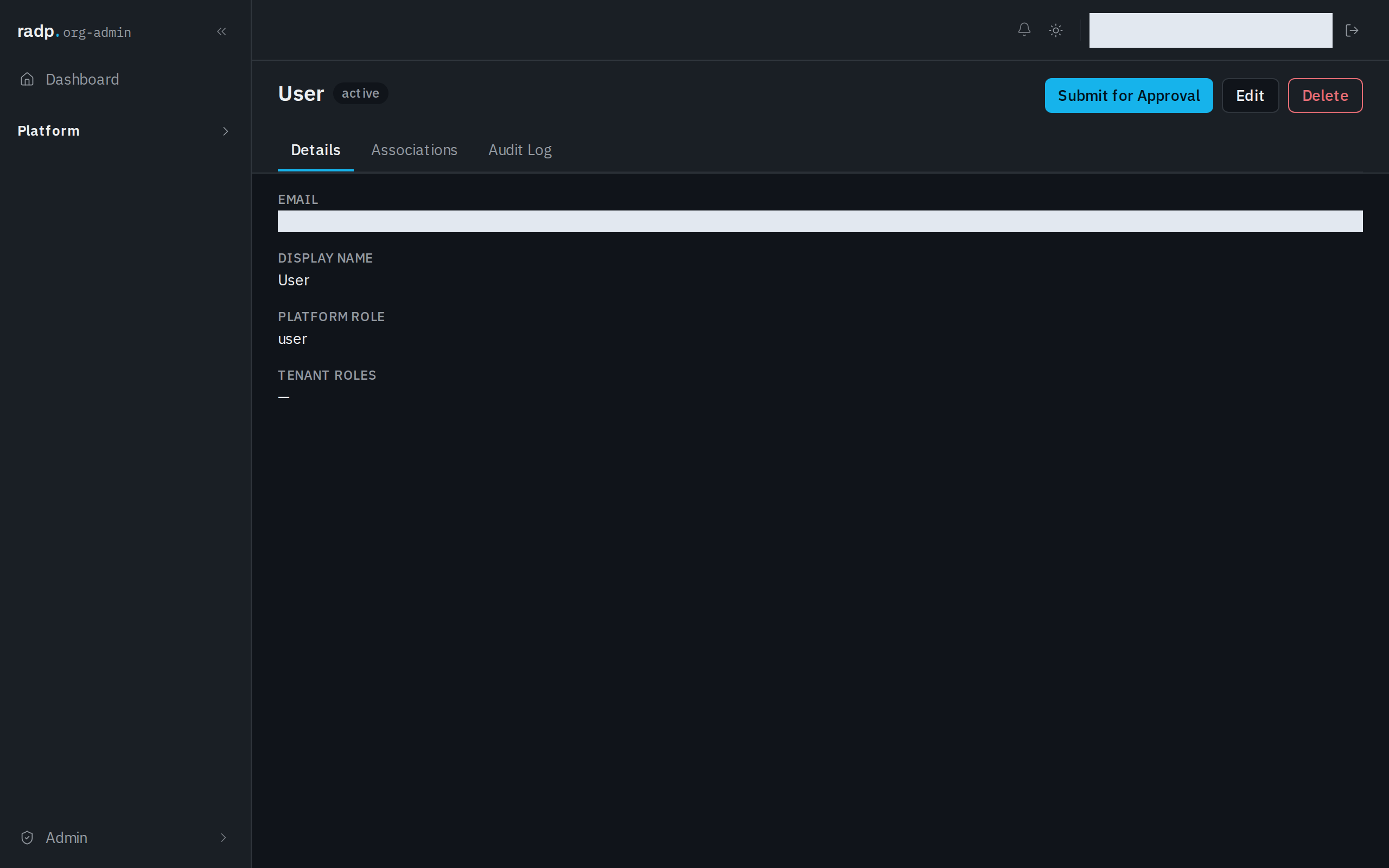
A record that is active offers Submit for Approval in its header. Choose it to start the record's approval process; the button reads Submitting… while it goes.
When submitting fails
Submit for Approval only works where the record's type has a workflow set up. Without one, the submission is refused with a message on the record, the record is left as it was, and nothing appears in anyone's Approvals inbox. Ask an org-admin whether that record type has a workflow.