Working through your tasks
Read the Tasks inbox: what is yours, what your groups can pick up, and how to see finished or workspace-wide tasks.
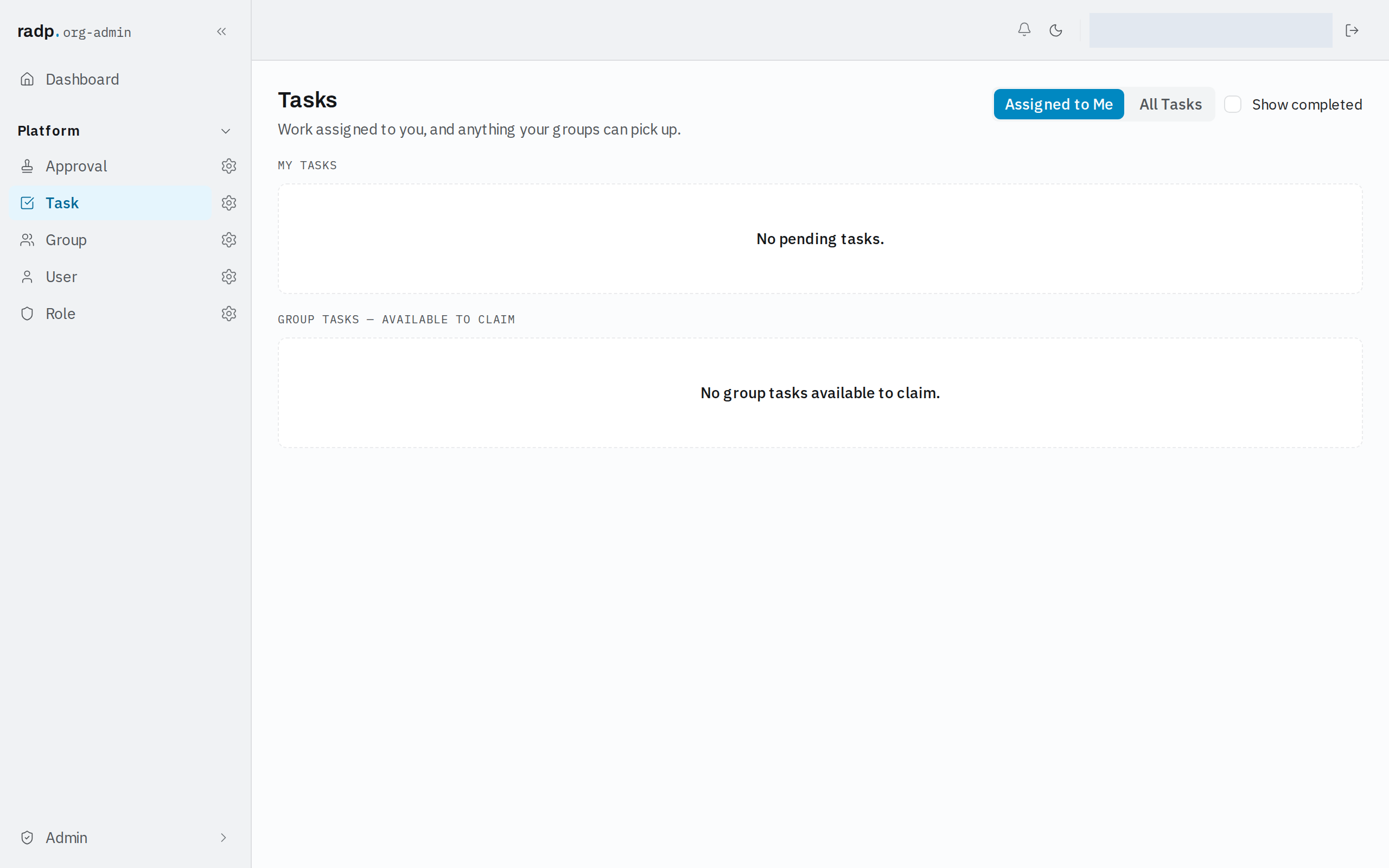
Your Tasks inbox holds work assigned to you, and anything your groups can pick up. Tasks are created for you by workflows, so an empty inbox means nothing is waiting on you.
Assigned to Me
This is the view you start on, and it has two sections.
- MY TASKS — work that is already yours.
- GROUP TASKS — AVAILABLE TO CLAIM — work assigned to a group you are in, that nobody has picked up yet.
Seeing tasks that are already finished
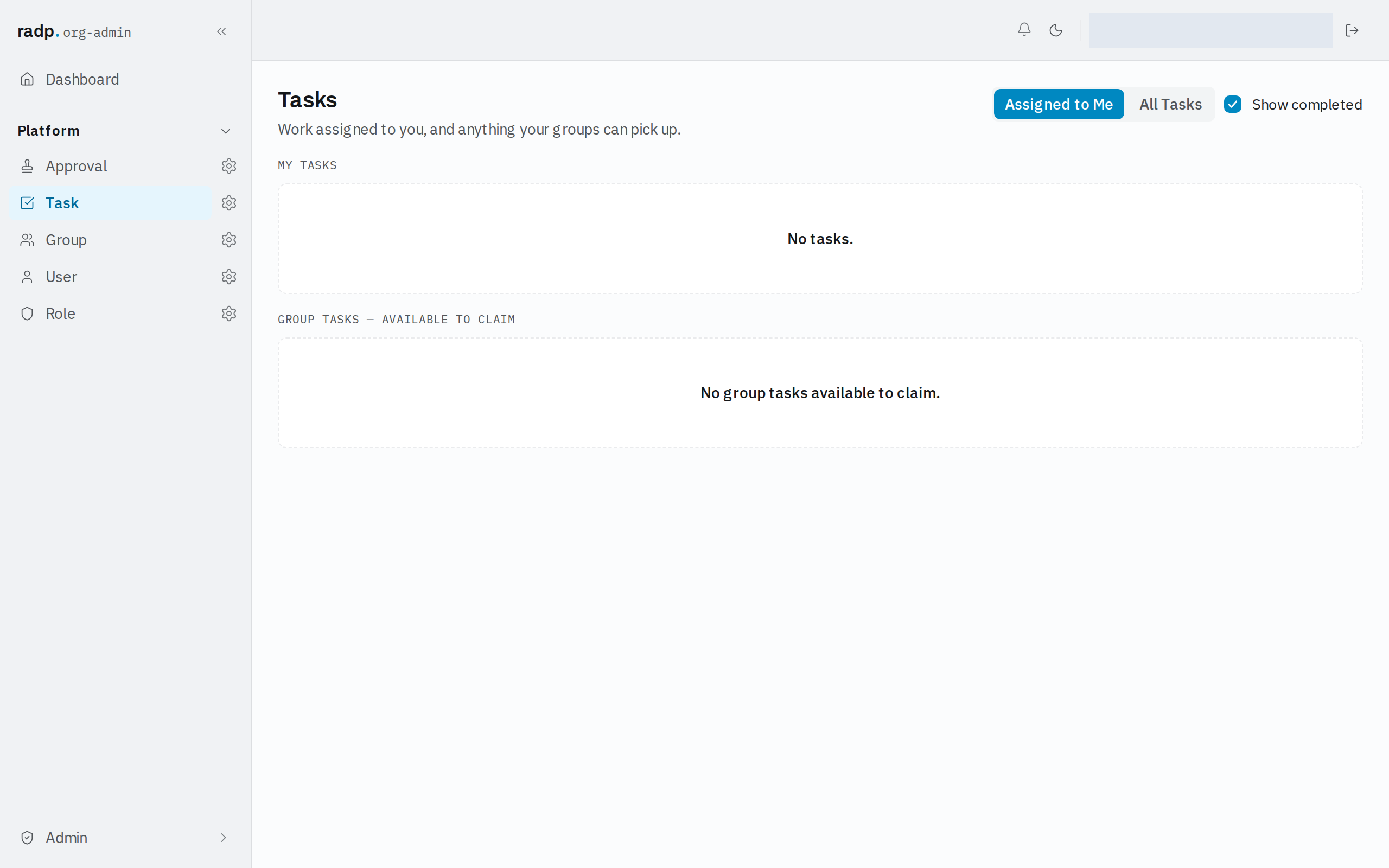
Show completed is off to begin with, so My Tasks lists only tasks still to do. Turn it on to include tasks that are finished, which is how you check what was done rather than what is left.
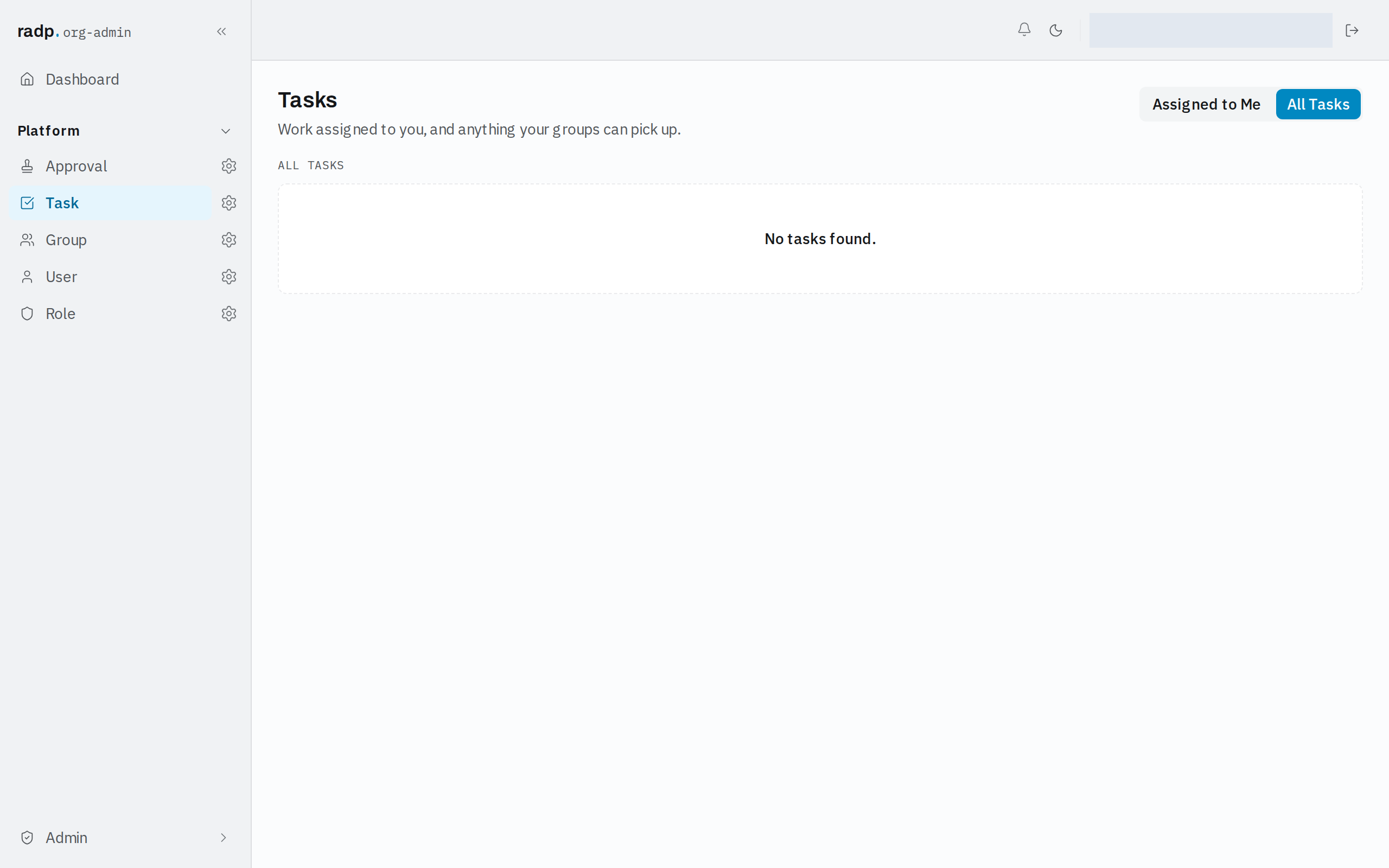
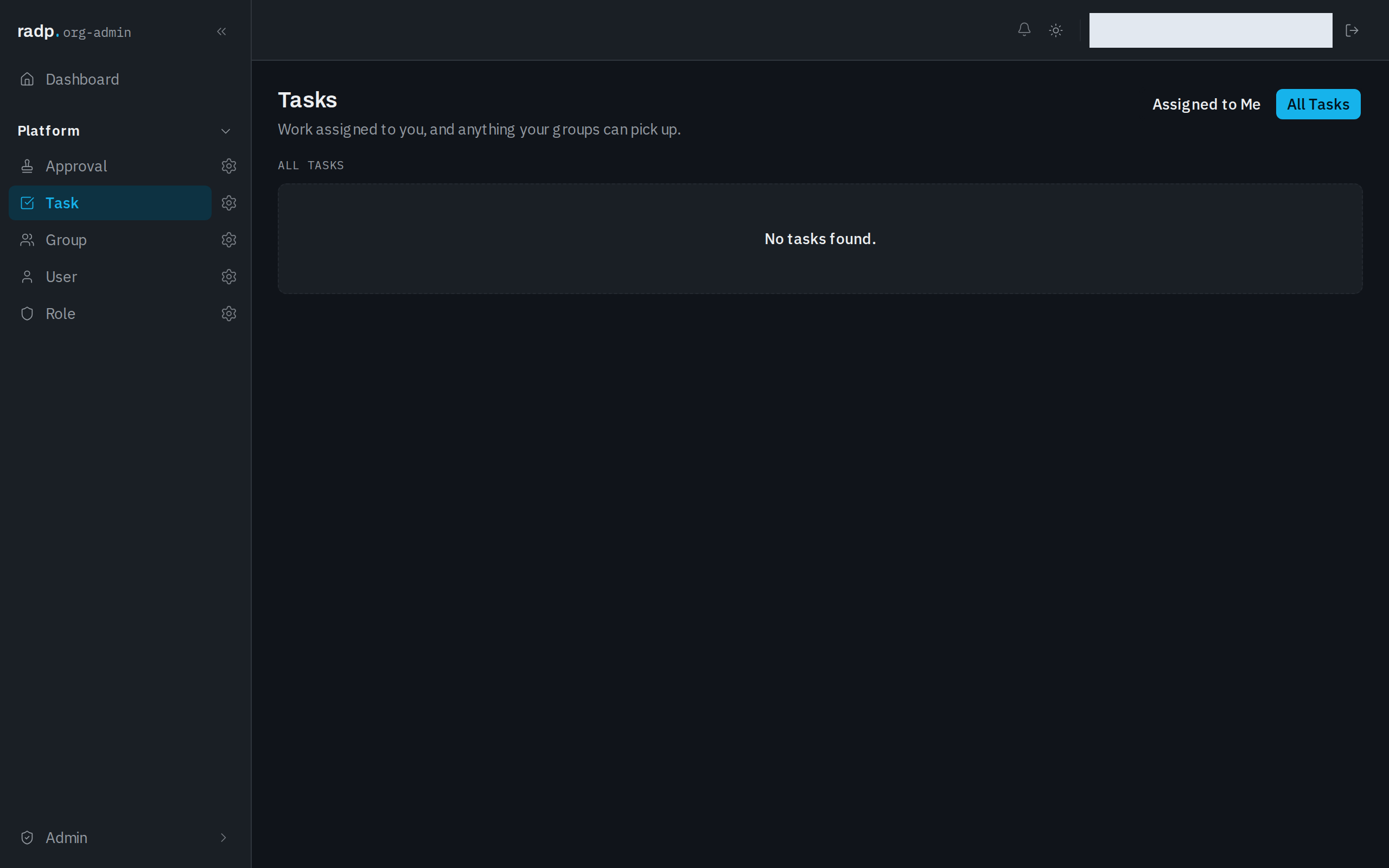
All Tasks
Switch to All Tasks to see every task in the workspace, not only the ones connected to you. This view lists tasks on its own; Show completed belongs to Assigned to Me and is not offered here.
Choose Assigned to Me to go back to your own inbox.