Task step
Where a task a workflow hands out turns up, and what the task itself carries.
A Task step gives a piece of work to a person or a group while the workflow waits for it. This page covers where that task turns up for whoever has to do it, and what a task holds.
Where the task turns up
The person or group the step names finds the task in Tasks.
- A task given to one person appears under My Tasks.
- A task given to a group appears under Group Tasks — available to claim for everyone in that group, until one of them claims it.
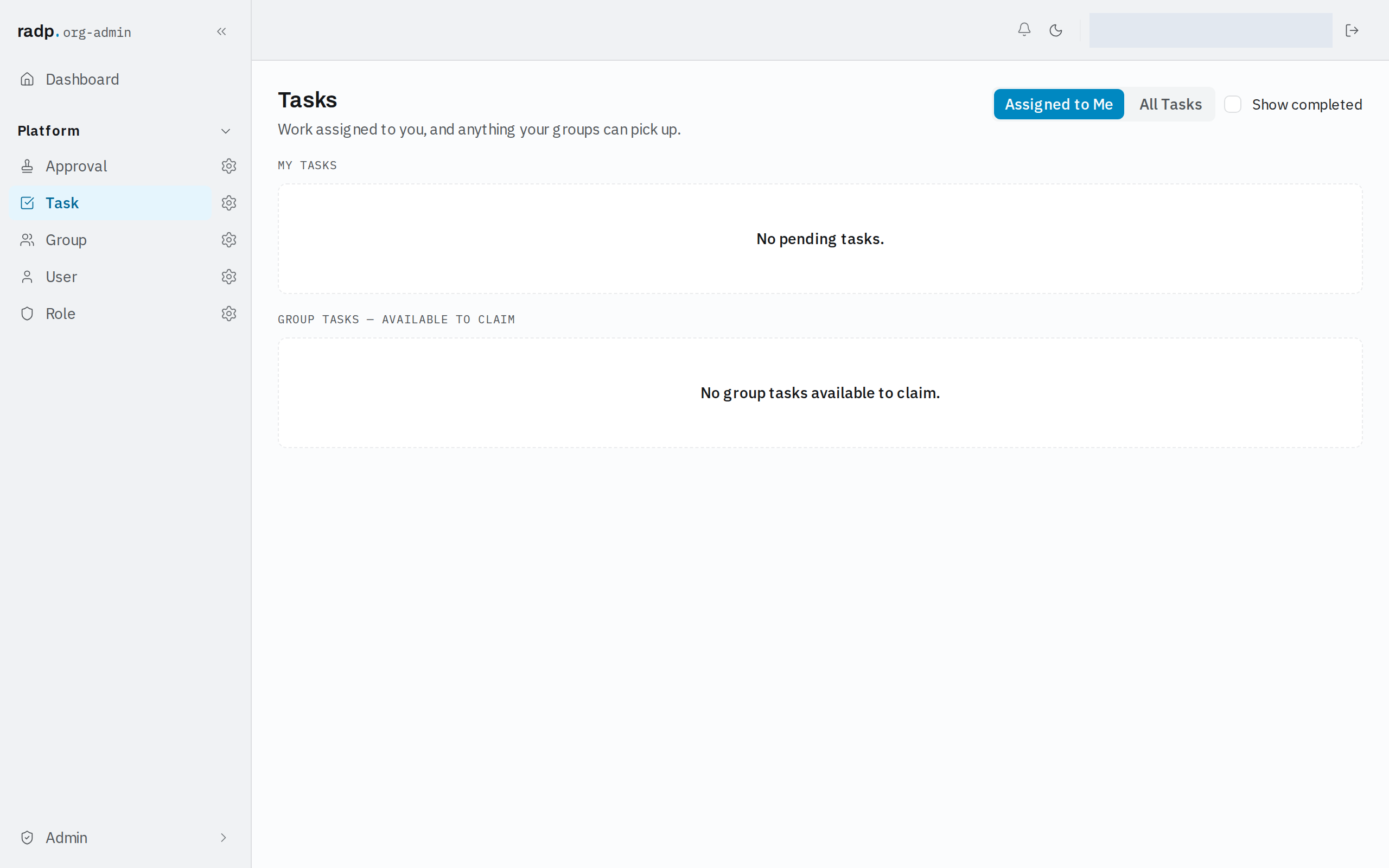
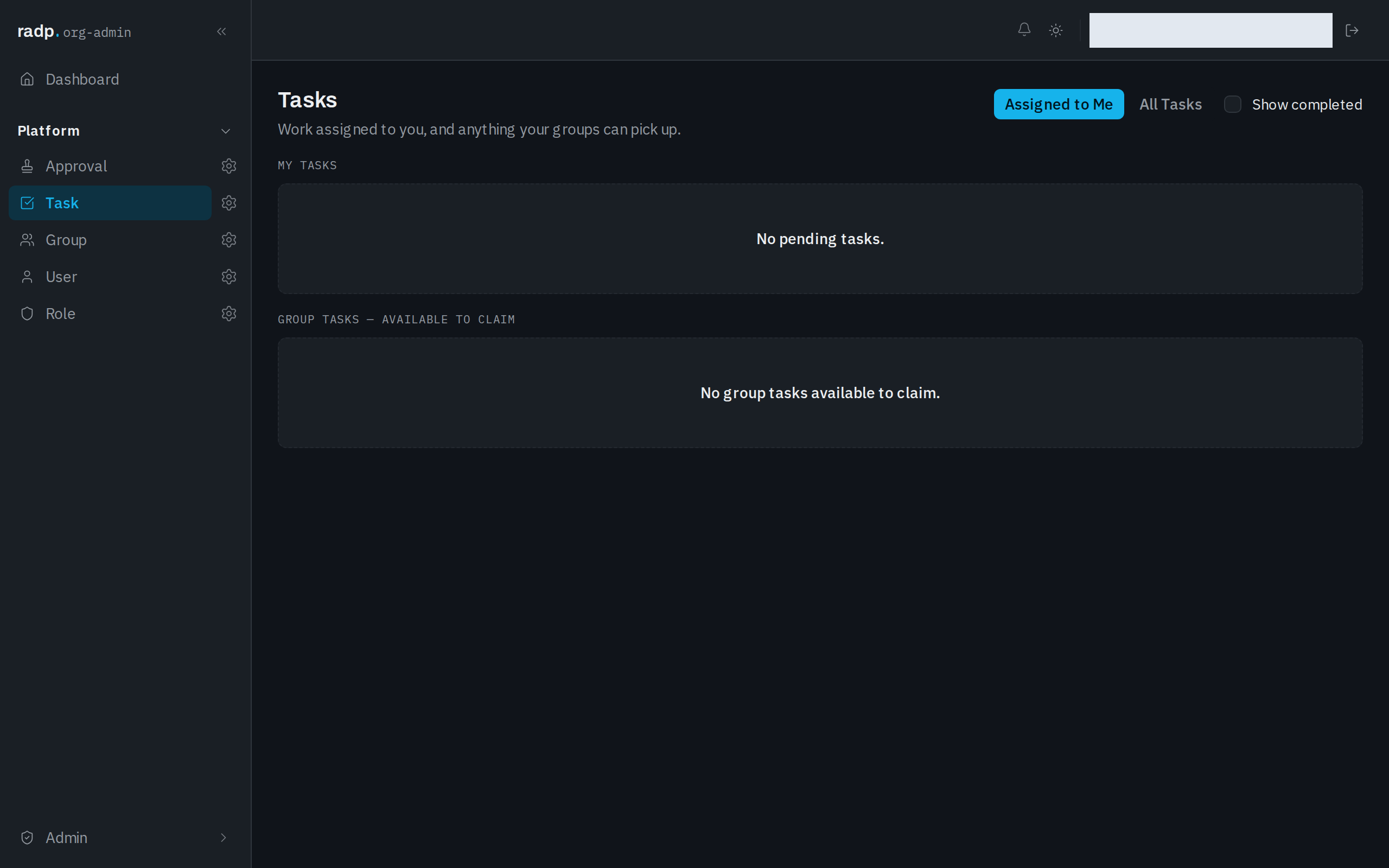
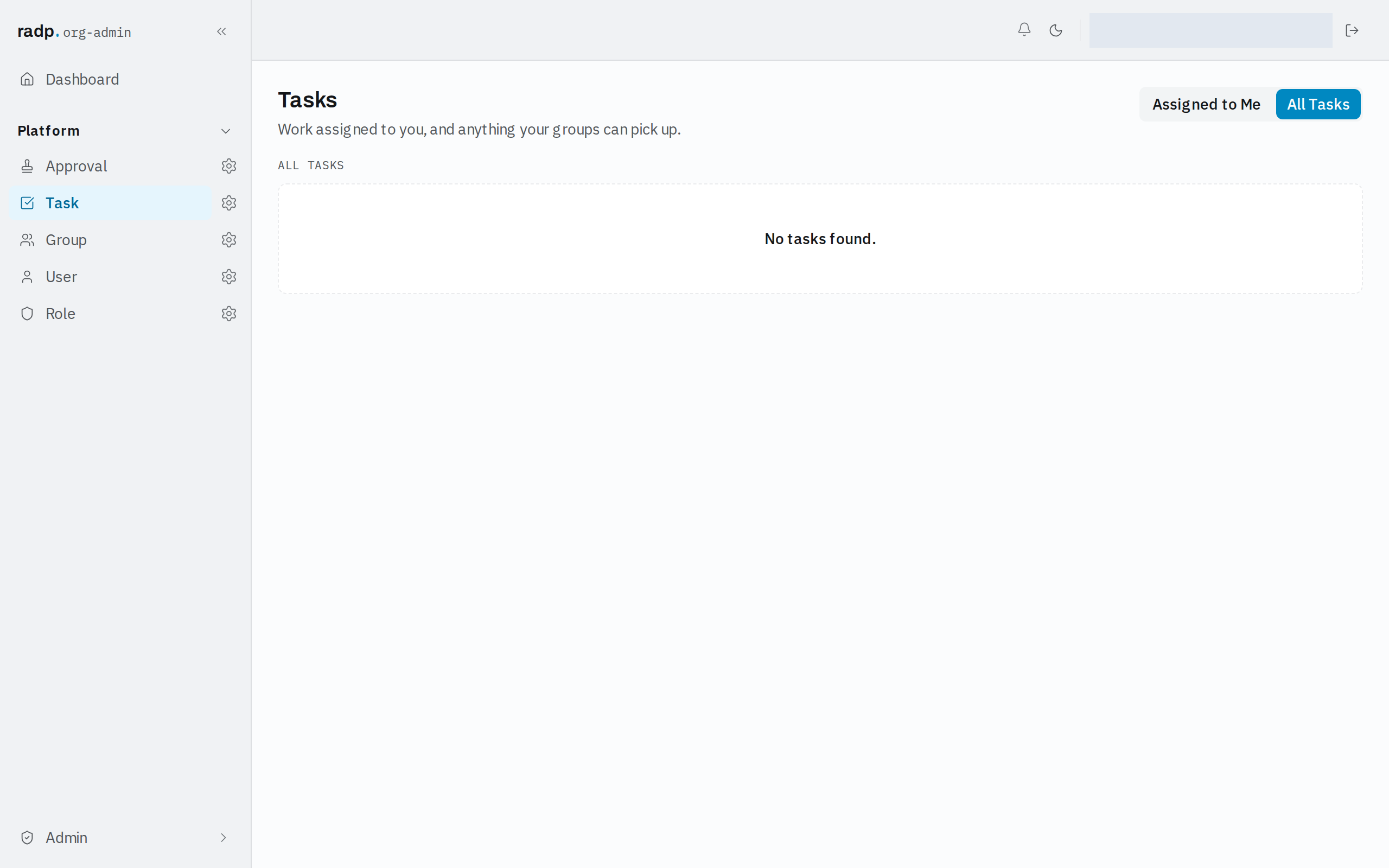
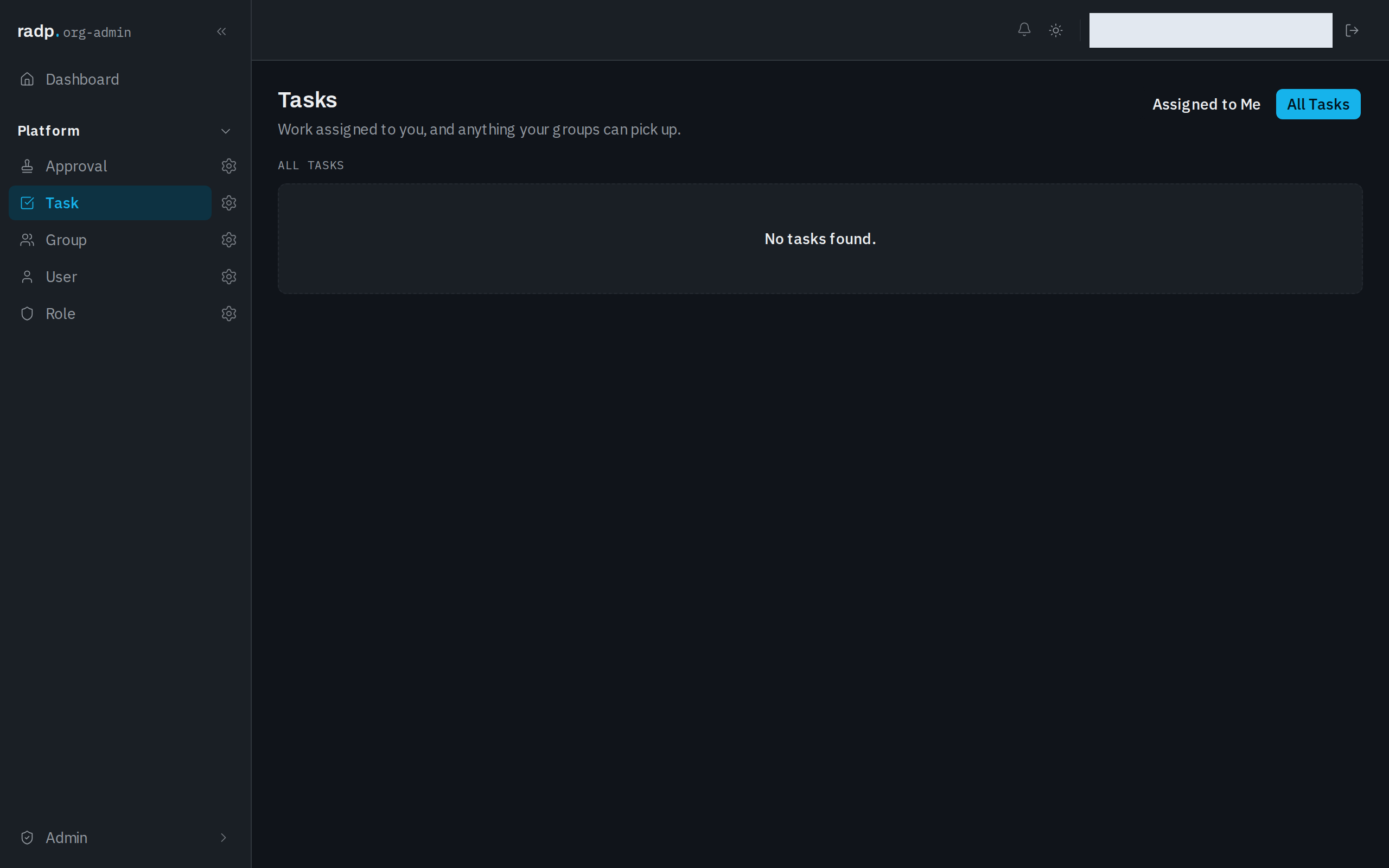
Use the All Tasks tab to look at every task in the workspace, not only the ones addressed to you.
What a task holds
A task is itself a record, of the platform record type Task. These are the fields it carries.
| Field | What it holds |
|---|---|
| Number | The task's own record number. |
| Short Description | The one-line statement of what needs doing. |
| Description | The longer explanation. |
| Assignment Group | The group the task is offered to. |
| Assigned To | The person it is assigned to. |
| Due Date | When the work is wanted. |
| Priority | How urgent it is. |
| State | How far the task has got. |
| Entity | The record type the work concerns. |
| Associated Record | The record the work concerns. |
| Workflow Instance | The workflow run the task belongs to. |
These are the fields every task has, everywhere in the workspace. Task is a platform record type: an administrator can open its configuration and read every field, but it cannot be edited or saved, so you cannot add fields to it or take any away.
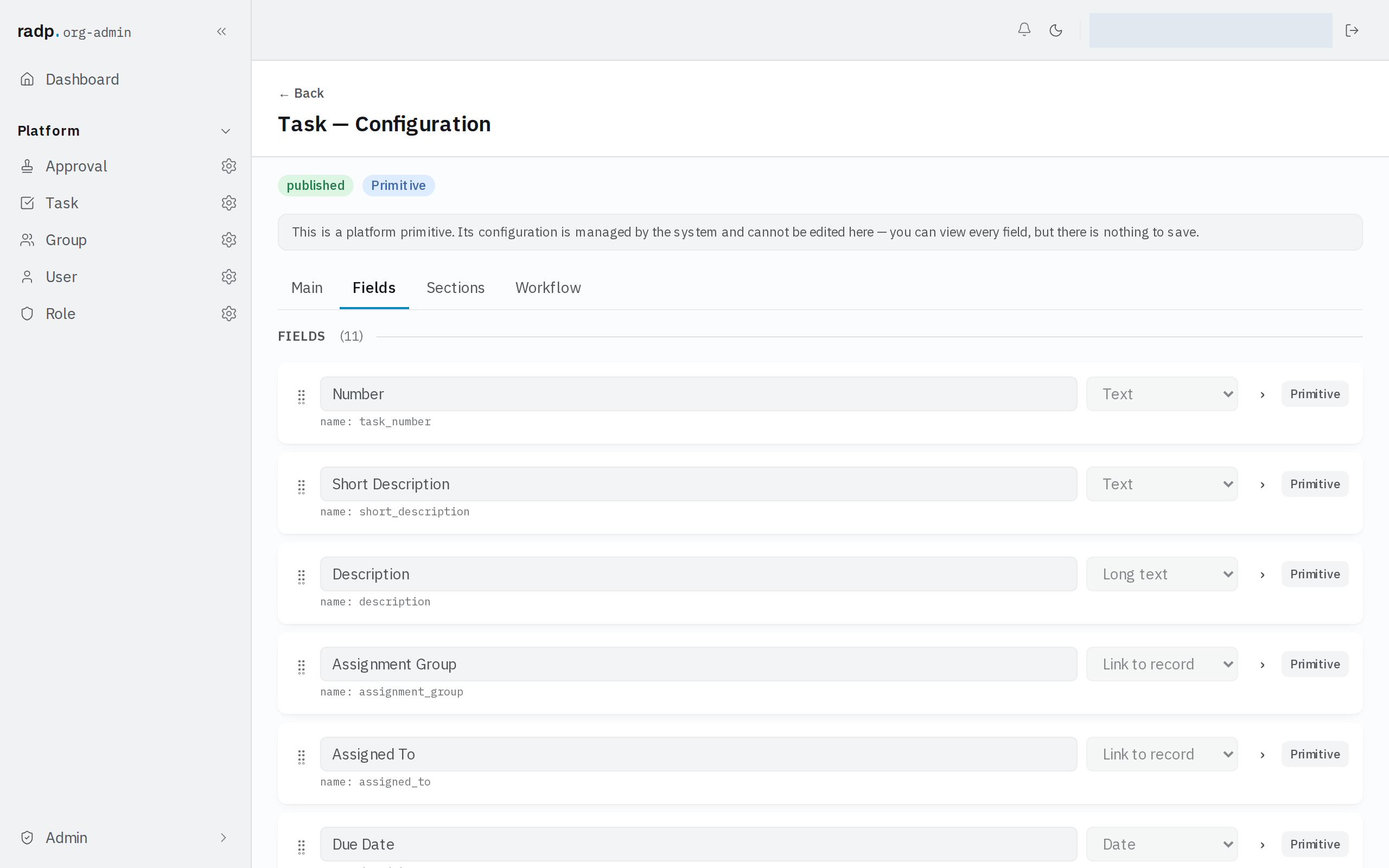
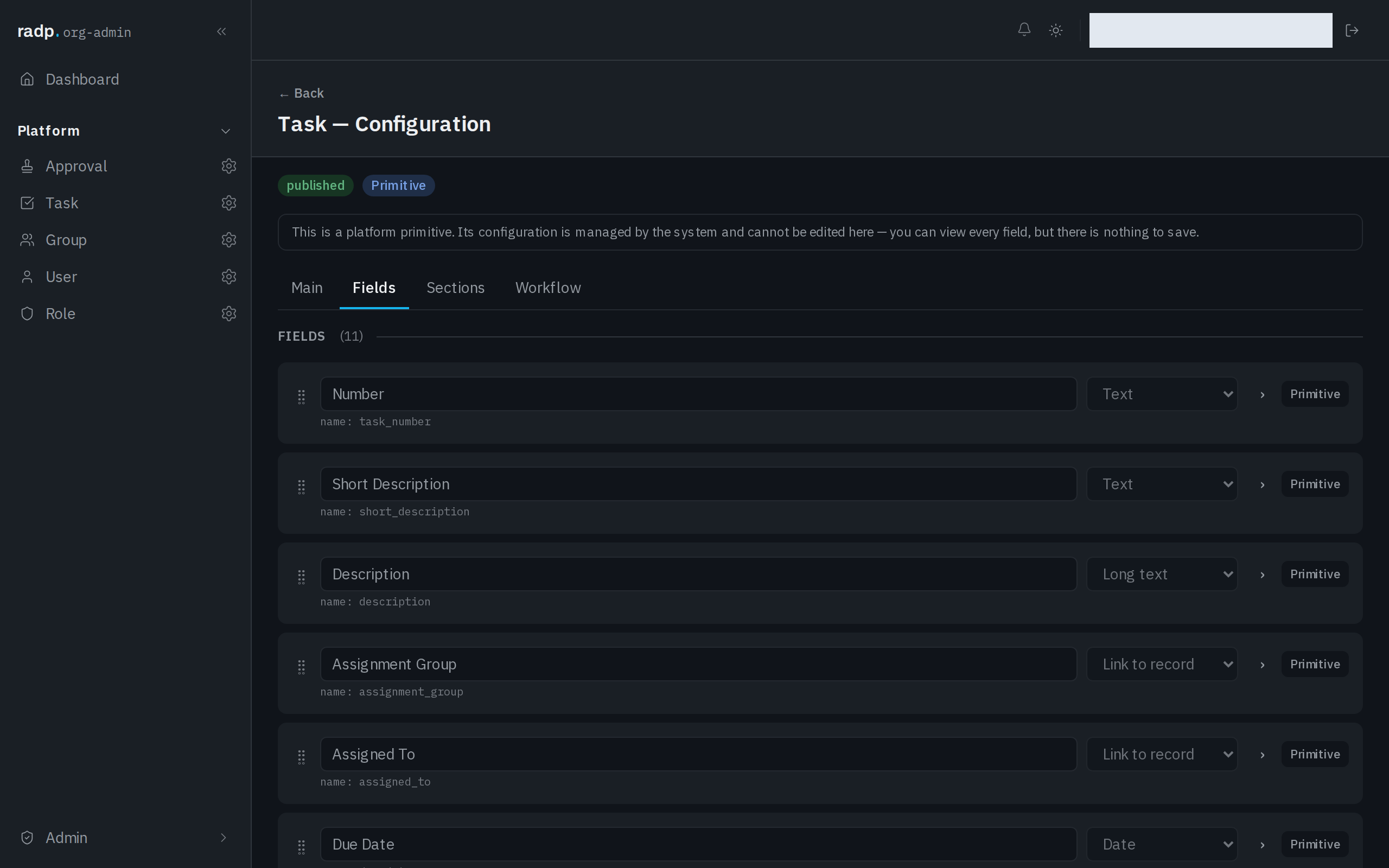
Viewing that configuration is an admin screen, so only org-admins and radp-admins can reach it. Anyone with a task to do works from the Tasks inbox instead.