Finding your way around
Read the Dashboard, use the Platform and Admin parts of the sidebar, and see which account role your sign-in has.
This page explains what you are looking at after you sign in, and why two people can see different things.
The Dashboard
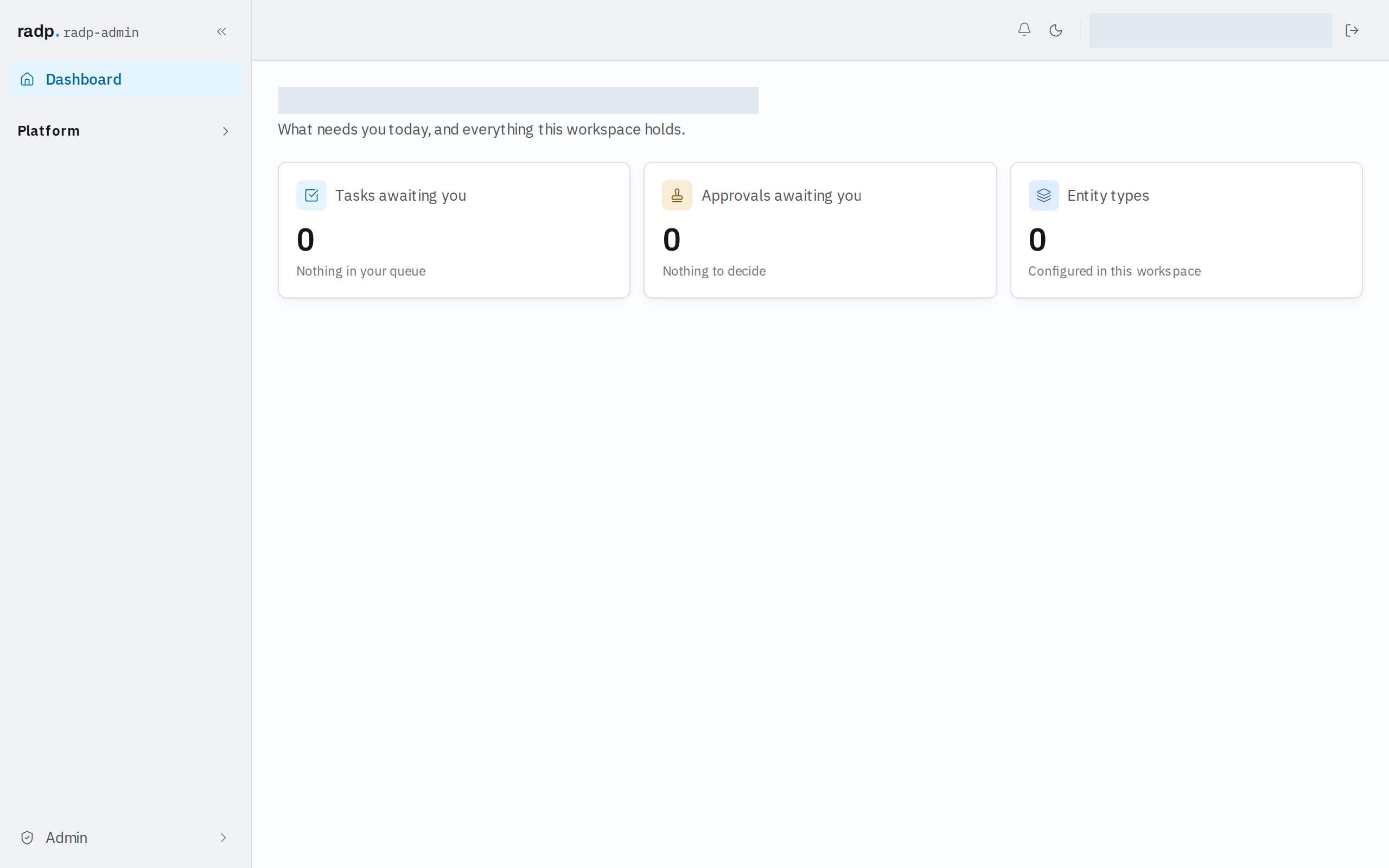
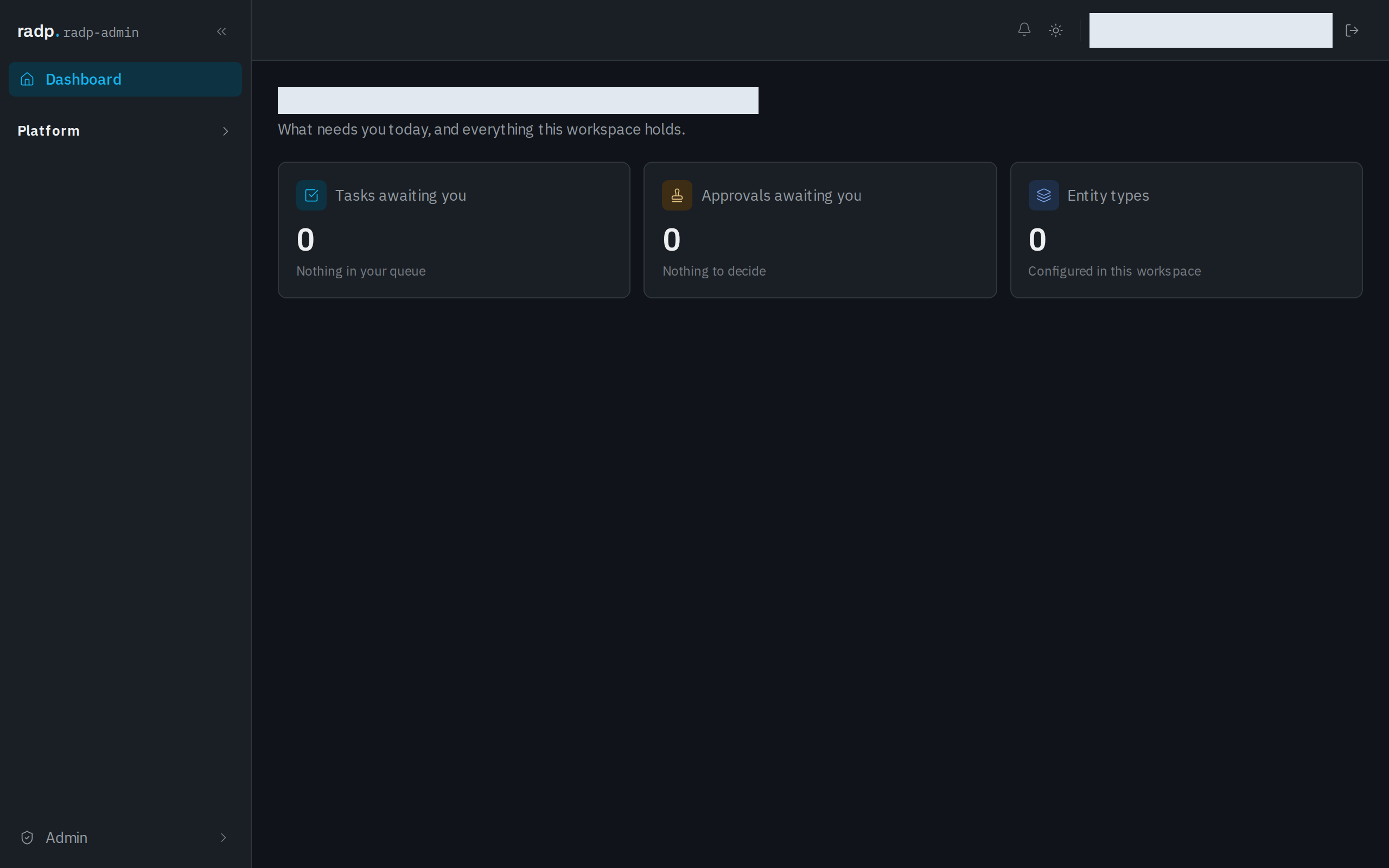
The Dashboard greets you and shows three cards:
| Card | What the number is |
|---|---|
| Tasks awaiting you | Tasks in your queue. When there are none, it reads Nothing in your queue. |
| Approvals awaiting you | Approvals for you to decide. When there are none, it reads Nothing to decide. |
| Entity types | How many record types are set up in this workspace. |
The sidebar
The sidebar carries the workspace name, your account role beneath it, a Dashboard link, and two groups you expand:
- Platform lists the record types you can open. Select one to get its list of records.
- Admin holds the administration screens, such as the Audit Log. When you are on one of them, the group shows where you are, for example Admin · Audit Log.
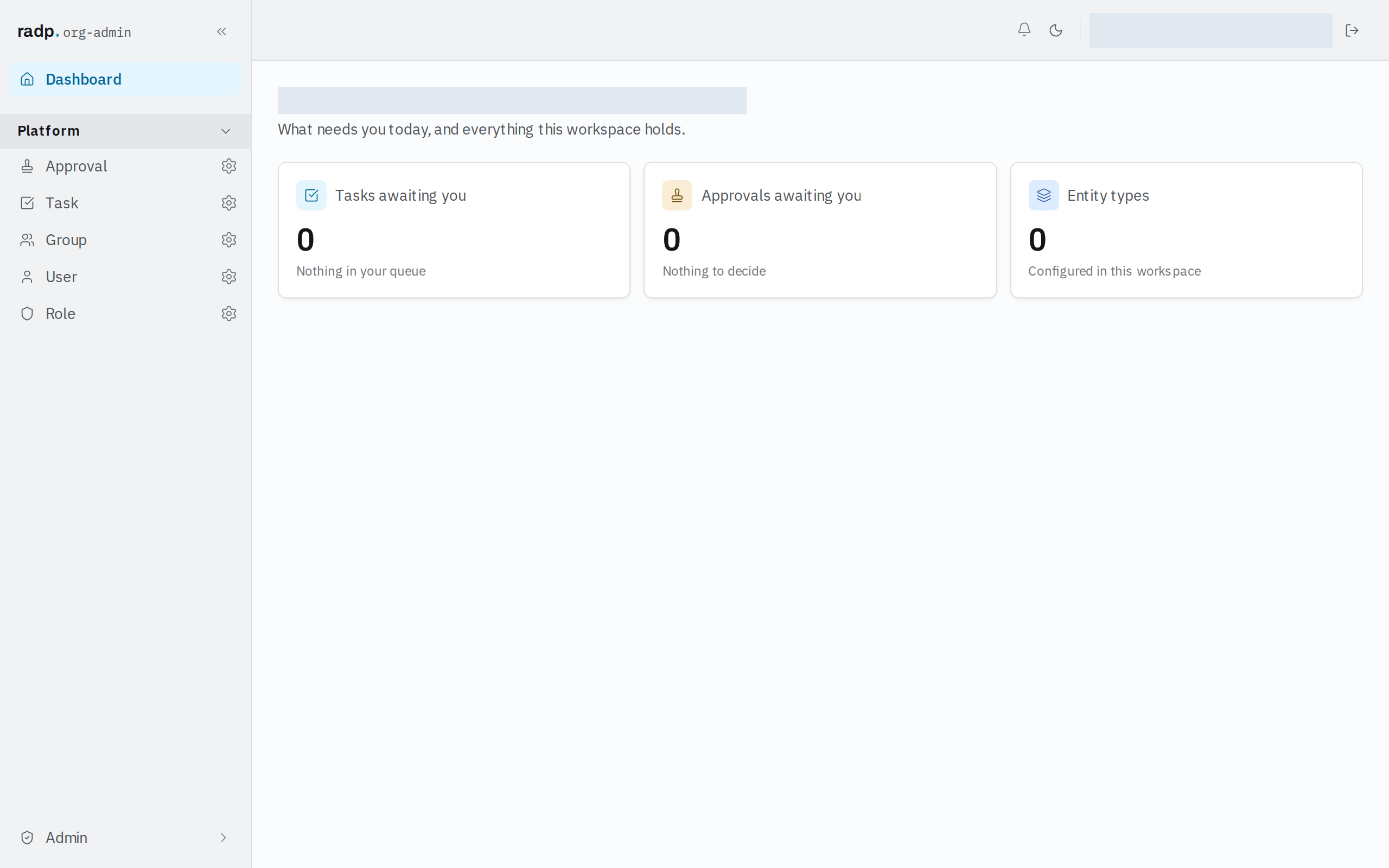
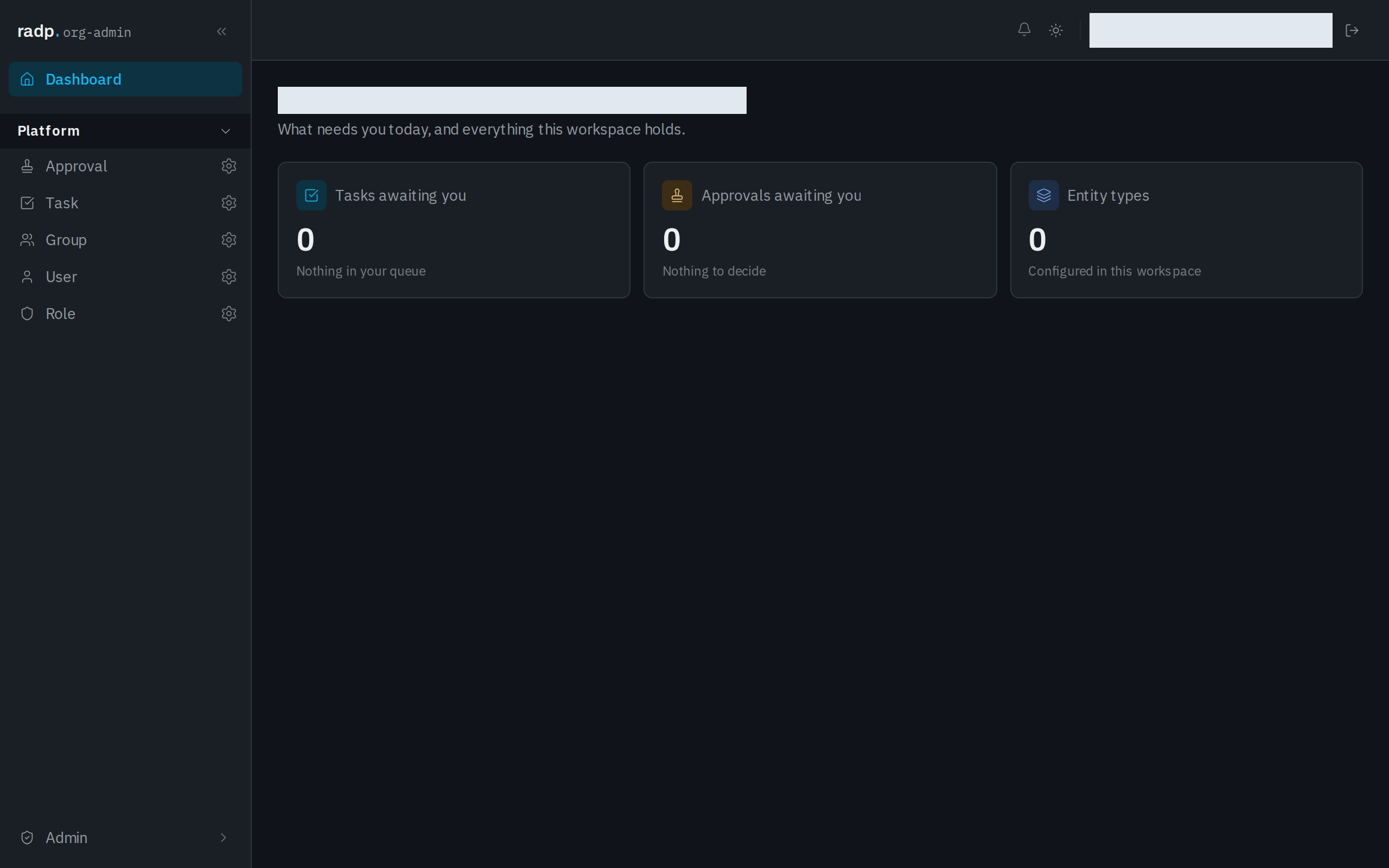
A record type you have no access to does not appear under Platform, so your sidebar is not the same as everyone else's.
Your account sits at the foot of the sidebar, showing your initial and your email address. Select it to open My Profile.
Account roles
Your account role is shown as a badge under the workspace name, and against every person on the Users screen as their Platform role.
| Role | What it means here |
|---|---|
user | Only the record types and actions your groups' roles allow. No Admin area. |
org-admin | Your organisation's administrator. The Admin area, all records, and the people, roles and audit screens. |
radp-admin | A RADP staff account. Everything an org-admin can do, plus RADP-only actions. |
One account has exactly one role, and you cannot change your own.