Your profile
Change your display name, check the roles and groups you have in this workspace, and understand what leaving the instance does.
My Profile is where you see how this workspace knows you, and change the one thing about yourself you control.
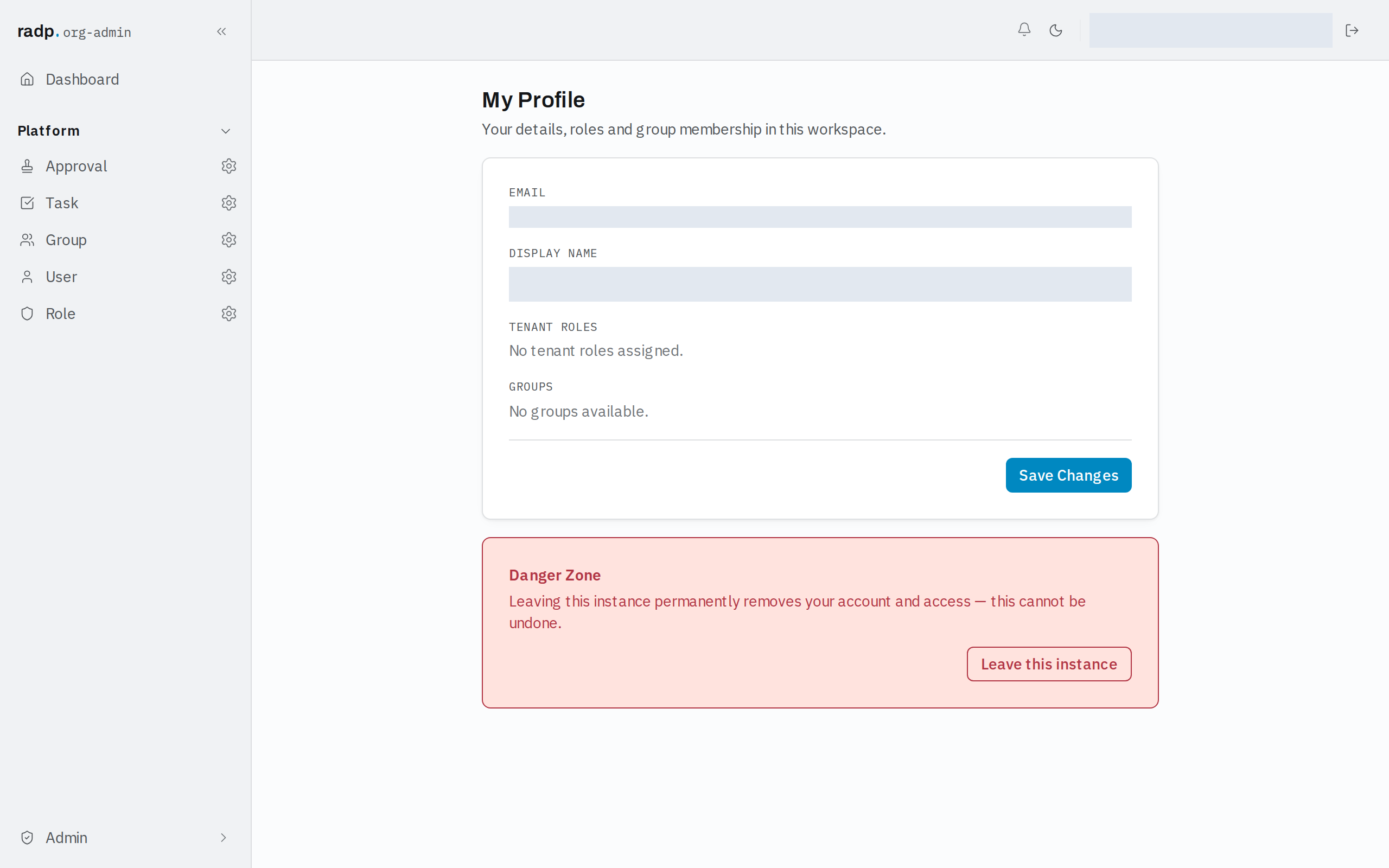
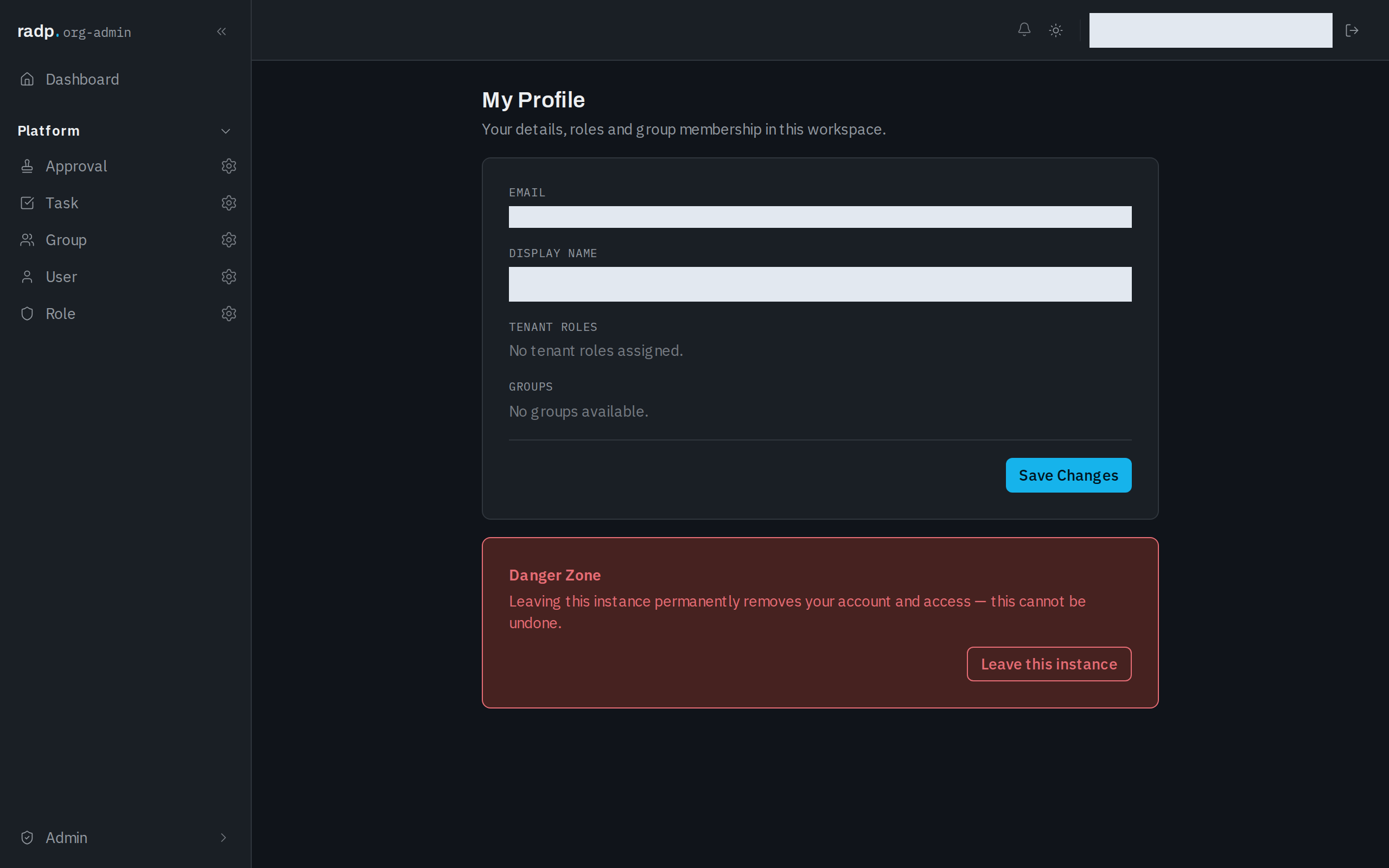
Open it from your account at the foot of the sidebar. The page is headed My Profile, with the line Your details, roles and group membership in this workspace.
What the page shows
| Section | What it is |
|---|---|
| The address you sign in with. It is shown as text, not as a field, so you cannot change it here. | |
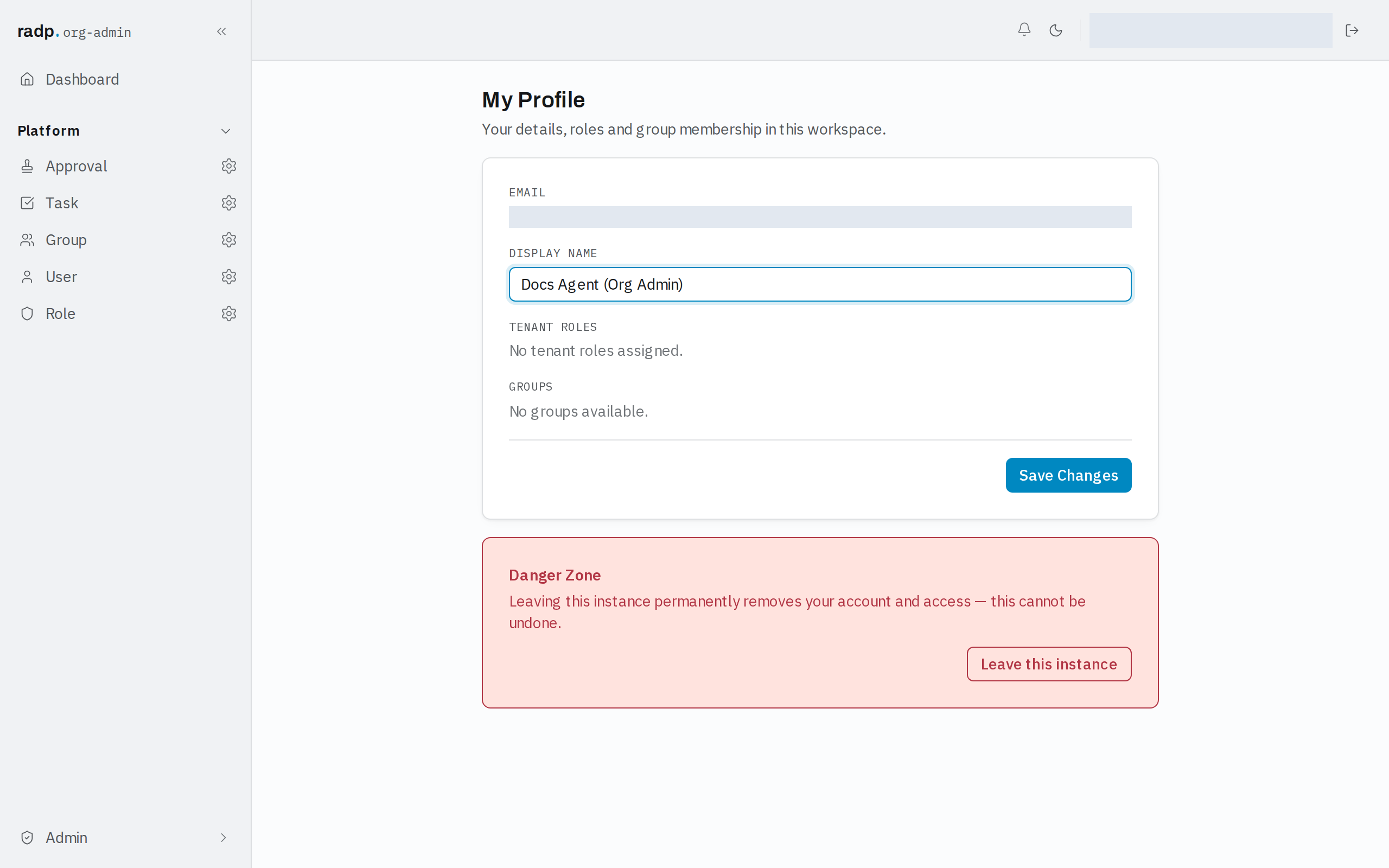
| Display name | The name other people see against you. This you can change. |
| Tenant roles | The roles you hold in this workspace. When you hold none, it reads No tenant roles assigned. |
| Groups | The groups you belong to. When there are none to show, it reads No groups available. |
Your roles and groups are set by an administrator. Reading them here tells you why you can see some record types and not others.
Changing your display name
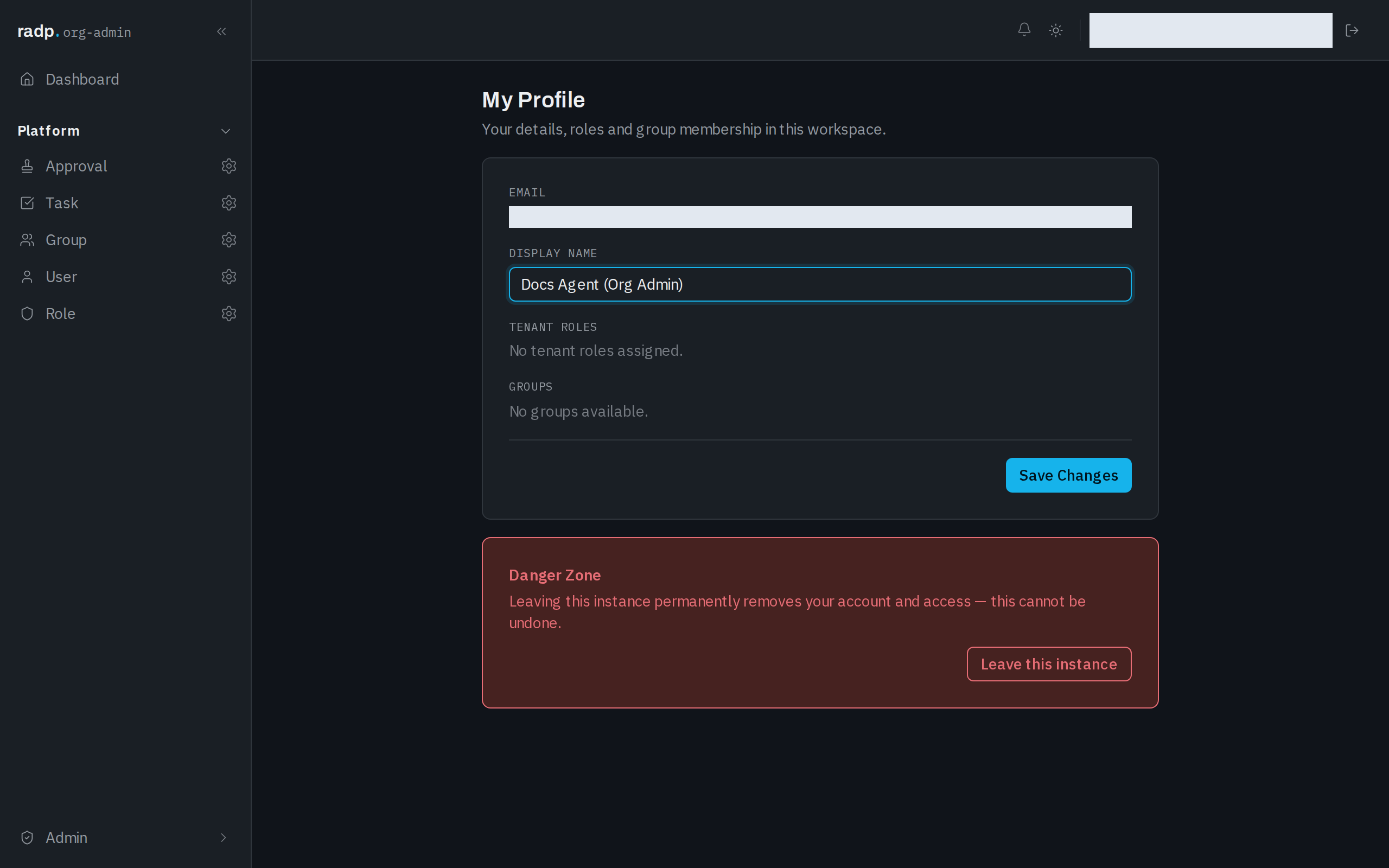
- Type the new name into Display name.
- Select Save Changes.
Leaving this instance
At the foot of the page is a Danger Zone, with the warning that leaving this instance permanently removes your account and access, and that it cannot be undone.
Select Leave this instance only if you are sure. You would need an administrator to give you access again, and it would be a new account.