Creating a module
Create the module that will hold your record types and workflows, and know what about it is fixed from then on.
You need a module before you can add a record type or a workflow. Creating one takes a name and a description; RADP works out the rest.
Only org-admins and radp-admins can create modules.
Create the module
-
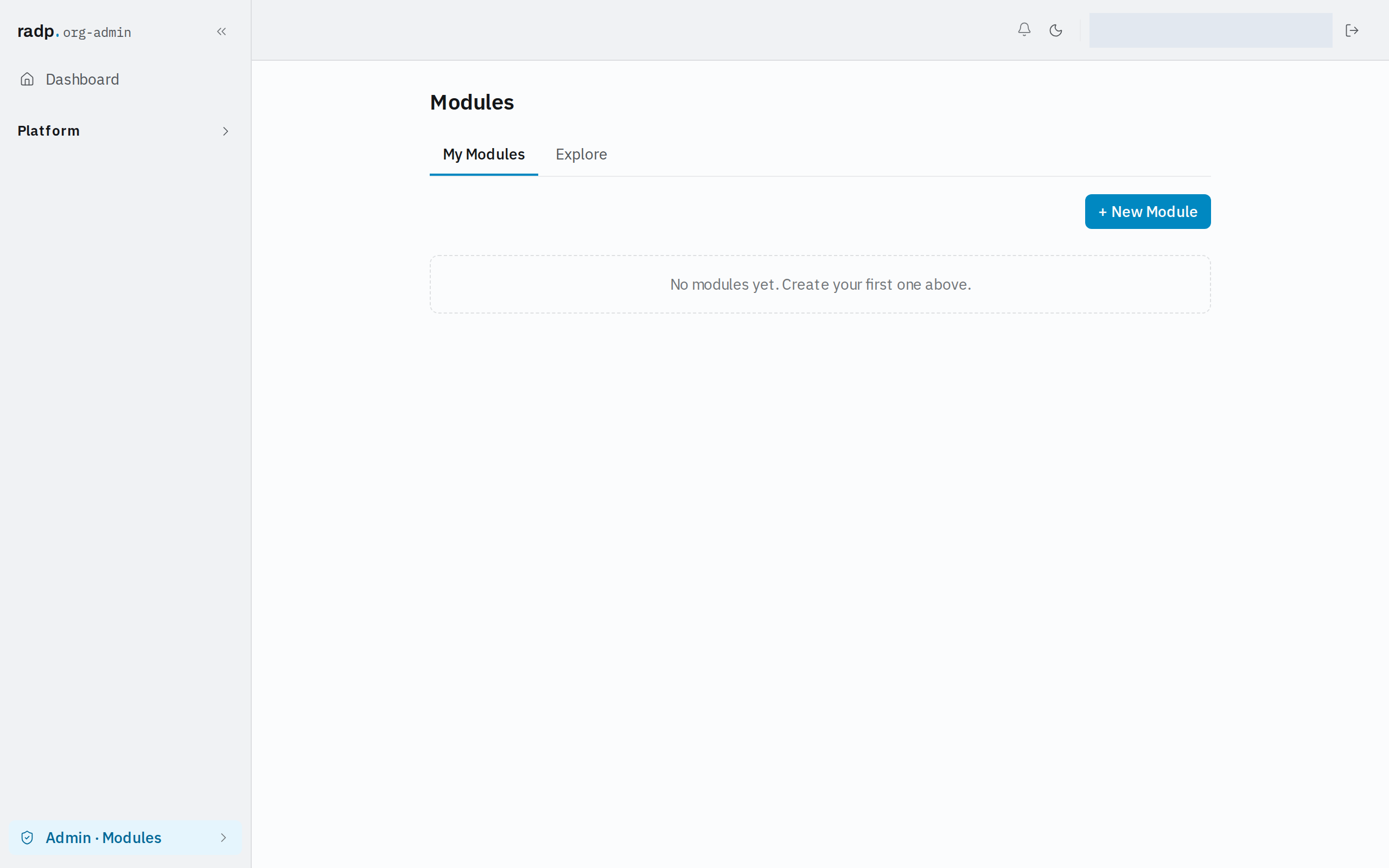
Open Admin, then Modules. You arrive on My Modules.
-
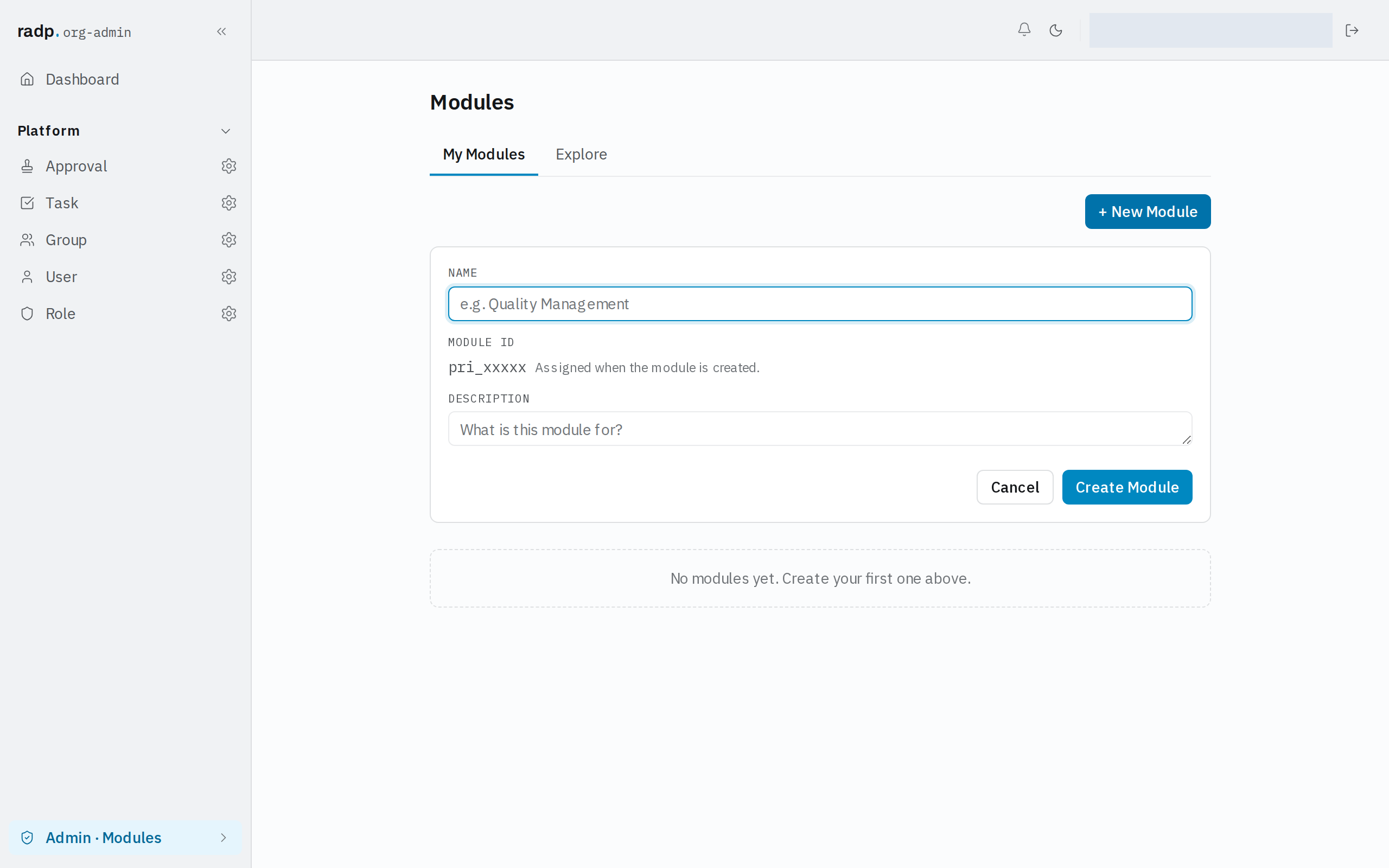
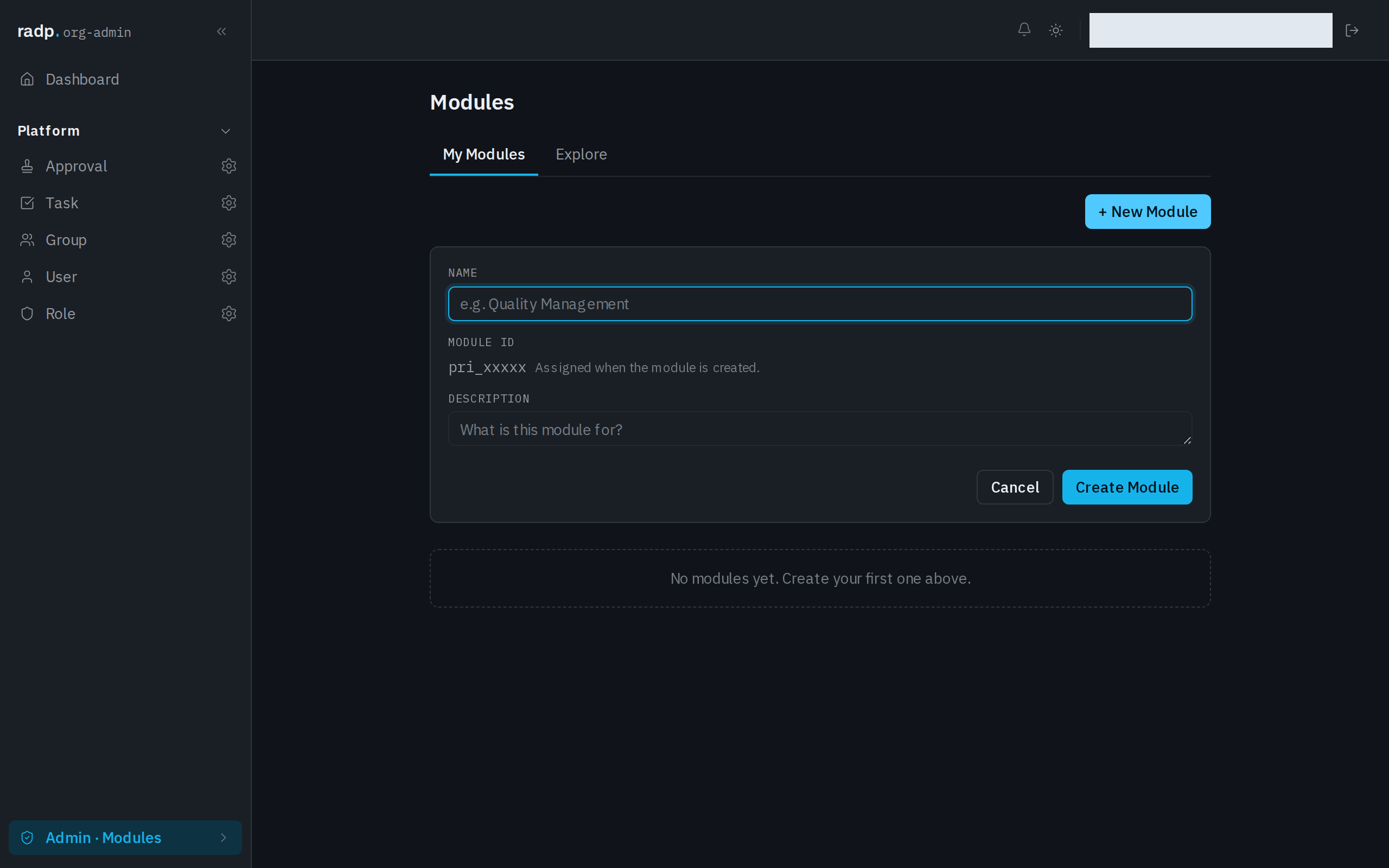
Select + New Module. The form opens above the list.
-
Type a Name. Use the name people will look for, such as the process the module covers.
-
Leave Module ID alone. You do not type it: the form says it is assigned when the module is created, and shows the shape it will take.
-
Use Description to say what the module is for. This is what another admin reads when deciding whether a module is the one they want.
-
Select Create Module. Cancel closes the form without creating anything.
What is fixed afterwards
- The module id. It is set when the module is created and never changes. Everything that refers to the module — versions, installs in other workspaces — uses it.
- Whether the module is organisation-only or public. That is decided at creation. An organisation-only module is shared with your own organisation's workspaces only. Only a radp-admin can create a public module, meant for every RADP customer.
The name and description are the parts you can still work with; the identity of the module is not.
If creating is refused
A module id has to be unused in this workspace. If a module already exists here whose id matches the one your name would produce, creation is refused — choose a different name.