Exploring, installing and upgrading
Find the modules your workspace can bring in, on the Explore tab of the Modules screen.
Modules built in another workspace reach yours through the catalog. You look at the catalog on the Explore tab of the Modules screen.
Only org-admins and radp-admins can reach this screen.
Seeing what this workspace already has
- In the sidebar, open Admin, then Modules.
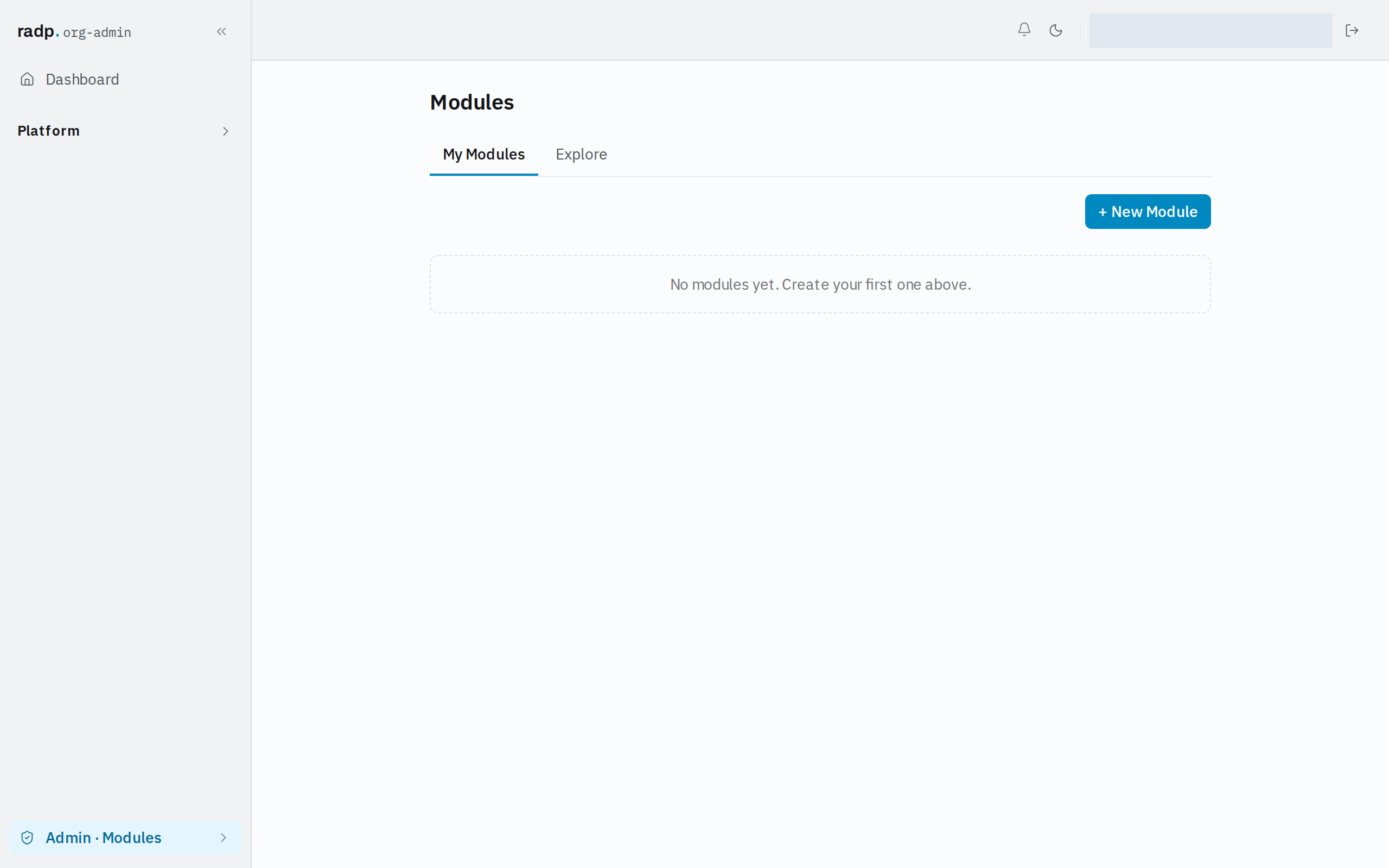
- The screen opens on My Modules, the modules that exist in this workspace. + New Module starts one of your own here instead of bringing one in.
Looking at the catalog
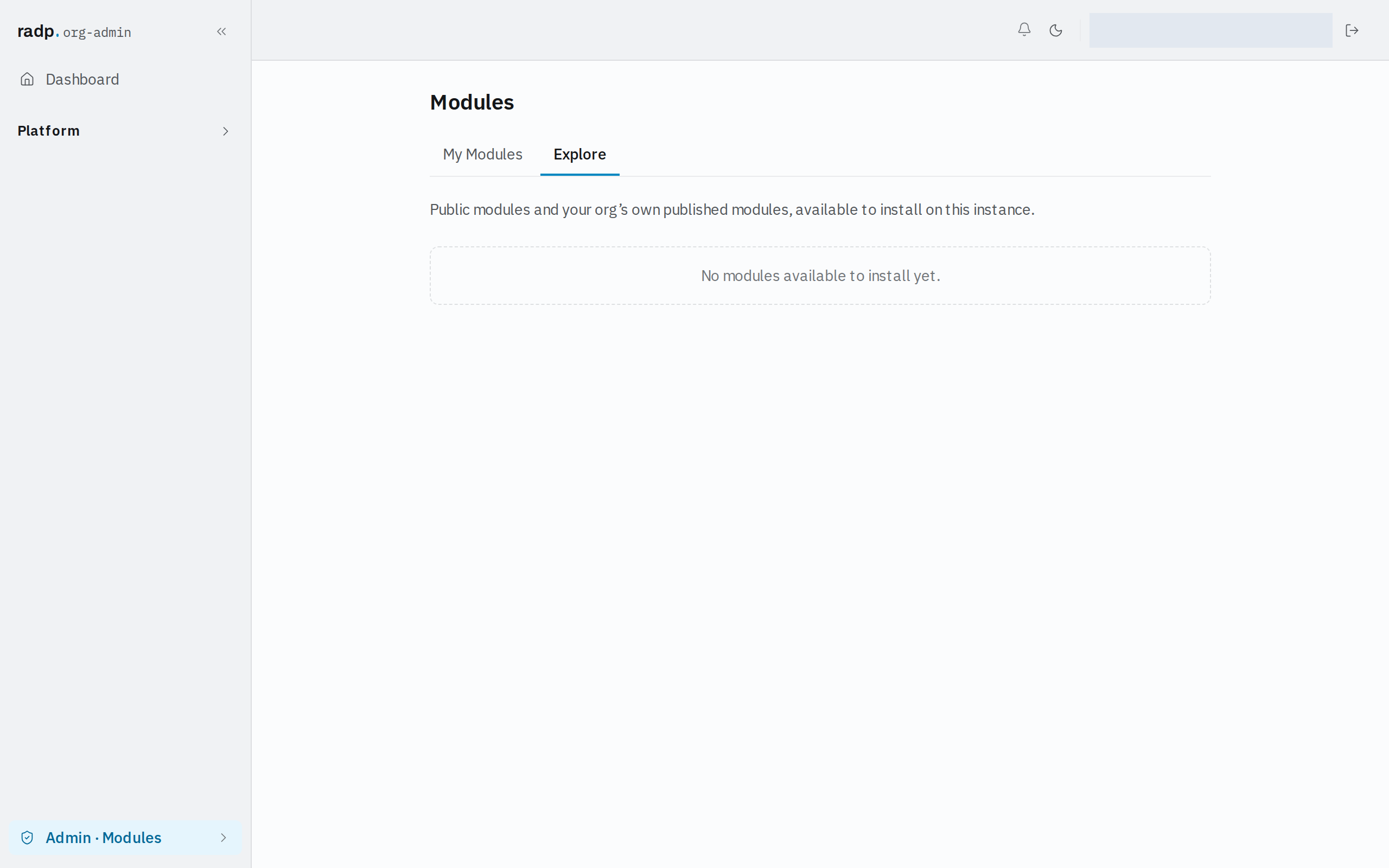
Select Explore. It lists public modules and your organisation's own published modules that are available to install on this instance.
So two kinds of module can turn up here: ones RADP has made public for every customer, and ones someone in your own organisation has published from another workspace. A module that is neither stays private to the workspace it was built in.
The tab shows the same list to an org-admin and to a radp-admin. Signing in as a radp-admin does not reveal modules an org-admin cannot see here.
When Explore is empty
Explore says there is nothing available to install when no public module exists and your organisation has not published one. There is nothing to fix on this screen — a module has to be published from somewhere before it can be brought in here.