What a module is
Modules are where your record types and workflows live, and where RADP versions and shares them between workspaces.
Every record type and workflow in your workspace belongs to a module. A module is a named group of them, and it is the thing RADP versions and shares. Before you can add a record type or draw a workflow, you need a module to put it in.
Modules are part of the admin area. Only org-admins and radp-admins can work with them. Open Admin, then Modules.
The two tabs
The Modules screen has two tabs.
| Tab | What it shows |
|---|---|
| My Modules | The modules that exist in this workspace. This is also where you start a new one, with + New Module. |
| Explore | Modules that can be installed here: public modules, and your own organisation's published modules. |
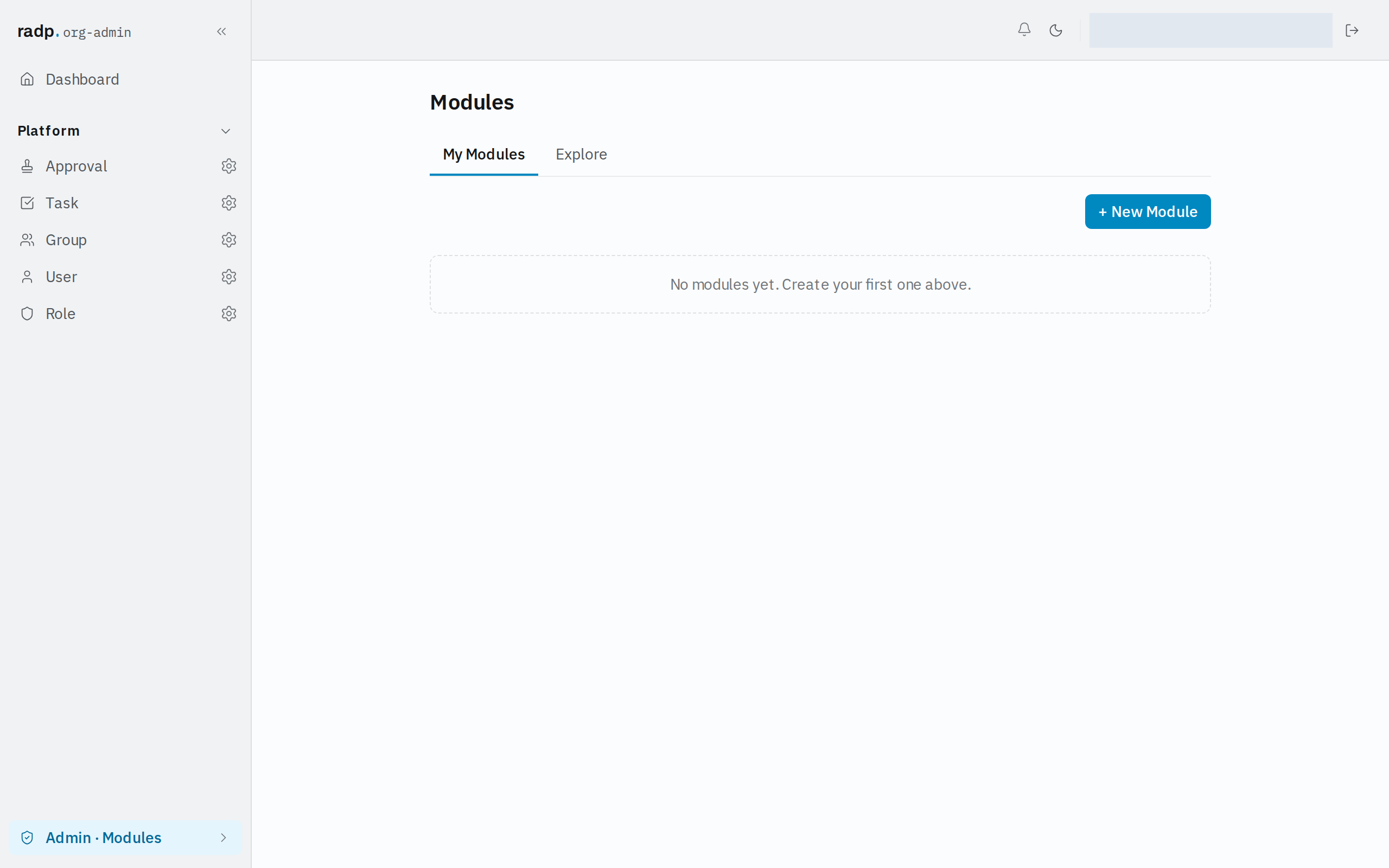
Until someone creates a module, My Modules has nothing in it and invites you to create your first one.
Organisation-only and public modules
A module is one of two kinds, decided when it is created.
| Kind | Who it is for | Who can create it |
|---|---|---|
| Organisation-only | Your own organisation's workspaces only. Its id carries a prefix for your organisation. | An org-admin or a radp-admin. |
| Public | Every RADP customer. | A radp-admin only. |
A module you build here stays private to this workspace until it is shared. Explore is the other side of that: it lists what has been made available to install on this workspace, which is public modules plus your organisation's own published ones.
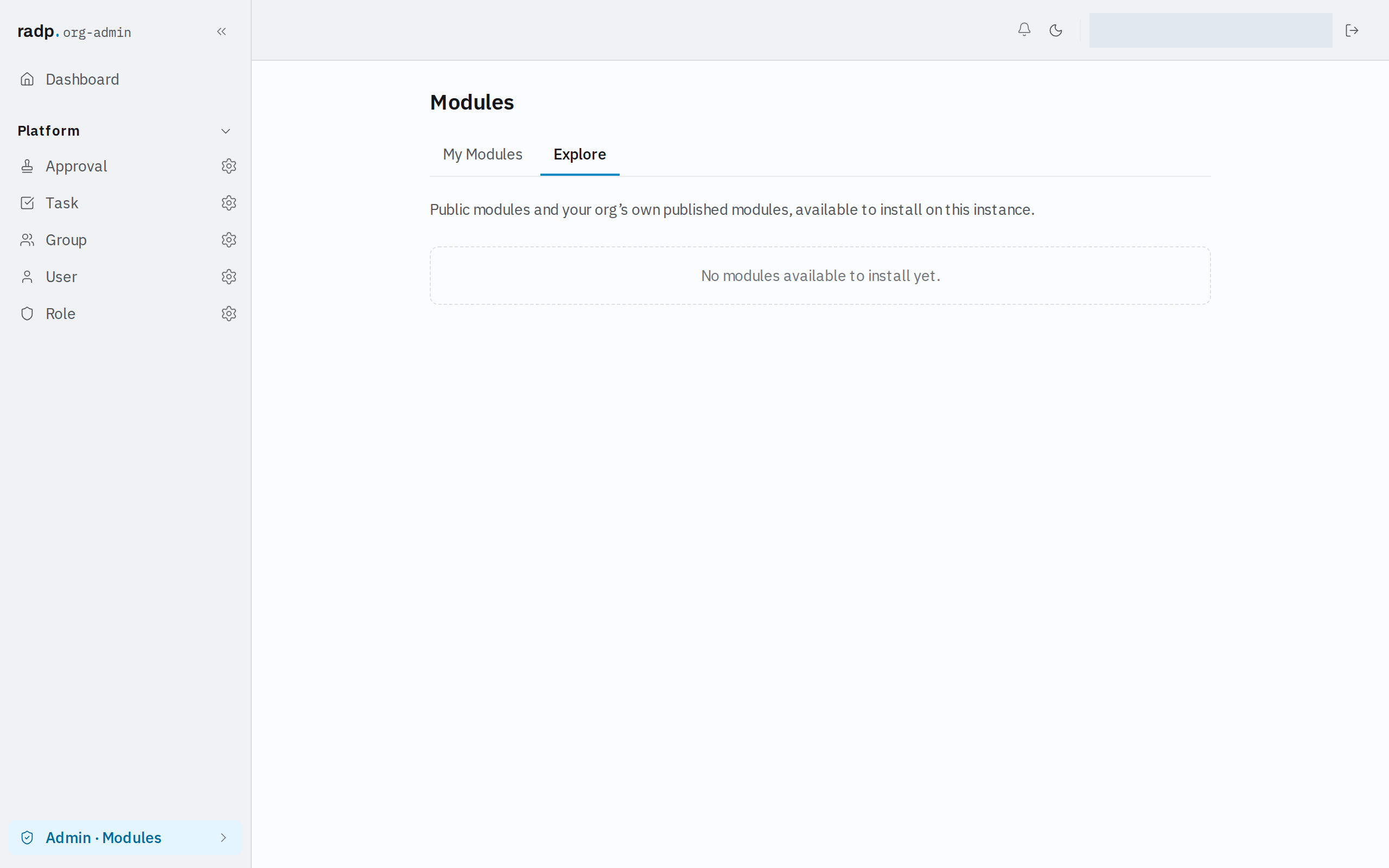
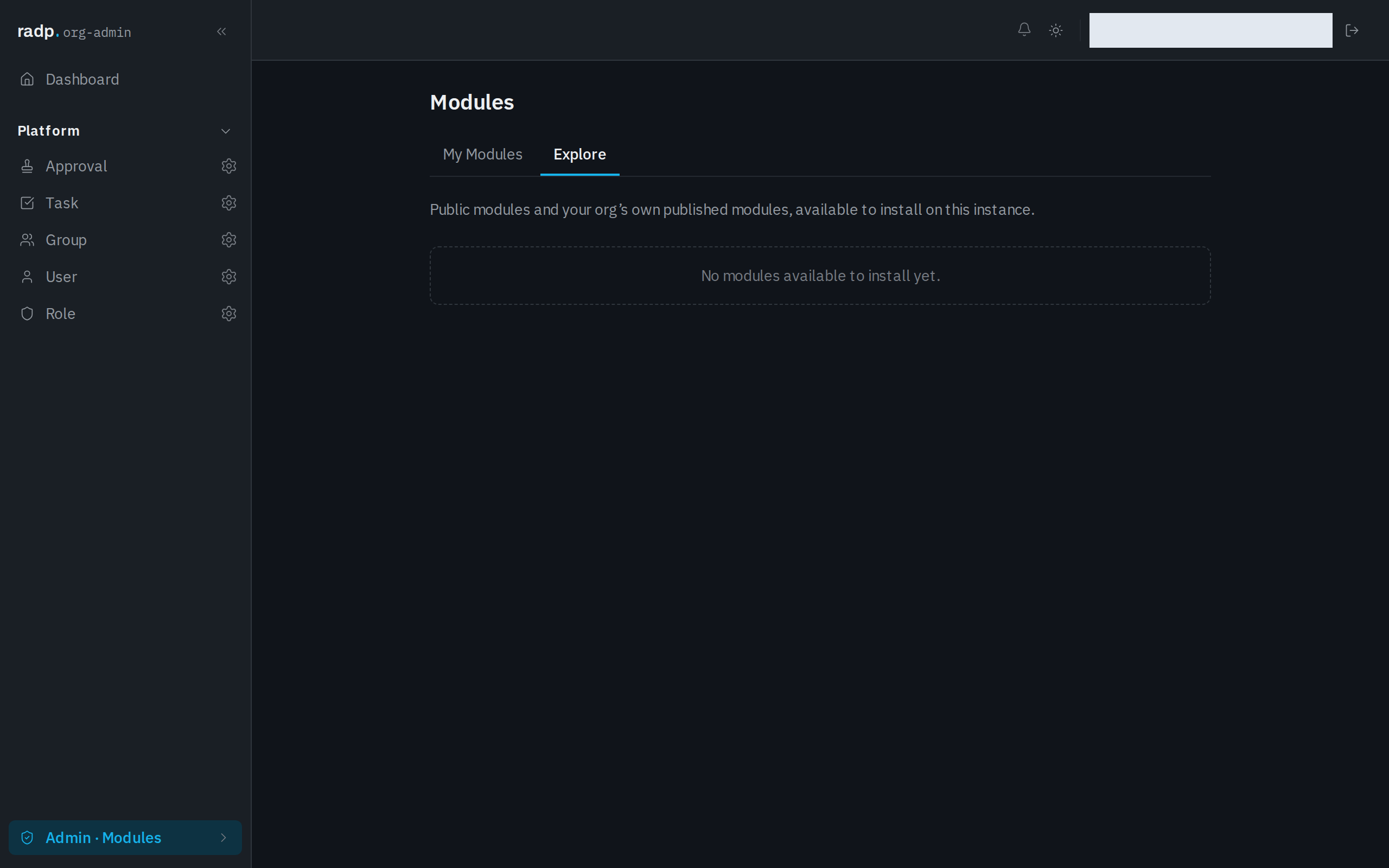
Explore stays empty while nothing has been published to your organisation and no public module is available.
What a module gives you
Because configuration is grouped this way, a module is the unit that:
- holds record types and their workflows together;
- is versioned, so a set of changes is saved and can be looked back at;
- can be shared with another workspace instead of being rebuilt there.
Editing inside a module is locked by default, so more than one admin cannot change the same configuration at once.
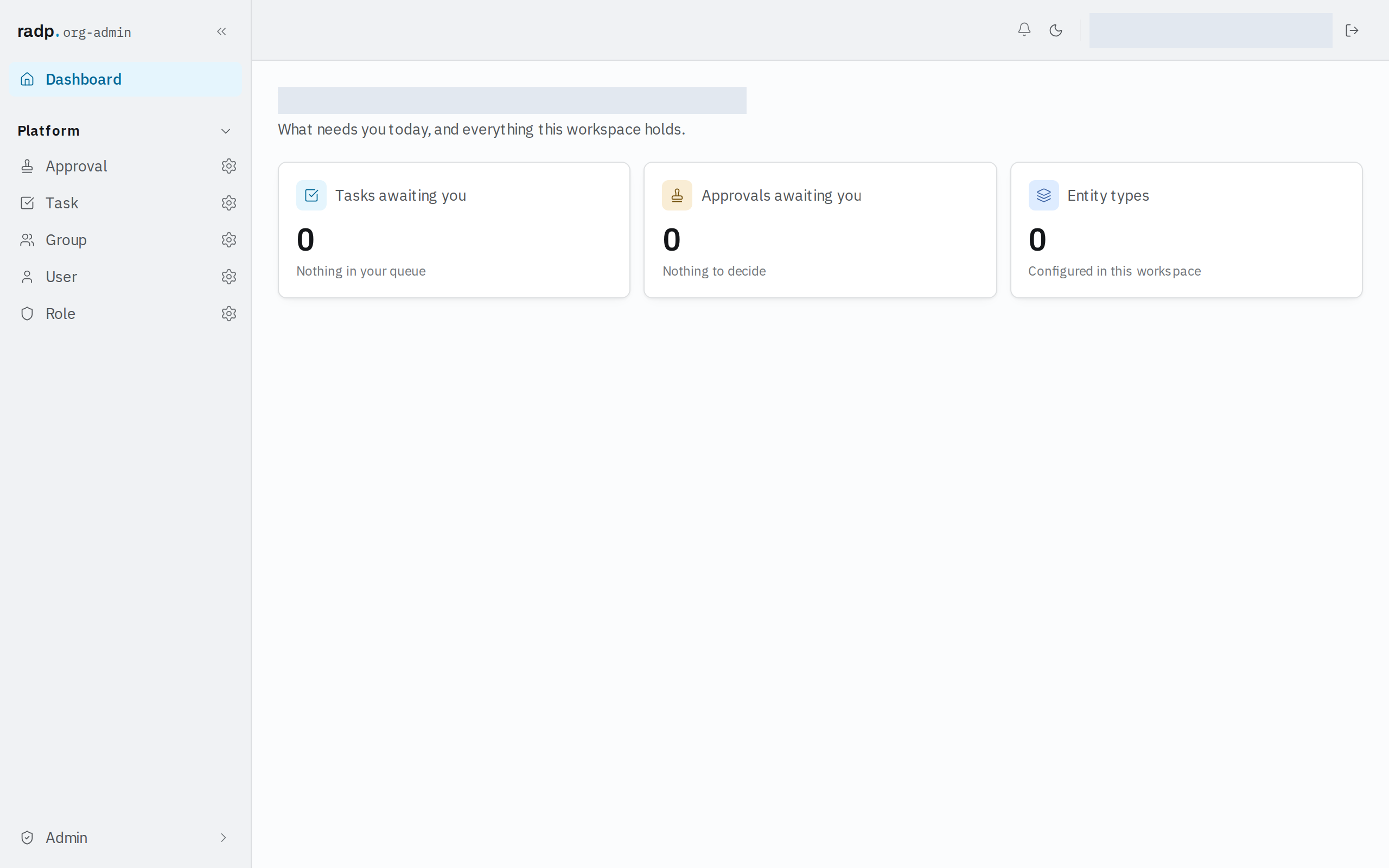
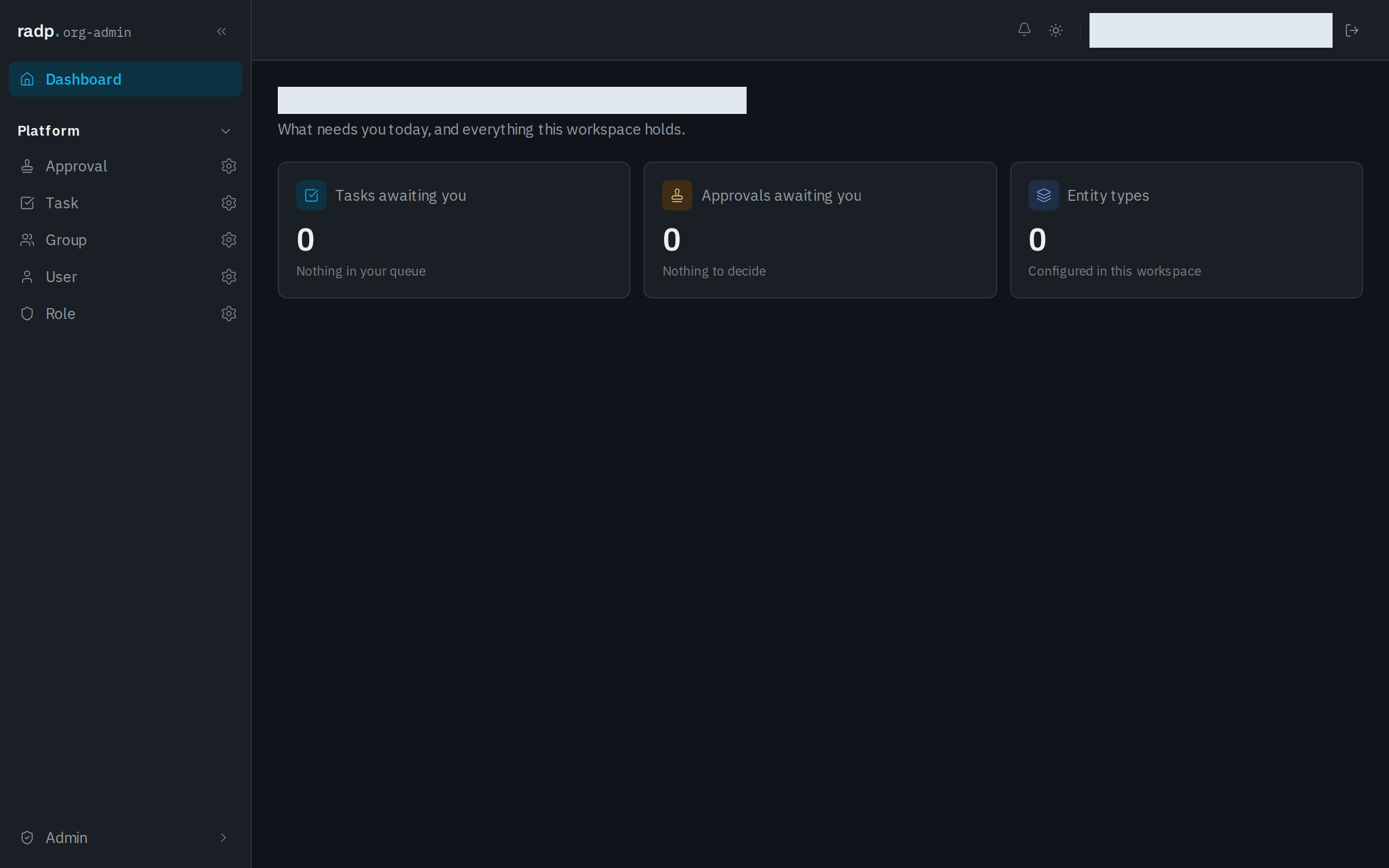
The Dashboard's Entity types tile counts the record types set up in this workspace. Every one of them comes from a module, so the tile stays at zero until you create a module and add a record type to it, or install one.
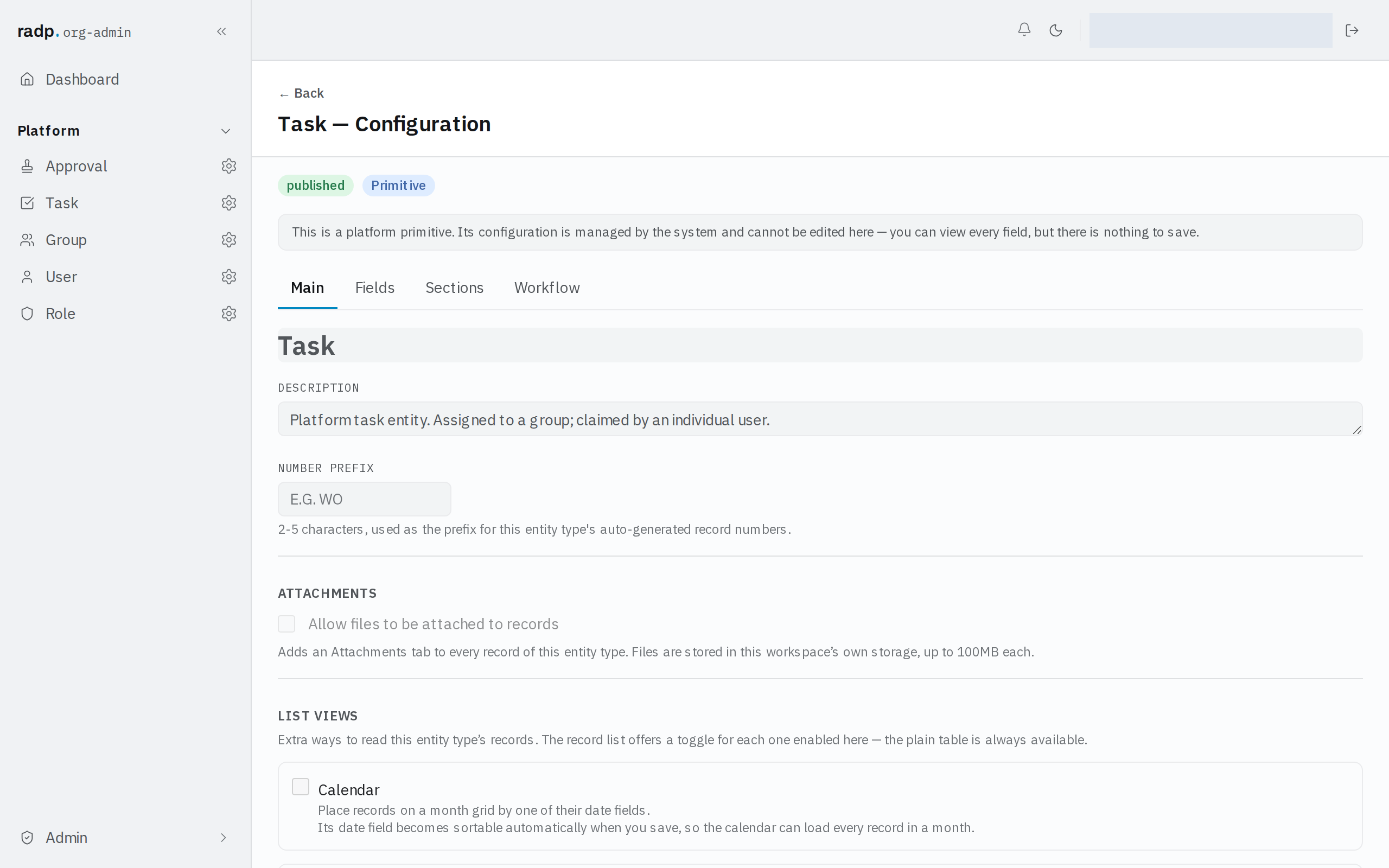
The record types that are not in a module
Approval, Task, Group, User and Role come with RADP itself rather than from a module. Open one and its configuration is headed Primitive, with a note that it is managed by the system: you can read every field, tab by tab, but there is nothing to save. They are not counted on the Dashboard tile, they never appear on My Modules, and they cannot be published, installed or deleted.