How a workflow runs
Send a record for approval, and find the work a running workflow hands out in the Tasks and Approvals inboxes.
A workflow gives people work to do while it runs. This page shows how a record is sent on its way, where that work arrives and how to find it.
Sending a record for approval
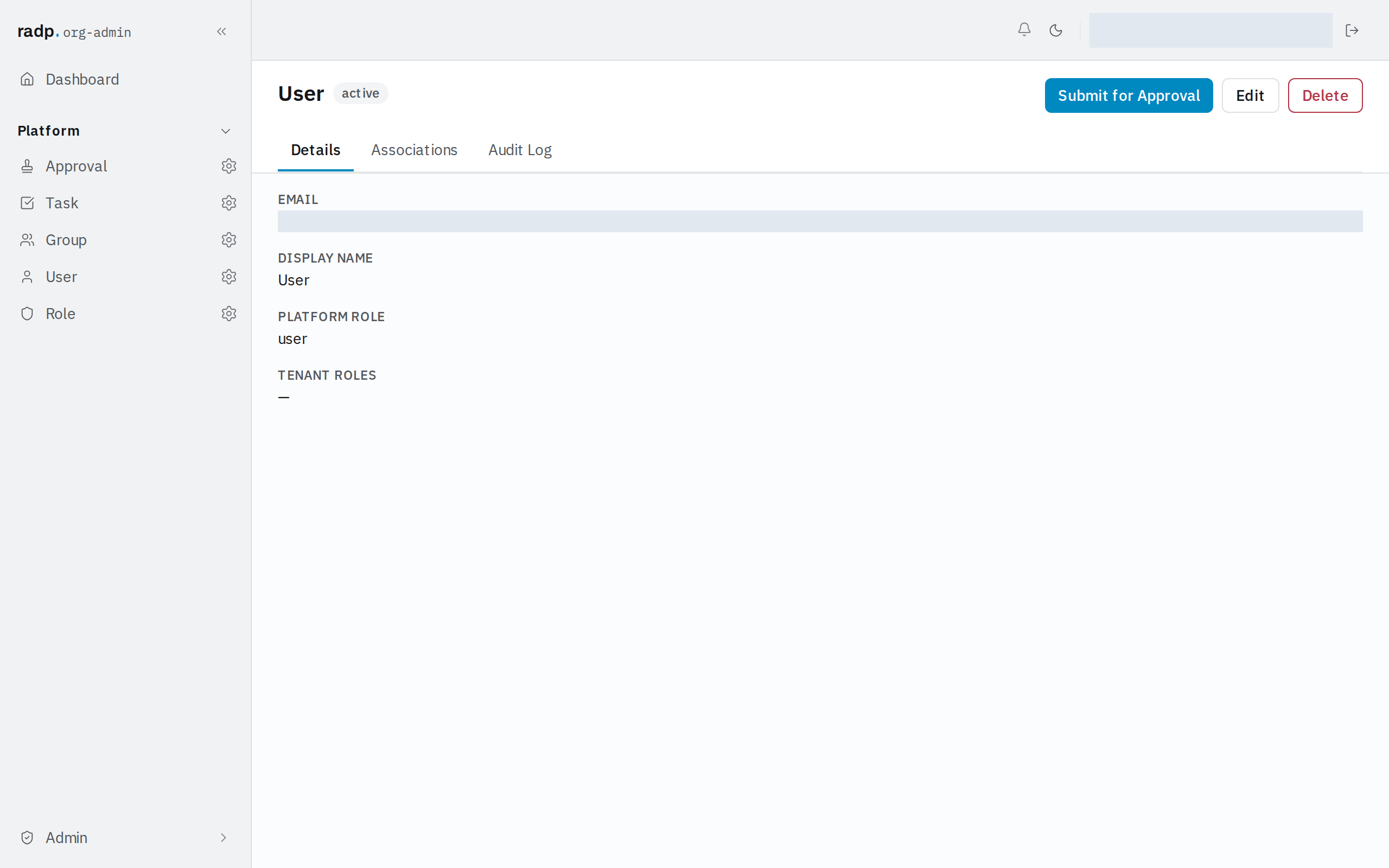
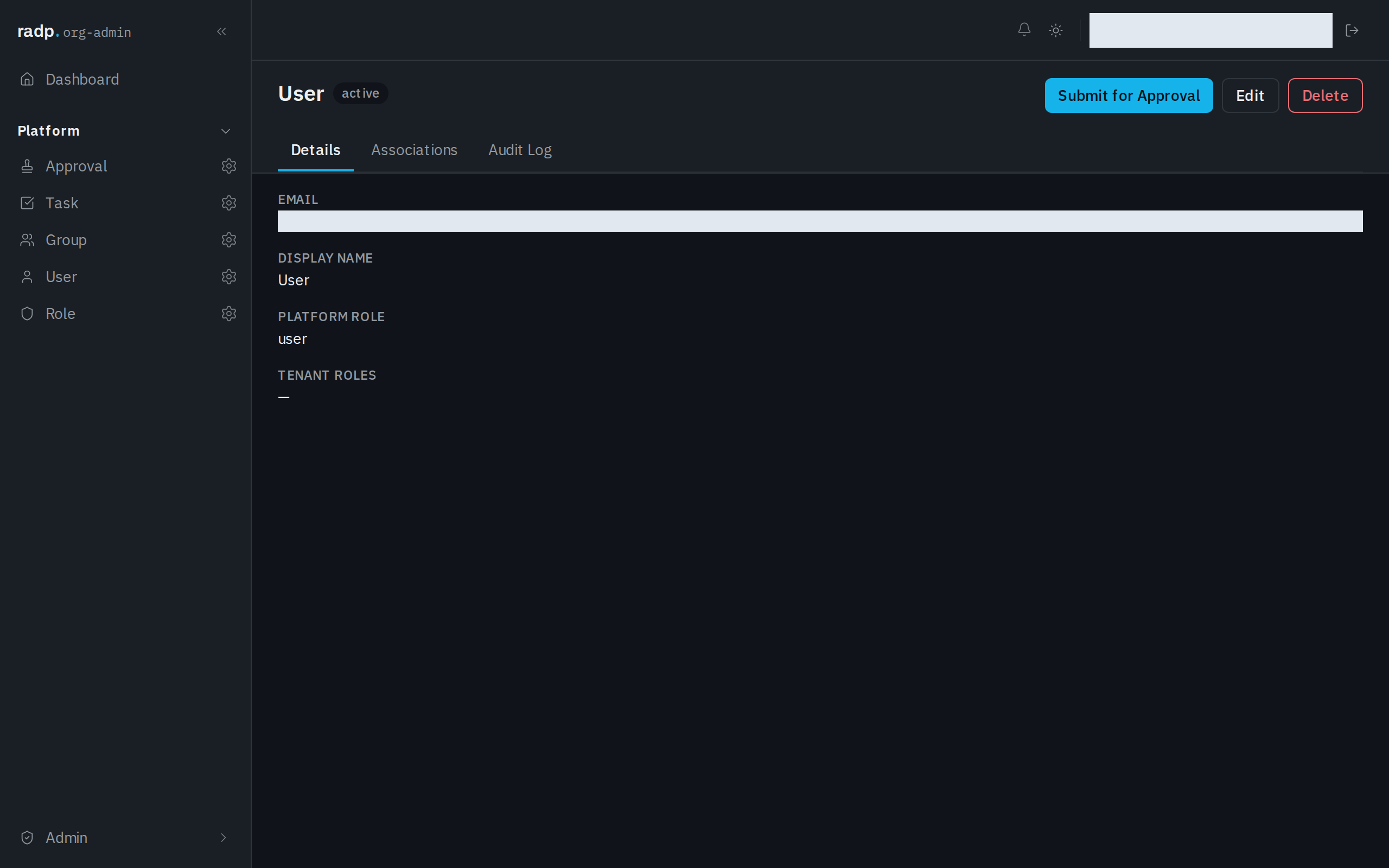
Work often starts from the record itself. Open the record and choose Submit for Approval in its header, next to Edit and Delete.
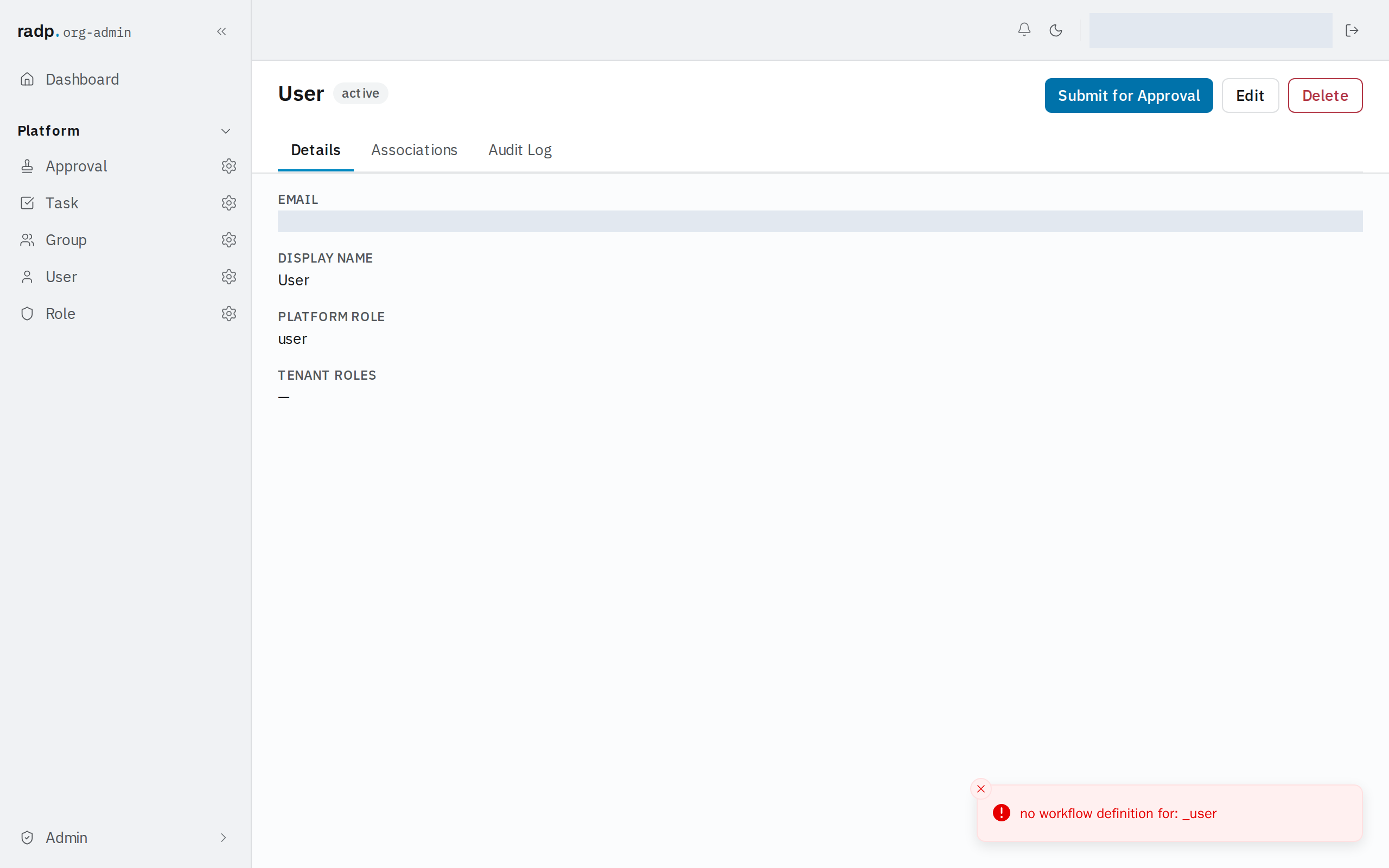
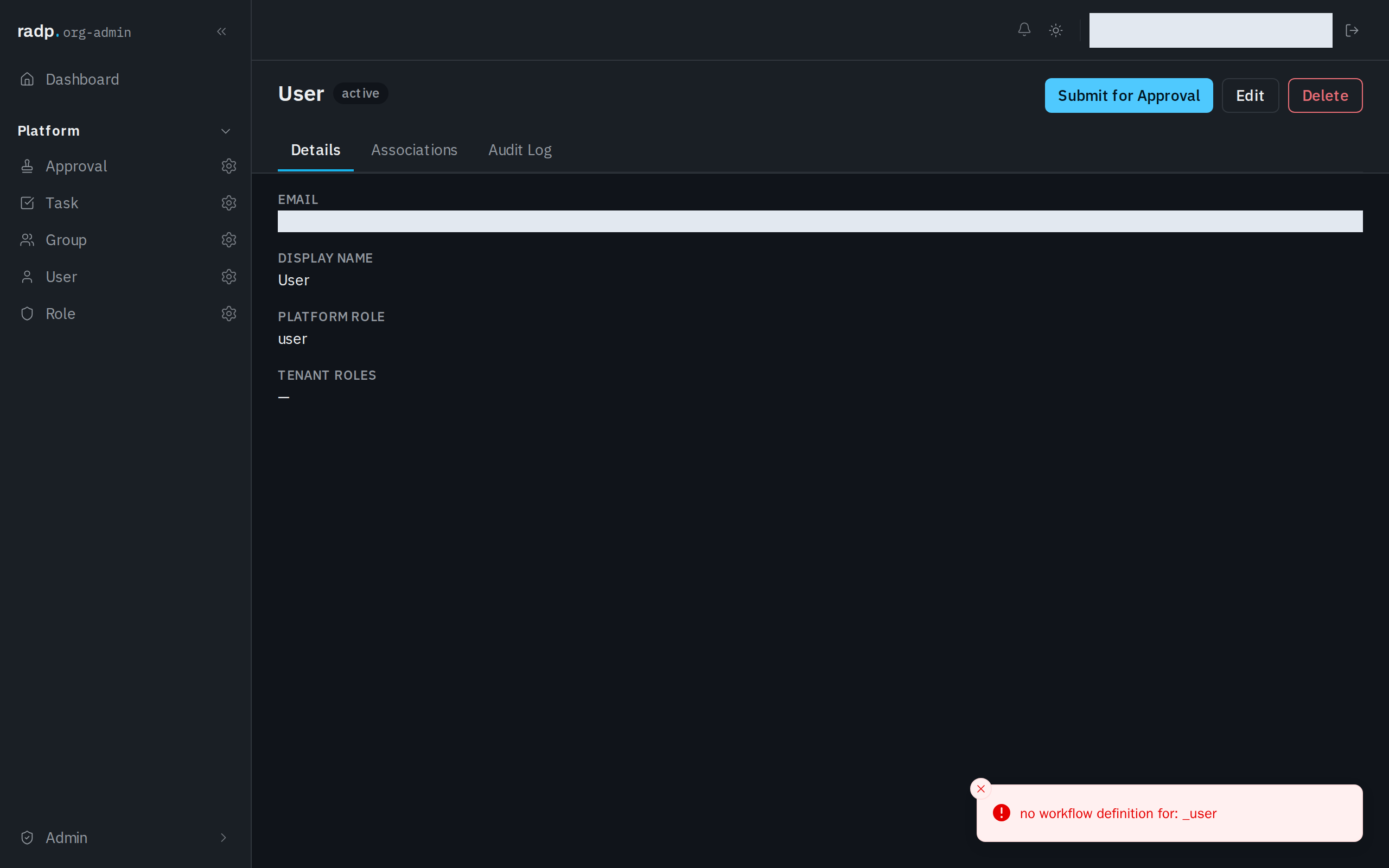
If the record type has no workflow, nothing is sent: the record answers that there is no workflow definition for that record type, and the Approvals inbox stays as it was.
What is waiting for you
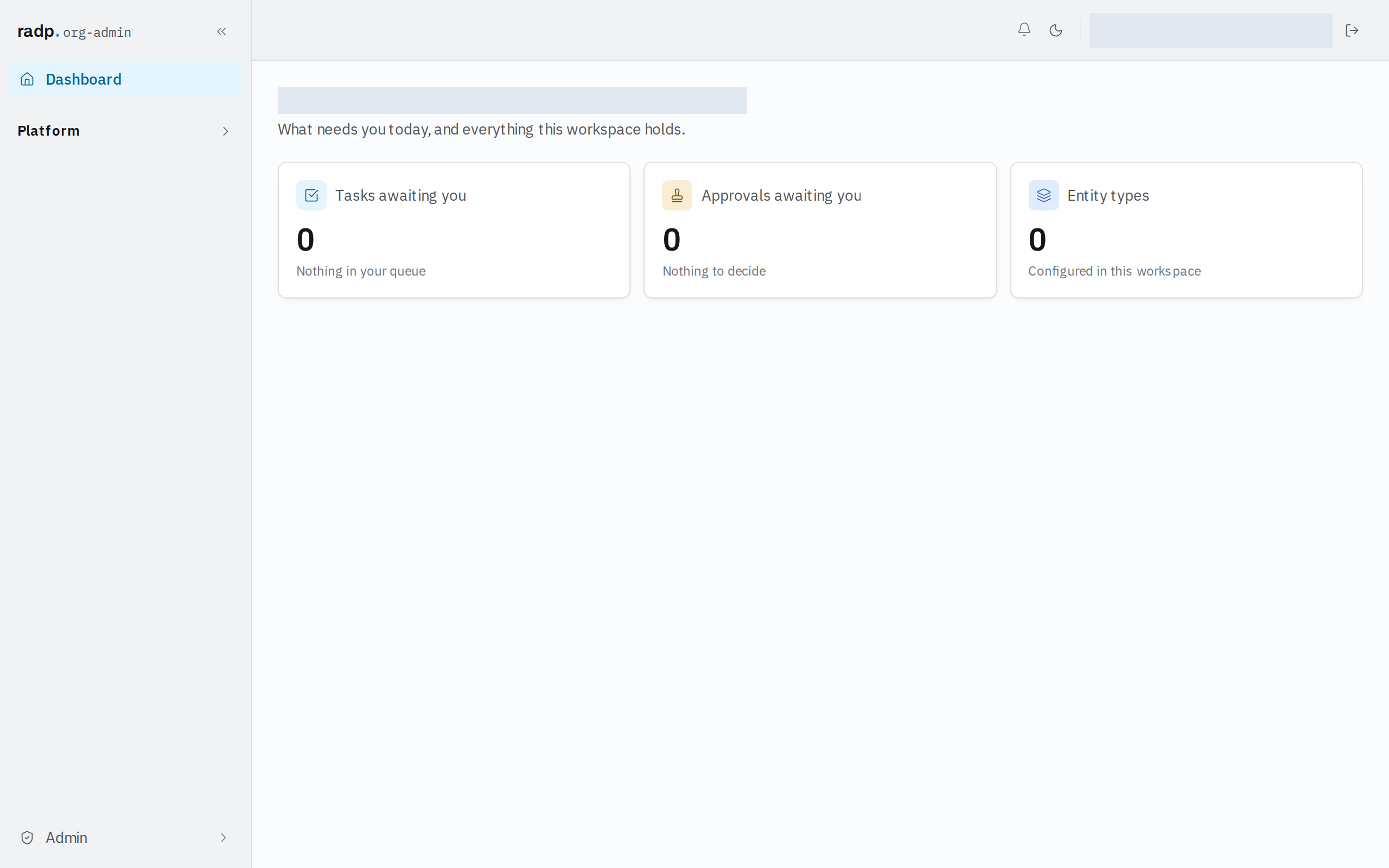
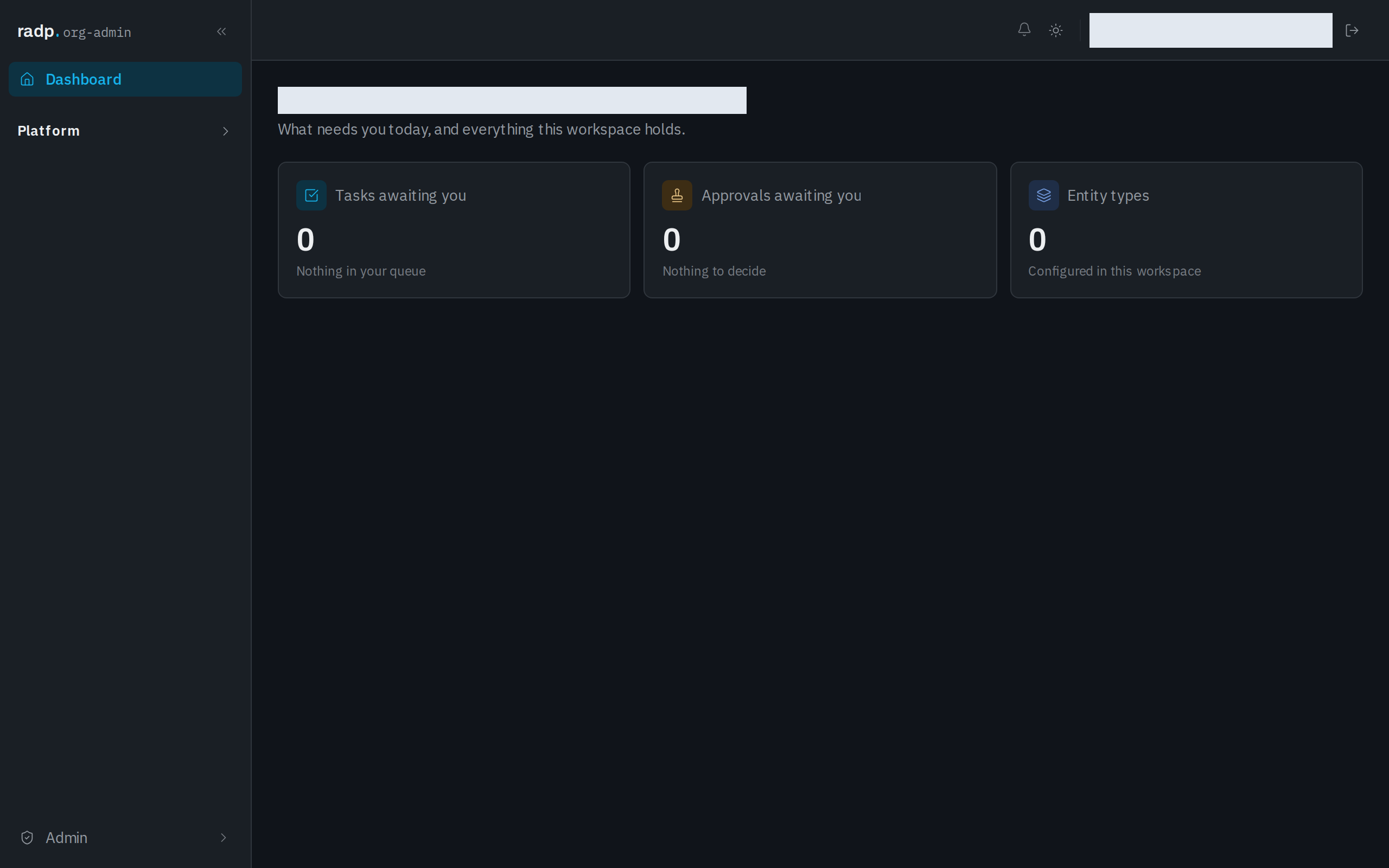
The Dashboard opens with the work that needs you. Tasks awaiting you and Approvals awaiting you each show a count, and read "Nothing in your queue" and "Nothing to decide" when there is none.
Tasks
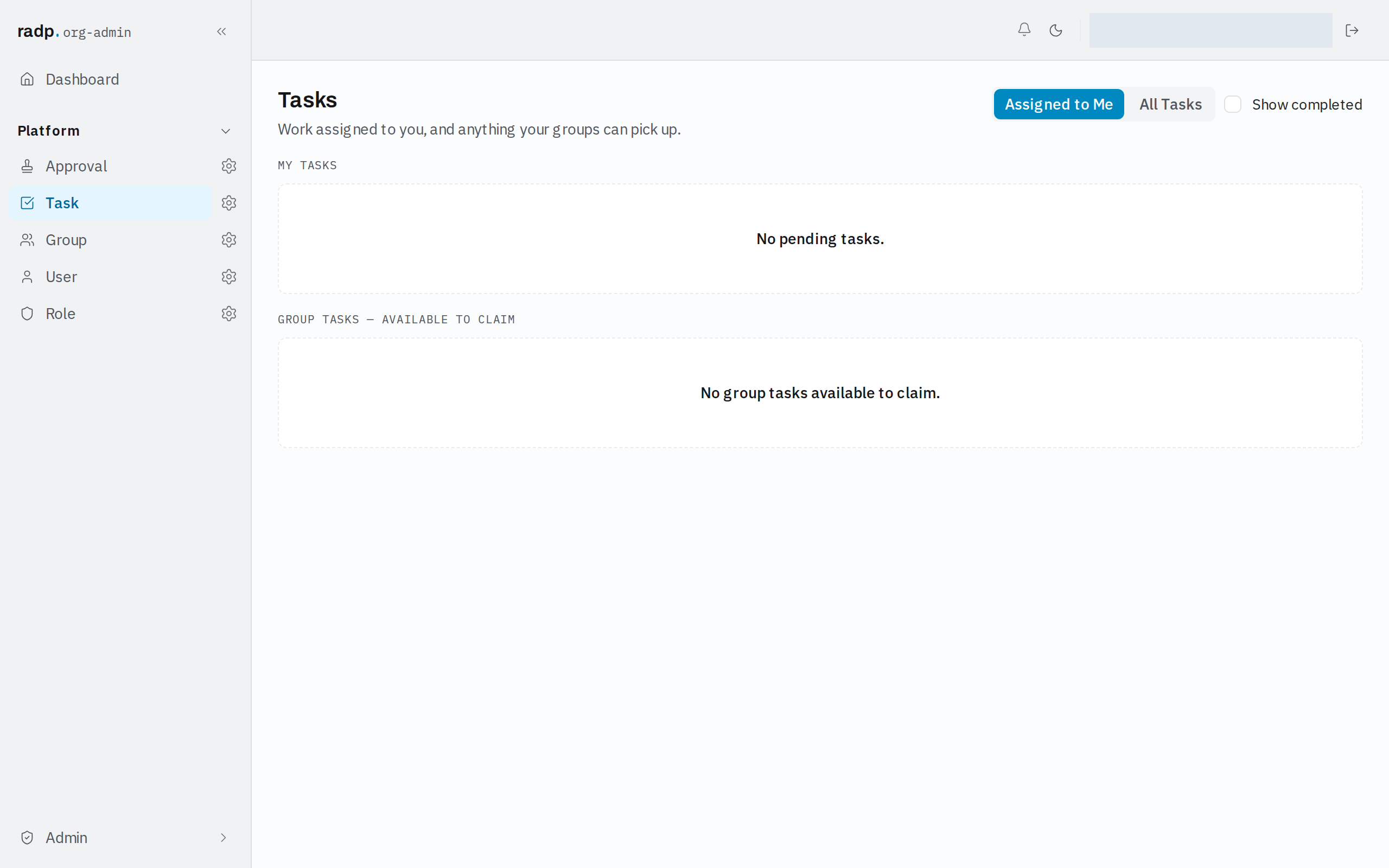
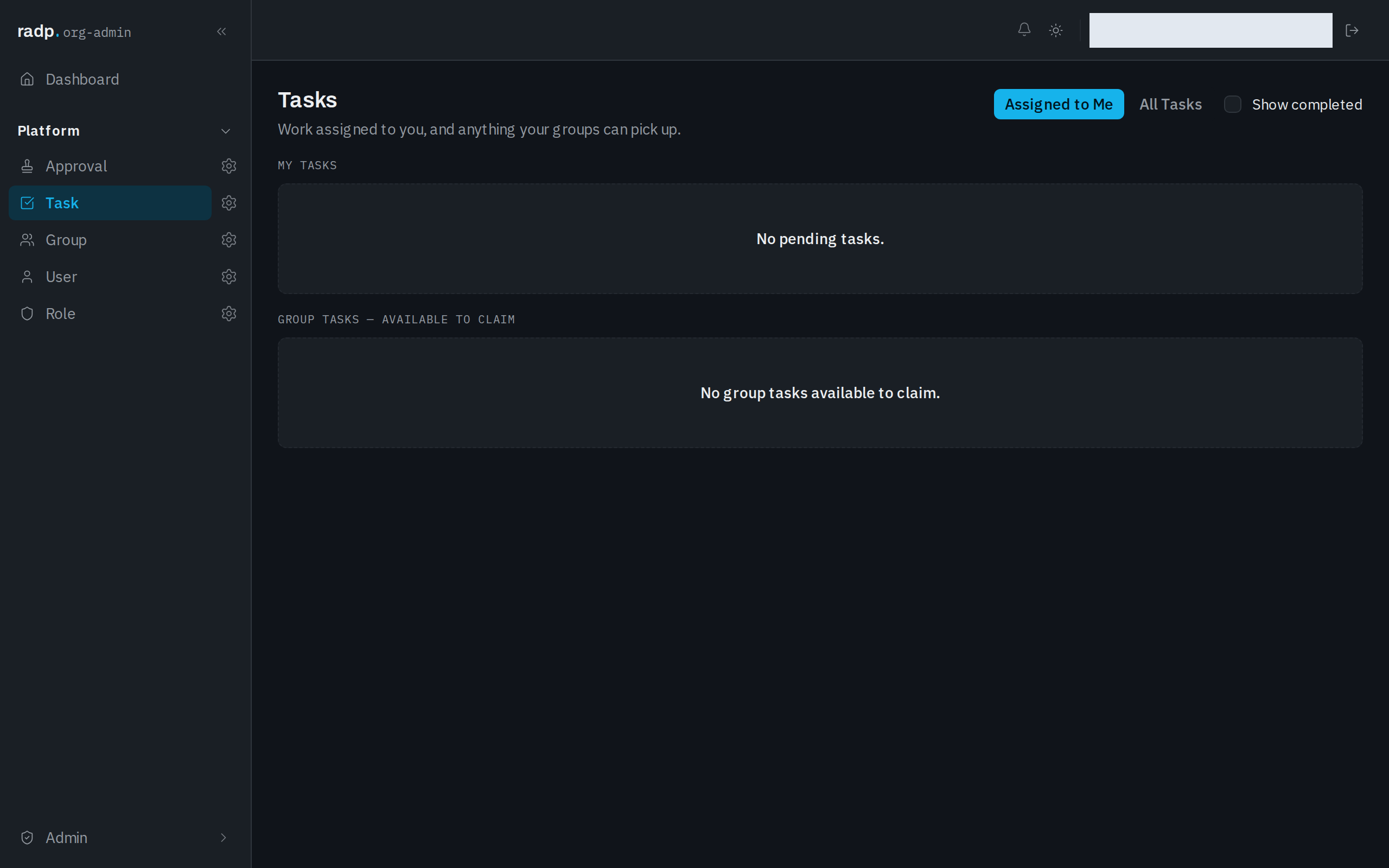
Open Tasks for work assigned to you, and anything your groups can pick up.
The Assigned to Me tab has two parts:
- My Tasks — work that is yours to do now.
- Group Tasks — available to claim — work given to a group you belong to that nobody has taken yet.
Tick Show completed to bring back tasks that are already finished. Leave it clear and the inbox shows only what is still open.
Switch to All Tasks to see every task in the workspace rather than only your own.
Approvals
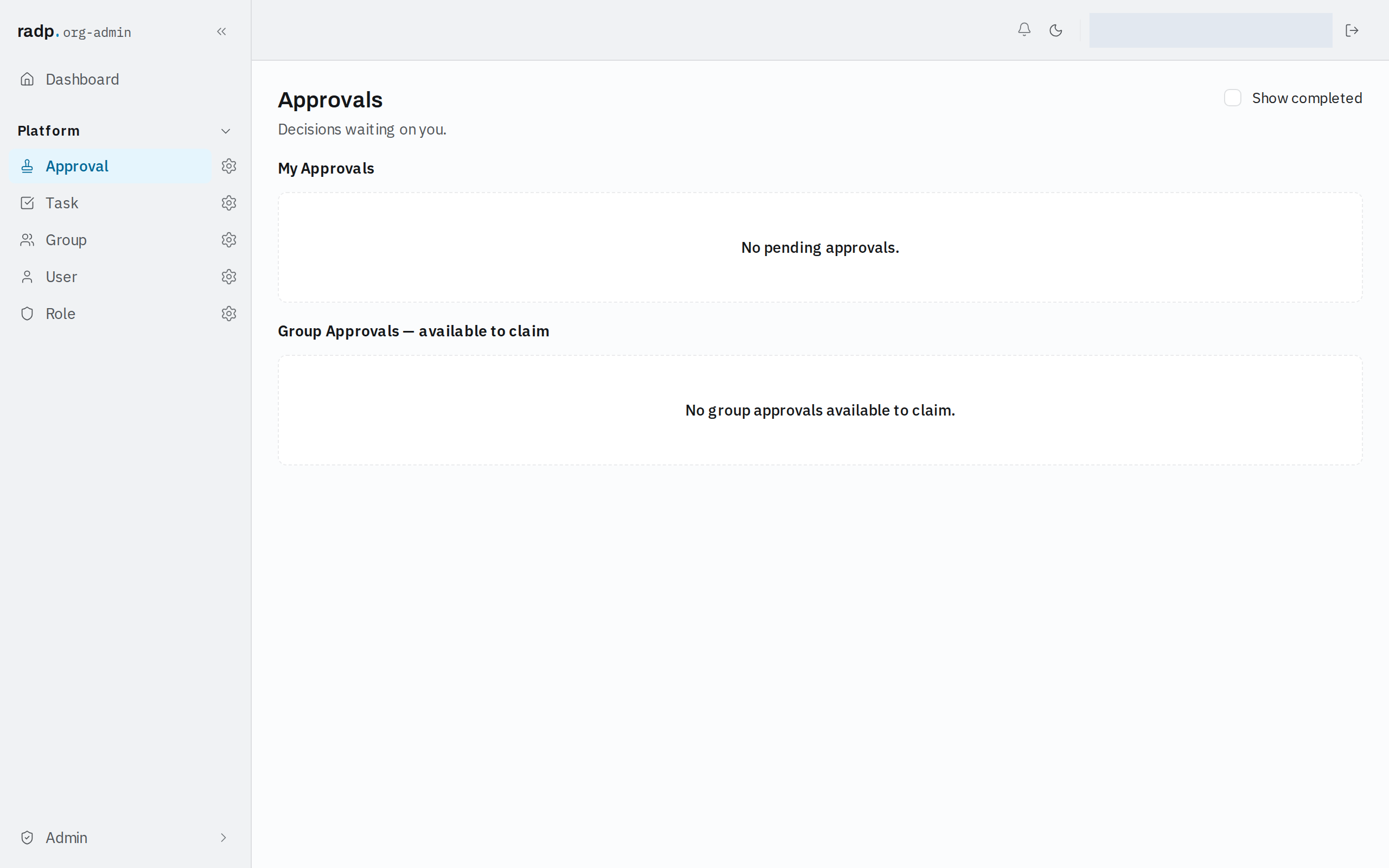
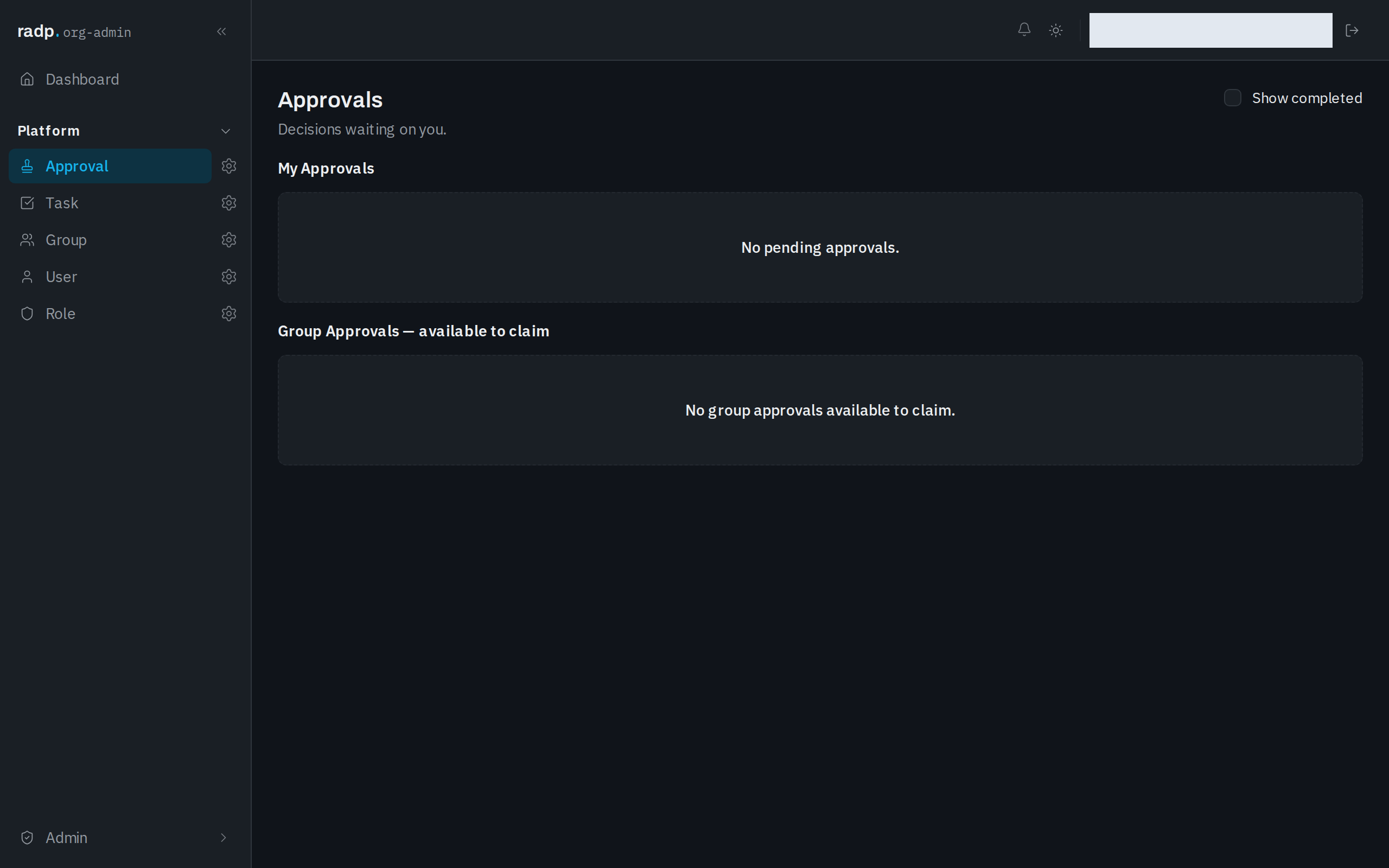
Open Approvals for decisions waiting on you. It works the same way: My Approvals for decisions that are yours, Group Approvals — available to claim for decisions offered to a group you belong to, and Show completed to include ones already decided.
When something you expect is not there
- Work that has been finished is hidden until you tick Show completed.
- Group work only reaches the people in the group it was given to. If you are not in that group, it does not appear in your inbox.
- Nothing runs at all for a record type whose workflow is switched off. On that record type's Workflow tab, the setting is Enable workflow; while it is off, the tab says new records are created without a workflow. Submitting one of its records for approval reports that there is no workflow definition for that record type, and no approval is created.