Turning workflow on for a record type
Where the Enable workflow setting lives, what it means while it is off, and which record types you can change it on.
Workflow is a setting on a record type, not on a single record. Turn it on for the record type and it applies to the records made from it.
Find the setting
- In Admin, open the record type you want.
- Choose the Workflow tab, next to Main, Fields and Sections.
- Use the Enable workflow switch.
What the setting means while it is off
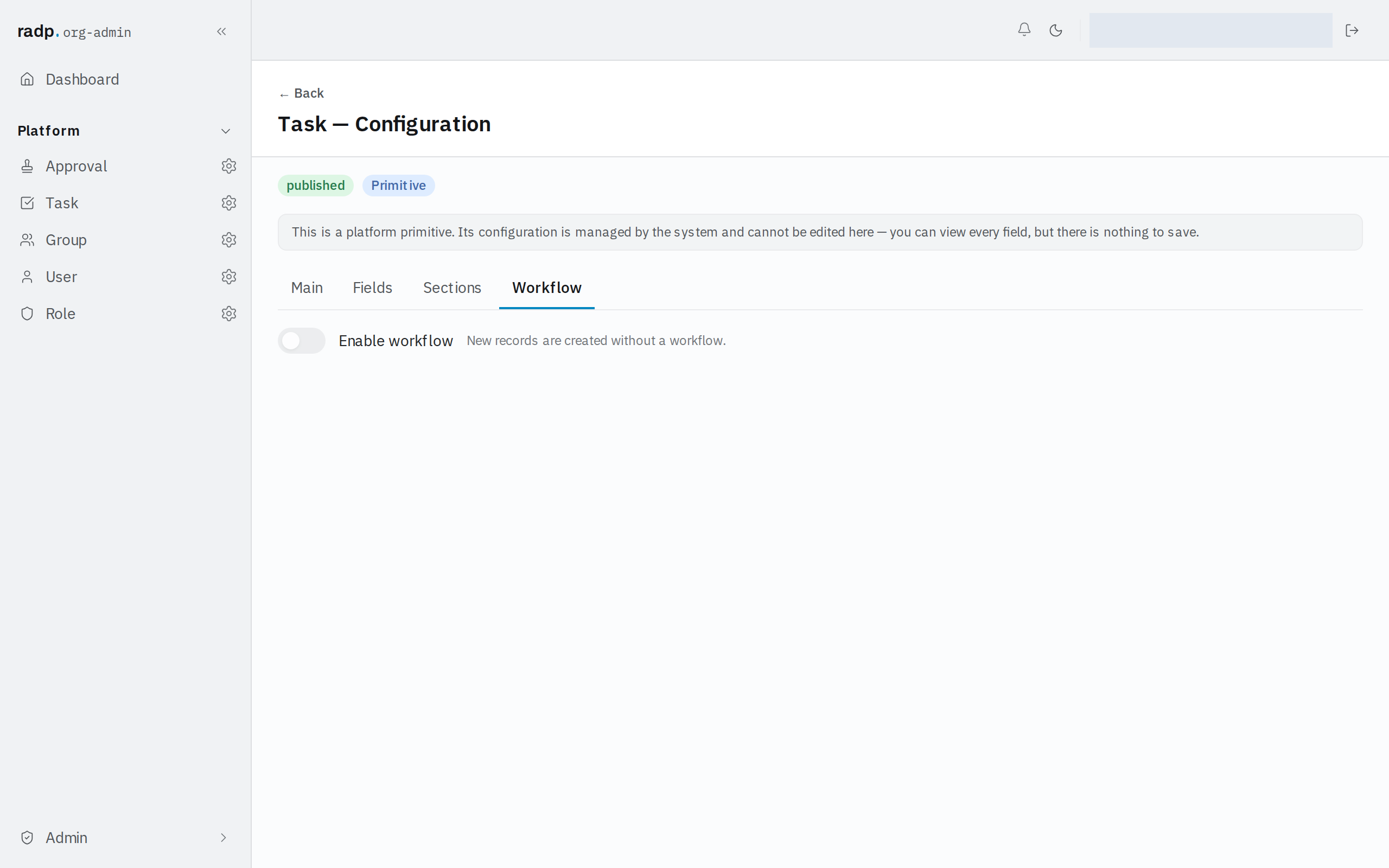
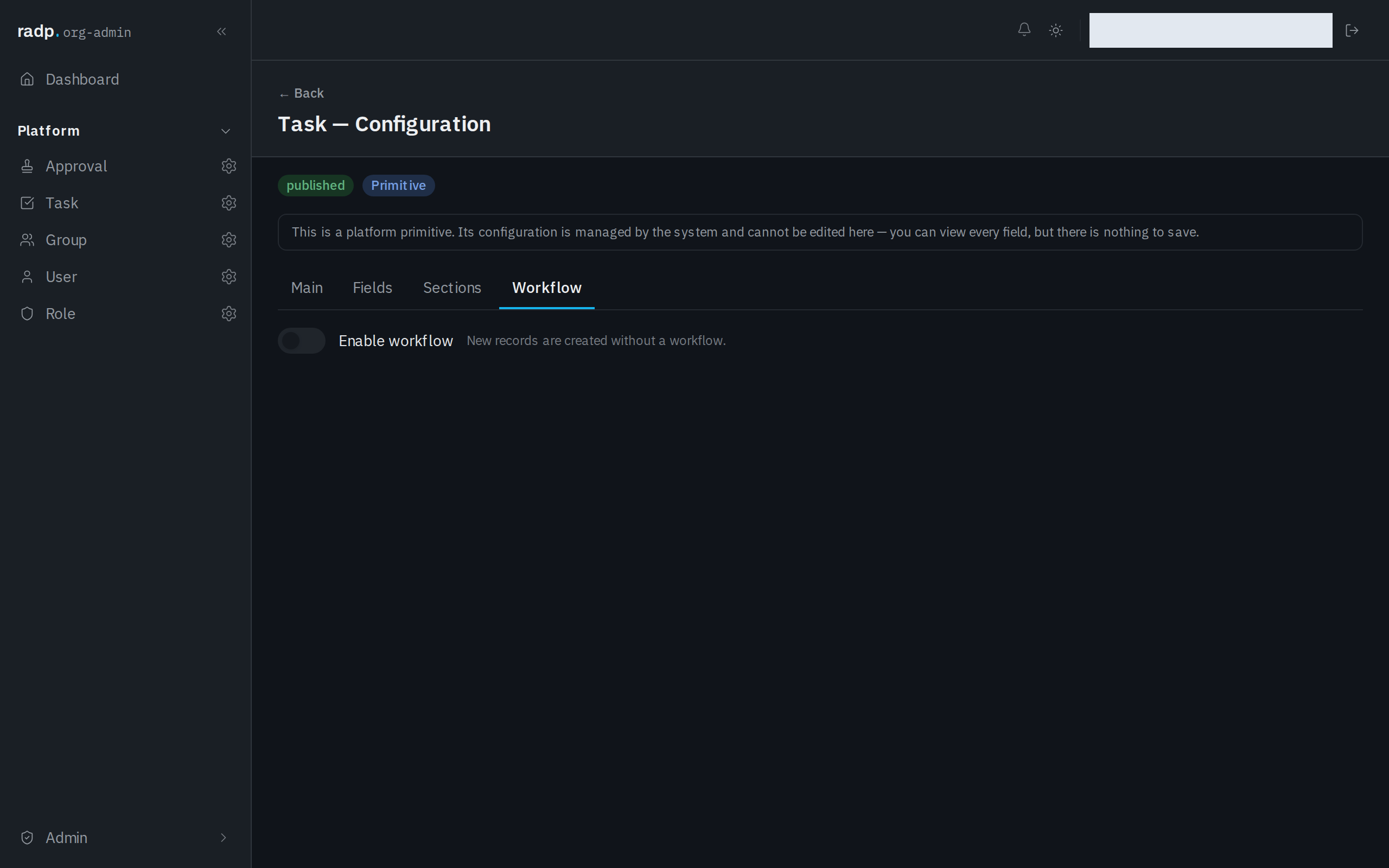
The switch starts off. With it off, the tab states the consequence: New records are created without a workflow. Nobody is asked to do anything when a record of that type is created, and the record is not waiting on a decision.
Turn it on for a record type whose records need reviewing, approving or handing to someone, and leave it off for reference data that people just look after themselves.
Which record types you can change
Only a record type of your own can be changed. The platform record types — Approval, Task, Group, User and Role — show the Workflow tab, but they carry a note saying their configuration is managed by the system: you can look at every setting, and there is nothing to save.
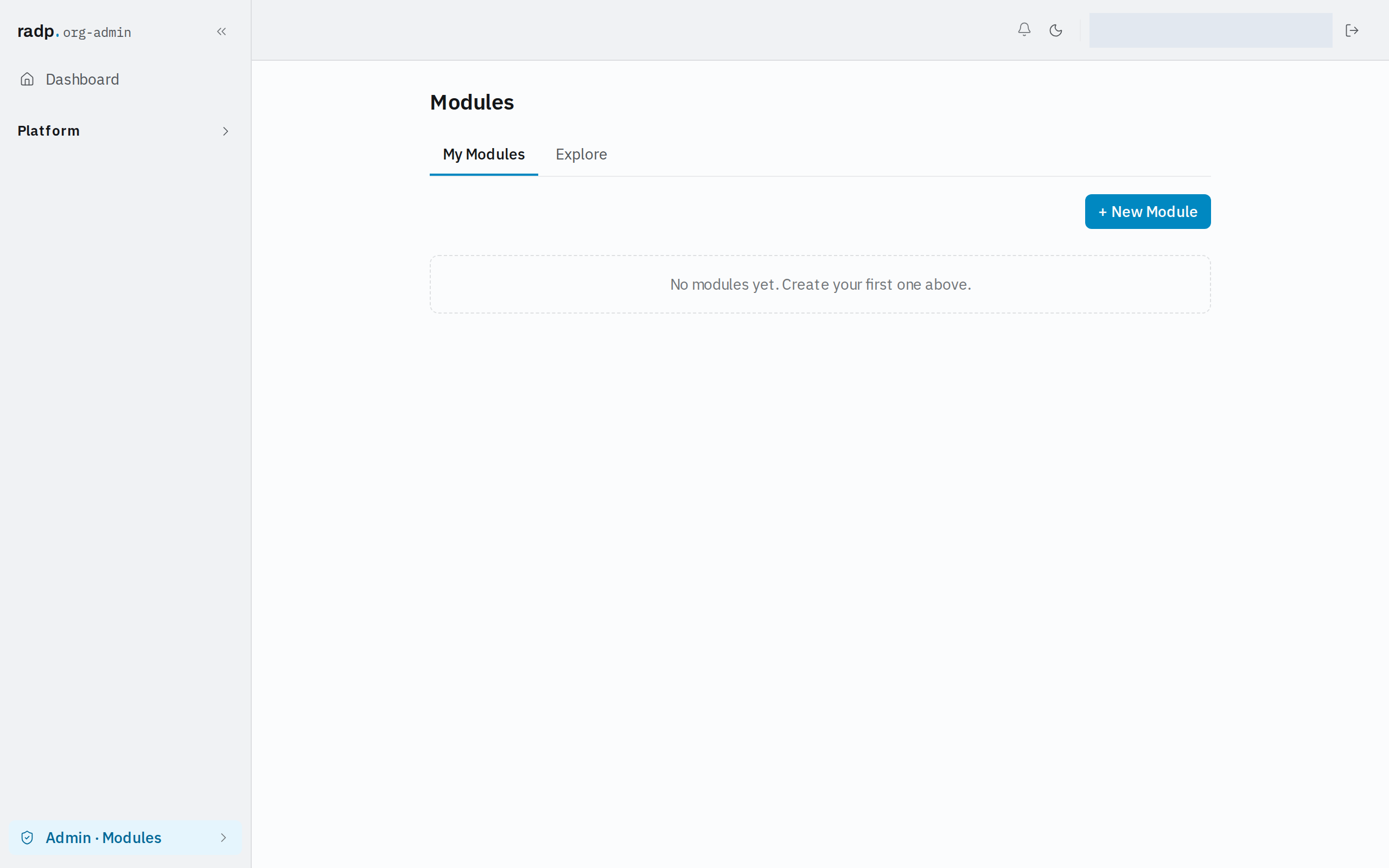
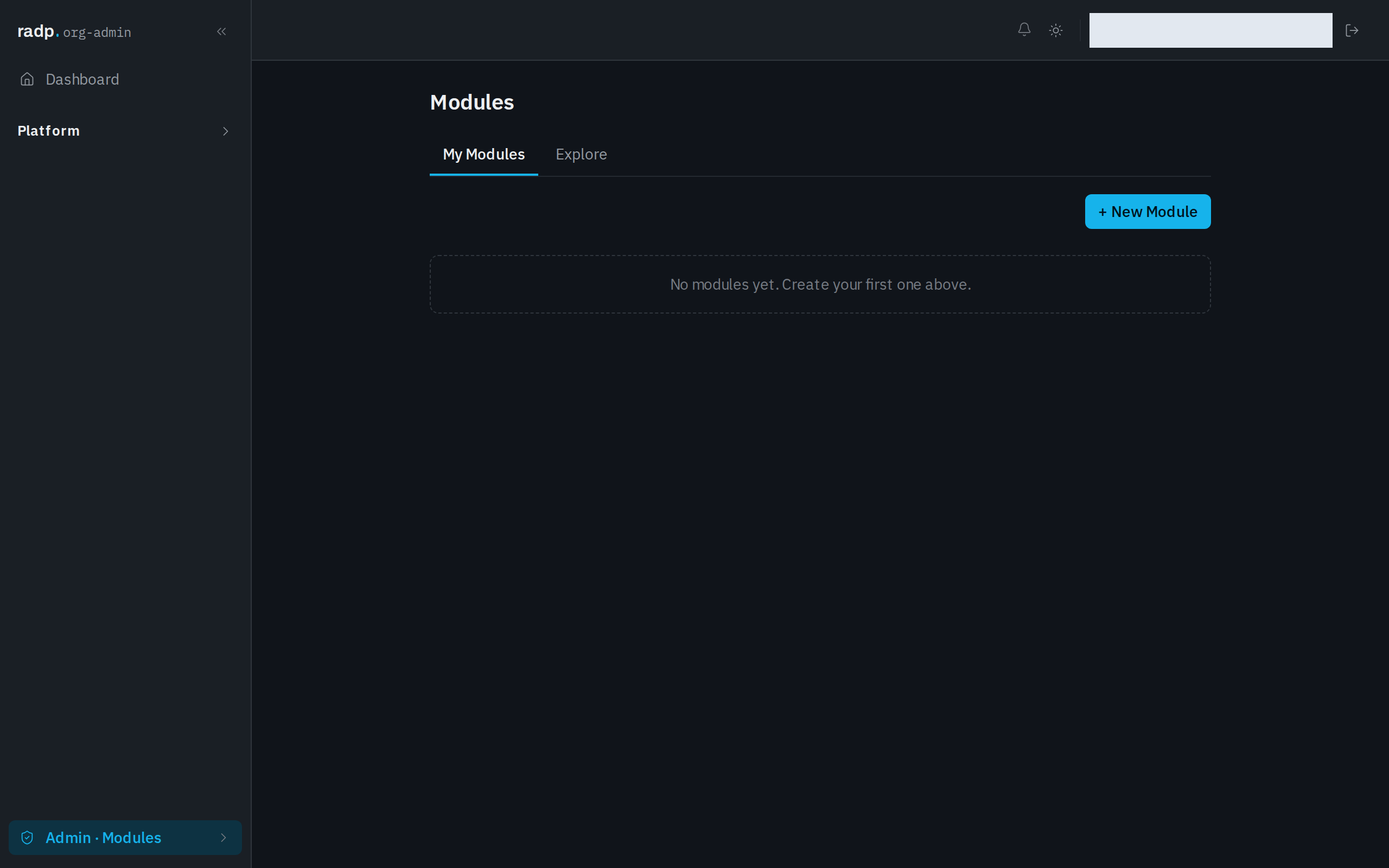
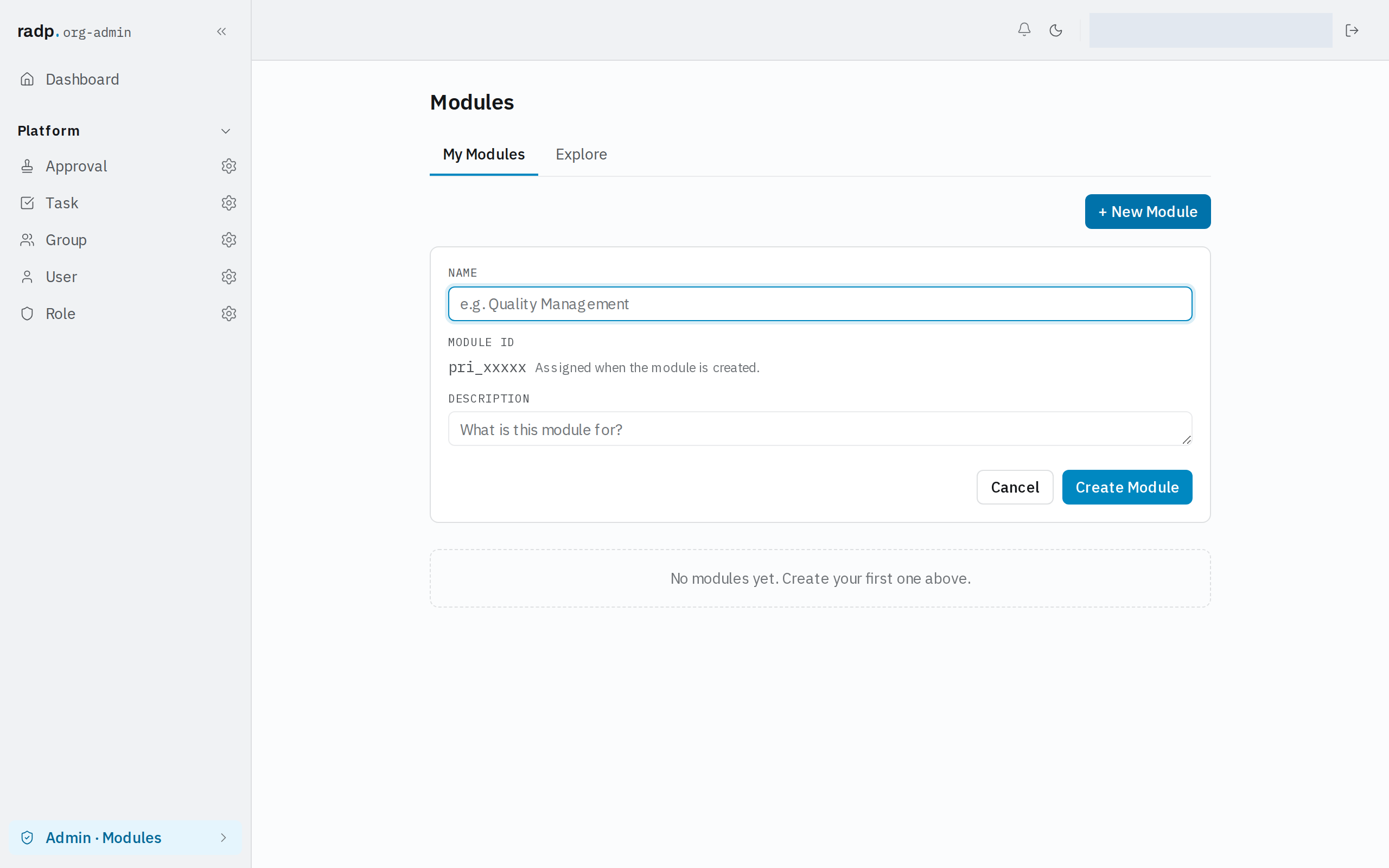
Your own record types live inside a module. If your workspace has no modules yet, start in Admin, then Modules, where + New Module creates one. My Modules lists the modules in this workspace and Explore shows what can be brought in from elsewhere.
The form asks for a NAME and a DESCRIPTION. You do not type the MODULE ID: it is assigned when the module is created. Finish with Create Module, or Cancel to leave things as they were.
All of this is in the Admin area, so it is available to org-admins and radp-admins only.