Roles and permissions
Build a role that grants create, read, update or delete on each record type, and know what each permission lets someone do.
A role is a set of permissions. For every record type in the workspace it says whether the holder may create, read, update or delete records of that type. Roles reach people through groups, so a role on its own changes nothing until a group has it.
Only org-admins and radp-admins can manage roles. Open the Admin area and go to Roles.
Creating a role
- Select New Role.
- Enter a Role name. It is required. Name it after the job the holder does, because it is what you will look for when assigning it to a group.
- Enter a Description. Use it to say what the role is for, so the next administrator does not have to read the ticks to find out.
- Under Permissions, tick Create, Read, Update or Delete against each entity type in the grid.
- Select Create Role. Cancel closes the form and keeps nothing.
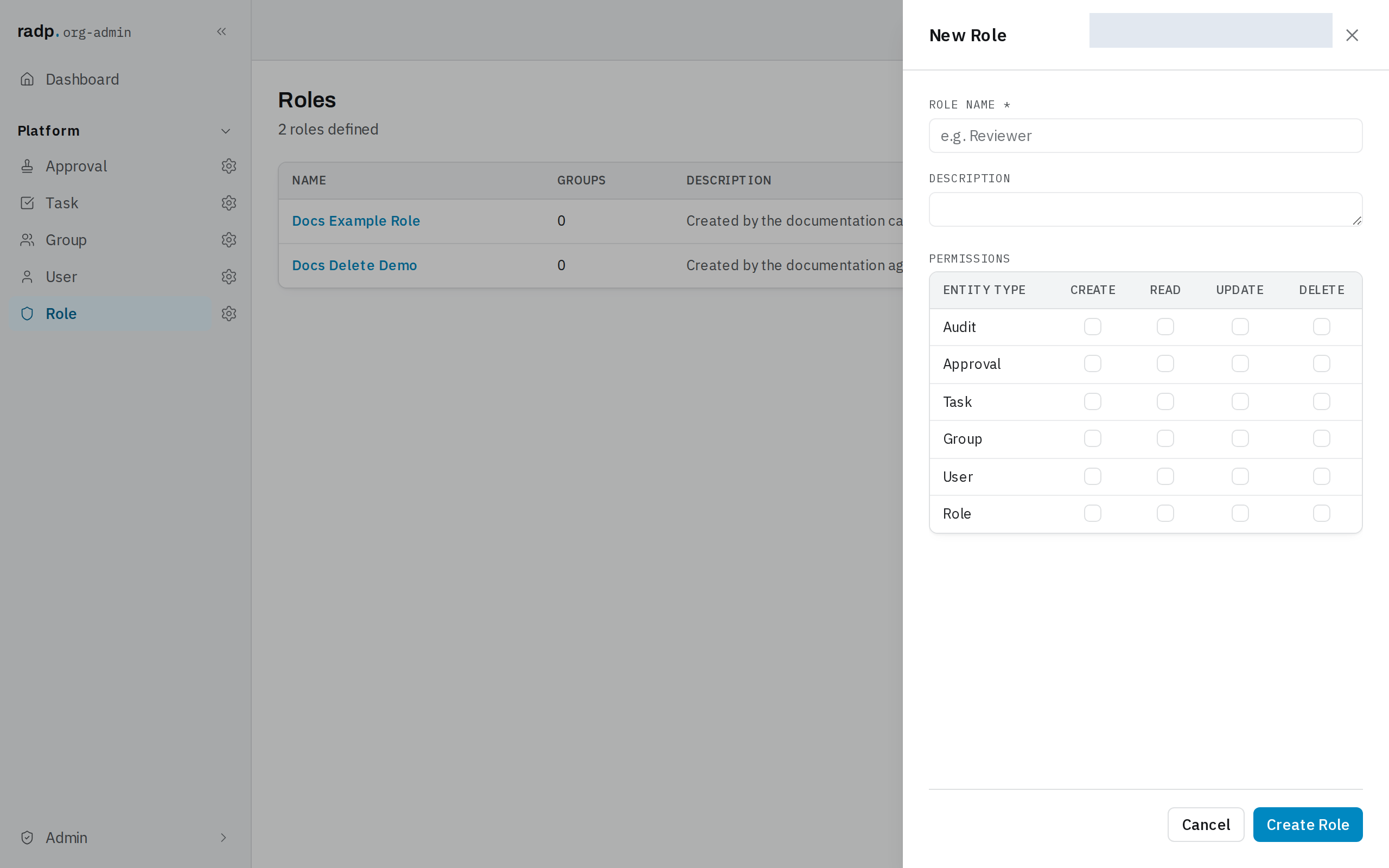
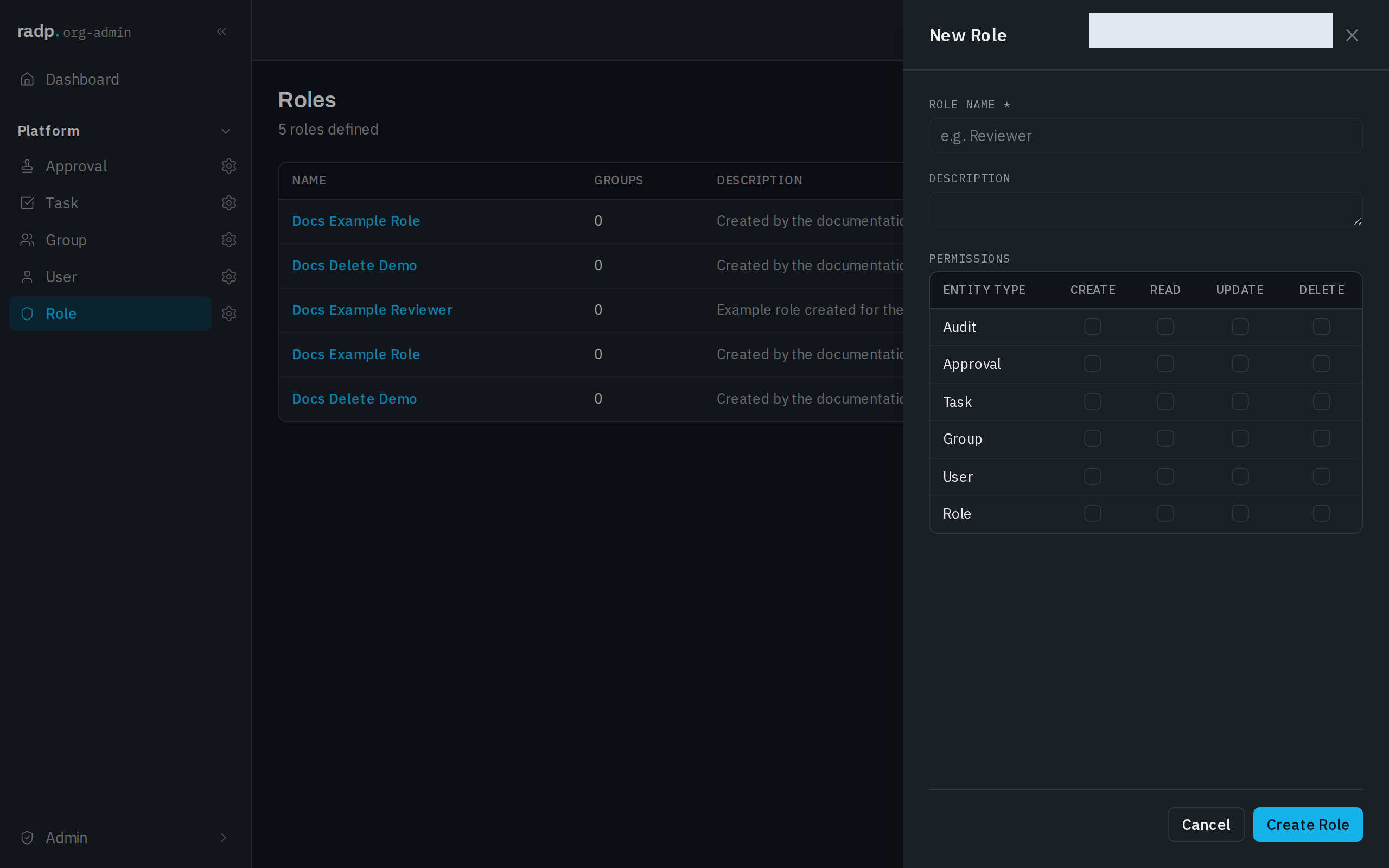
The grid has a row for each record type in the workspace, including the platform ones (Audit, Approval, Task, Group, User, Role). A row left untouched grants nothing for that type.
What each permission lets someone do
| Permission | What the holder may do |
|---|---|
| Create | Make new records of that type. |
| Read | See records of that type, and see the type in their navigation at all. |
| Update | Open a record of that type and change its fields. |
| Delete | Remove a record of that type permanently. |
They are independent, so grant only what the job needs. Read without update suits someone who has to look things up. Create is worth little without read, since the person cannot then open what they made.
Some things no permission grants. A record's State and Number are set by the system and the workflow, never by hand, and a record cannot be deleted while its workflow is running.
After you create it
The workspace confirms with Role created, the count above the list goes up, and the new role appears with its name, description and a Groups count. The count is how many groups hold the role — while it is zero, nobody has the permissions.
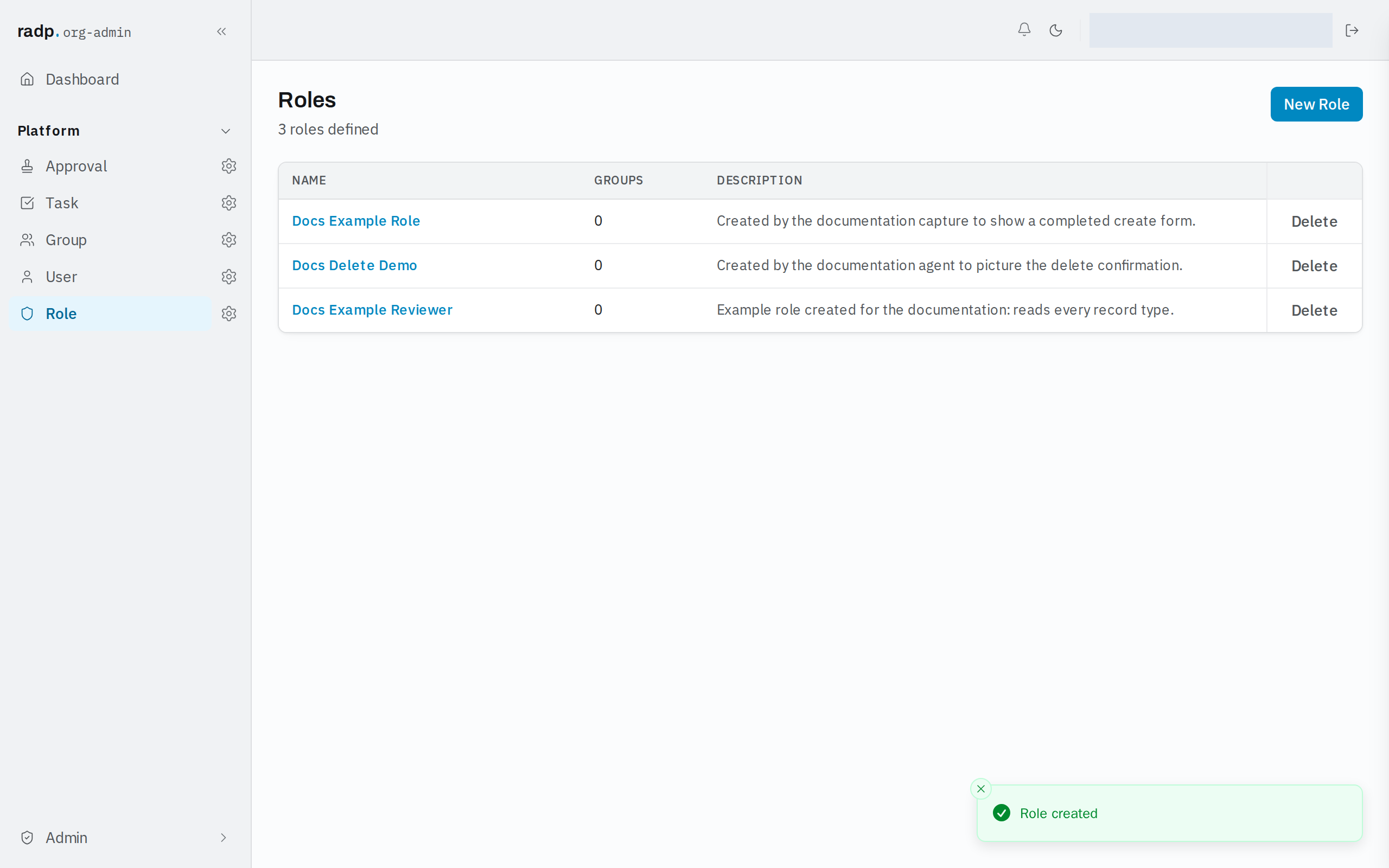
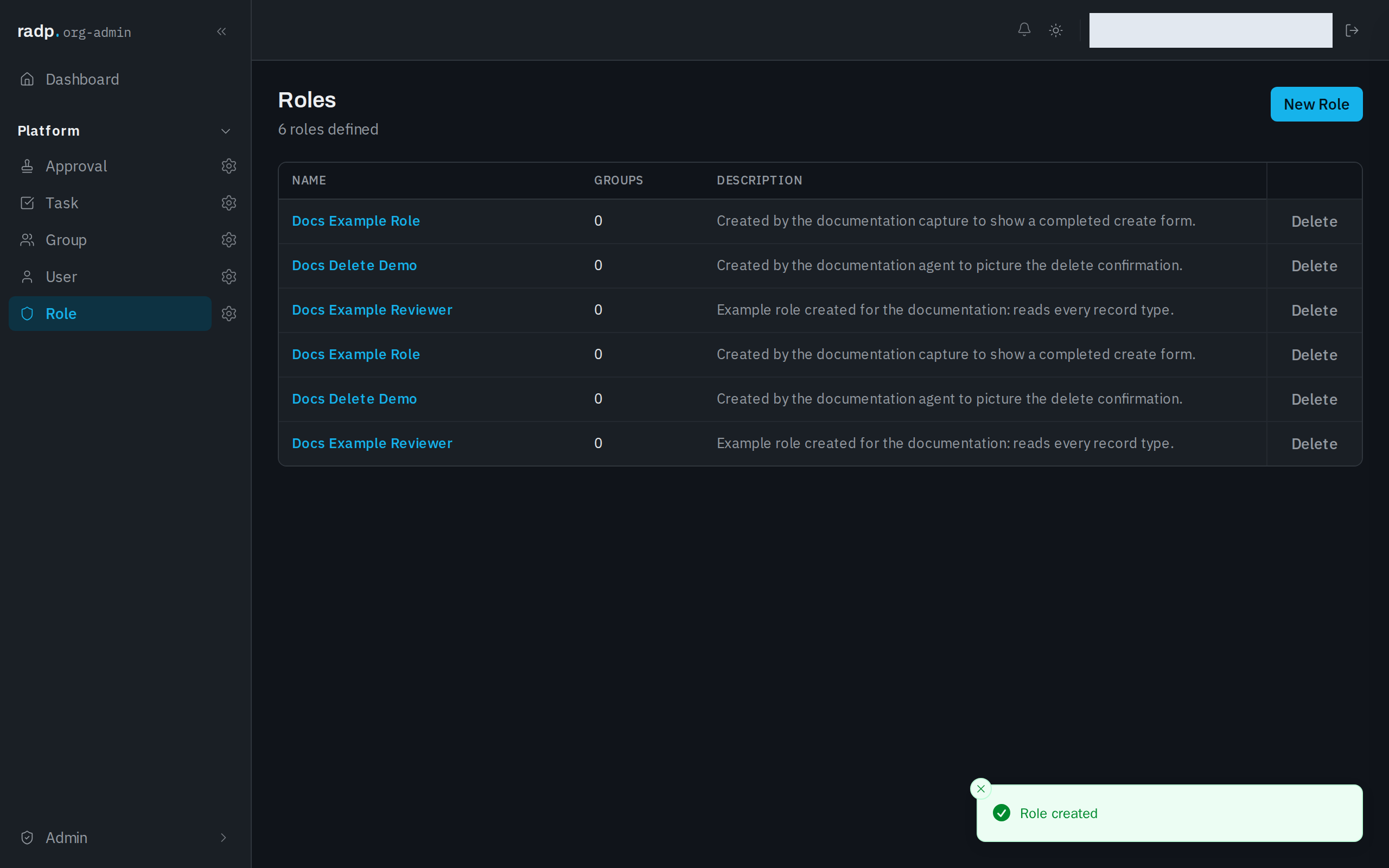
Each row has a Delete action. Deleting a role takes its permissions away from every group that held it.
Role names are not checked for duplicates, so two roles can carry the same name and different permissions. Give each one a description that tells them apart.
Administrators are not affected
An org-admin or radp-admin can read, create, update and delete any record of any type without a role. Roles matter only for people whose platform role is user. See How access works.