How validation works
Where a field's validation settings live, which check decides, and what a person filling the form sees.
Validation decides which values a record is allowed to hold. You set it once, per field, on the record type — everyone who creates or edits a record of that type then meets the same rules.
Validation is set in the Admin area, which only org-admins and radp-admins can open.
Where the settings live
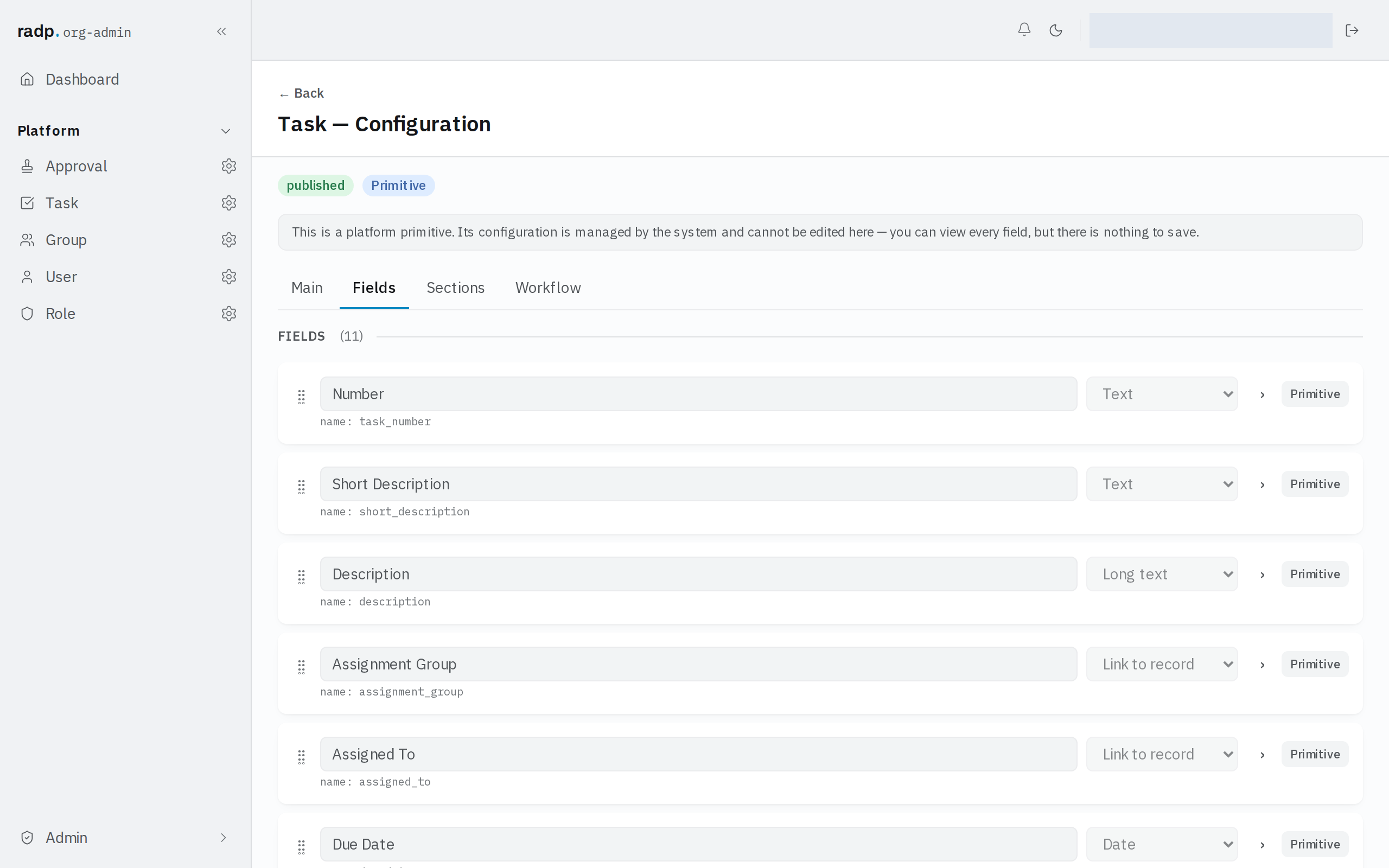
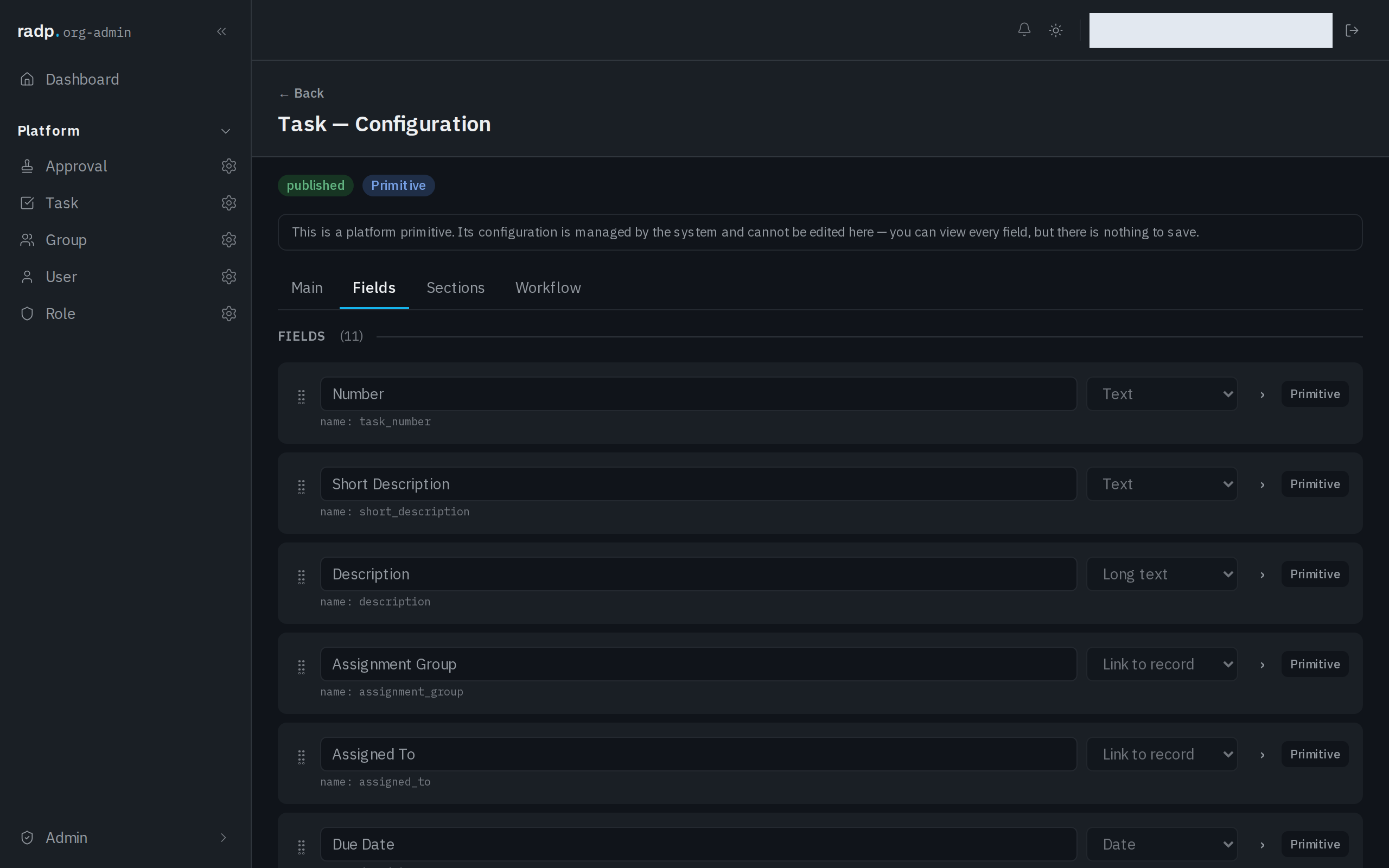
- Open the record type's configuration from the Admin area and choose the Fields tab.
- Expand the field you want to bound.
The settings sit in two places in the panel that opens. The tick boxes along the top include Required and Read-only. Below them, under VALIDATION, are the limits on the value itself — for a text field, MIN LENGTH, MAX LENGTH, PATTERN (REGEX) and Require unique value.
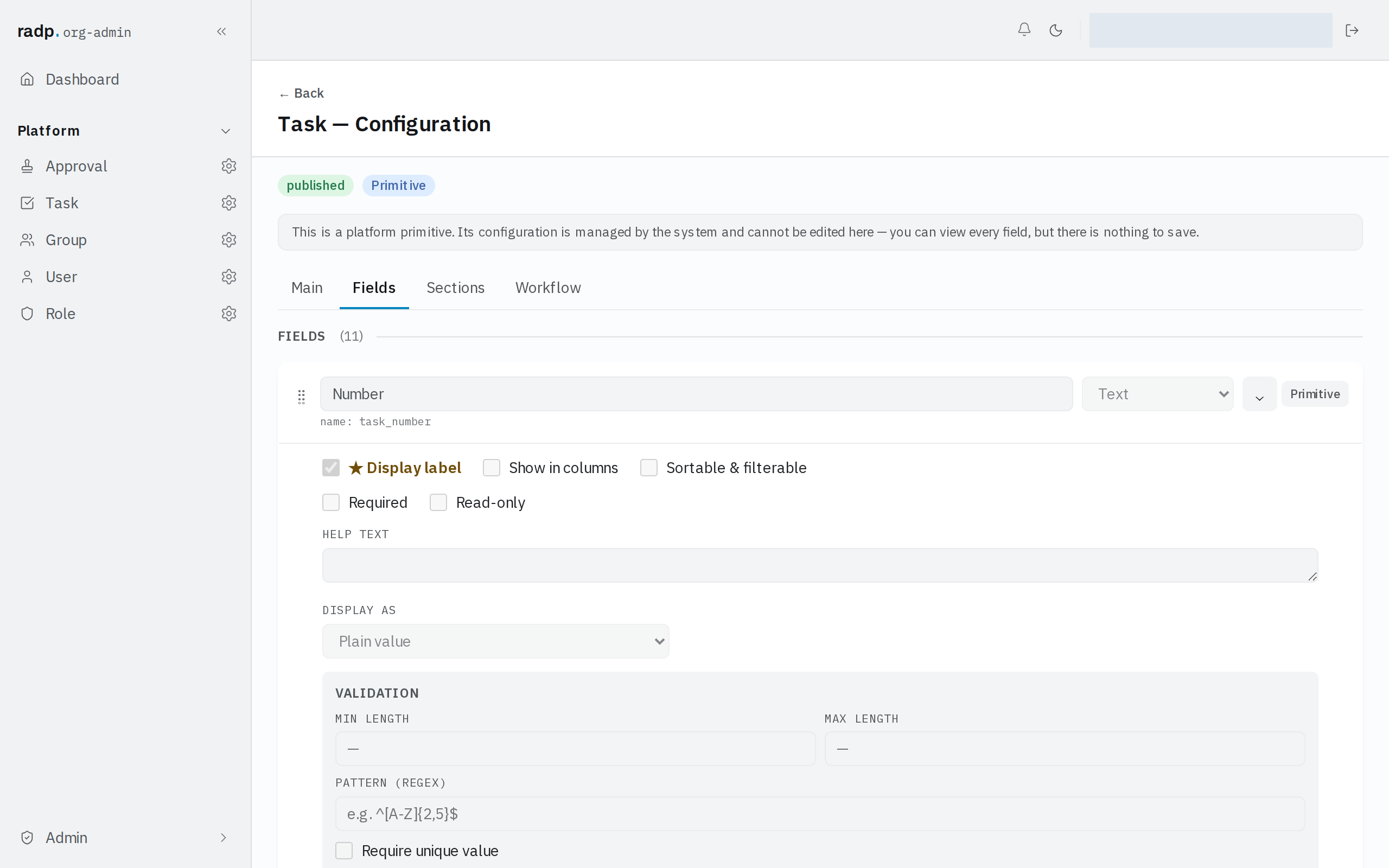
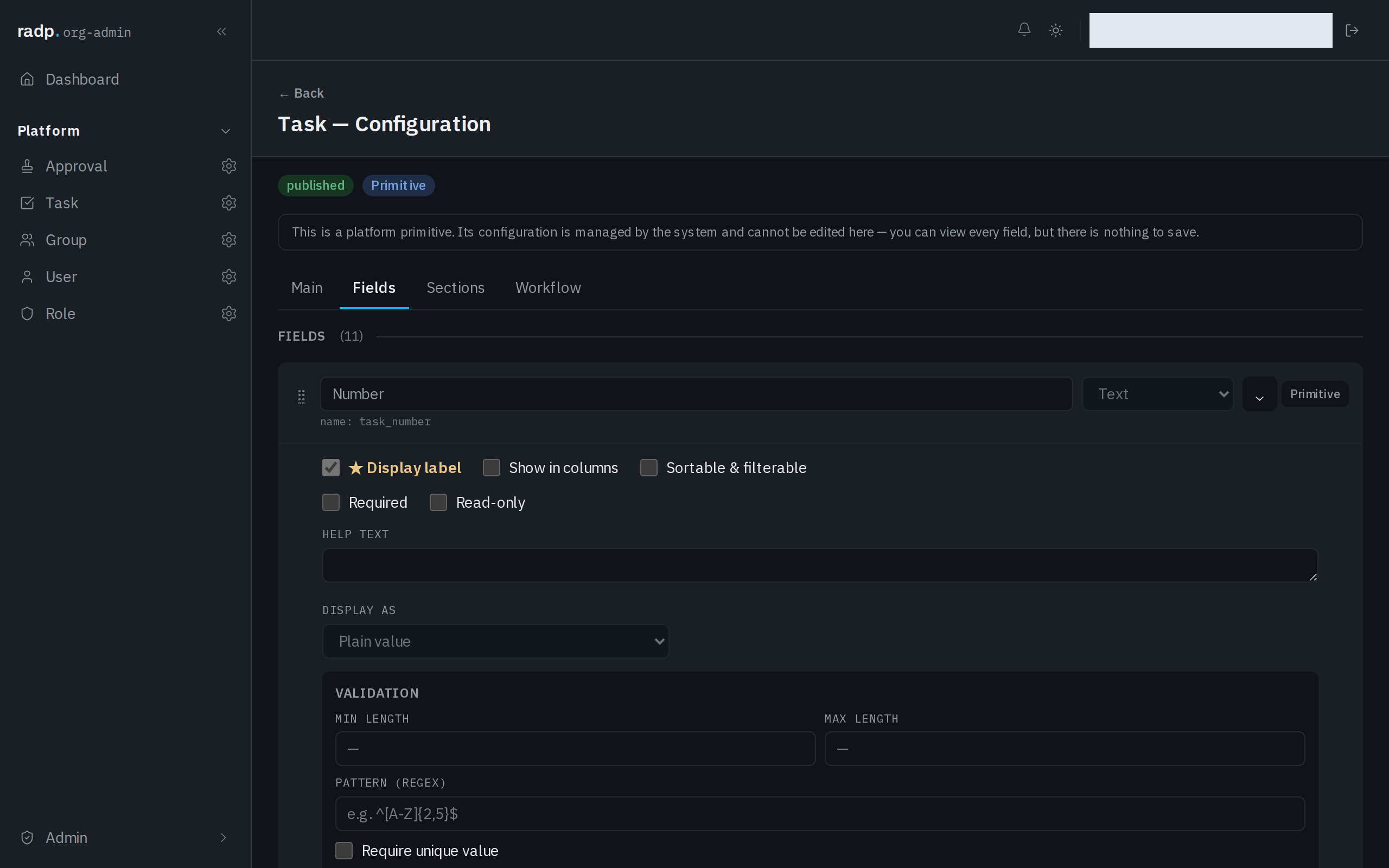
What the VALIDATION section offers changes with the field's type, so a field that holds a number or a date is not bounded the same way as one that holds text.
Checked twice, decided once
A value is checked in the browser as it is typed, which is why a problem usually shows up before anyone presses save. It is checked again on the server when the record is saved, and the server's check is the one that decides. A rule the browser cannot enforce on its own — whether a value is already used by another record, for example — only comes back at that point.
When the server refuses a save, the record is not stored and the answer names the fields that failed and what is wrong with each of them. Correct the named fields and save again.
What the form shows
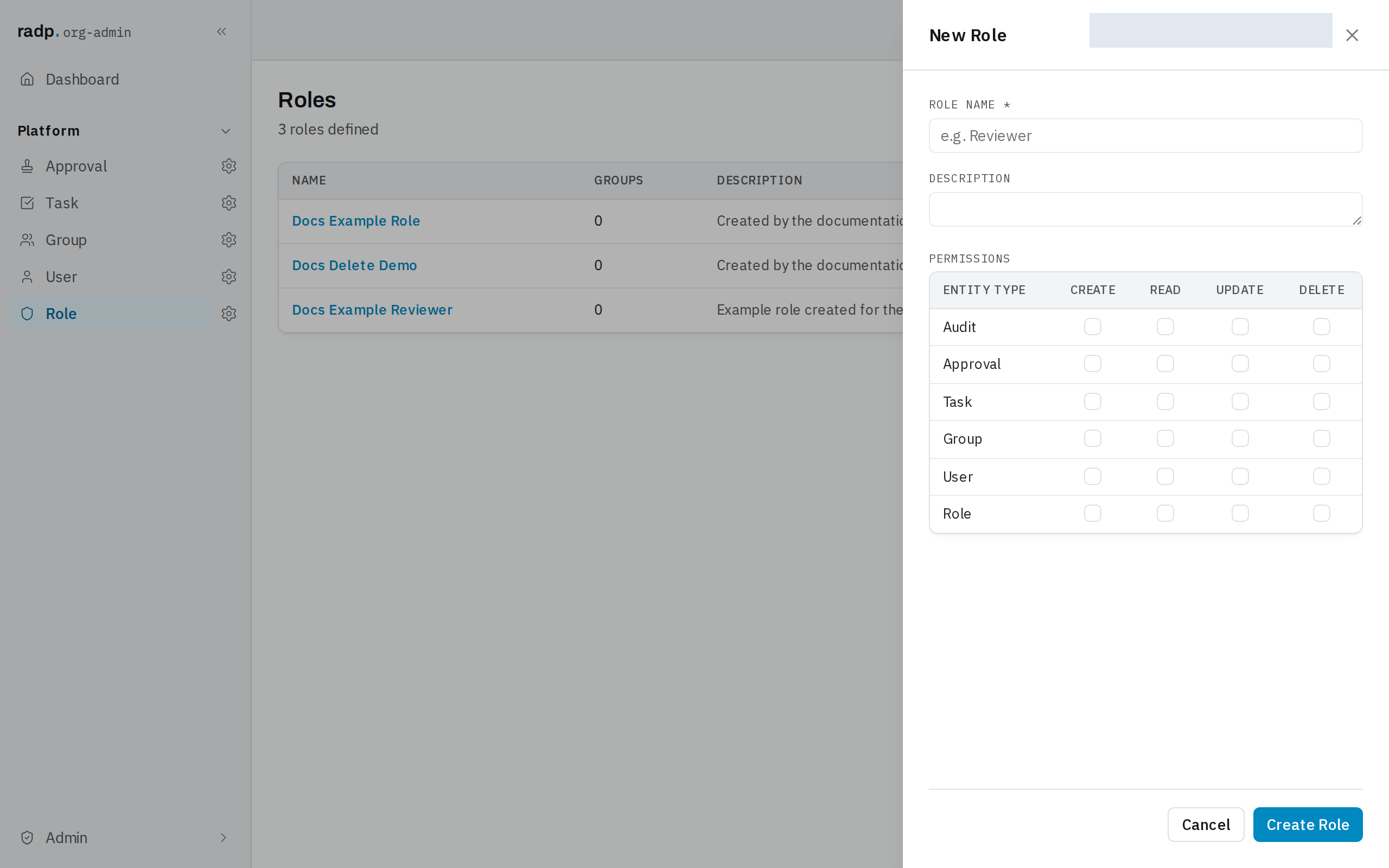
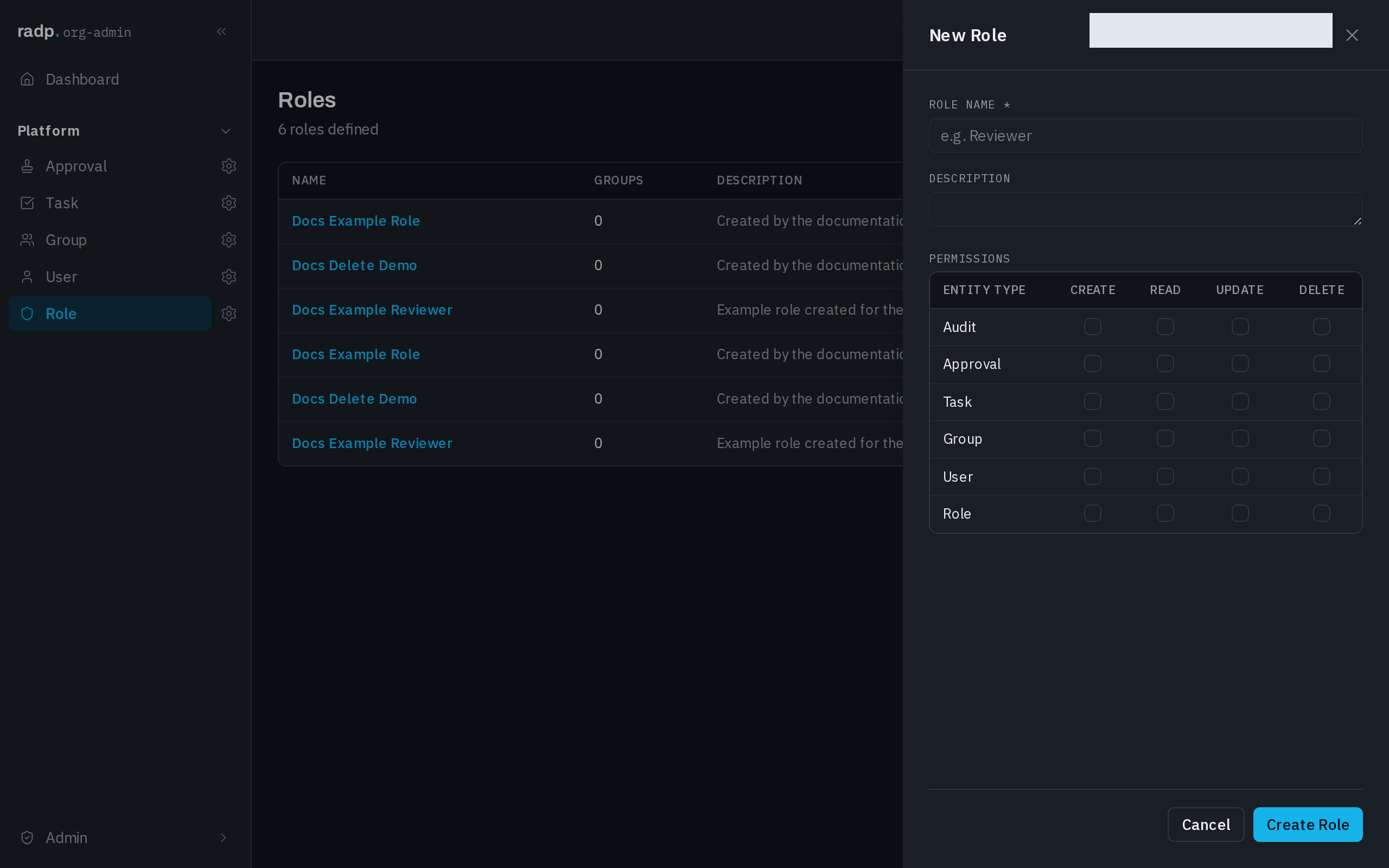
The person filling in the form never sees the settings, only their effect. A value that has to be given is marked with an asterisk after its label, so it can be told apart before anyone tries to save.
Platform record types
The record types RADP provides — users, groups, roles, tasks and approvals — can be opened and read the same way, and each field's settings can be viewed, but nothing on them can be changed or saved. The page says so at the top.
When you cannot change a setting
A record type that belongs to a module can only be changed while you hold that module's check-out. If the validation settings will not save, check whether the module is checked in or checked out by somebody else.