Unique
Stop two records of the same type holding the same value.
Turn on Require unique value when a value has to identify one record and one only — a supplier code, an asset tag, an email address. The save is refused if another record of the same type already holds that value.
This is set in the Admin area, which only org-admins and radp-admins can open.
Making a value unique
- Open the record type's configuration from the Admin area and choose the Fields tab.
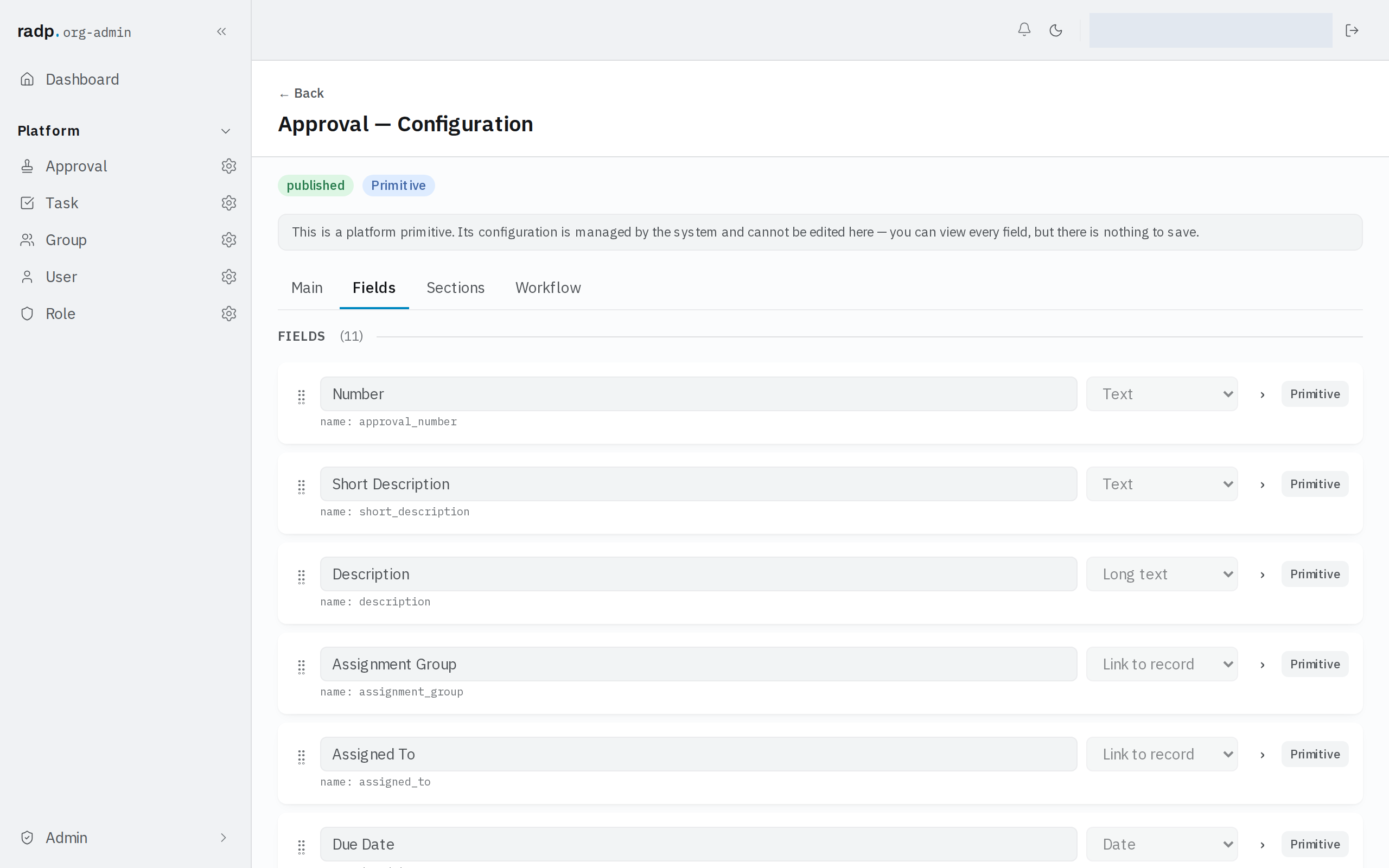
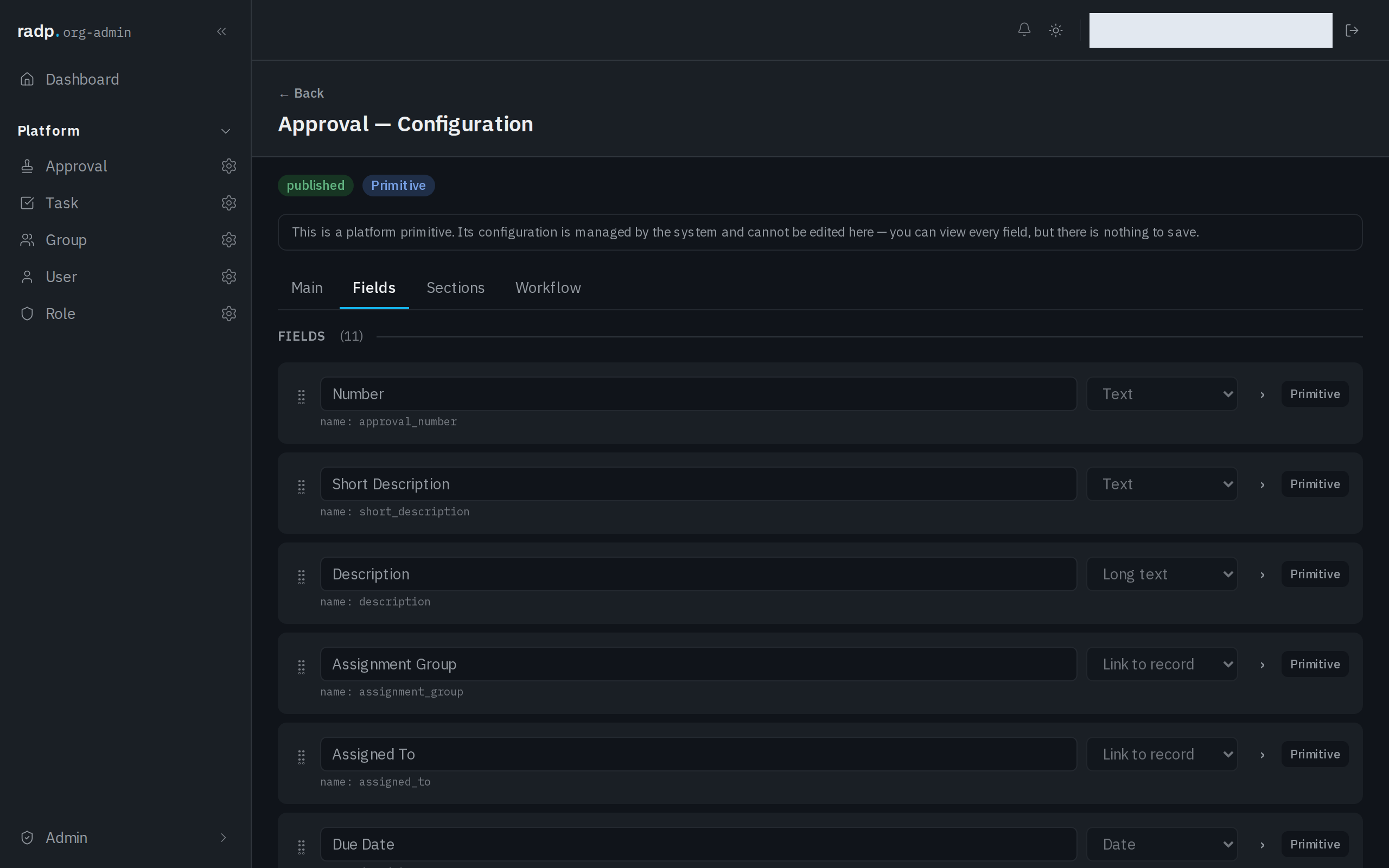
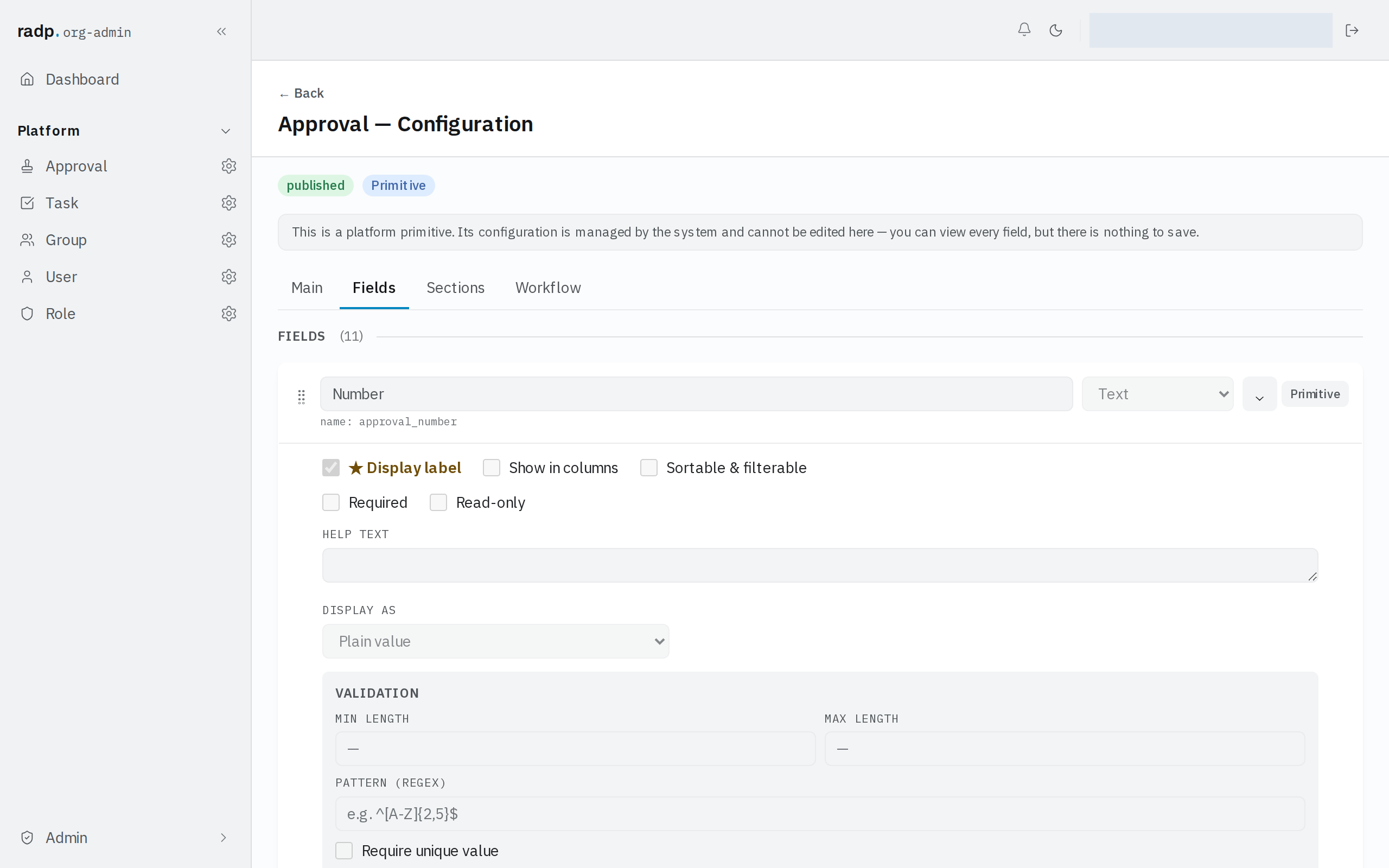
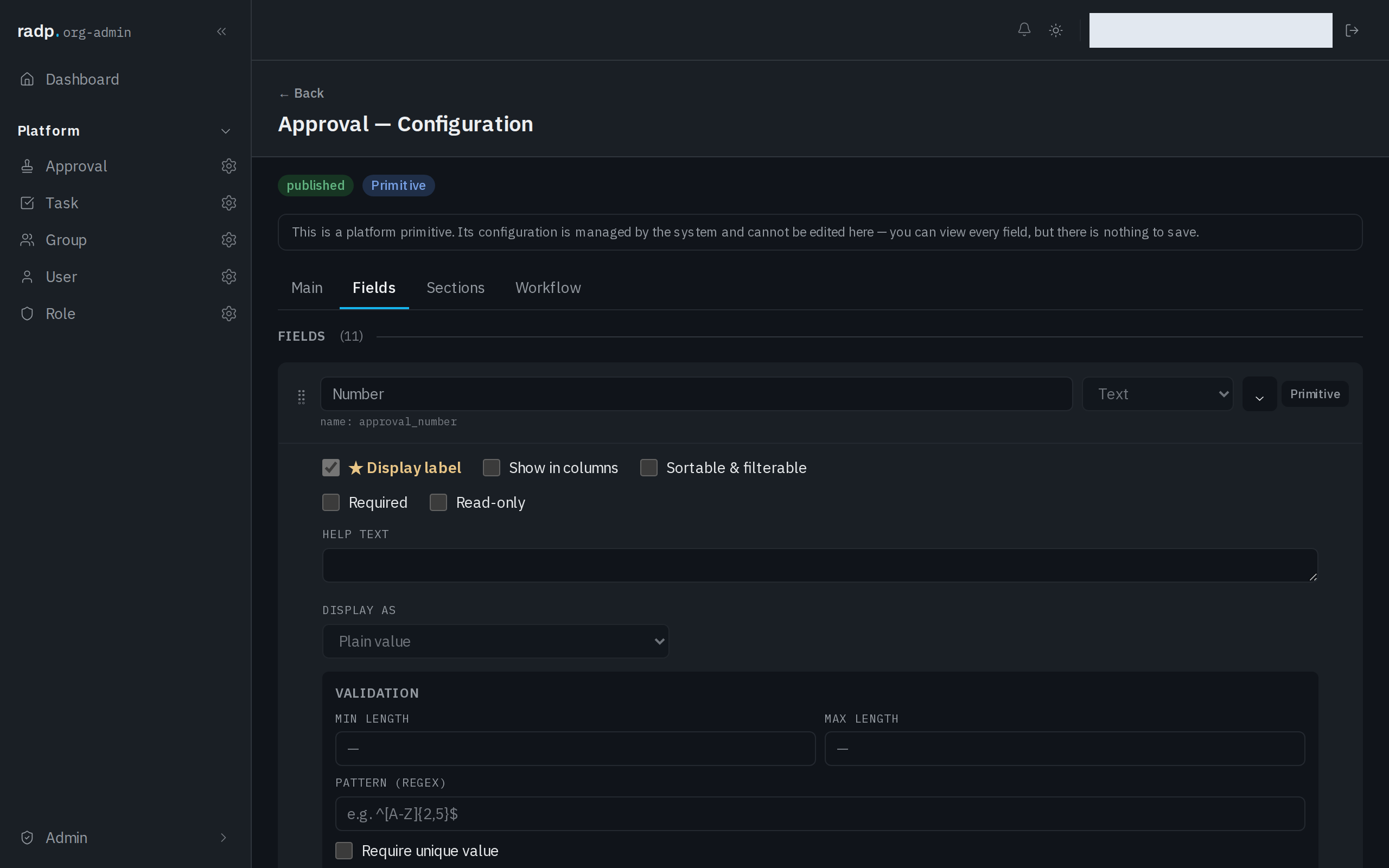
- Expand the field.
- Under VALIDATION, tick Require unique value.
What it compares against
Only other records of the same record type. Two different record types can hold the same value in their own fields without clashing.
When the clash is reported
On save. The browser cannot see what every other record holds, so unlike a length limit this rule is not caught as the value is typed — the server checks it and refuses the save, naming the field. Whoever is entering the record has to change the value before it can be stored.
Because of that, Require unique value is worth pairing with Required only where you genuinely want both: a value that must be given, and given only once.