Minimum, maximum and length
Bound how long a value may be or how large it may get, and know what a bound cannot catch.
Bounds keep obviously wrong values out: a reference that is too short to be real, a note long enough to break a report, a quantity nobody meant to type. Set them per field, on the record type.
This is set in the Admin area, which only org-admins and radp-admins can open.
Setting a bound
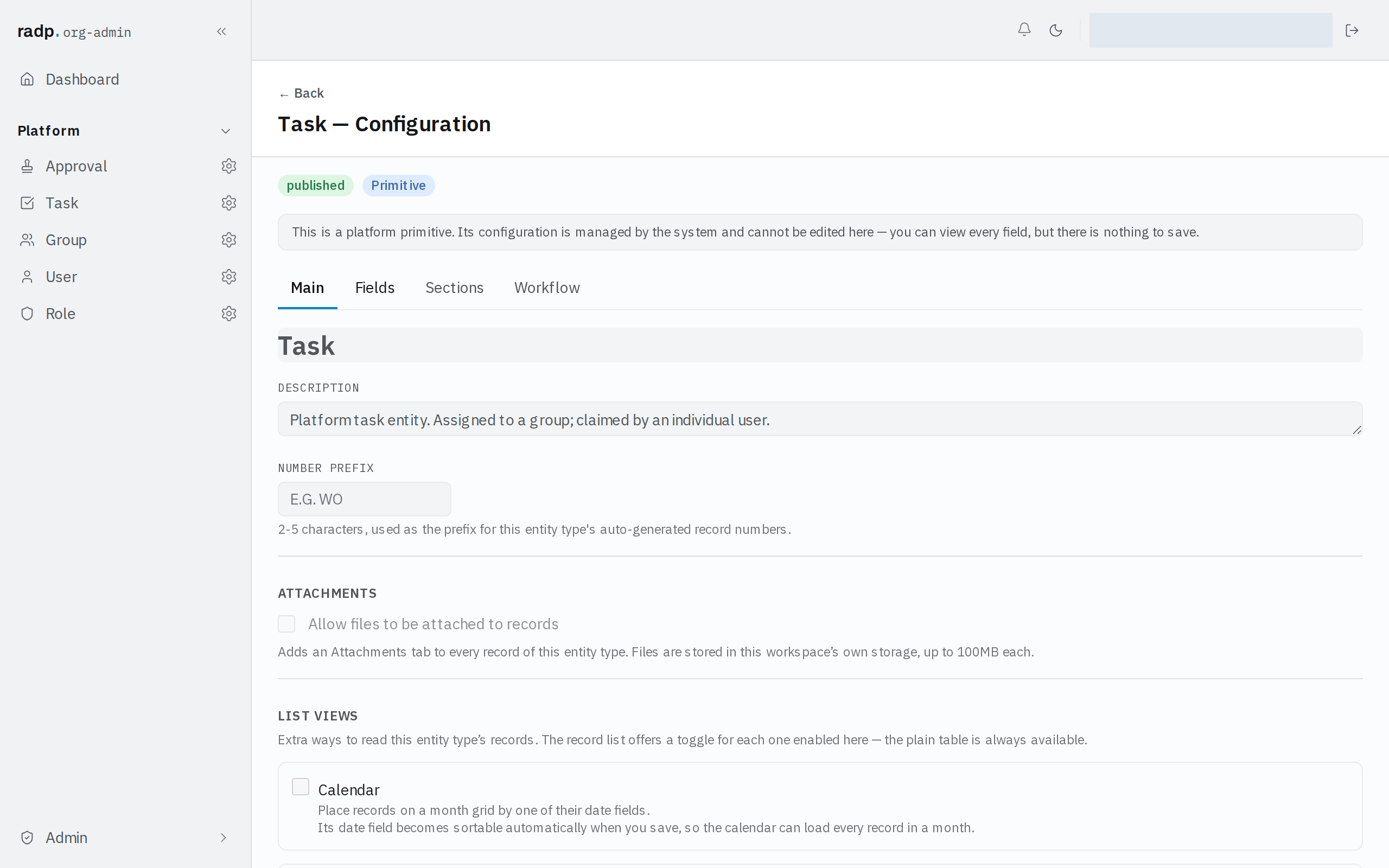
- Open the record type's configuration from the Admin area and choose the Fields tab.
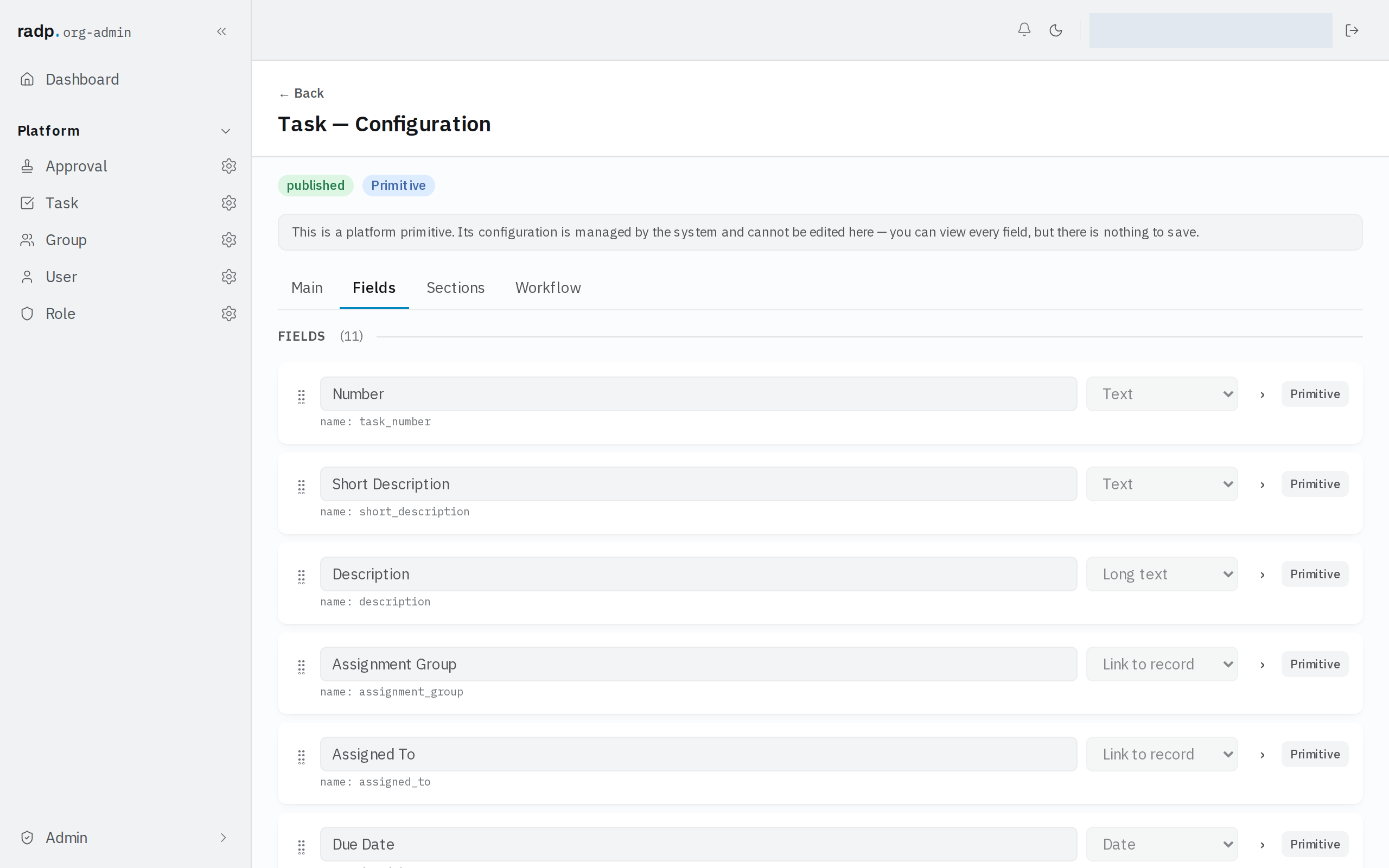
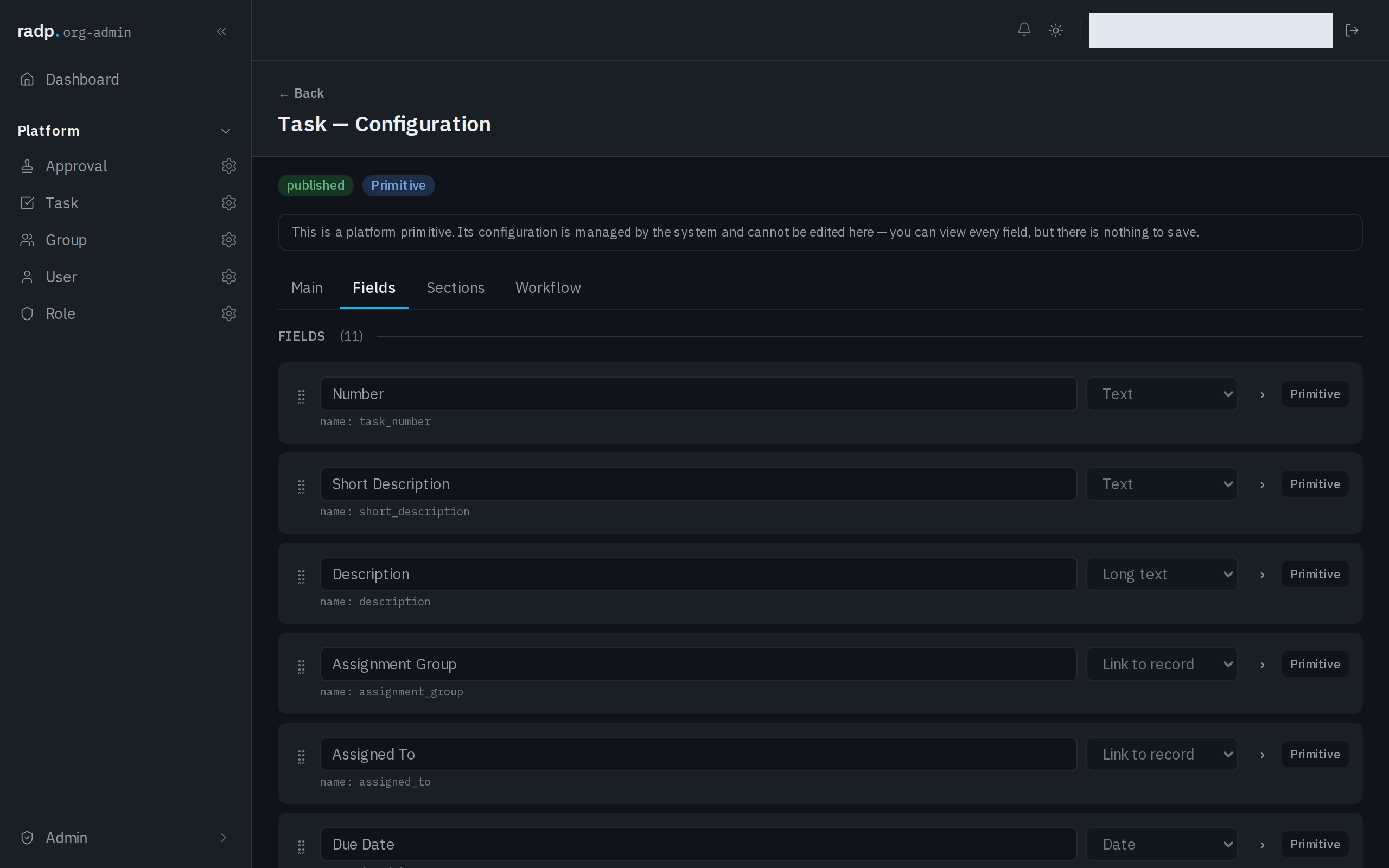
- Expand the field you want to bound.
- Fill in the bound under VALIDATION. On a text field these are MIN LENGTH and MAX LENGTH.
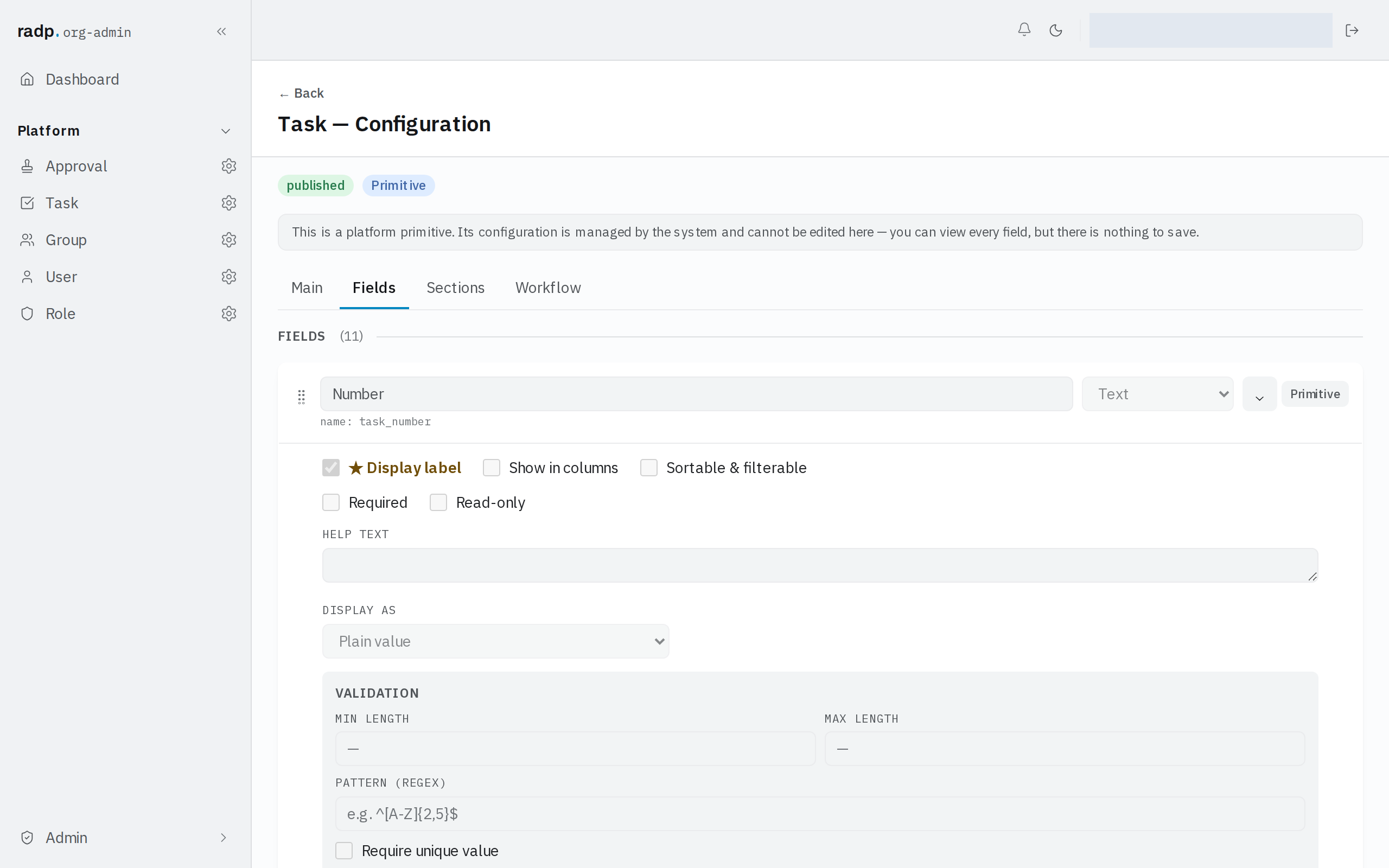
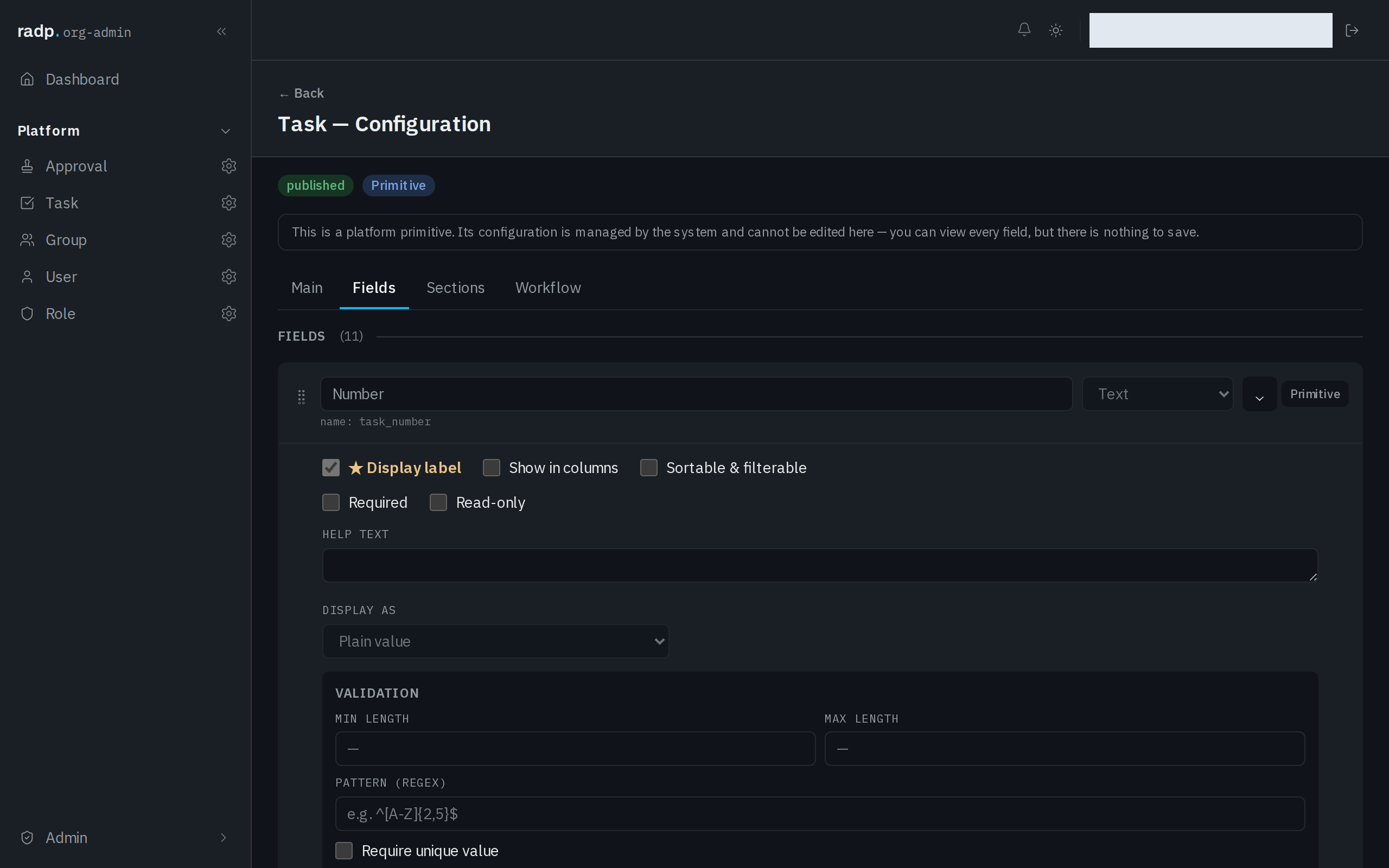
Leave a box empty for no bound in that direction. A minimum on its own is fine, and so is a maximum on its own.
What the VALIDATION section offers depends on the field's type. Text is bounded by how many characters it holds; a field that holds a number is bounded by the smallest and largest value it may take, not by its length.
Choosing the numbers
- A minimum is for values that are meaningless below a point — a reference shorter than the shortest real one, a quantity below one.
- A maximum is for protecting what reads the value later: a list column, a printed line, a report.
Set the maximum where the value stops being useful, not at the first number that feels tidy. Tightening it later refuses the next save of every record already over it.
What a bound cannot catch
A bound counts, it does not read. A value of the right length can still be nonsense, and a number inside its range can still be the wrong number.
For the shape of a value rather than its size, use PATTERN (REGEX) in the same section, or pick a field type that checks the format for you — Email, Web address (URL) or Phone.
Bounds are checked in the browser as the value is typed and again on the server when the record is saved. The server decides.
A length rule you do not set
Not every length rule is one of yours. A record type's NUMBER PREFIX, on the Main tab of its configuration, has to be 2 to 5 characters, and the form states that rule under the box. It is fixed, so there is no field setting to loosen it.