Required
Make a field compulsory, know what counts as empty, and tell required from optional on a form.
Mark a field Required when a record makes no sense without it — the short description on a ticket, the due date on a job. A record cannot be saved until every required field has a value.
This is set in the Admin area, which only org-admins and radp-admins can open.
Making a field required
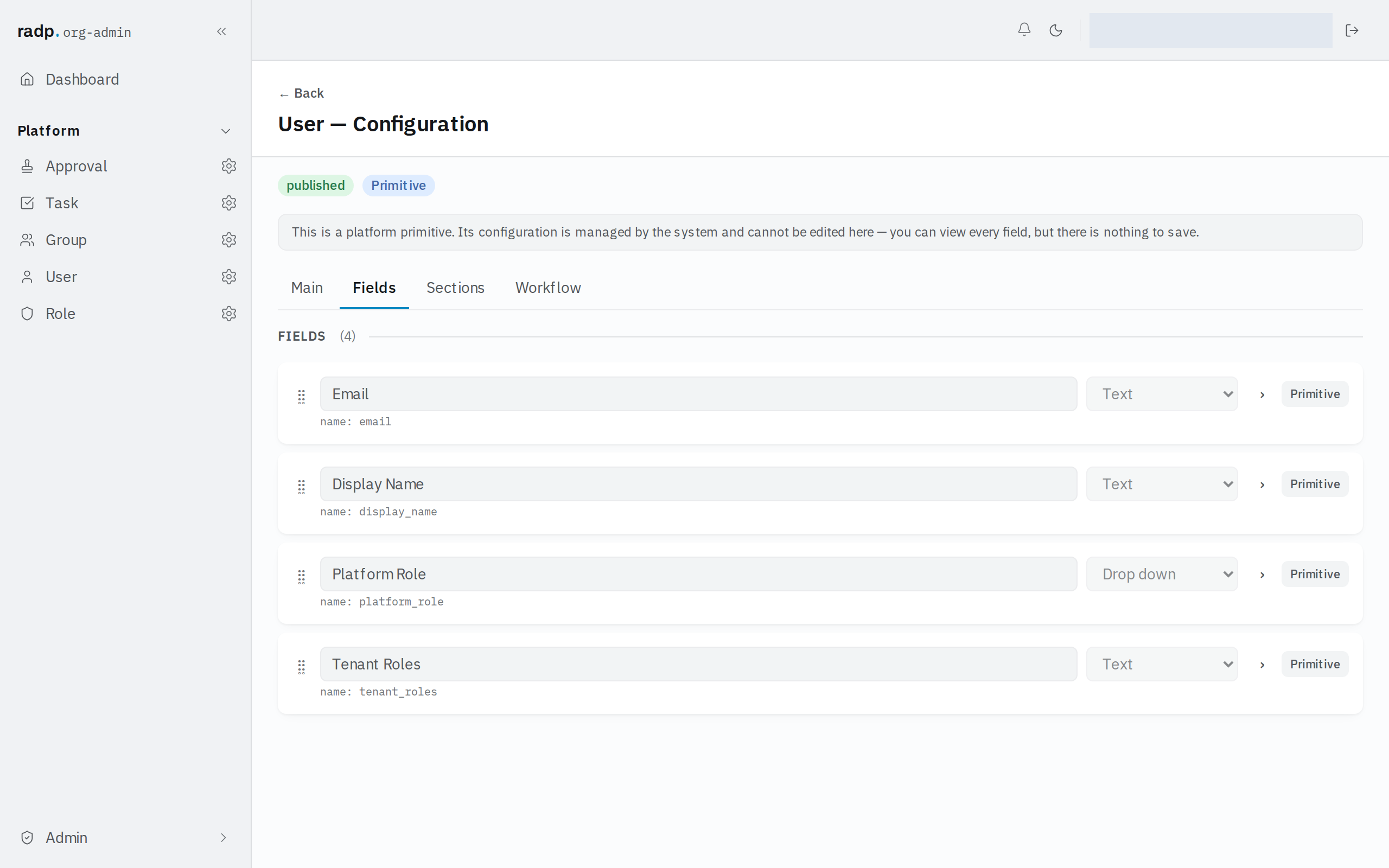
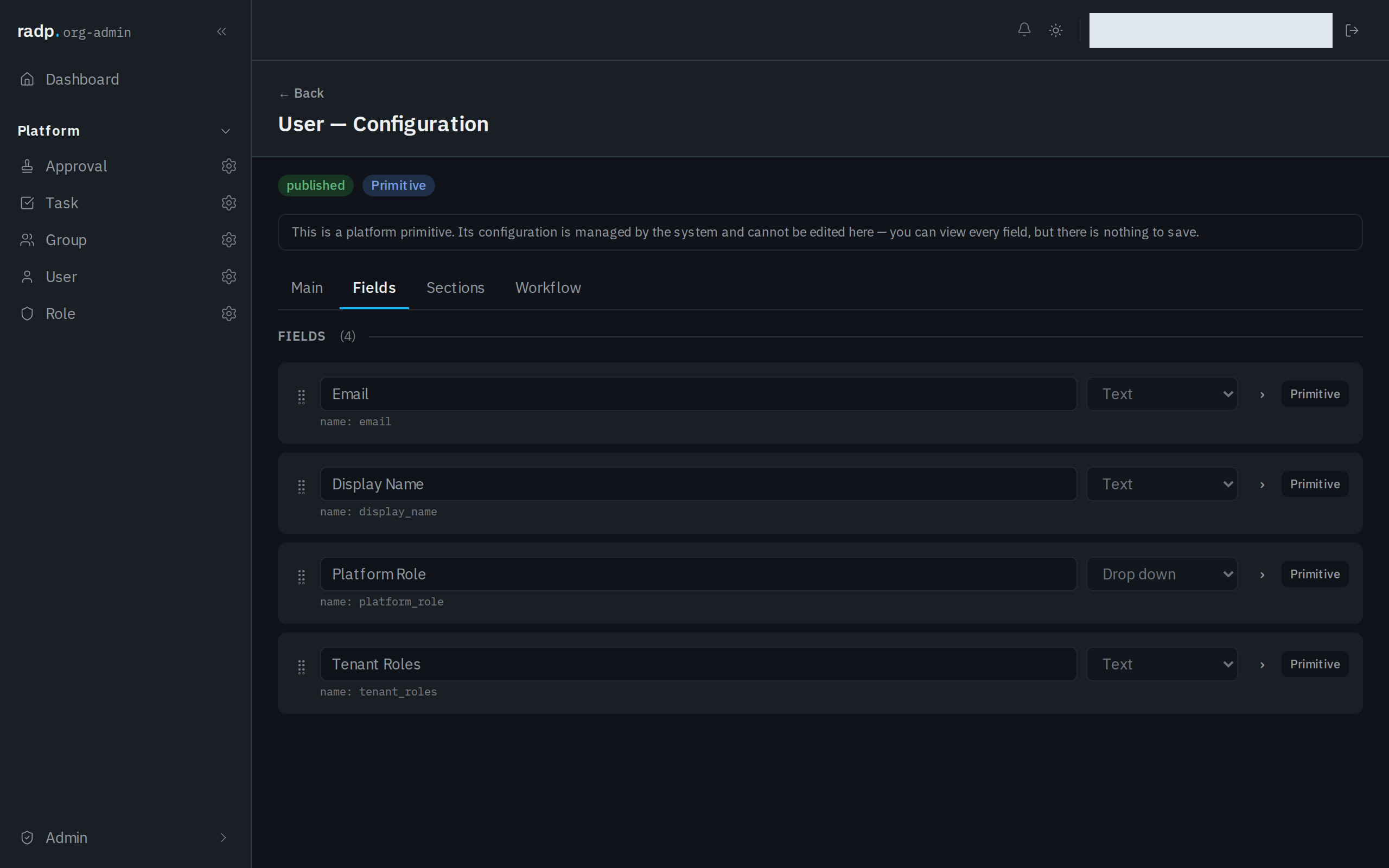
- Open the record type's configuration from the Admin area and choose the Fields tab.
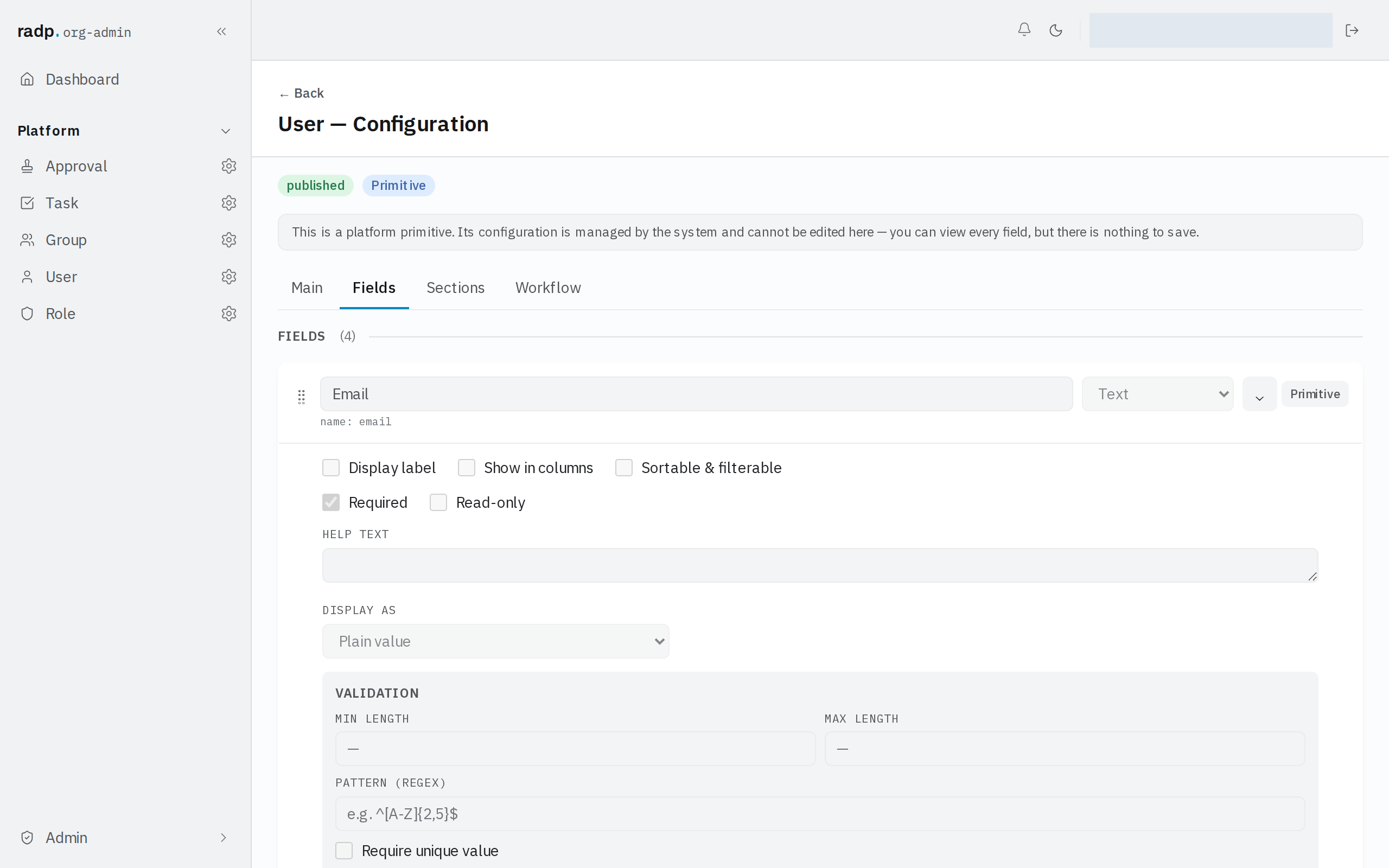
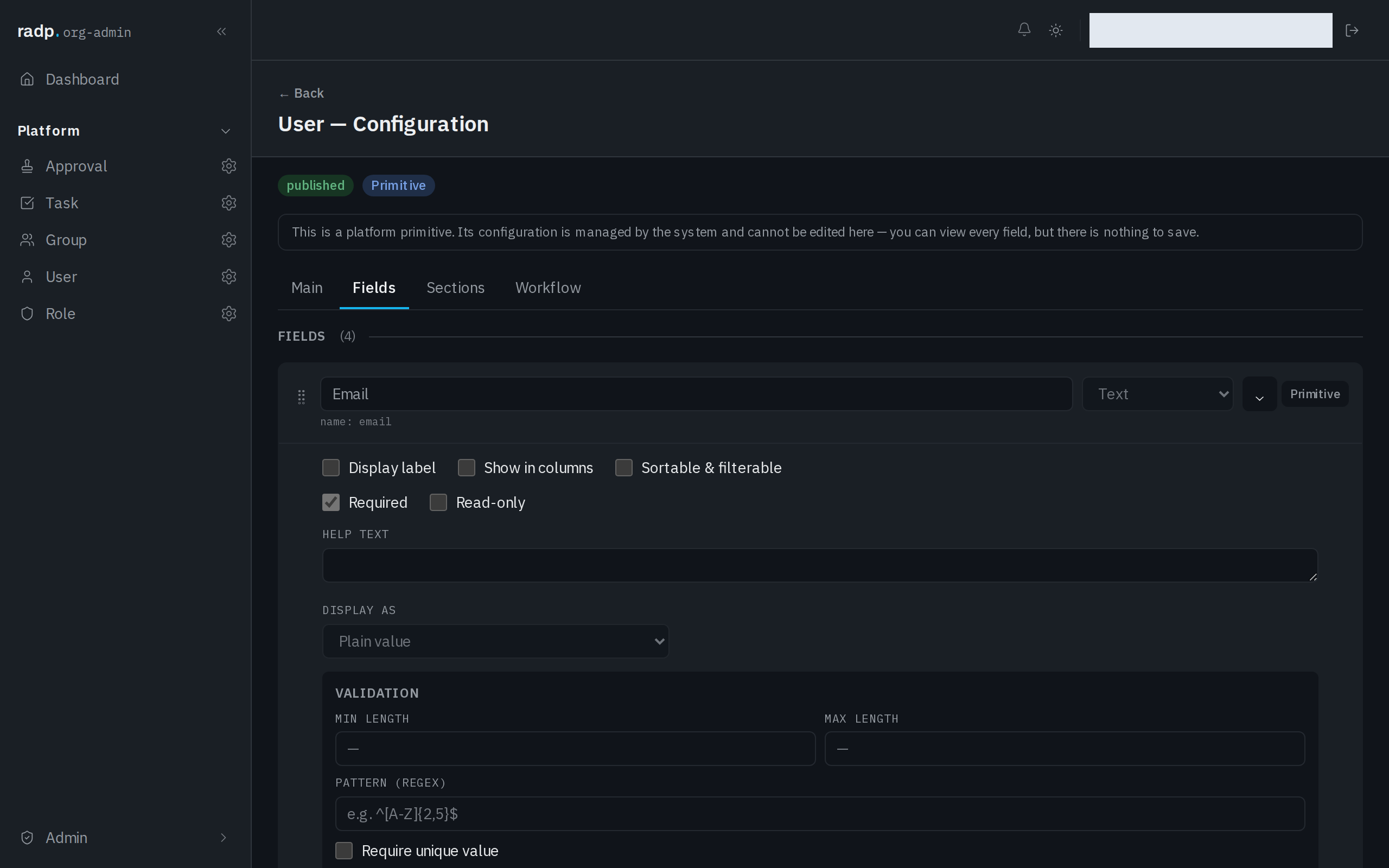
- Expand the field you want to make compulsory.
- Tick Required.
What counts as empty
A field with no value at all is empty, and so is a field that holds an empty list — a multi-select with nothing chosen, or a link field pointing at no records. Both are refused.
The check runs in the browser as the form is filled in, and again on the server when the record is saved. The server has the last word, so a value that slips past the form is still refused.
How it reads on the form
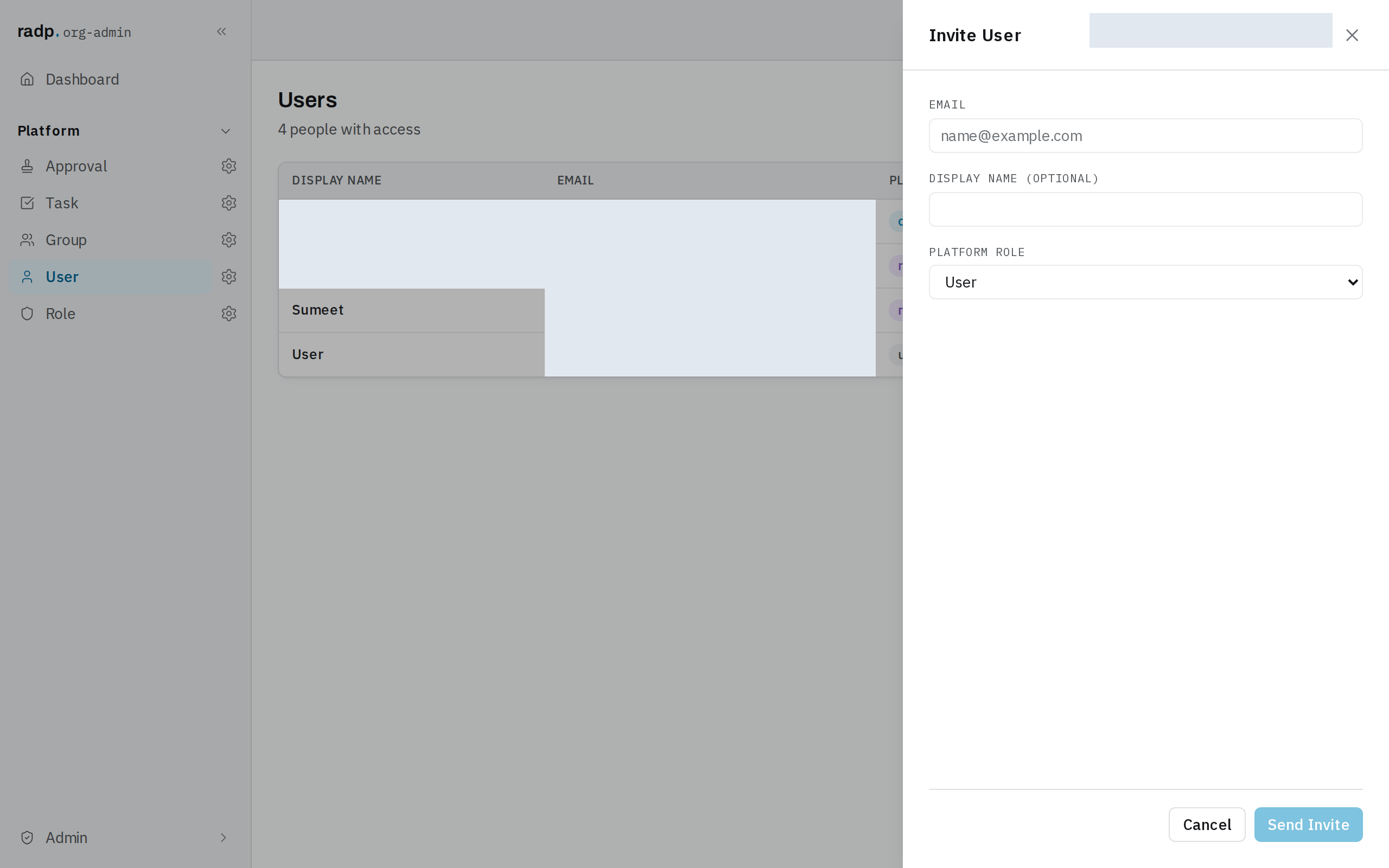
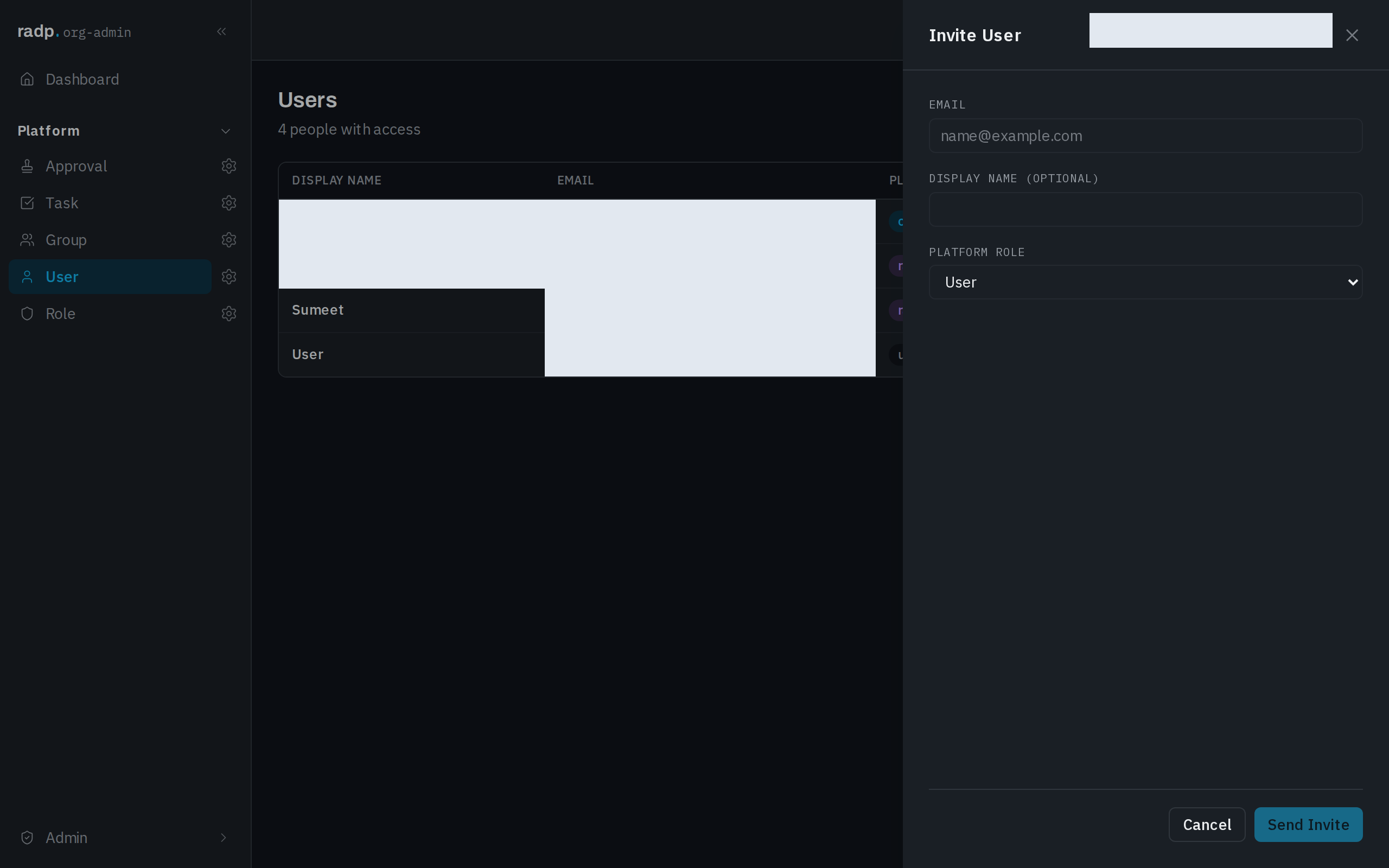
Labels carry the rule. A value that has to be given is marked with an asterisk after its label; a value that can be left blank may say so in the label instead, as the optional one does below.
Before you turn it on
Turning Required on affects the next save of every record of that type, not only new ones. If records already exist without a value in that field, expect the people who open them next to be asked for one.