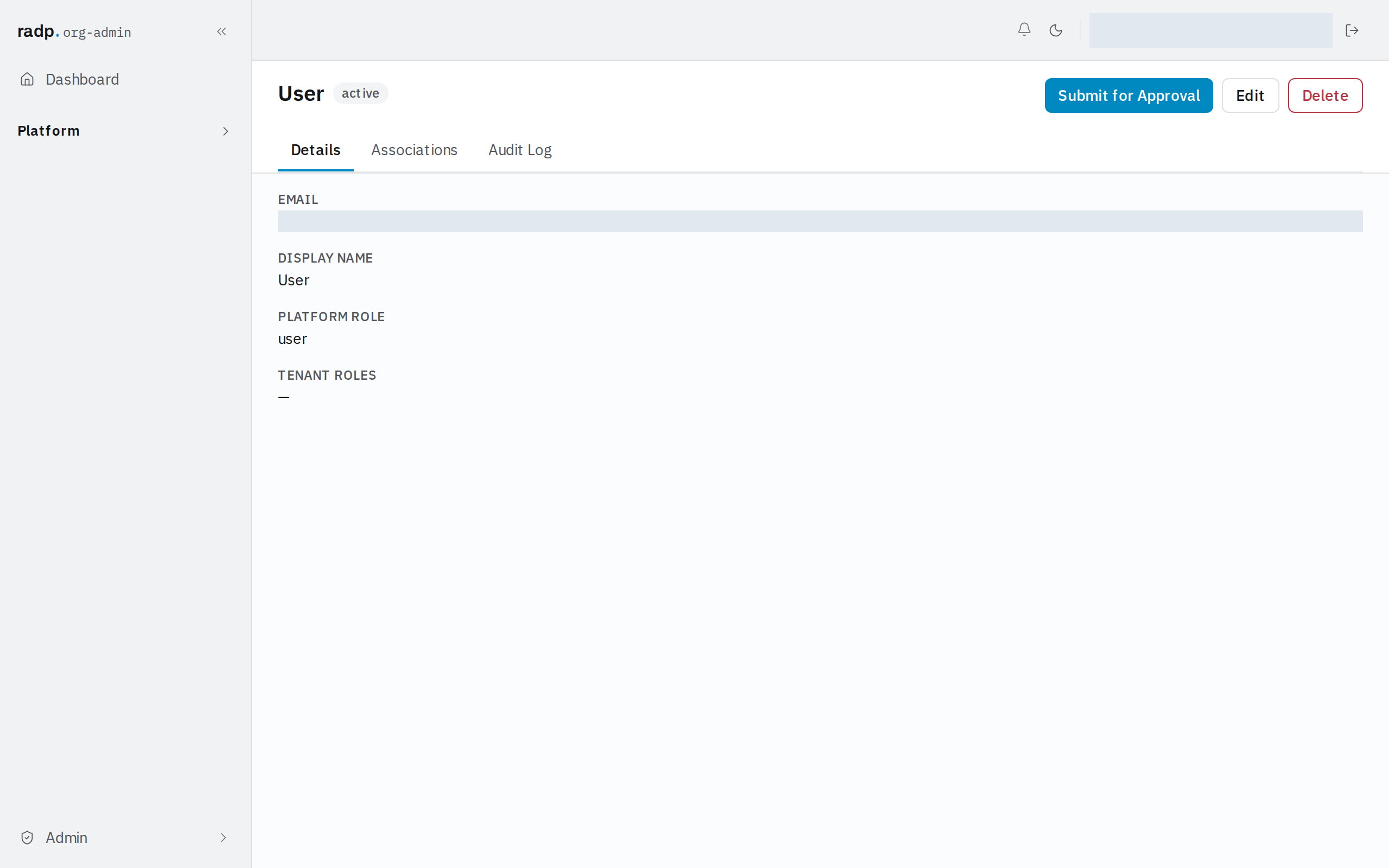
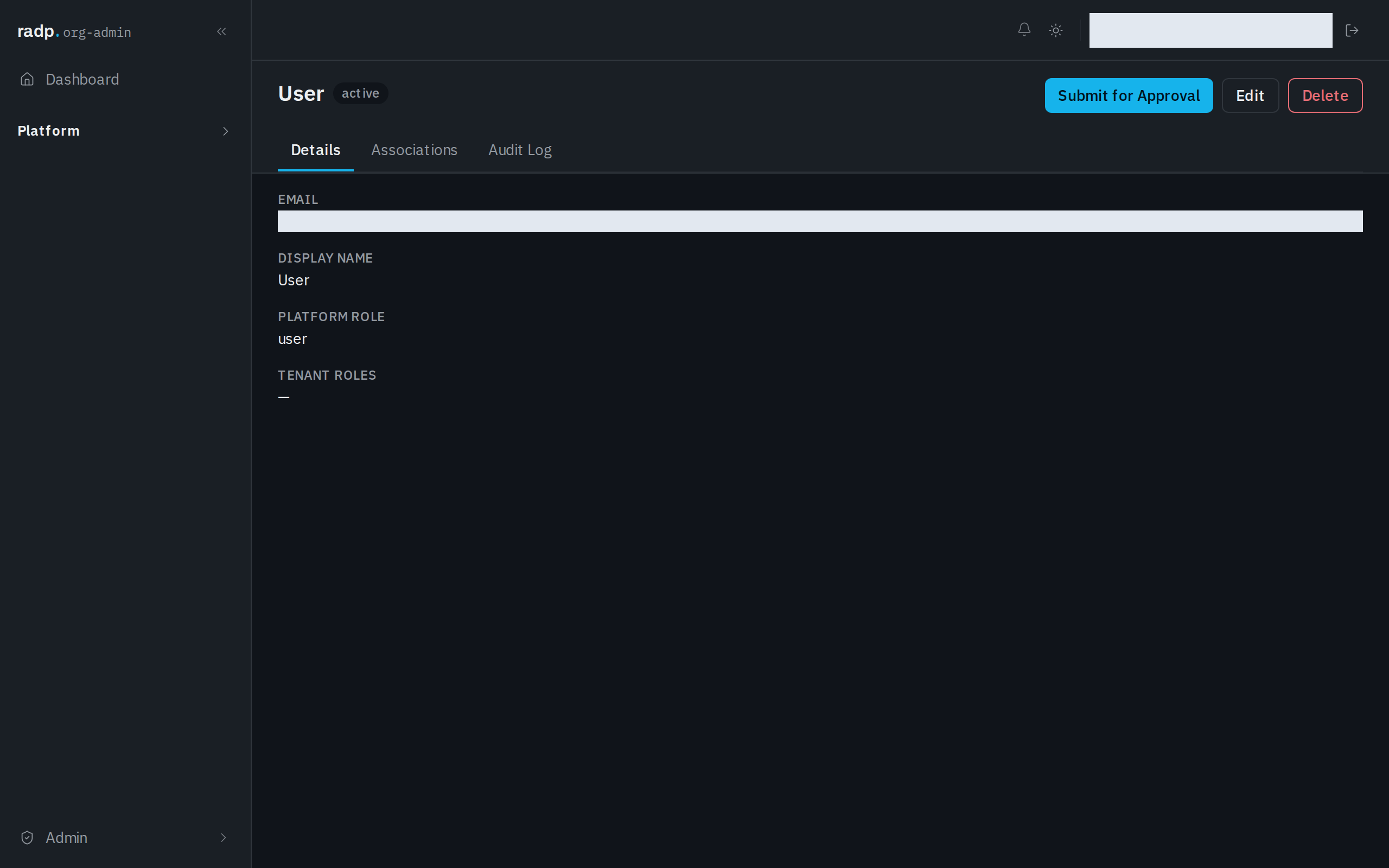
Attaching files to a record
Where files live on a record, the size limit, and why some records have no Attachments tab.
Files are attached to a record, not held in a field. Attachments are turned on for a whole record type: when they are on, every record of that type gets an Attachments tab.
Each file can be up to 100MB. Files are stored in your own workspace's storage.
Turning attachments on
This is an org-admin job, on the record type's configuration, Main tab. The setting is Allow files to be attached to records, under ATTACHMENTS.
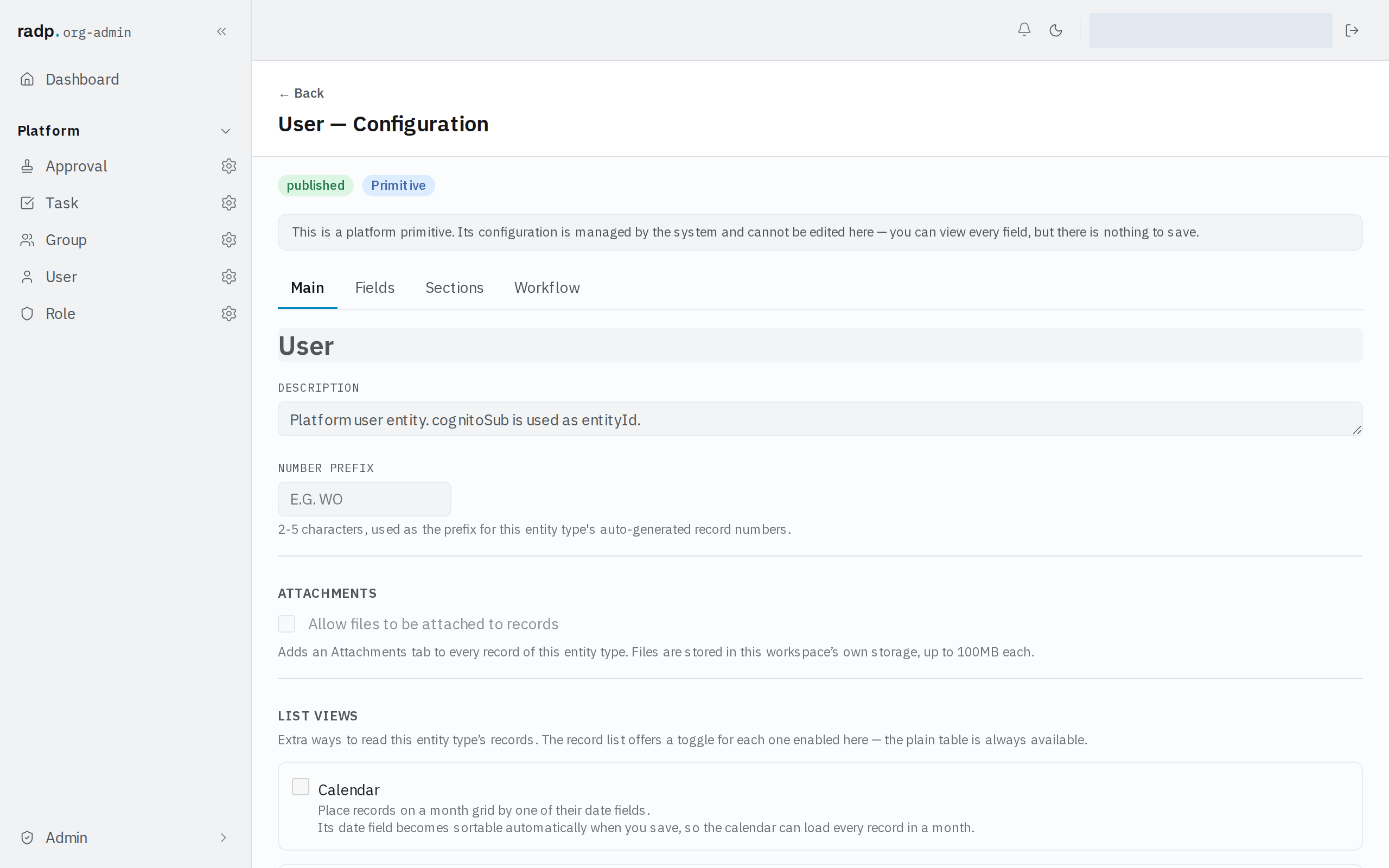
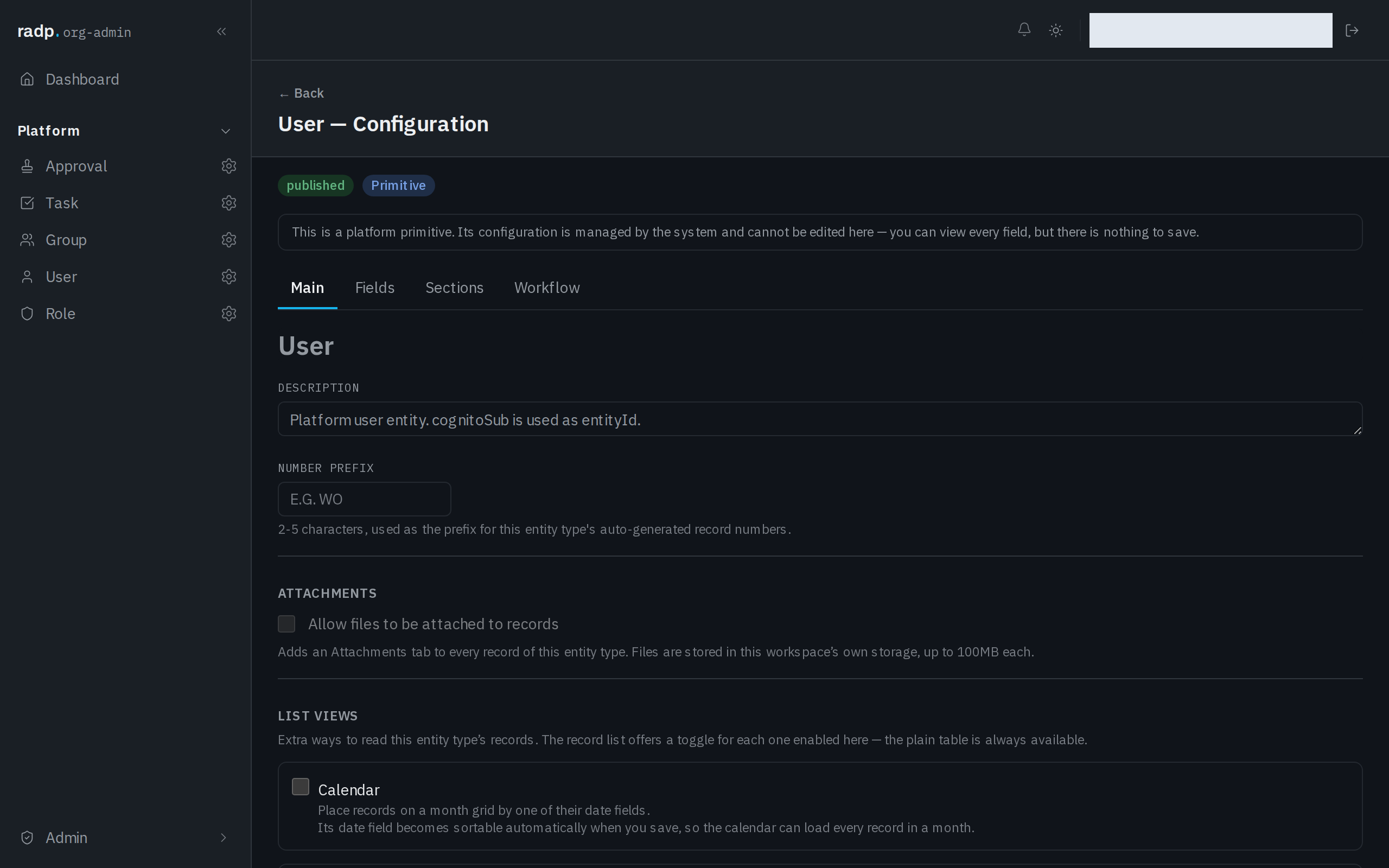
The record types that come with RADP are platform primitives. Their configuration can be read but not changed, so attachments cannot be turned on for them.
When a record has no Attachments tab
The record type does not allow attachments. There is nothing to do on the record itself — ask an org-admin to turn the setting on for that record type.