Calendar, agenda, grouped and board views
Read a record list as a calendar, an agenda, collapsible groups or a board, where those views have been turned on for the record type.
Every record list gives you a plain table. A record type can also offer up to four other ways to read the same records. Where one has been turned on, the record list offers a toggle for it, and the plain table stays available alongside.
What each view gives you
| View | What you get | What it is built on |
|---|---|---|
| Calendar | Records placed on a month grid. | One of the record type's date fields |
| Agenda | Upcoming records as a day-by-day list. It also works on a phone. | One of the record type's date fields |
| Grouped | The table, split into collapsible groups. | A Drop down or Yes / No field |
| Board | Cards in columns, one column per option of a Drop down field. | A Drop down field |
The choice is about how you want to read the same set of records. Nothing about the records themselves changes when you switch view.
Changing a value on a board
On a board, drag a card to another column to change its value. The value you are changing is the Drop down field the columns come from, so moving a card is an edit to the record, not just a rearrangement of the board.
Why a view is not offered
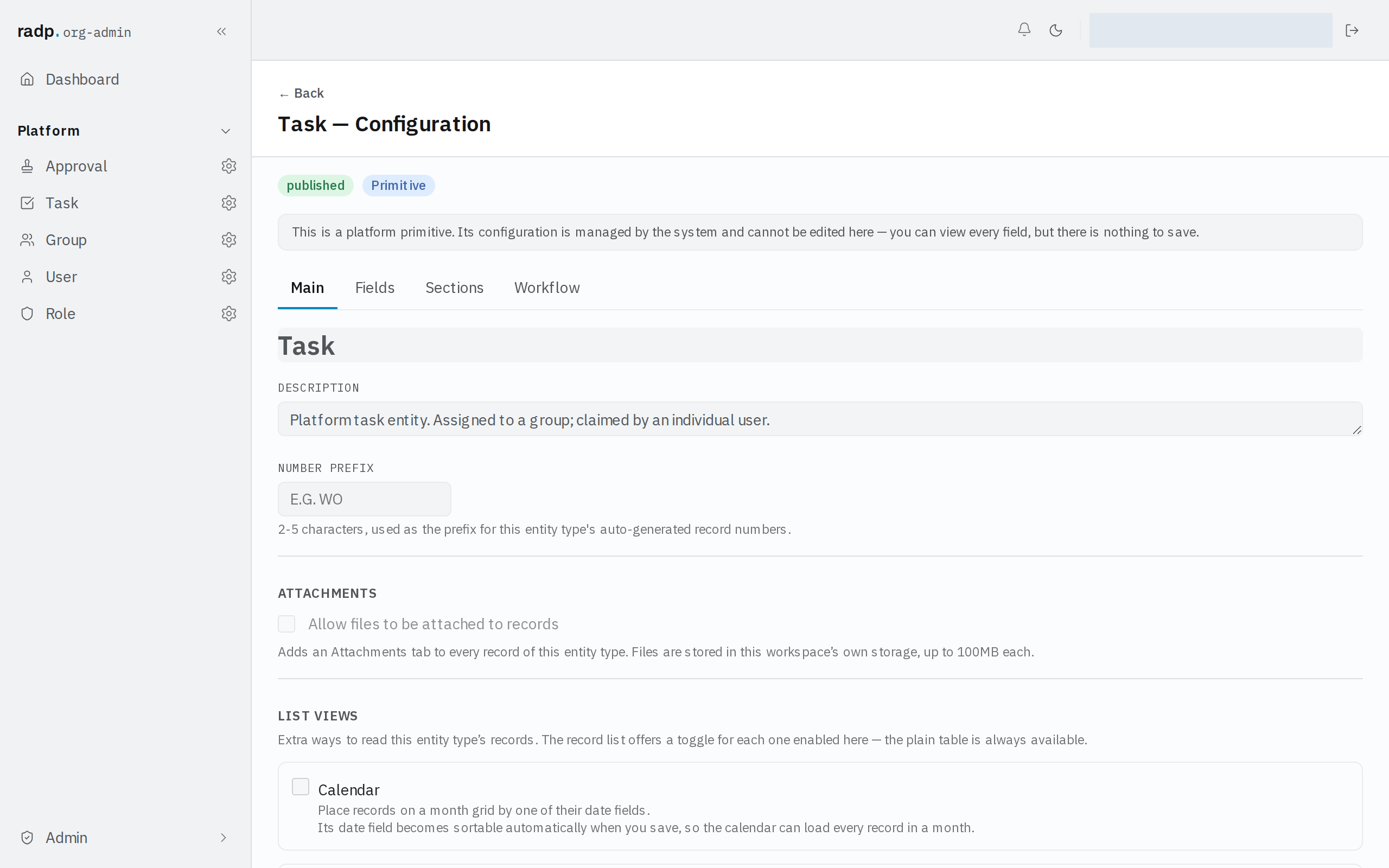
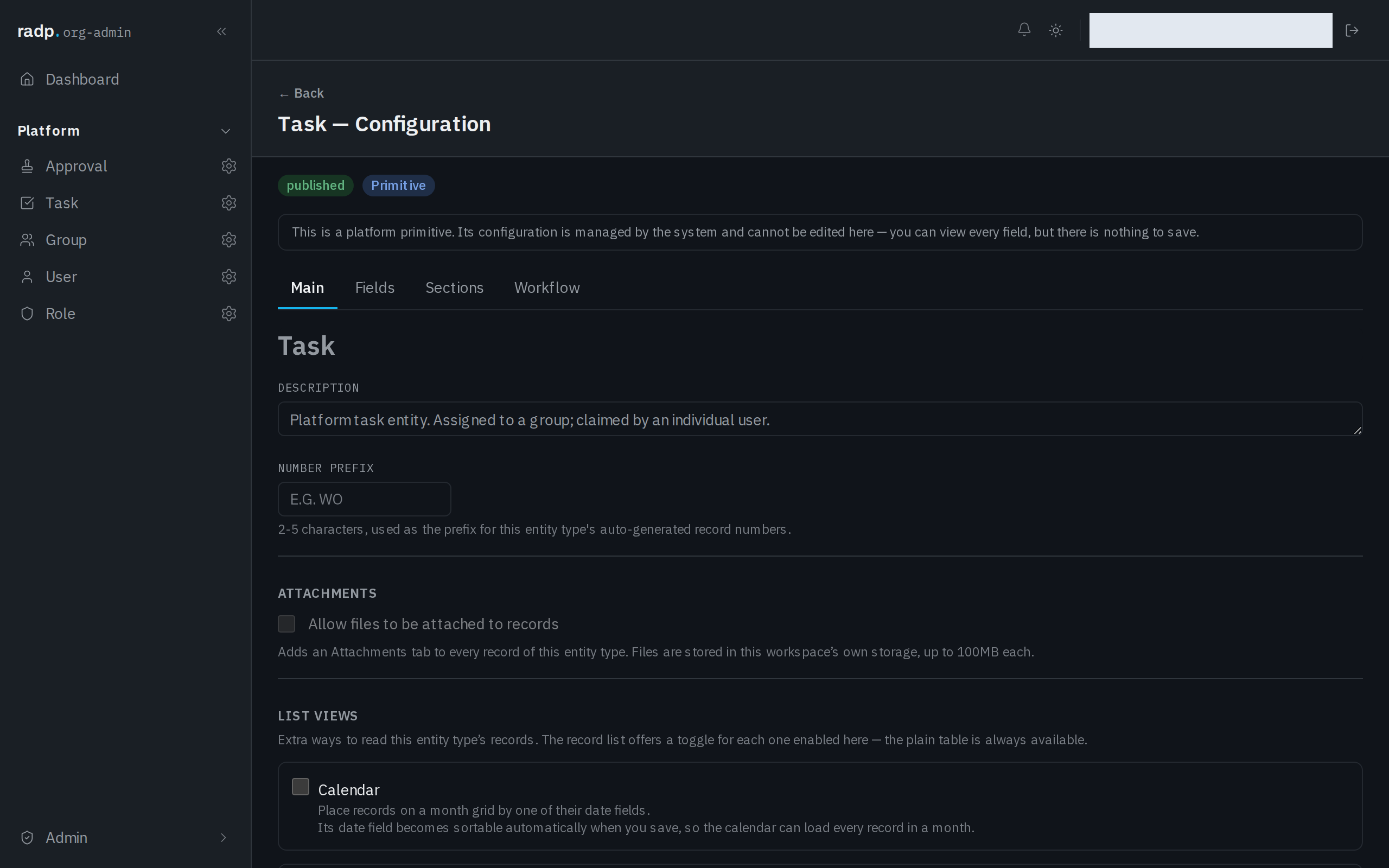
A view appears on the list only when an org-admin has turned it on for that record type and chosen the field it reads. Those settings sit on the record type's configuration, on the Main tab, under LIST VIEWS.
Two things are worth knowing if you are the person turning these on:
- The field a view reads becomes sortable automatically when you save, so the view can load a month, a group or a column directly.
- The record types that come with RADP are platform primitives. You can look at their configuration, but you cannot change it, so you cannot add views to them.