Deleting a record
Delete a record permanently, read what the confirmation is warning you about, and see what is left behind afterwards.
Deleting a record is permanent. It takes the record's workflow data with it and cannot be undone, so the app makes you confirm first.
Deleting a record you have open
-
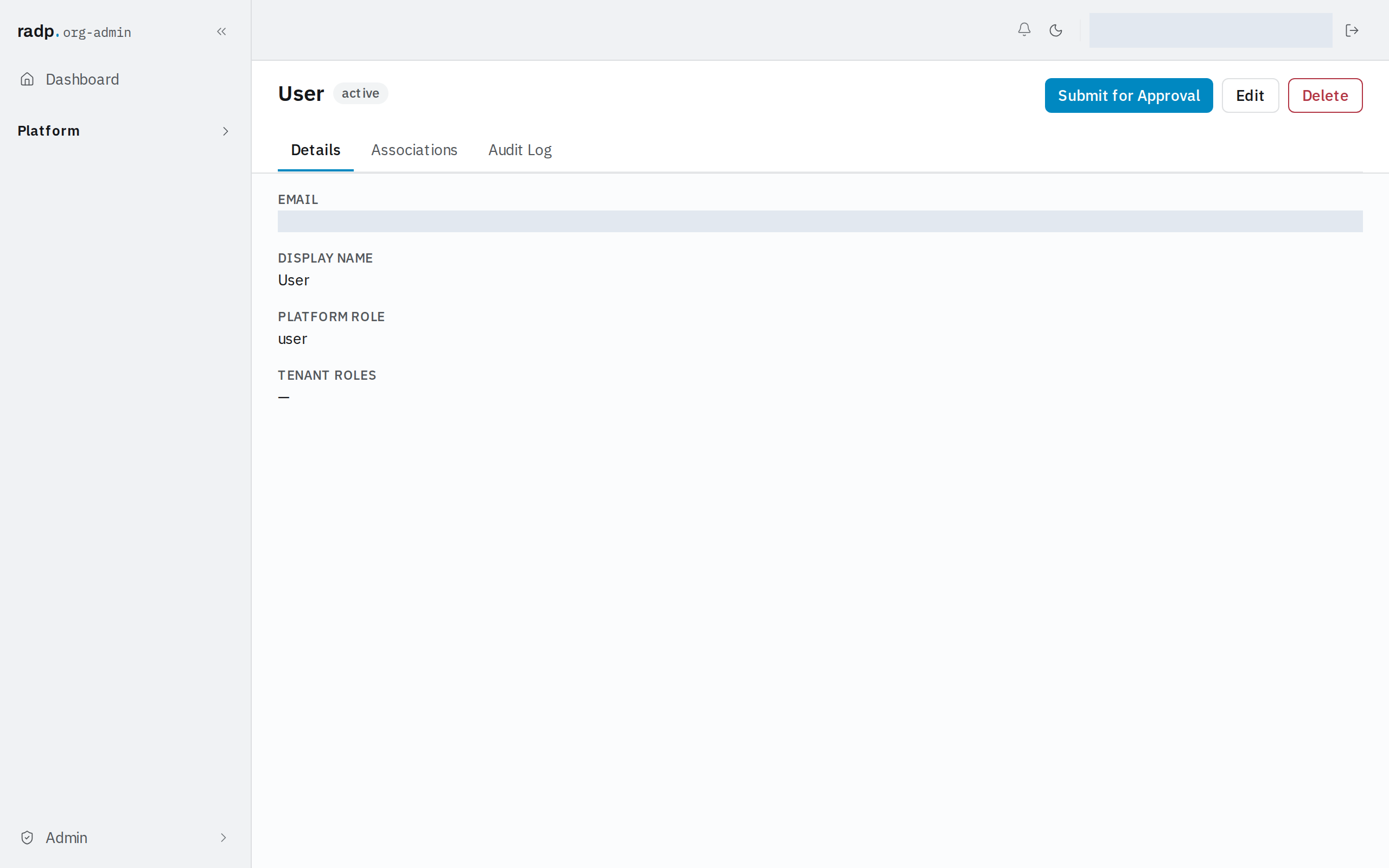
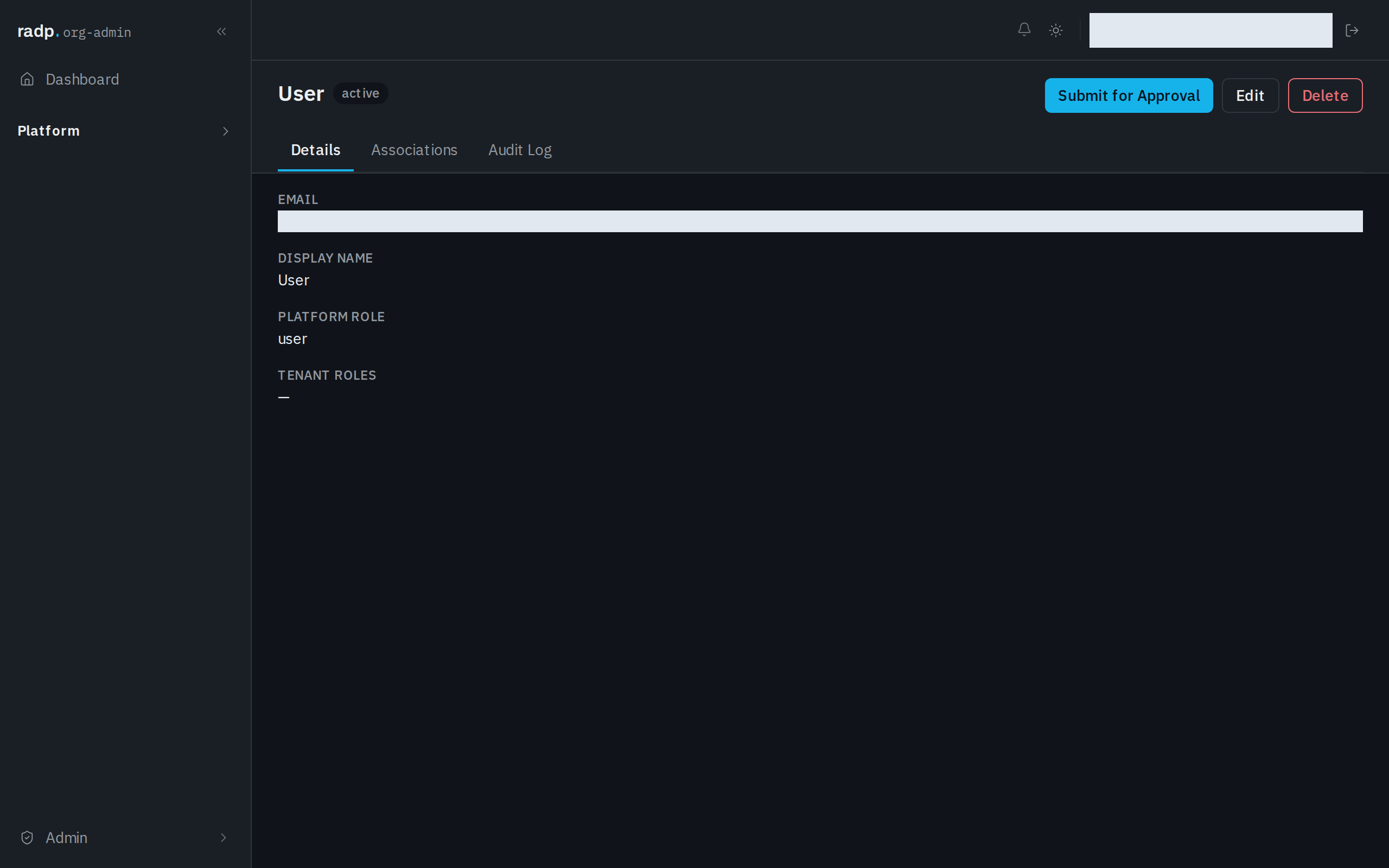
Open the record and choose Delete in the record header.
-
Read the confirmation. It names the record and warns that this permanently deletes the record and all associated workflow data, and that it cannot be undone.
-
Type the name the dialog shows, to confirm.
-
Choose Permanently Delete. Cancel leaves the record exactly as it was.
Deleting from a list
Delete can also be a quick action on each row of the record list, where it is described as permanently deleting the record after a confirmation. An org-admin decides whether it is offered there, on the record type's configuration.
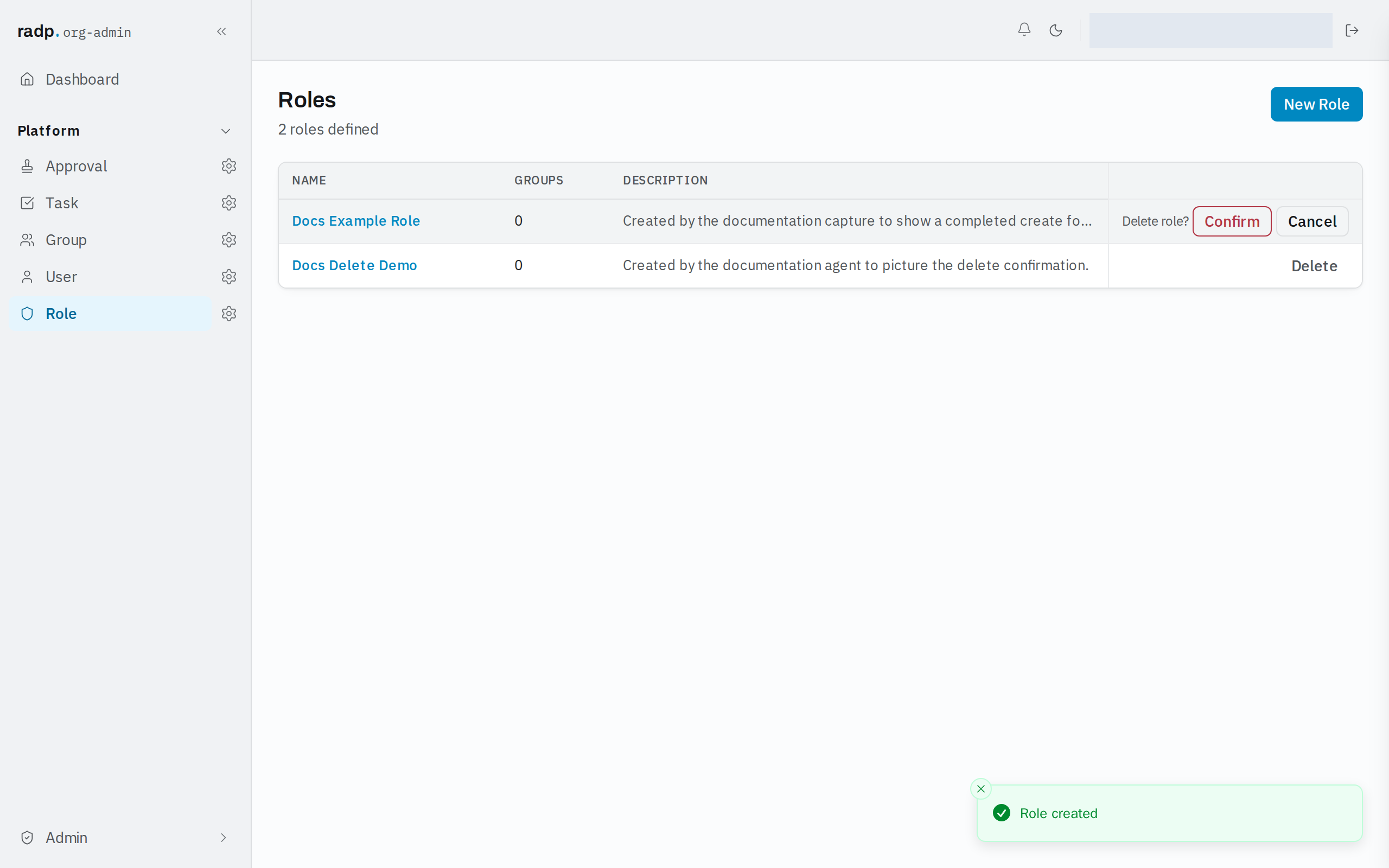
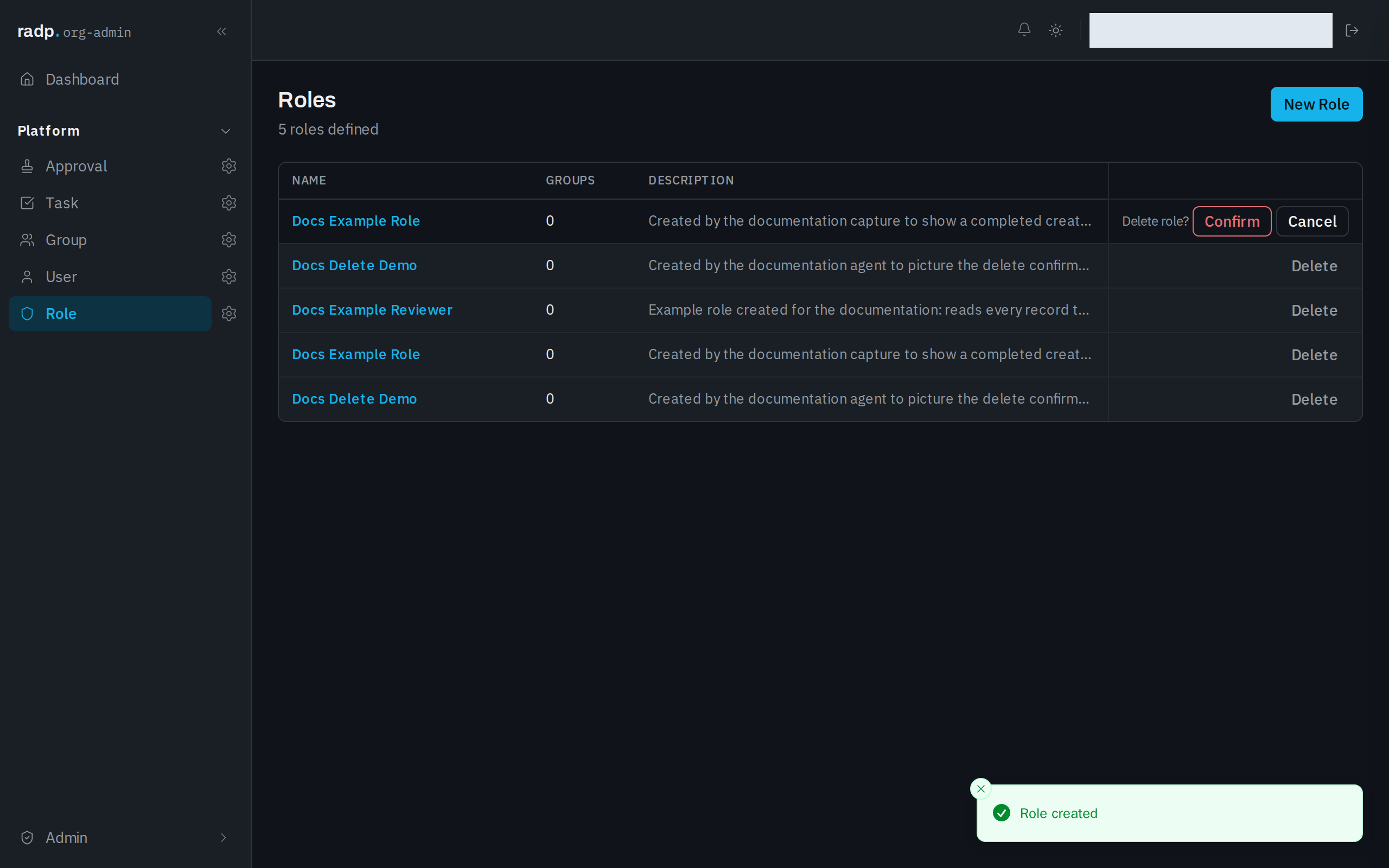
From a list, the confirmation is short: it appears on the row itself, naming what you are about to delete. Choose Confirm to go ahead, or Cancel to leave the record alone.
What is left afterwards
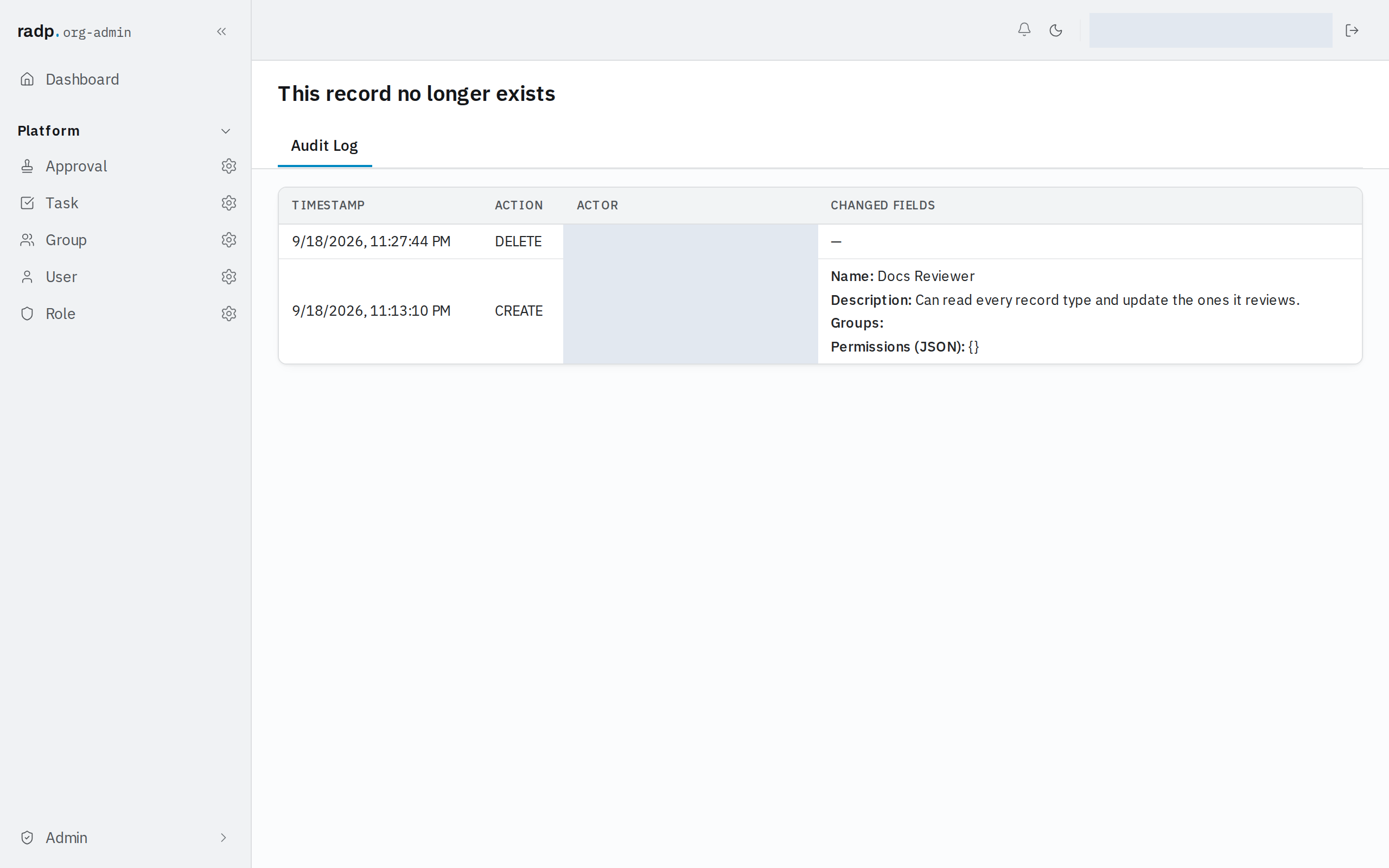
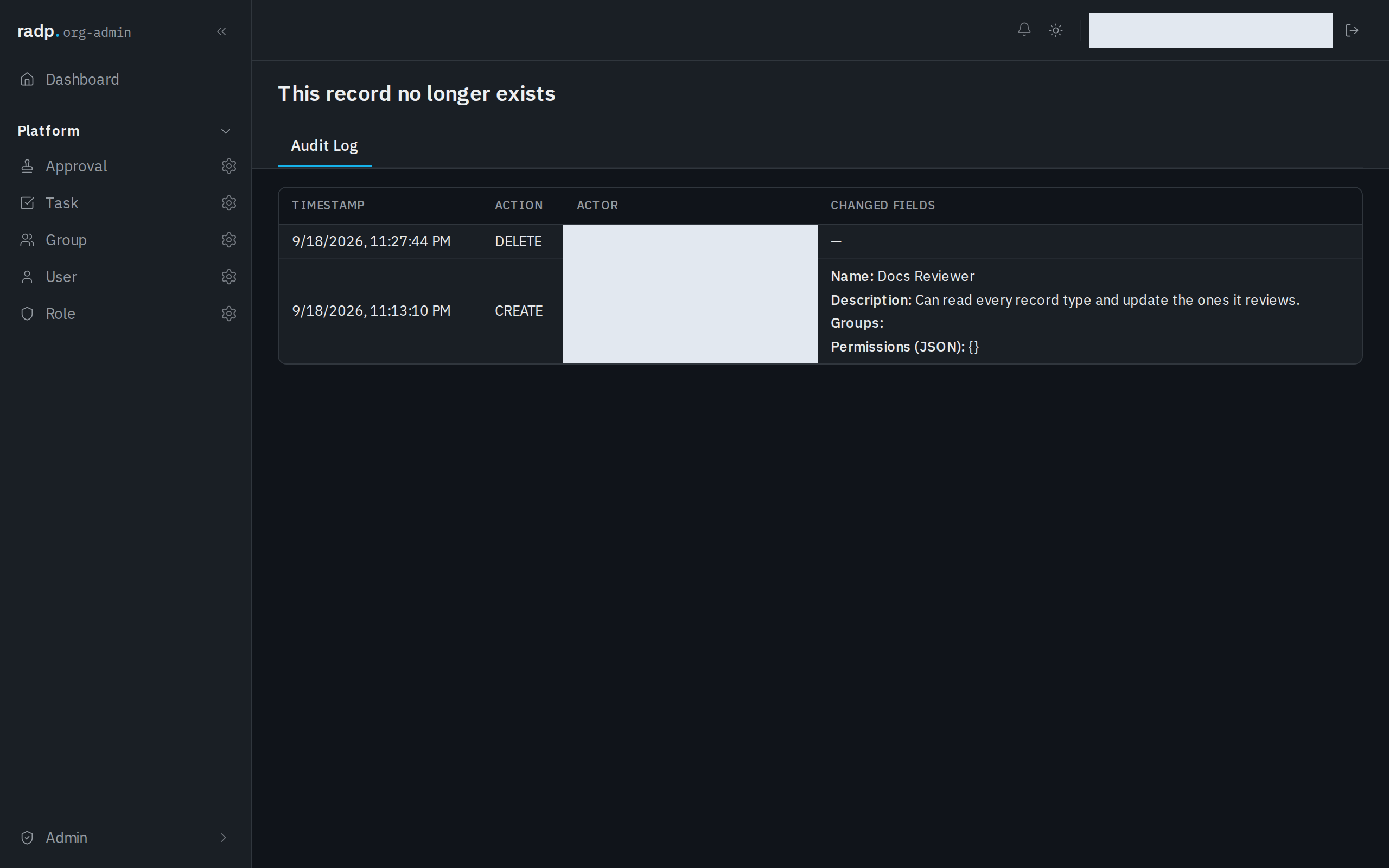
The record itself is gone: opening its page again tells you the record no longer exists. Its audit history stays, so you can still see that it was deleted, who did it and when, alongside the earlier entries and the values they recorded.
When Delete is not offered
Quick actions are shown only to people allowed to do them, so a missing Delete on a list row means you do not have permission to delete that record. Ask an org-admin.
A record whose workflow is still running cannot be deleted at all, whoever you are.