The number and the state of a record
Why you cannot type a record's number or its state, what fills each one in, and where both are shown.
Two things on a record are not yours to fill in: its number and its state. Both are set for you, so if you are hunting for a field to type them into, there isn't one. This page says what drives each.
The number
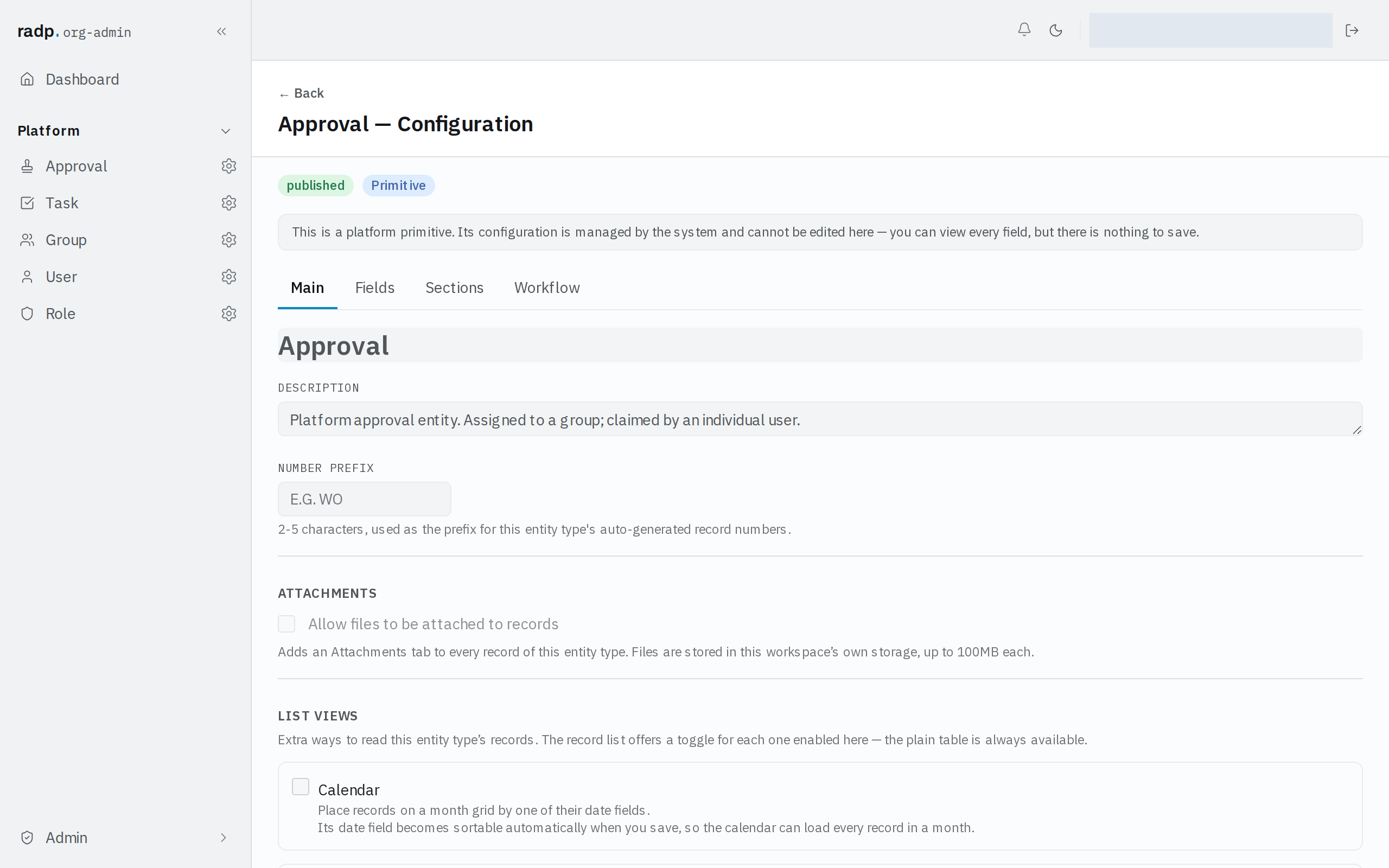
A record is numbered when it is created. The number starts with the record type's number prefix — 2 to 5 characters, set on the record type's configuration, on the Main tab.
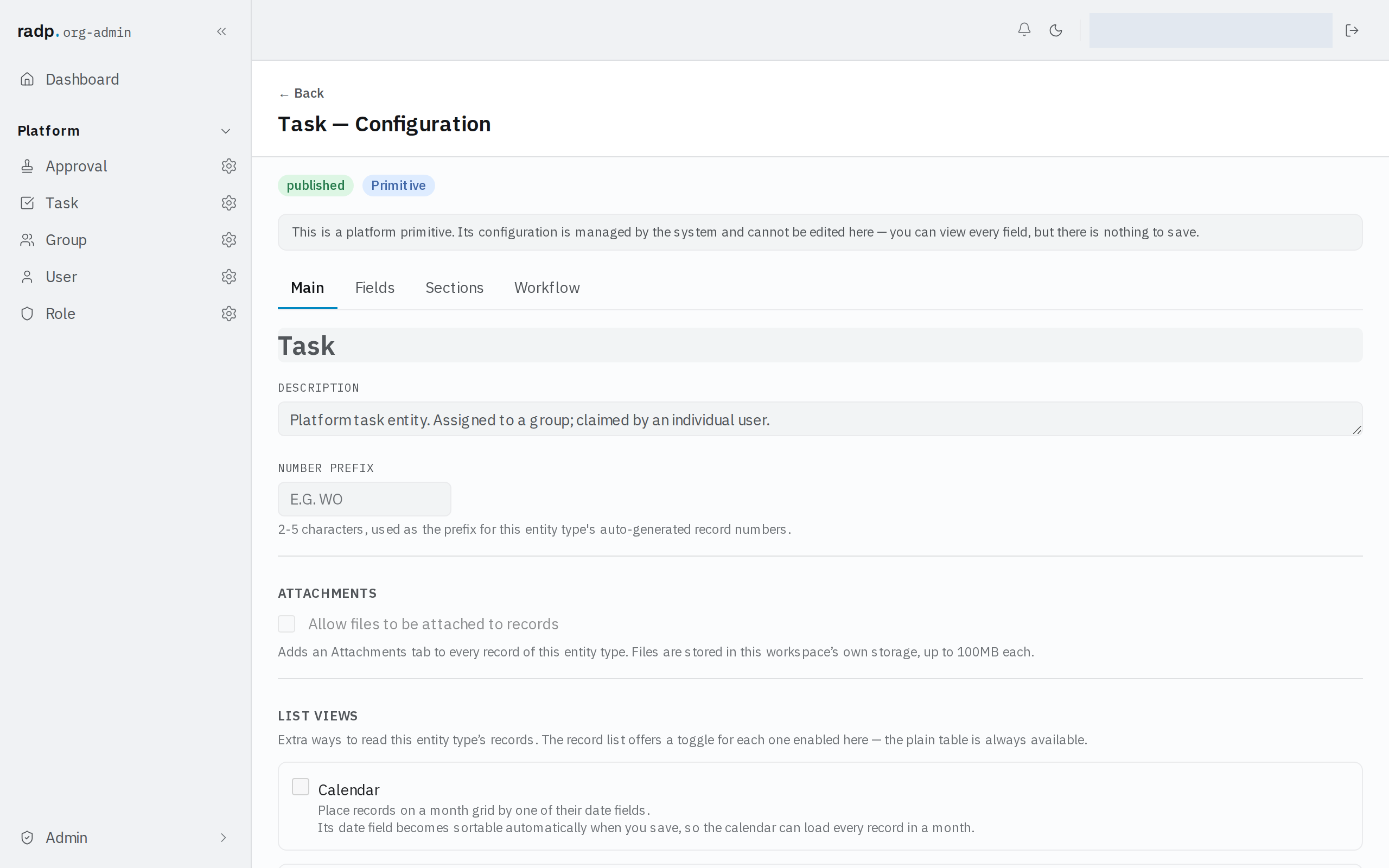
Setting a prefix is an org-admin job. The record types that come with RADP are platform primitives: their configuration can be read but not changed, so their prefix is fixed. Changing a prefix later affects records made from then on — records that already exist keep the numbers they were given.
The state
A record's state is shown as a badge beside its title on the record page.
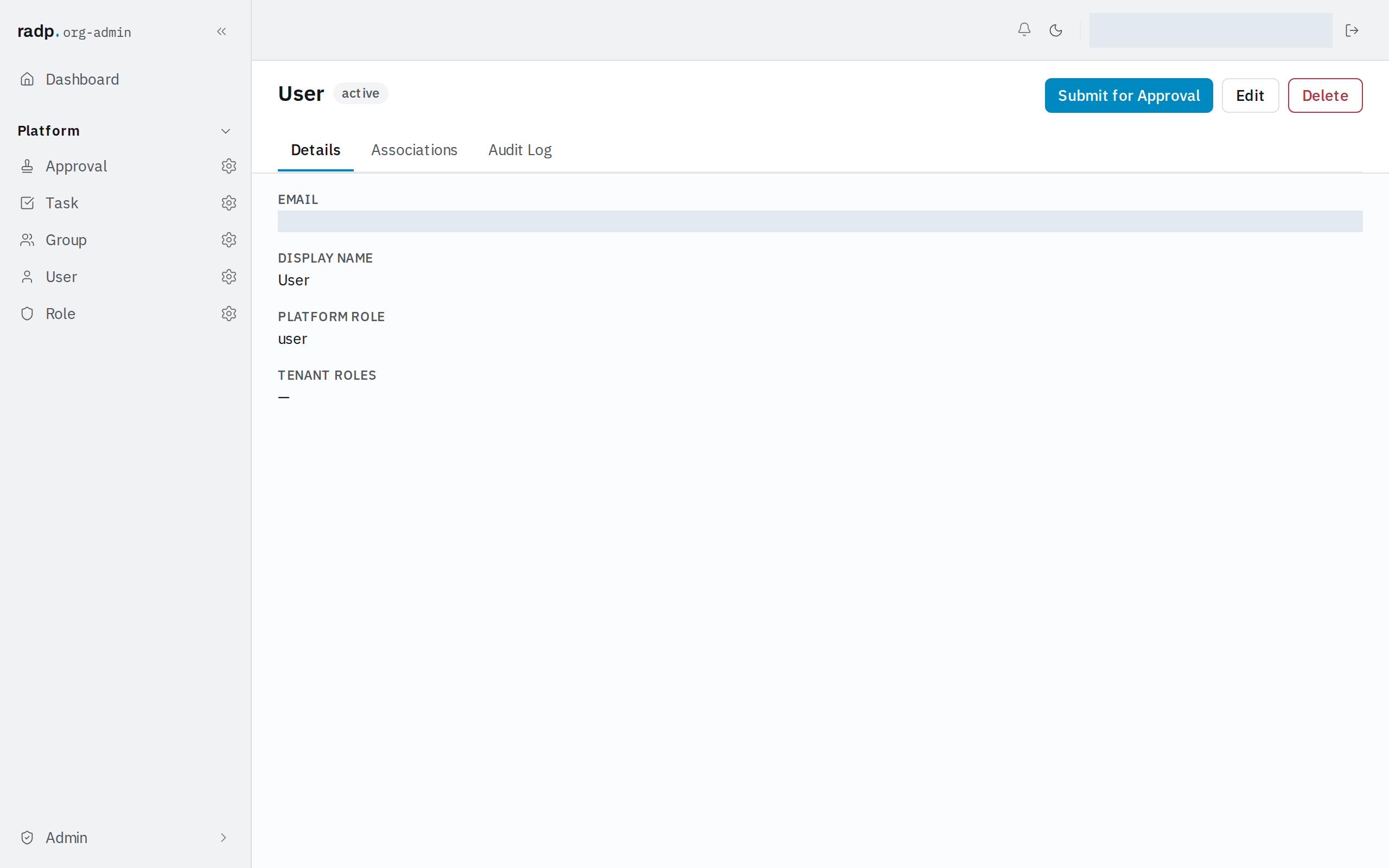
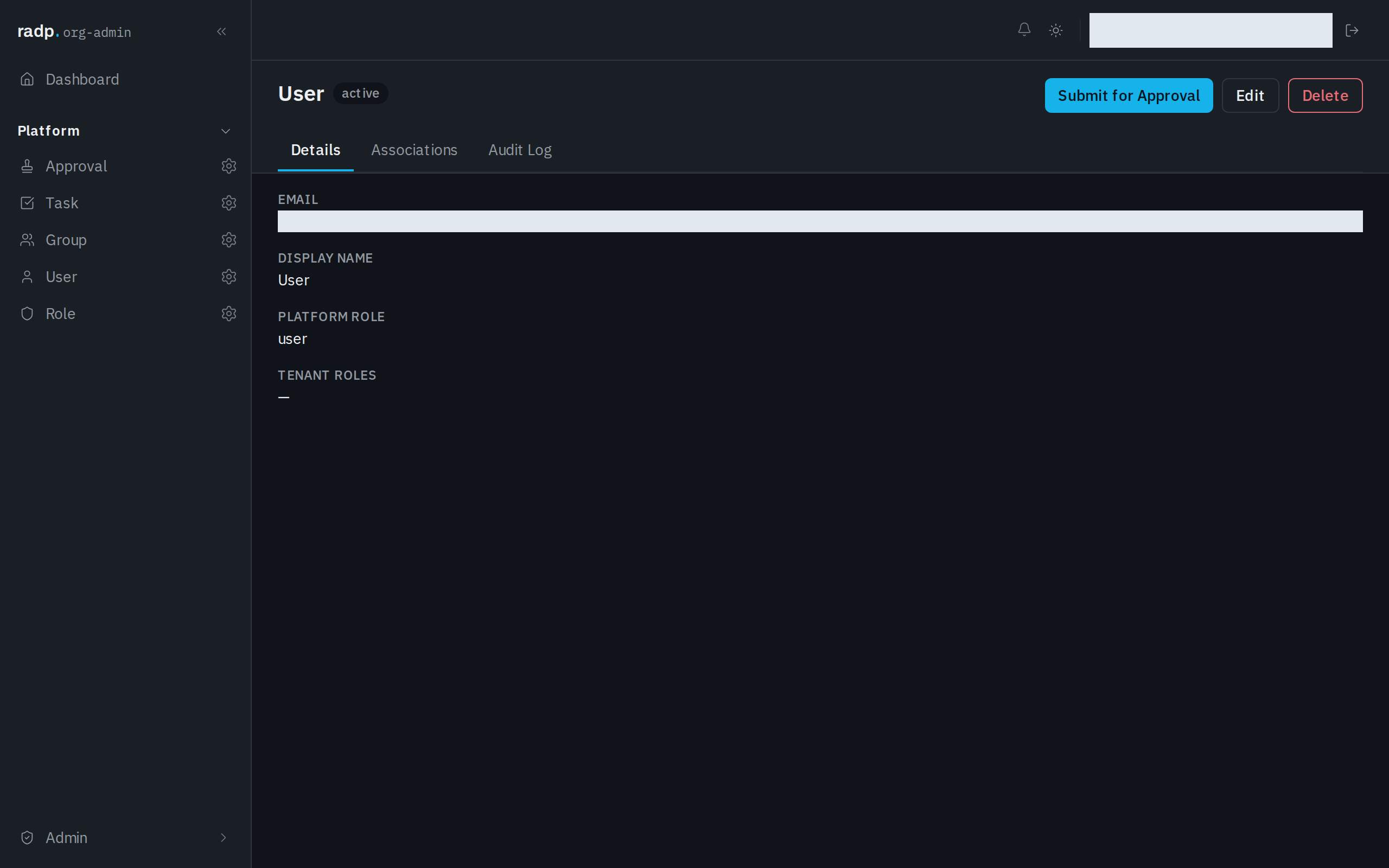
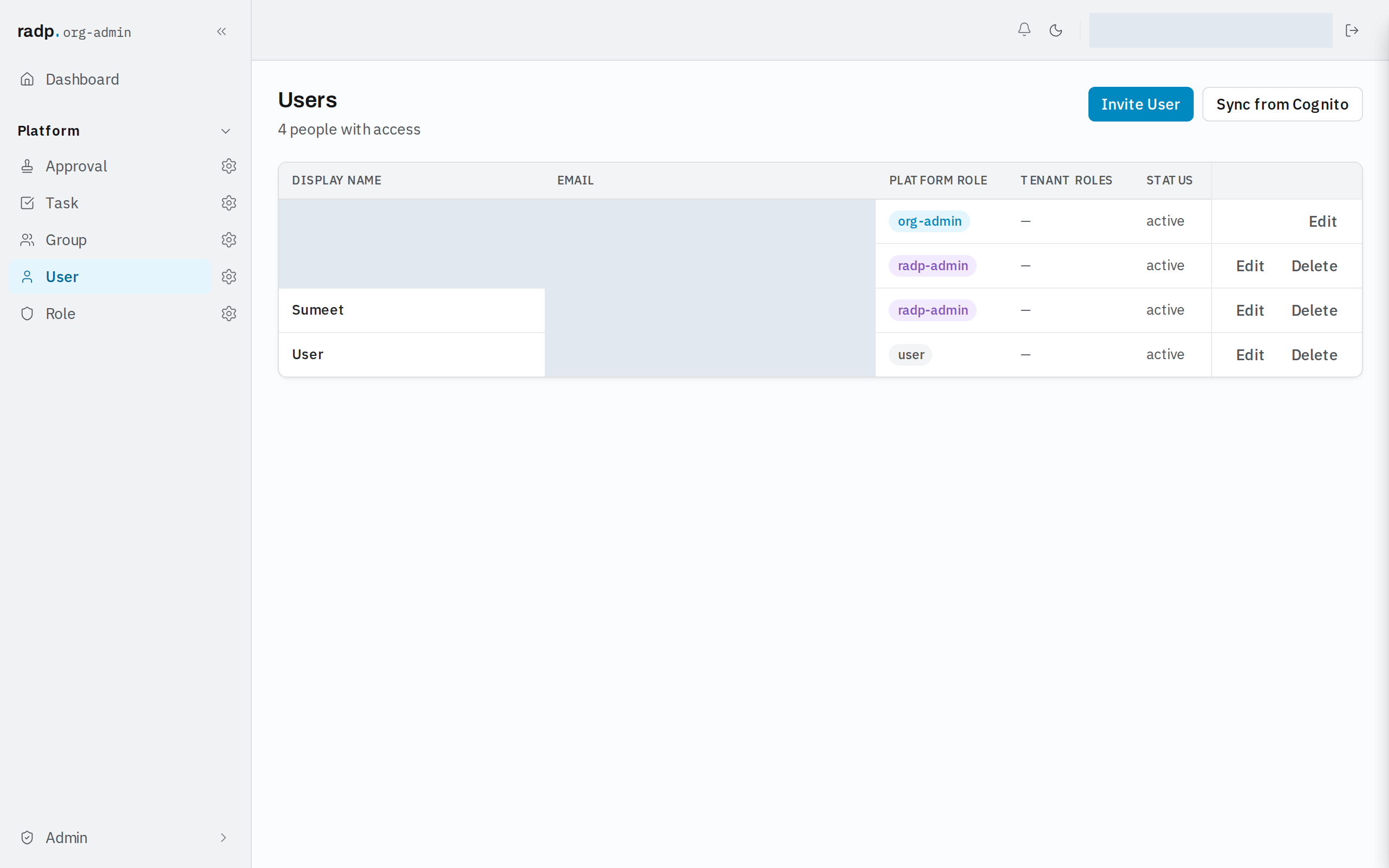
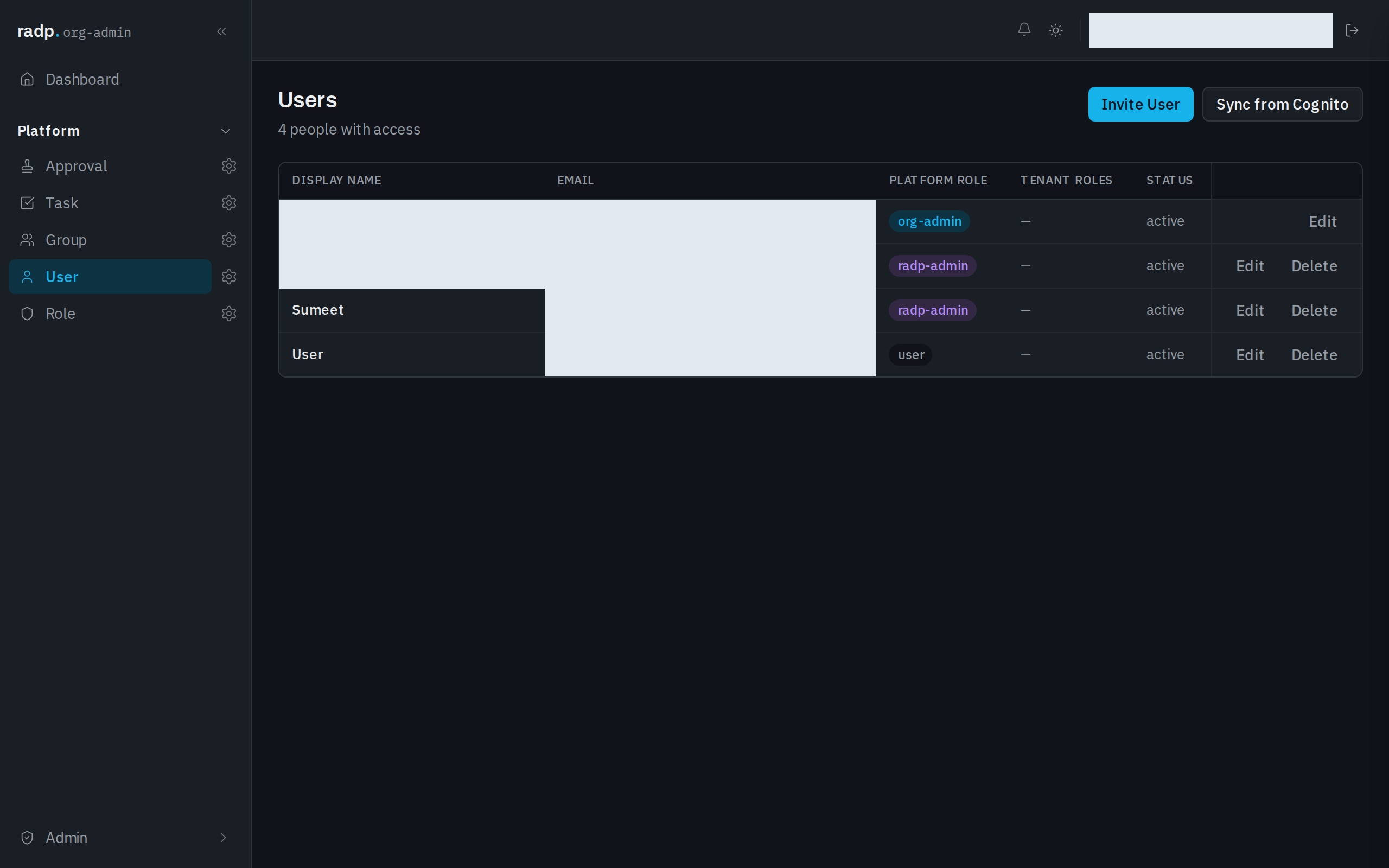
The same value has its own STATUS column in the record list, so you can see where a set of records stands without opening any of them.
There is no state field on the form, and no way to set it by hand. The record type's workflow is what moves it. What you can do from the record itself is hand it on: while a record is active, its header offers Submit for Approval, which sends it into the workflow.
Not the same as a record type's status
A record type's configuration carries a badge too — published or draft. That one describes the record type, not any record of it, and it is separate from the state of the records themselves.