Creating a record type
Give a record type its label, description and number prefix on the Main tab of its configuration.
A record type describes one kind of record your workspace keeps, such as a ticket or a supplier. Its own details live on the Main tab of its configuration screen.
Only org-admins and radp-admins can reach this screen. In the sidebar, open Admin.
What the Main tab asks for
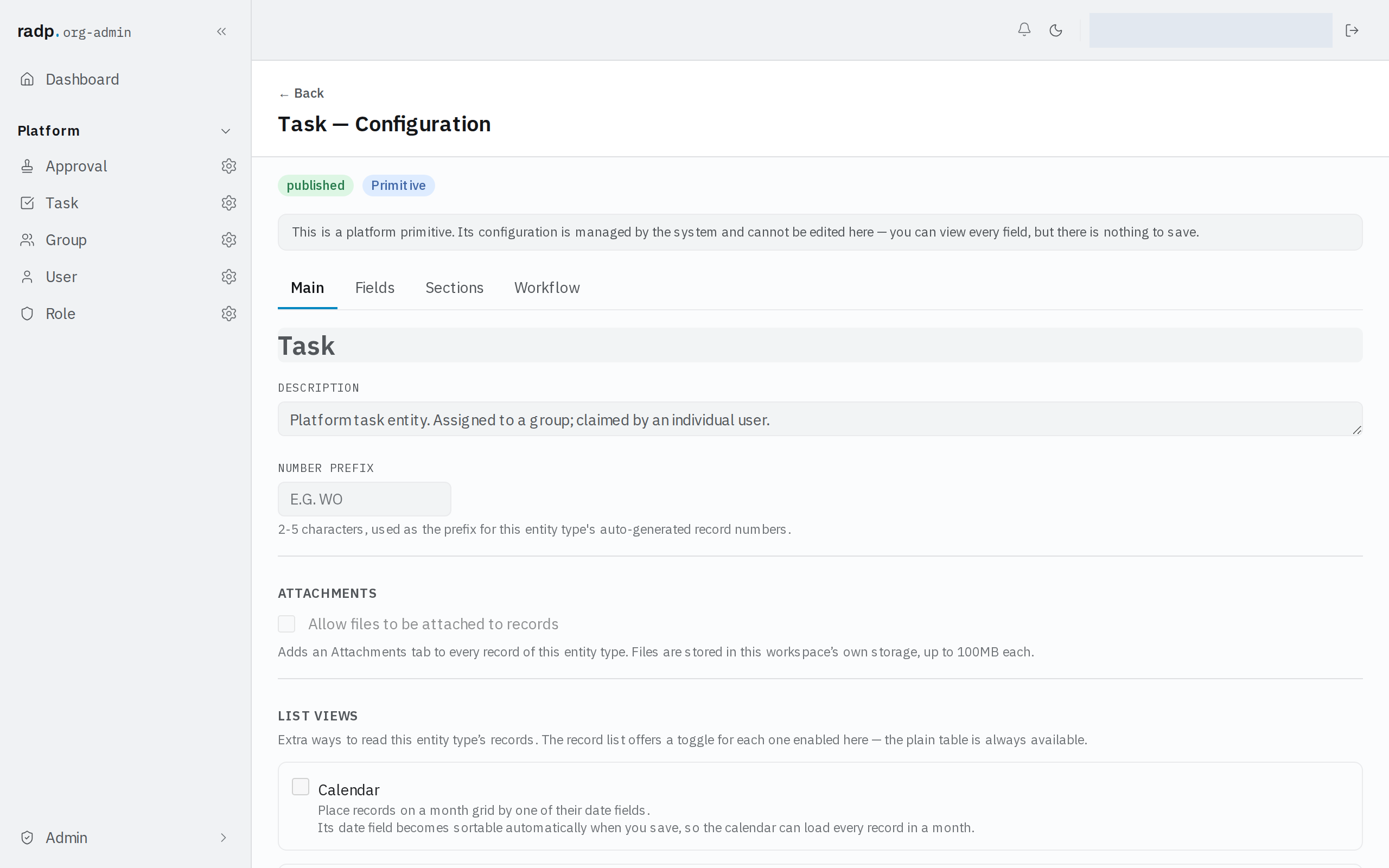
The configuration screen opens with the record type's name and its status beside it, and four tabs: Main, Fields, Sections and Workflow.
| Setting | What it is for |
|---|---|
| Label | The name people see for this kind of record, in navigation and on the record itself. |
| Description | A sentence saying what the record type is for. It is for the people who configure the workspace, not part of a record. |
| Number prefix | 2 to 5 characters, used as the prefix for this record type's auto-generated record numbers. |
Choose the number prefix carefully
Every record gets a number built from the prefix, given when the record is created. Changing the prefix later does not renumber records that already exist, so a workspace can end up with two prefixes in use for the same kind of record. Pick something short that still reads clearly in a list.
The rest of the setup
The Main tab also carries the settings for attachments, the extra list views and the quick actions shown on each row of the record list. The fields themselves are on the Fields tab, their grouping on Sections, and the process attached to the record type on Workflow.
Record types that come with RADP
Some record types are part of the platform itself. They carry a Primitive badge and a notice saying their configuration is managed by the system and cannot be edited here — you can read every setting, but there is nothing to save. The screenshot above is one of them.