Deleting a record type
What has to be true before a record type can be deleted, and the cases where deleting one is refused.
A record type can be deleted, but only once nothing depends on it. This page covers what has to be true first, and the cases where deleting is refused however you go about it.
Before you can delete one
- In the sidebar, open Admin, then Modules. Every record type you add belongs to a module.
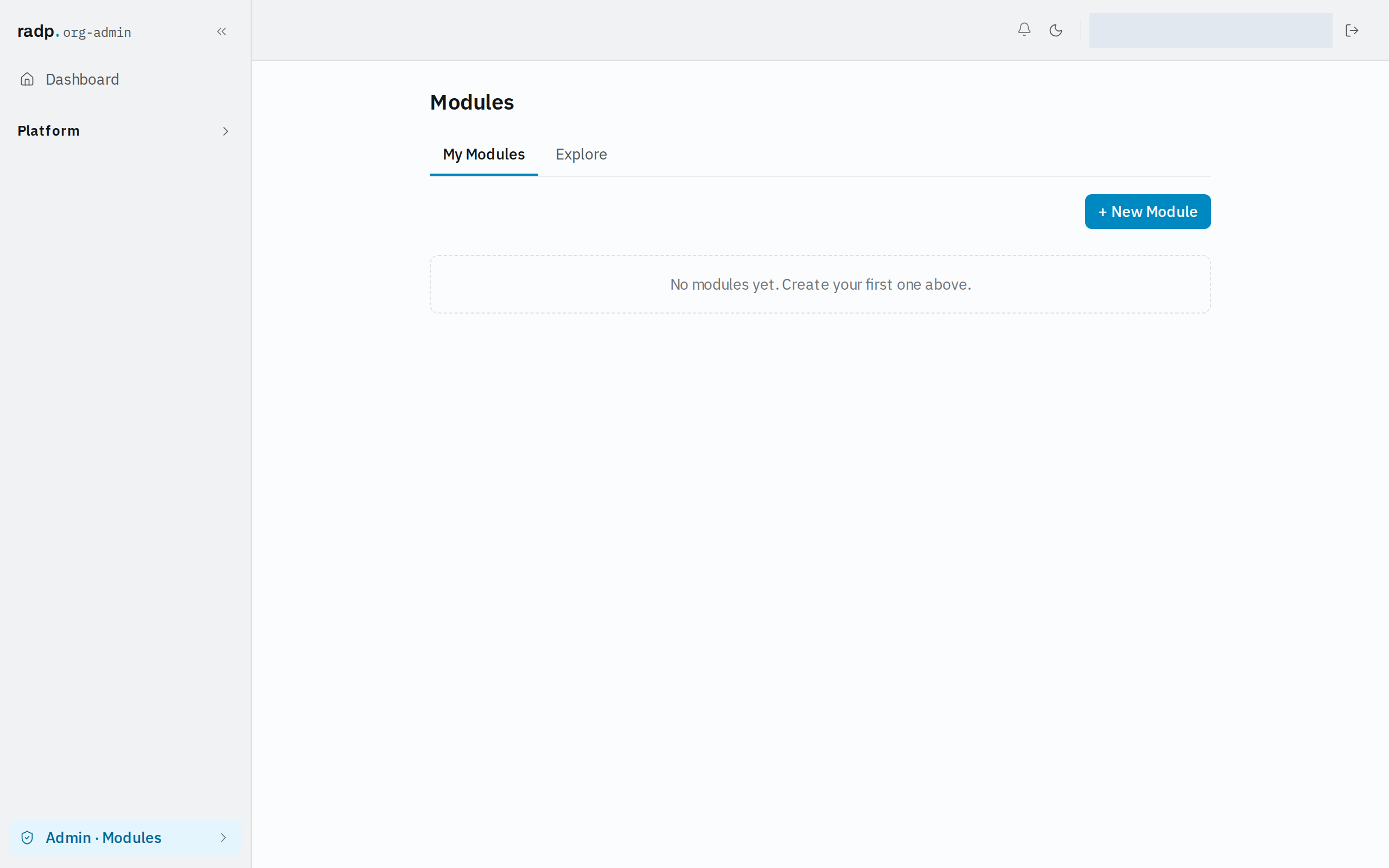
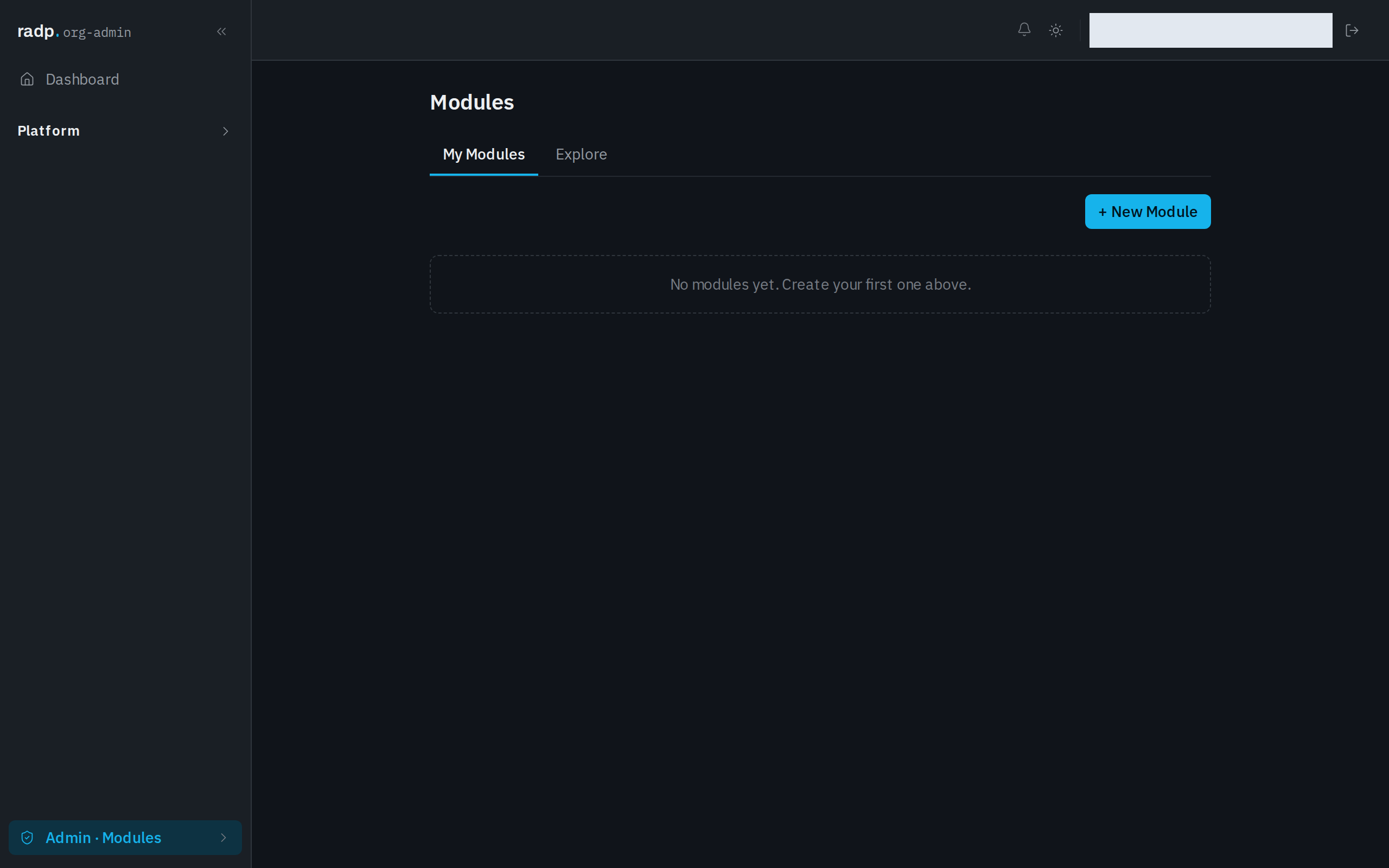
- Open the module and check it out. While the module is checked in, or checked out by someone else, the workspace refuses every change to its record types — a deletion included. If someone else holds it, the refusal names them.
- Delete every record of that type. Deleting a record type is refused while any records of it still exist.
Because the type has to be empty of records by then, what the deletion removes is its configuration: its fields, its sections and its workflow.
When deleting is refused
| Situation | What to do |
|---|---|
| Records of that type still exist | Delete the records first, then the type. |
| The type came from a module you installed | Record types from an installed module cannot be deleted one at a time. Remove the whole module instead — that takes every record type, workflow and record in it. |
| The module is checked in, or held by someone else | Check it out yourself. If another person holds it, they have to check in first. |
Platform record types are never deleted
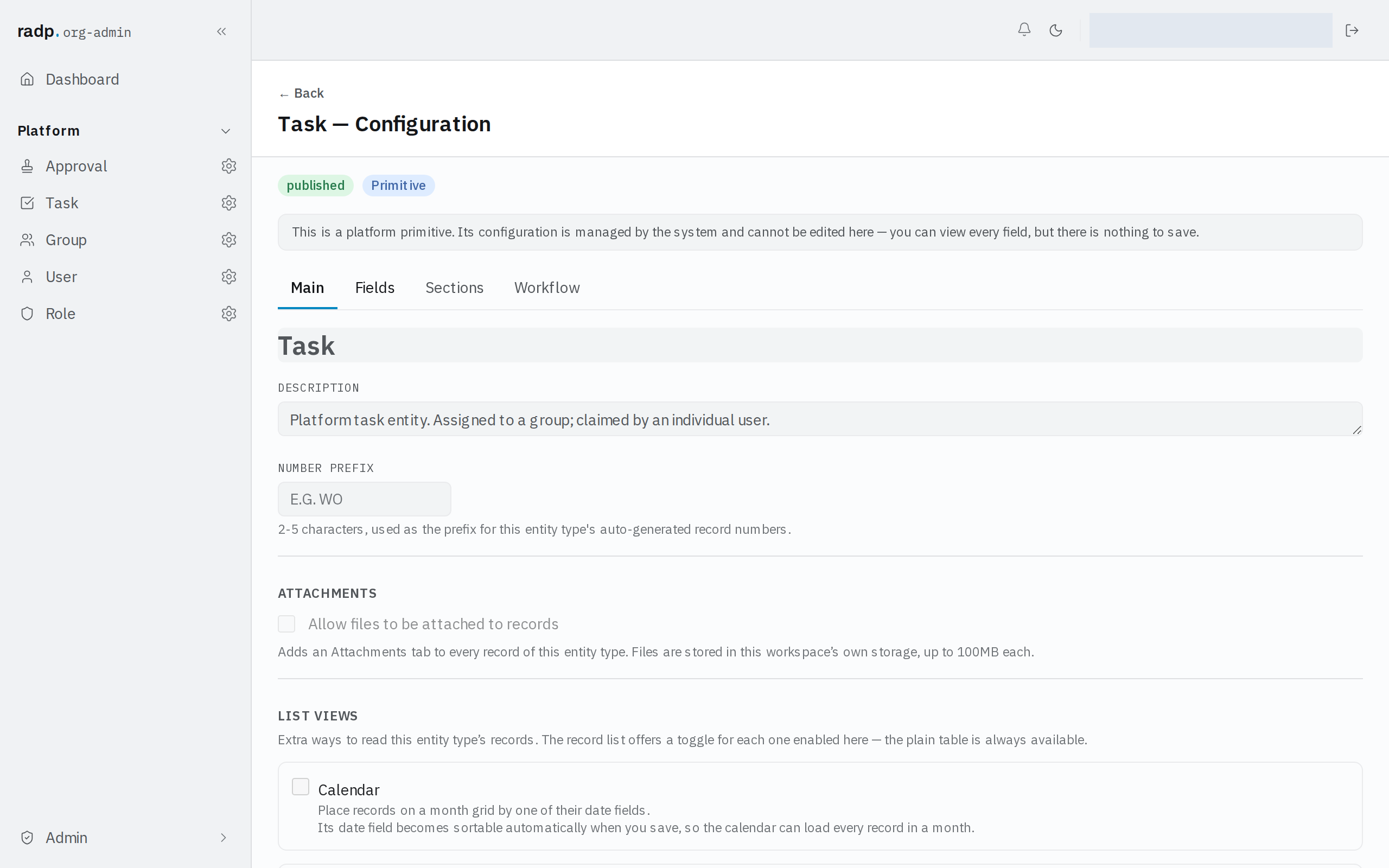
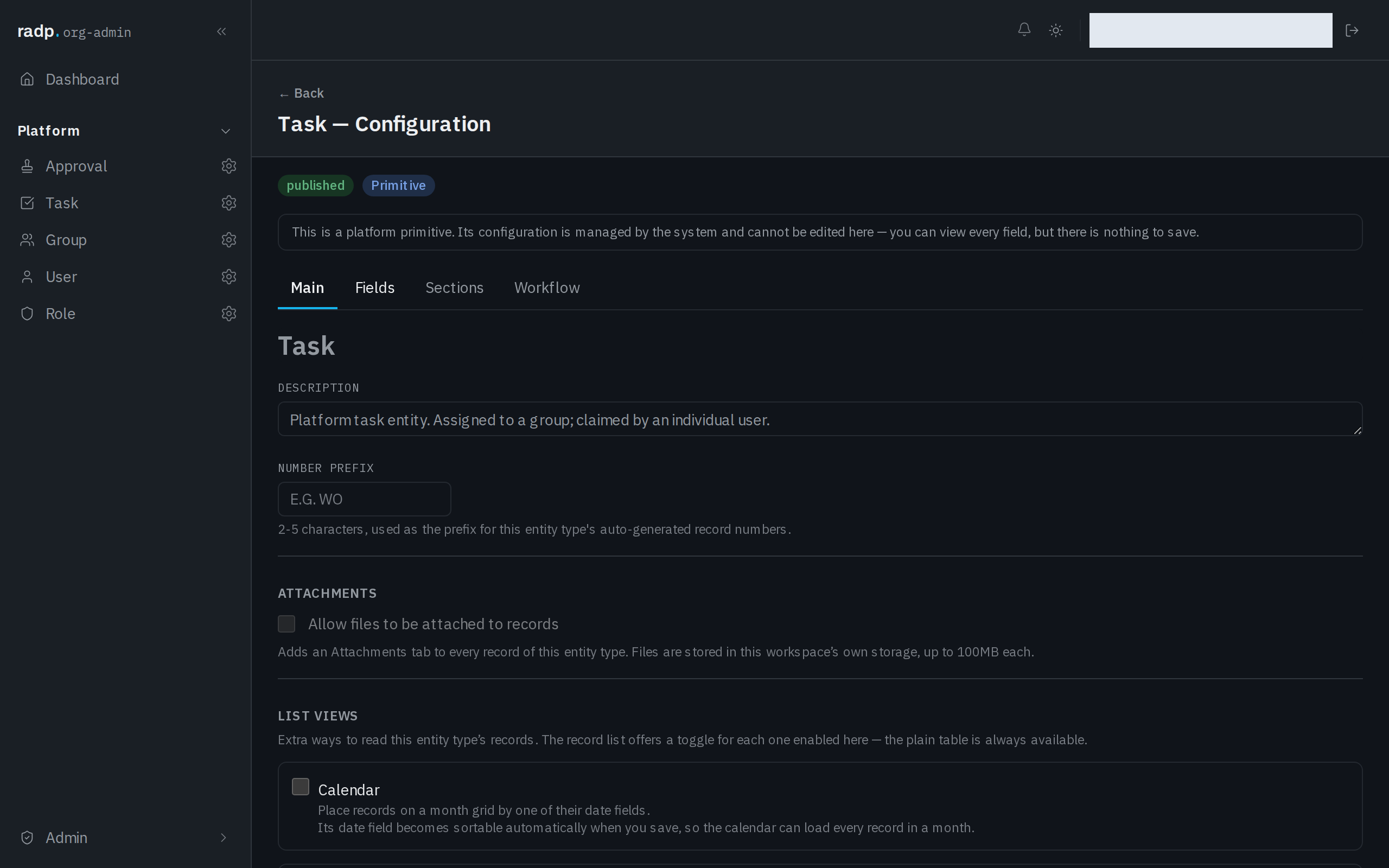
User, Group, Role, Task and Approval come with RADP. Their configuration can be read but not saved, and their screens offer no delete at all — the header carries only a way back and the Main, Fields, Sections and Workflow tabs. See Platform record types.
Afterwards
Check the module back in. Checking in saves a version of the module as it now stands and releases your lock, so the deletion becomes part of the module's history rather than an uncommitted change sitting on your lock.