Allowing file attachments
Turn attachments on for a record type so people can keep files on its records.
Attachments let people keep files on a record. They are off until you turn them on, and the setting is per record type.
Turning attachments on
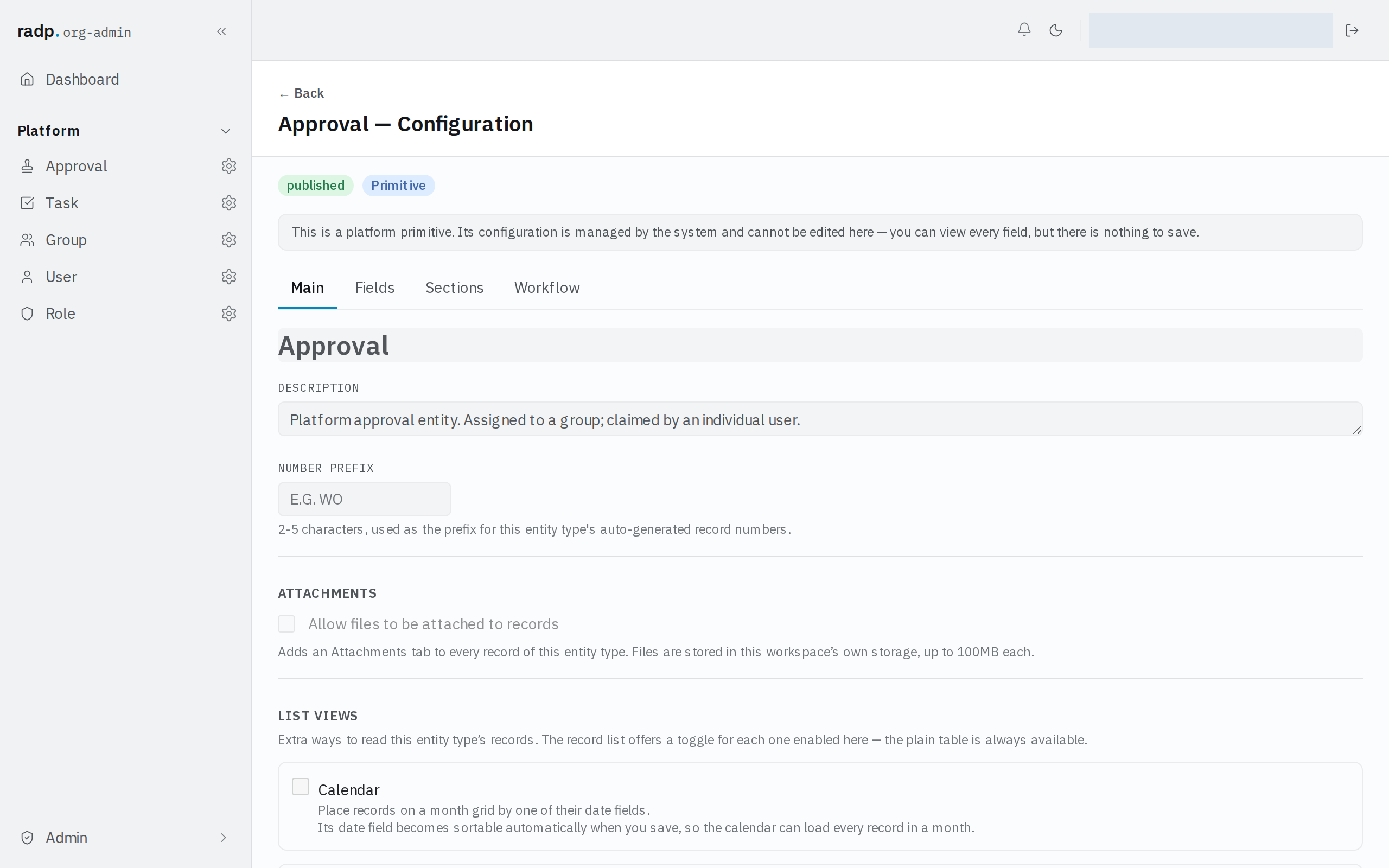
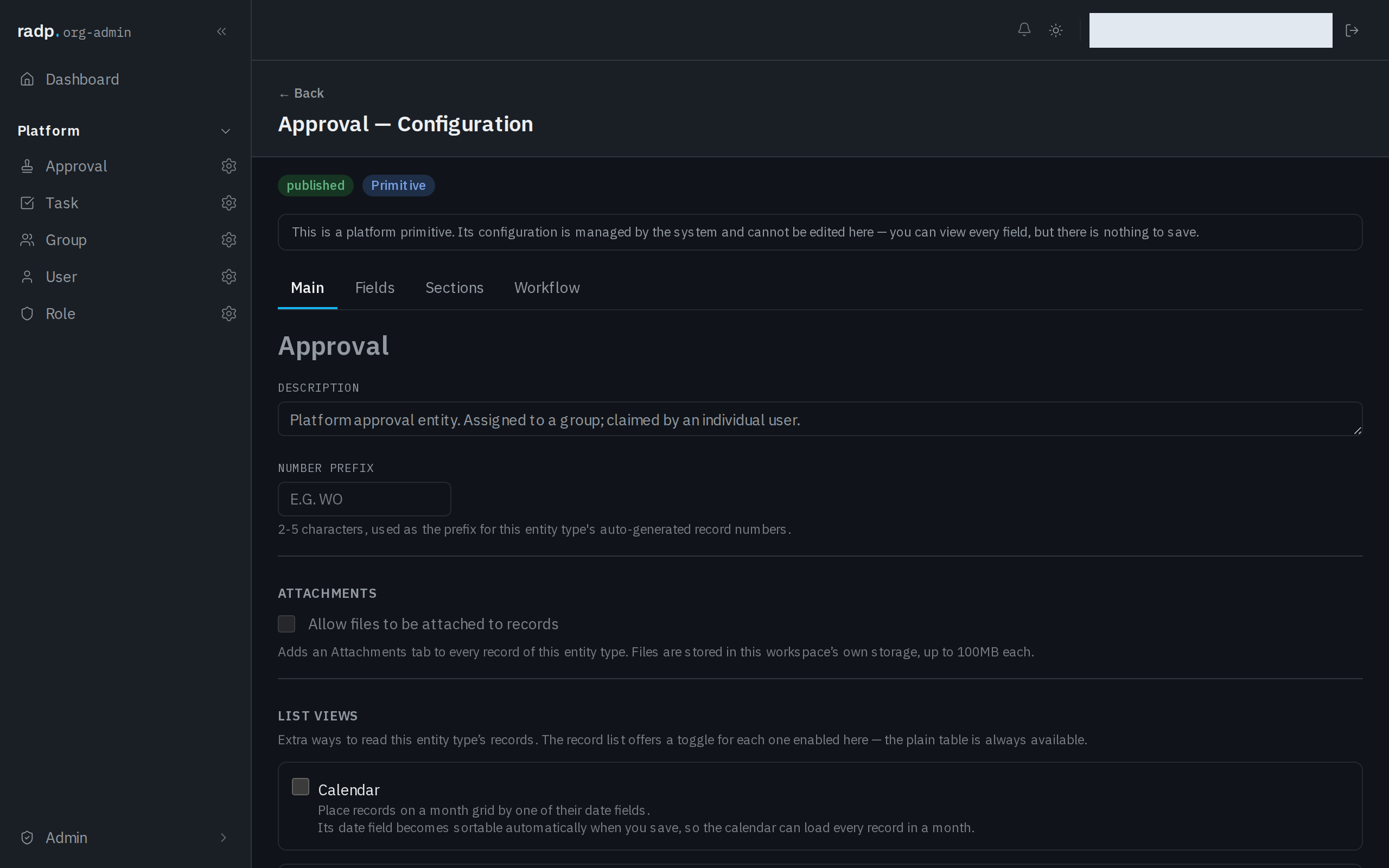
- In the sidebar, open Admin, then open the record type you want. Its configuration opens on the Main tab.
- Under ATTACHMENTS, tick Allow files to be attached to records.
- Save.
What the setting changes
Turning it on adds an Attachments tab to every record of that type. Files are stored in your workspace's own storage, up to 100 MB each.
While it is off, records of that type have no Attachments tab, so there is nowhere to put a file.
Who can change it
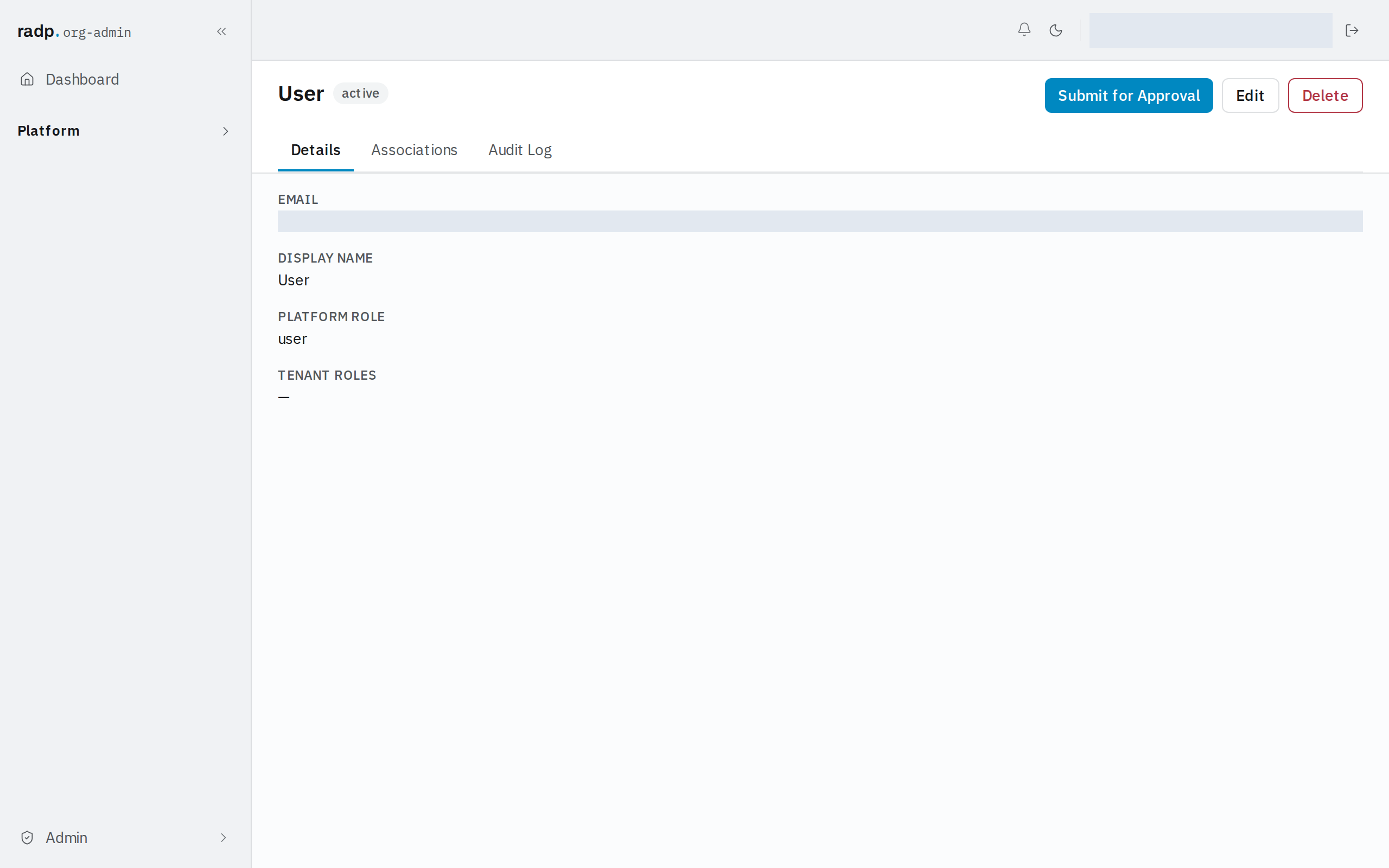
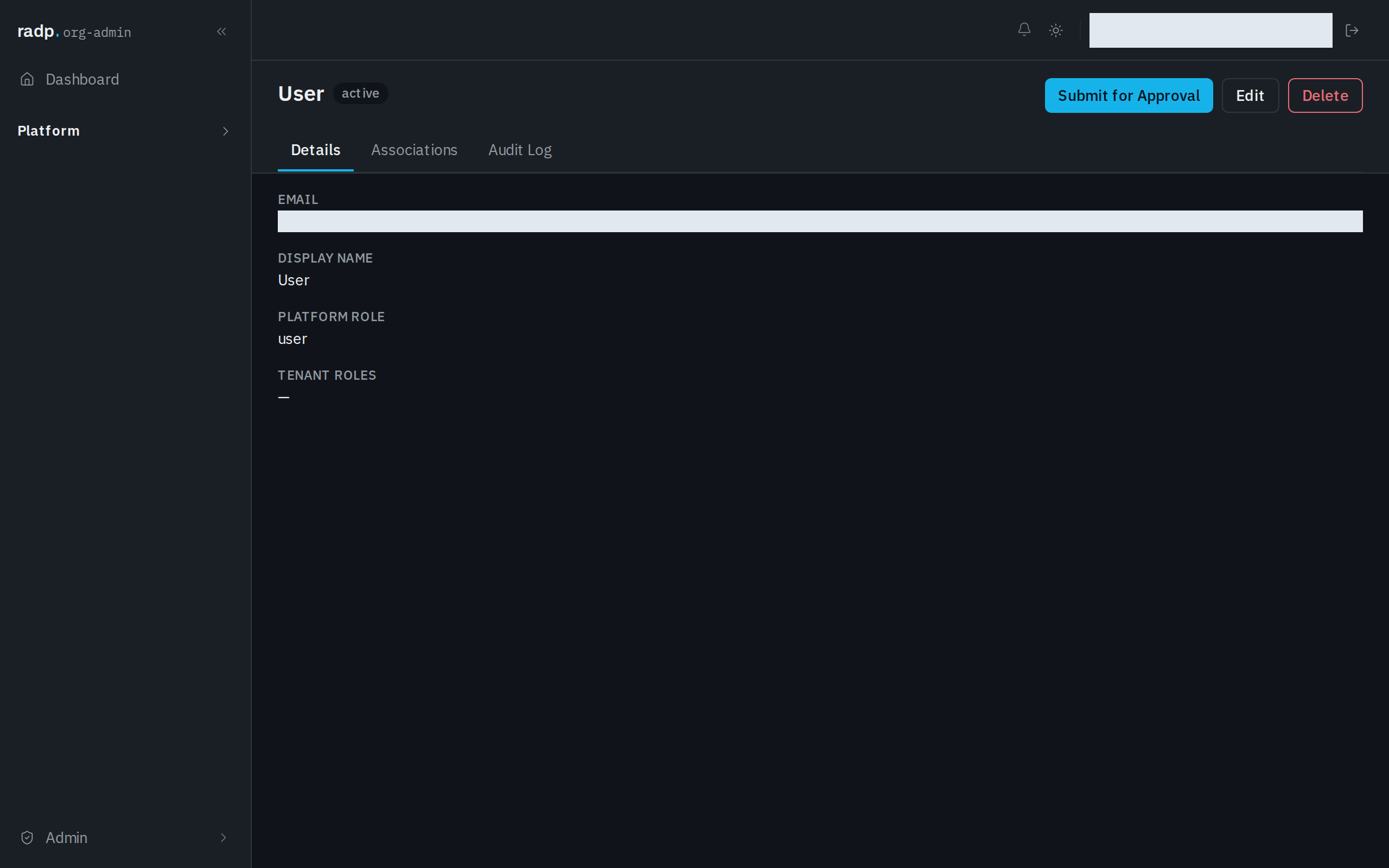
The setting lives in the Admin area, so only org-admins and radp-admins can reach it.
The record types that come with RADP — users, groups, roles, tasks and approvals — show the setting, but it cannot be changed. Their configuration is managed by the platform, and there is nothing to save on them.