Grouping fields into sections
Move fields off the main form into their own tabs so people meet a short form first.
Sections keep a long record form readable. They are optional: a record type with no sections shows every field on one form.
What a section does
A section is a tab on the record form, shown after the fields on the main form. Any field you do not put in a section stays on the main form.
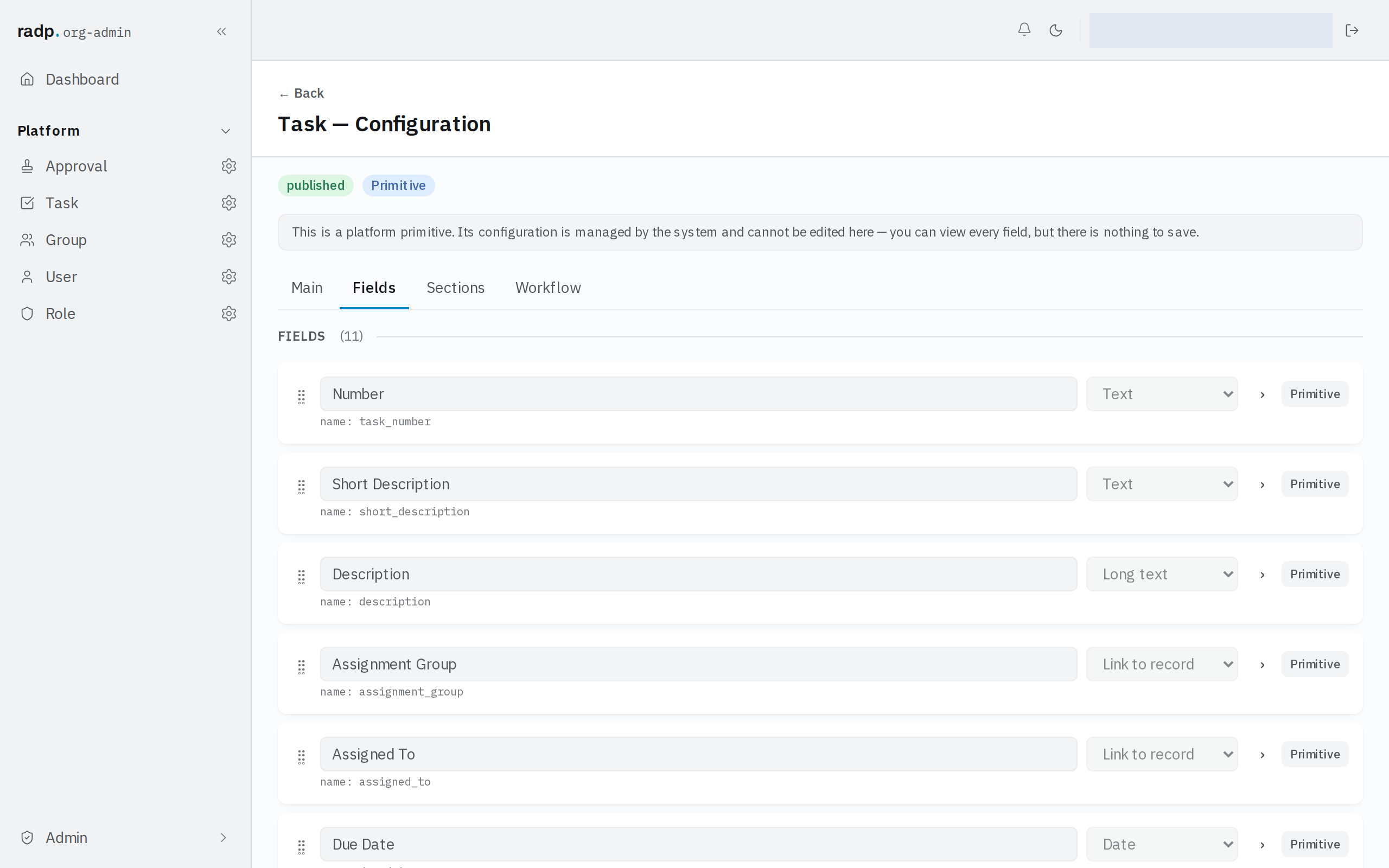
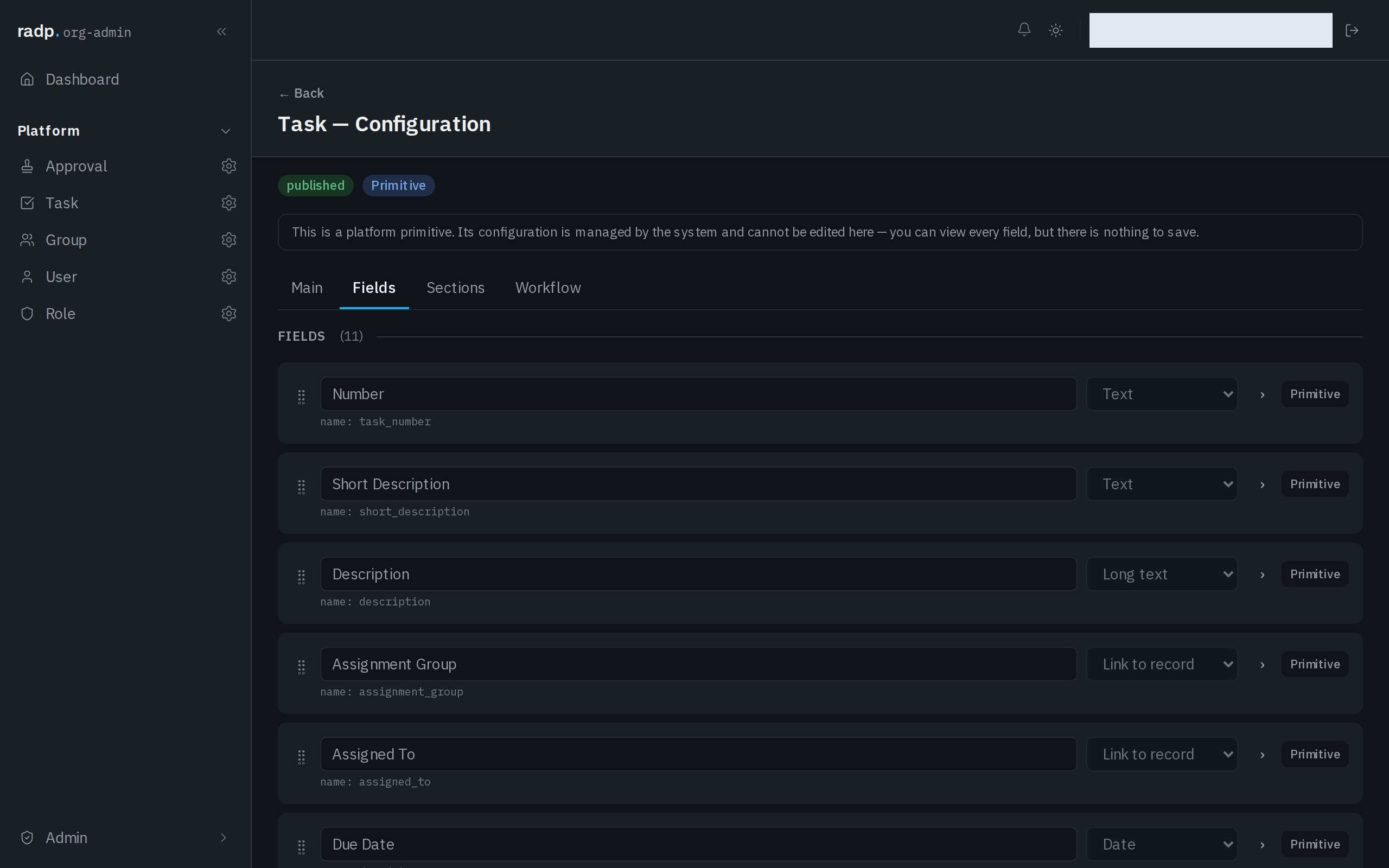
So the choice is about what someone has to deal with when they open the record. Fields needed to fill the record in belong on the main form; fields only some people look at — background detail, handover notes, anything filled in later — are the ones to move into a section.
Where to set them up
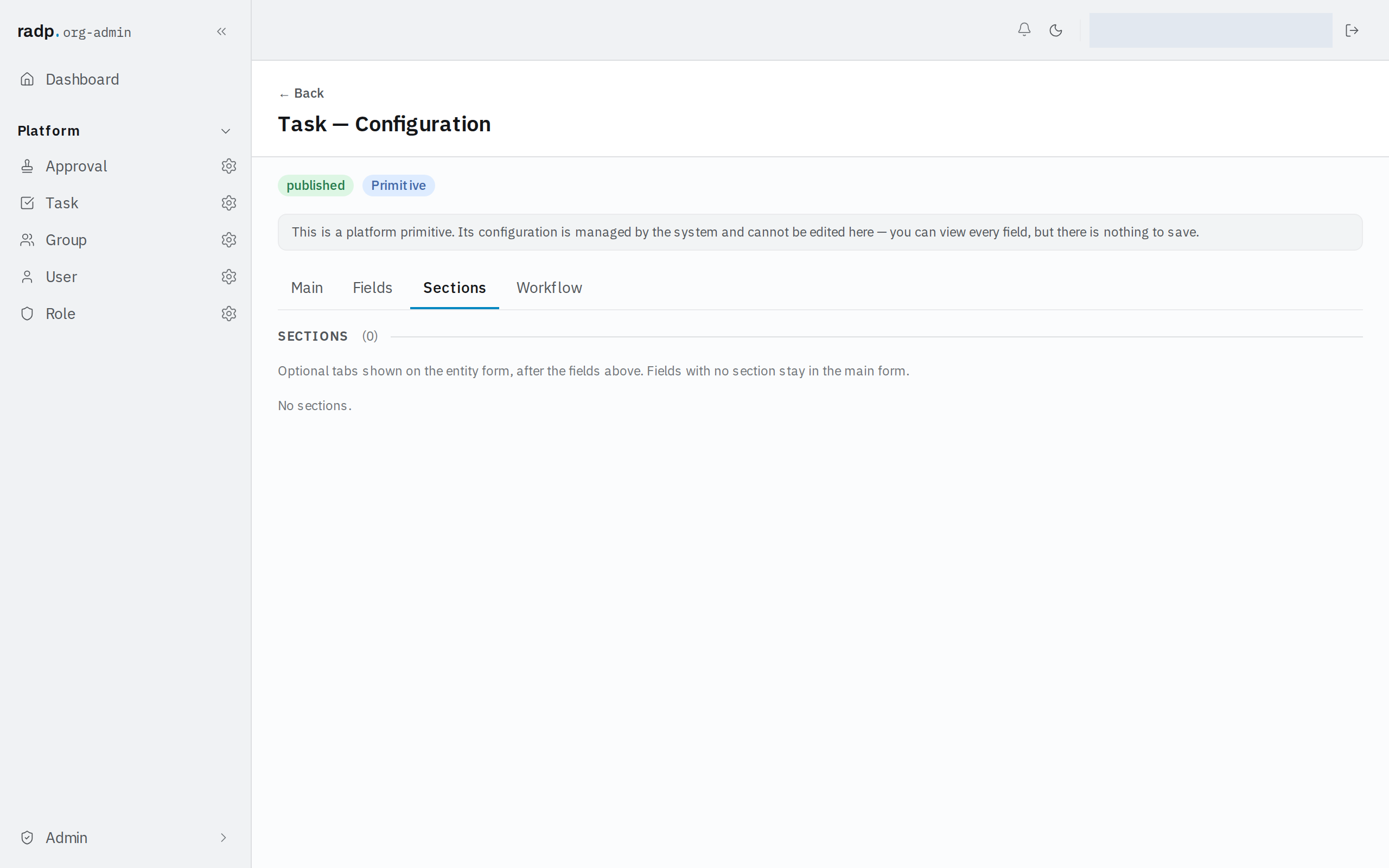
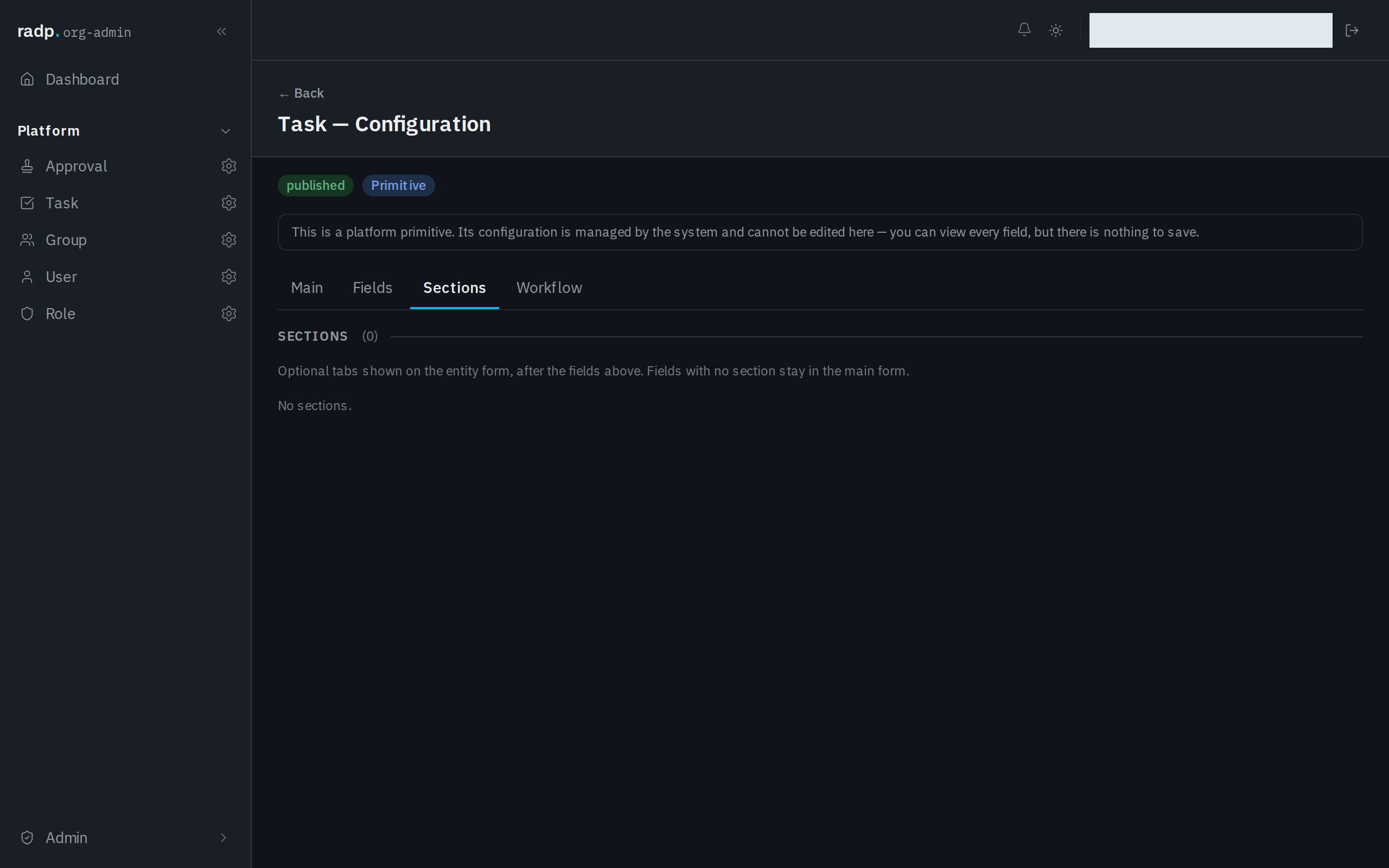
In the sidebar, open Admin, then the record type. Its configuration has four tabs: Main, Fields, Sections and Workflow. Sections are on the Sections tab, with a count of how many the record type has. Until any are set up, the tab reads No sections.
Who can change it
The Sections tab is in the Admin area, so only org-admins and radp-admins can reach it. On the record types that come with RADP — users, groups, roles, tasks and approvals — the tab can be read but nothing on it can be changed.