Turning on extra list views
Let people read a record type's records as a calendar, grouped table, board or agenda as well as the plain table.
A record type's records are always available as a plain table. Four other ways of reading them can be turned on per record type, and each one suits a different kind of record.
Turning a view on
- In the sidebar, open Admin, then open the record type you want. Its configuration opens on the Main tab.
- Under LIST VIEWS, tick each view you want.
- Save.
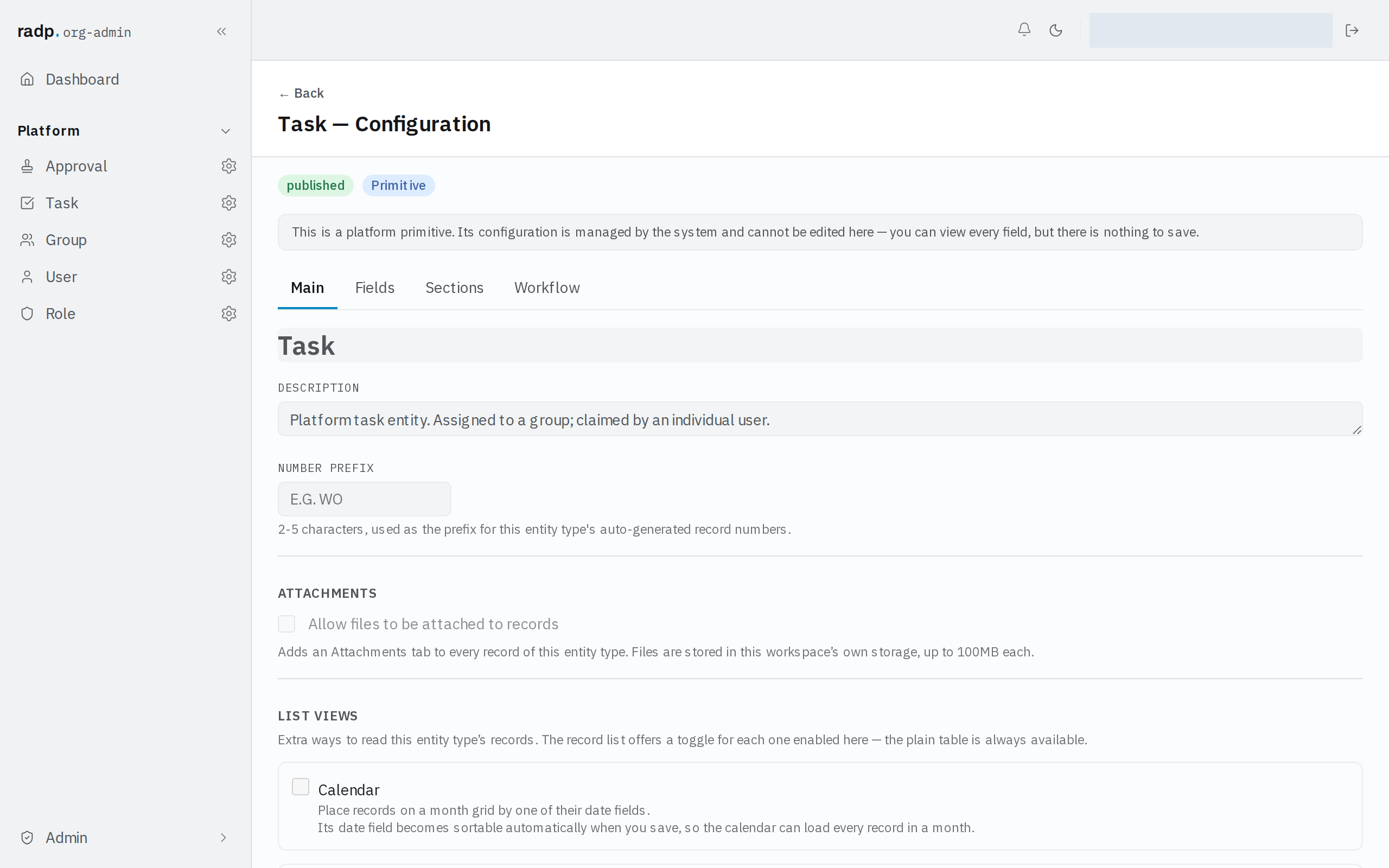
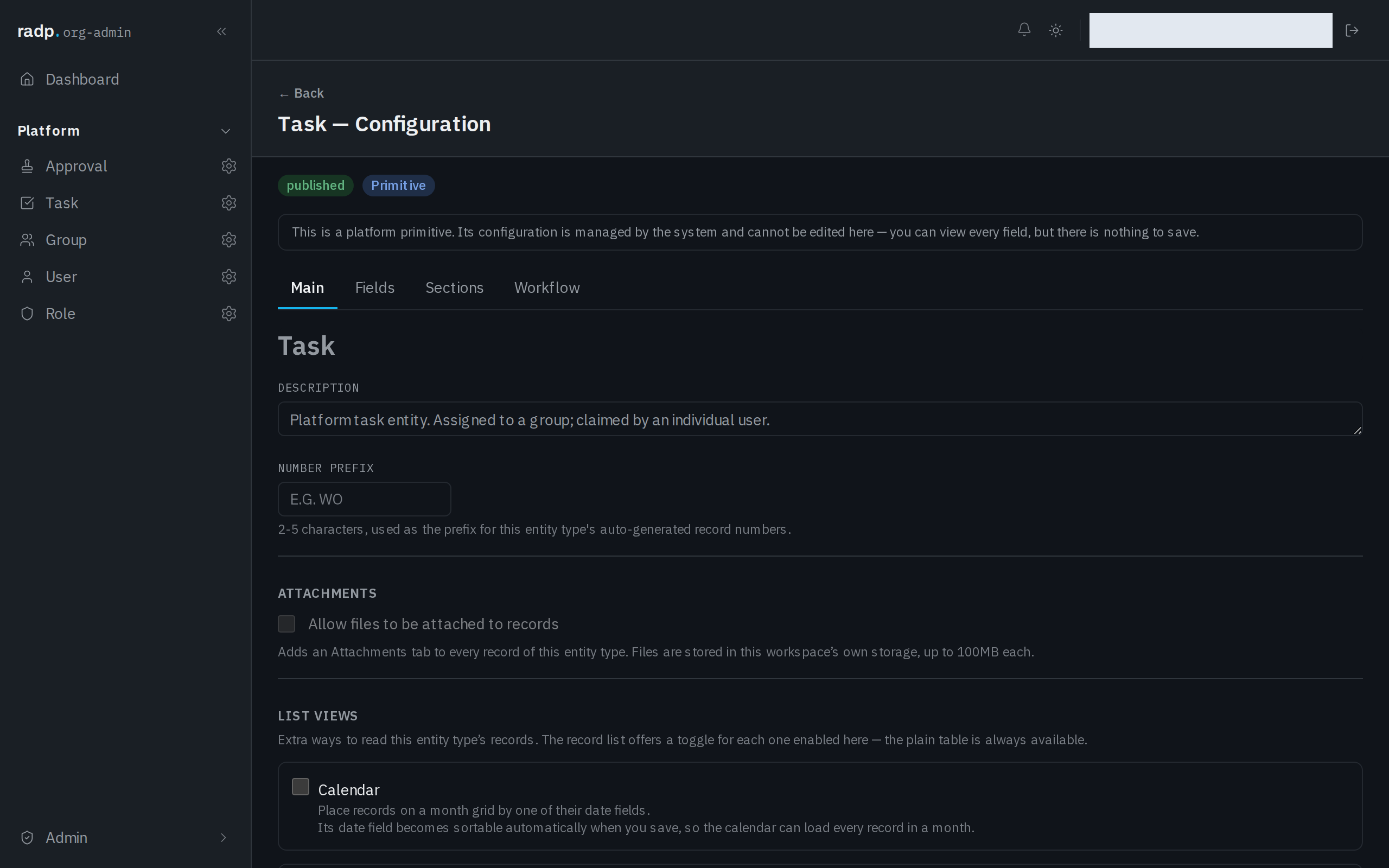
When you save, the record list offers a toggle for each view you enabled. The plain table is always there, so turning a view on never takes anything away.
Choosing between the views
Each view reads the records through one field, so a view only makes sense if the record type has a field of the right kind.
| View | What people get | The field it works from |
|---|---|---|
| Calendar | Records placed on a month grid | A date field |
| Grouped | The table, split into collapsible groups | A Drop down or Yes / No field |
| Board | Cards in columns, one per option of the field. Dragging a card changes the record's value. | A Drop down field |
| Agenda | Upcoming records as a day-by-day list — the calendar in a form that also works on a phone | A date field |
Calendar and Agenda answer when; Grouped and Board answer which pile. A board is the one that also changes records, because dragging a card sets the field the columns are built from.
What it costs
When you save, the field a view works from becomes sortable automatically, so the view can load a month, a group or a column directly. That happens whether or not you had marked the field sortable yourself, and the number of sortable fields on a record type is limited — so turn on the views people will actually use rather than all four.
Who can change it
The setting is in the Admin area, so only org-admins and radp-admins can reach it. On the record types that come with RADP — users, groups, roles, tasks and approvals — the views are listed but cannot be changed.