Amount (currency)
Amount fields hold money in a single currency that is set once for the whole workspace.
An Amount field holds a sum of money. You do not pick a currency on the field: every Amount field in the workspace is recorded and shown in one currency, set once in the workspace settings. That way any two amounts, on any two record types, can be compared directly.
Choosing the type
- Open the record type's configuration from the Admin area and choose the Fields tab.
- Expand the field you are setting up.
- Choose Amount from the field's type list.
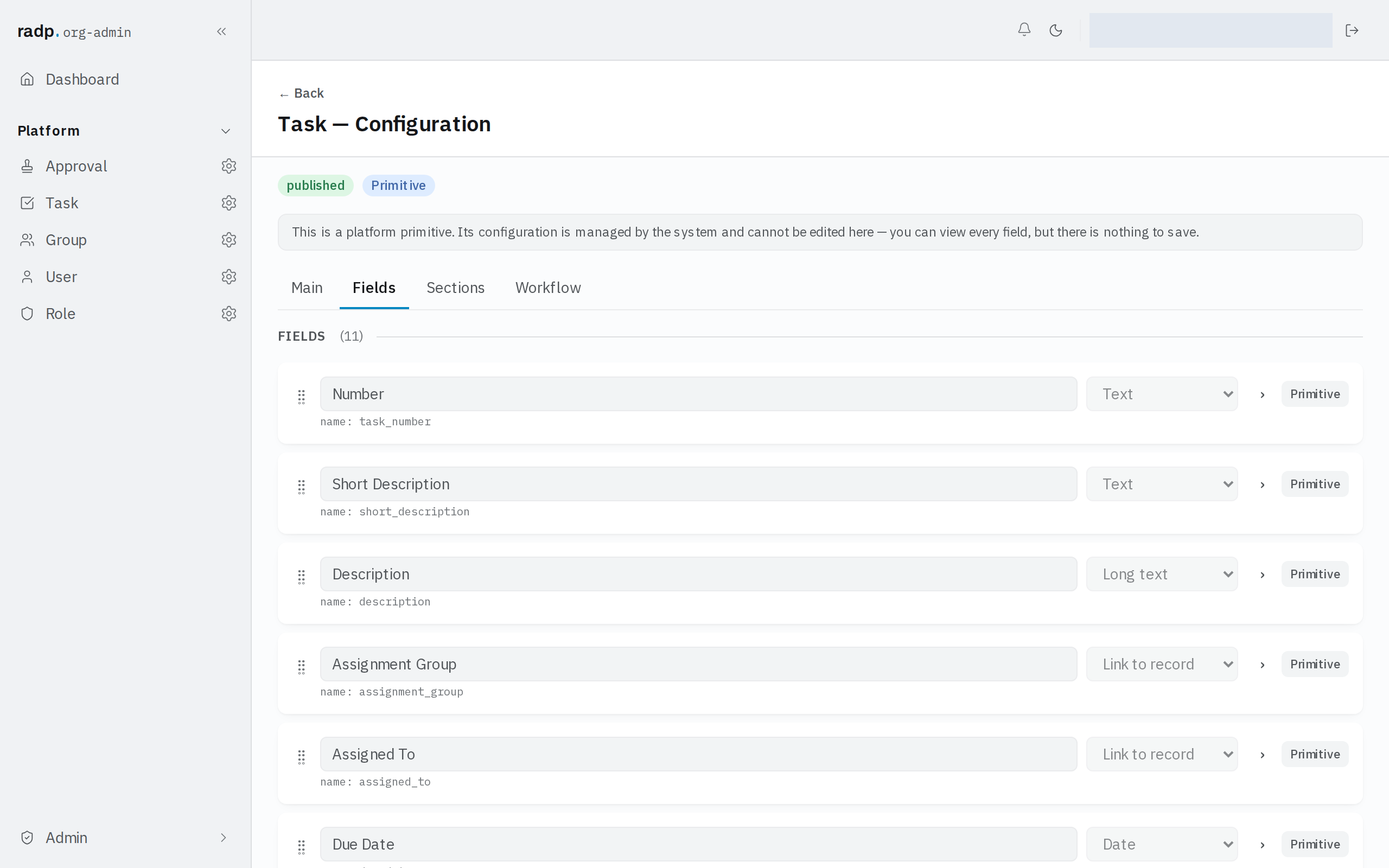
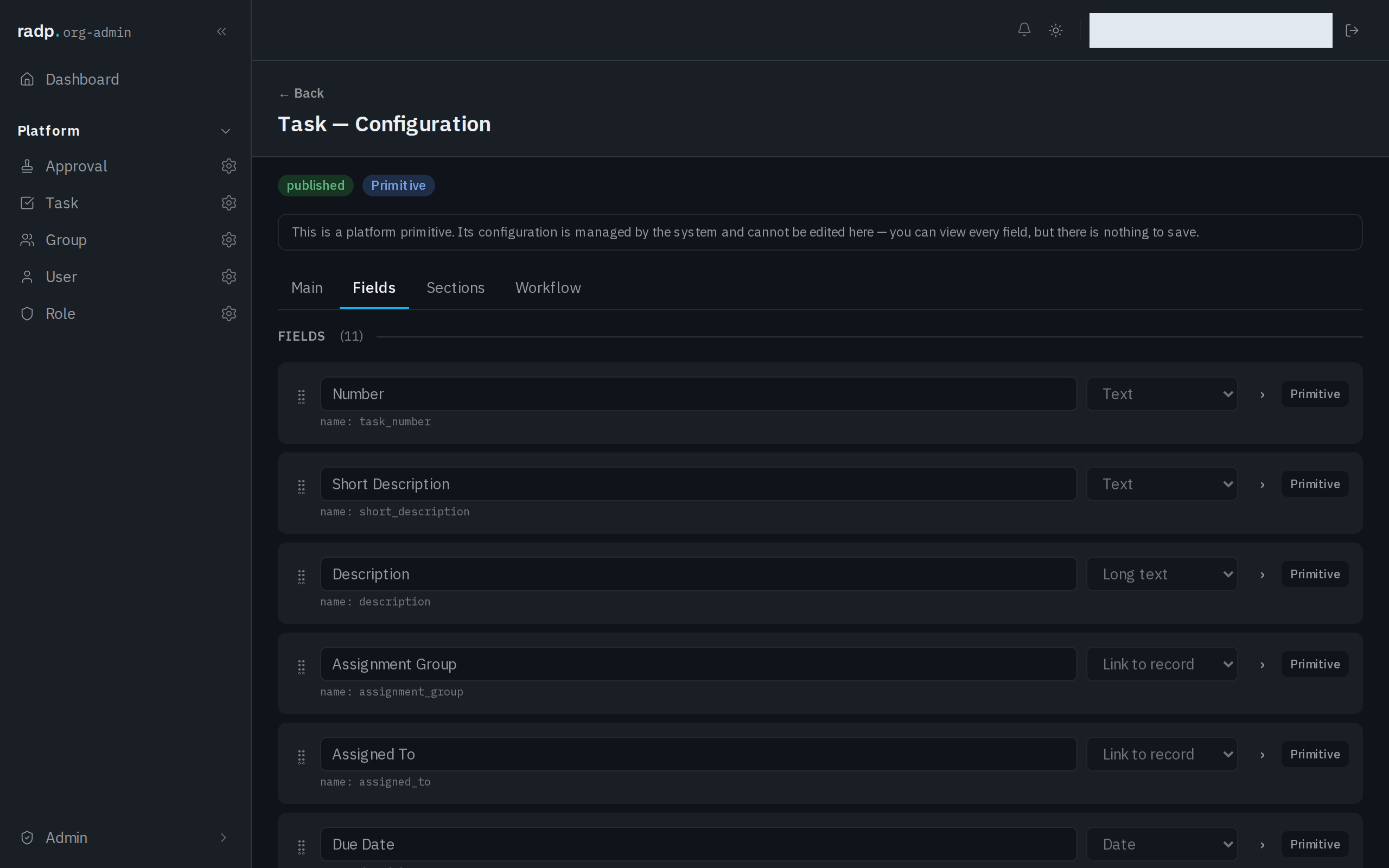
There is nothing further to set for the currency on the field itself.
Where the currency is set
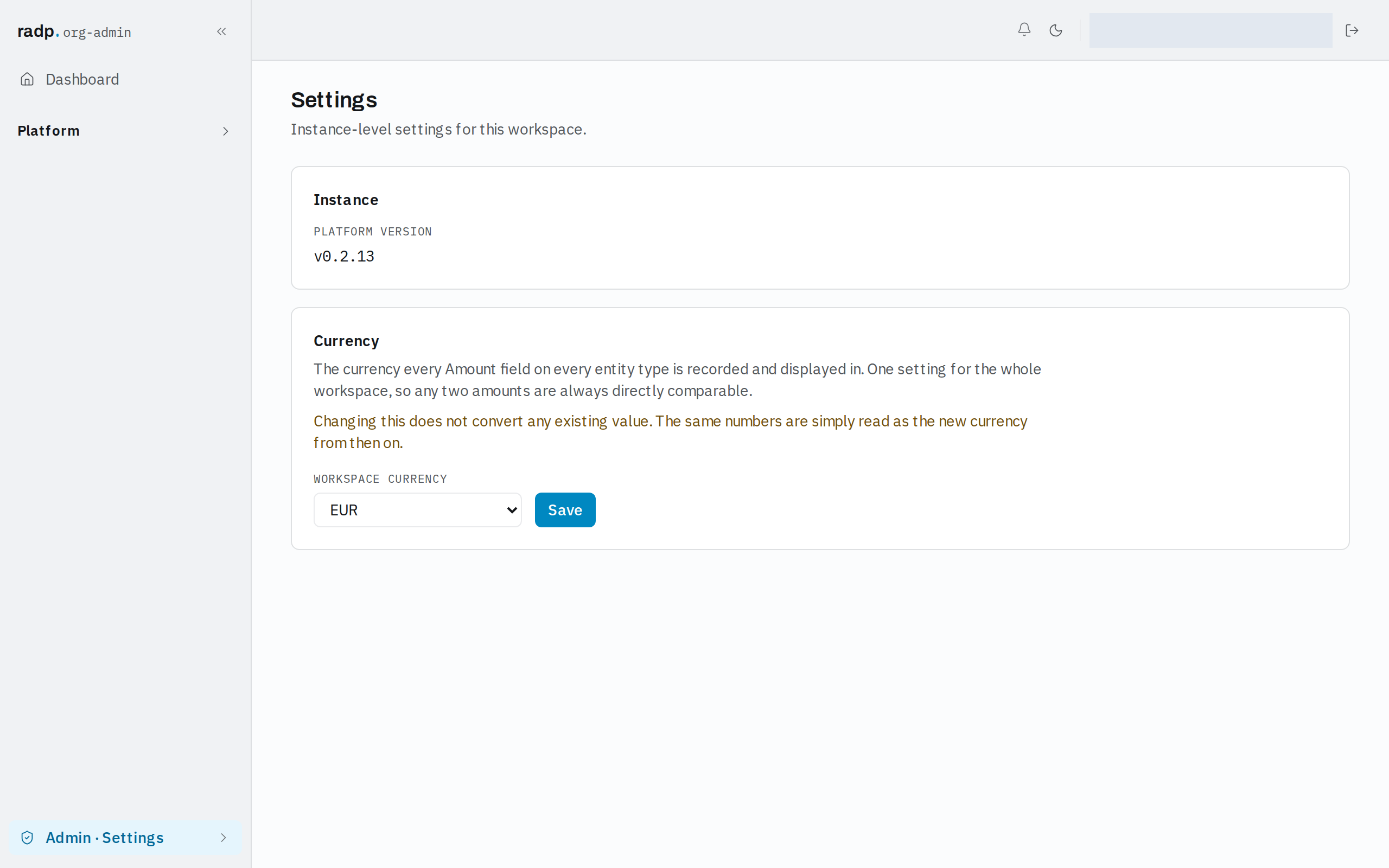
The currency is a workspace setting, so it applies to every Amount field on every record type at once. There is no per-field and no per-record currency.
Only org-admins and radp-admins can reach it, because it lives in the Admin area.
Changing the workspace currency
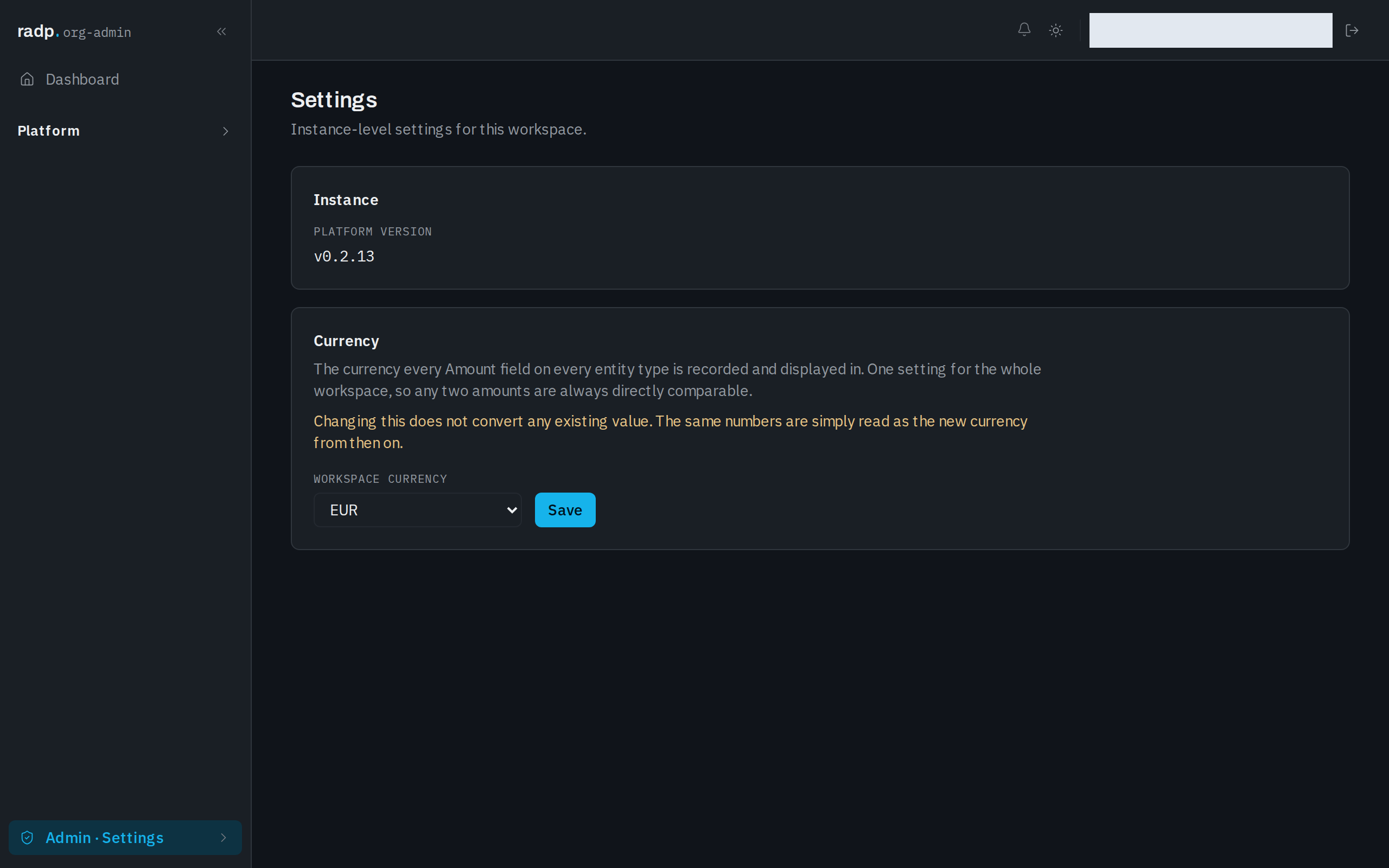
- In the Admin area, open Settings.
- Under Currency, choose the code you want in Workspace currency.
- Select Save.
Changing it does not convert anything
Changing the workspace currency leaves every stored value exactly as it is. The same numbers are simply read as the new currency from then on. An amount entered as 1,200 stays 1,200; only the currency it is understood to be in changes.
So settle the currency before people start entering amounts. If you change it later, the existing figures are not recalculated, and anyone who needs the old figures converted has to edit them by hand.
Currencies you can choose
The list offers EUR, USD, GBP, CHF, SEK, NOK, DKK, PLN, CZK, INR, AED, SAR, SGD, AUD, CAD, NZD, JPY, CNY and ZAR.