Number
Hold a numeric value, bound it with a minimum and maximum, and know when to use Amount instead.
Use a Number field for a value you count or measure: a quantity, a score, a floor, a headcount.
Adding one
A field's type is chosen on the record type's Fields tab, from the list of types the platform offers. Pick Number from that list.
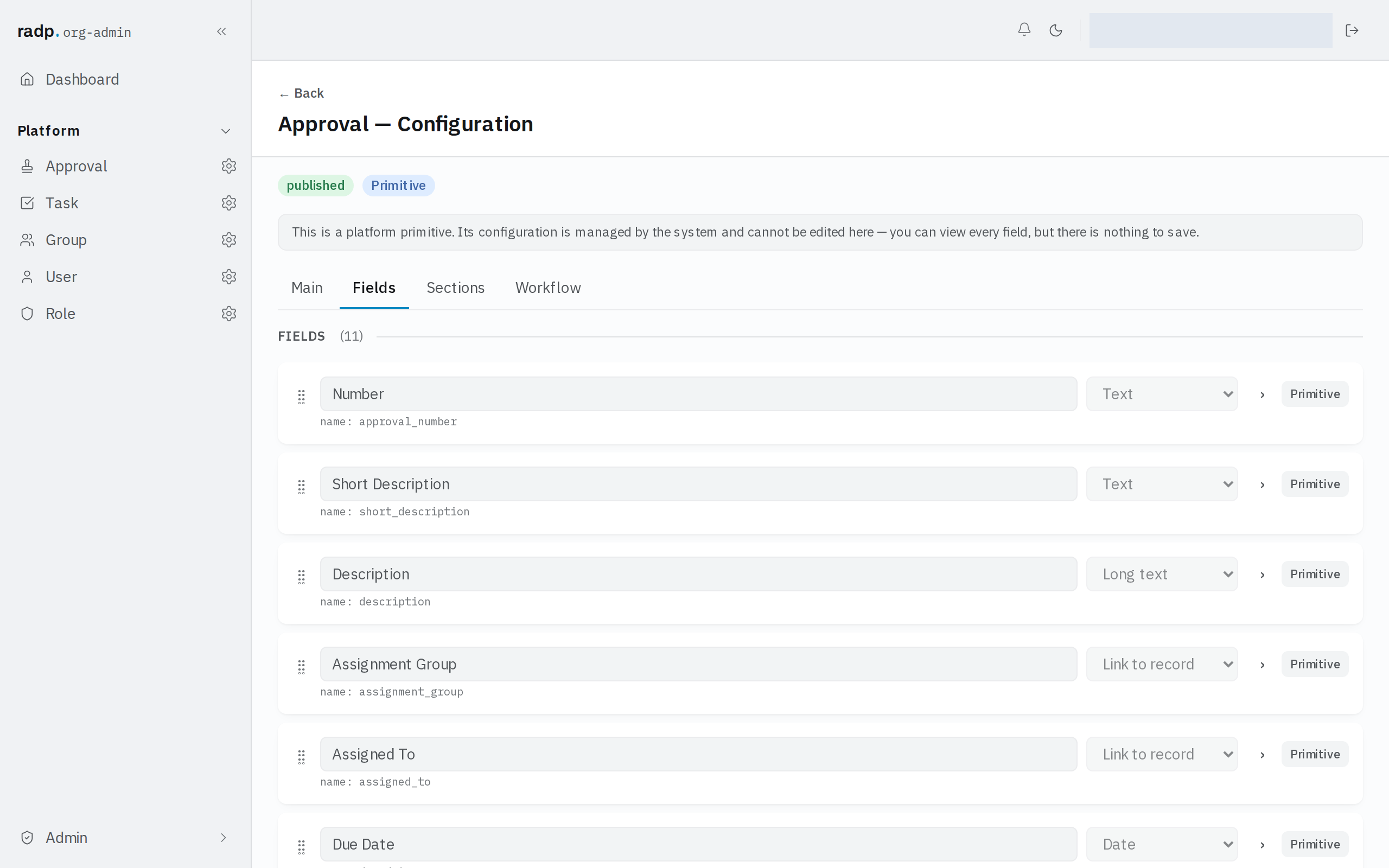
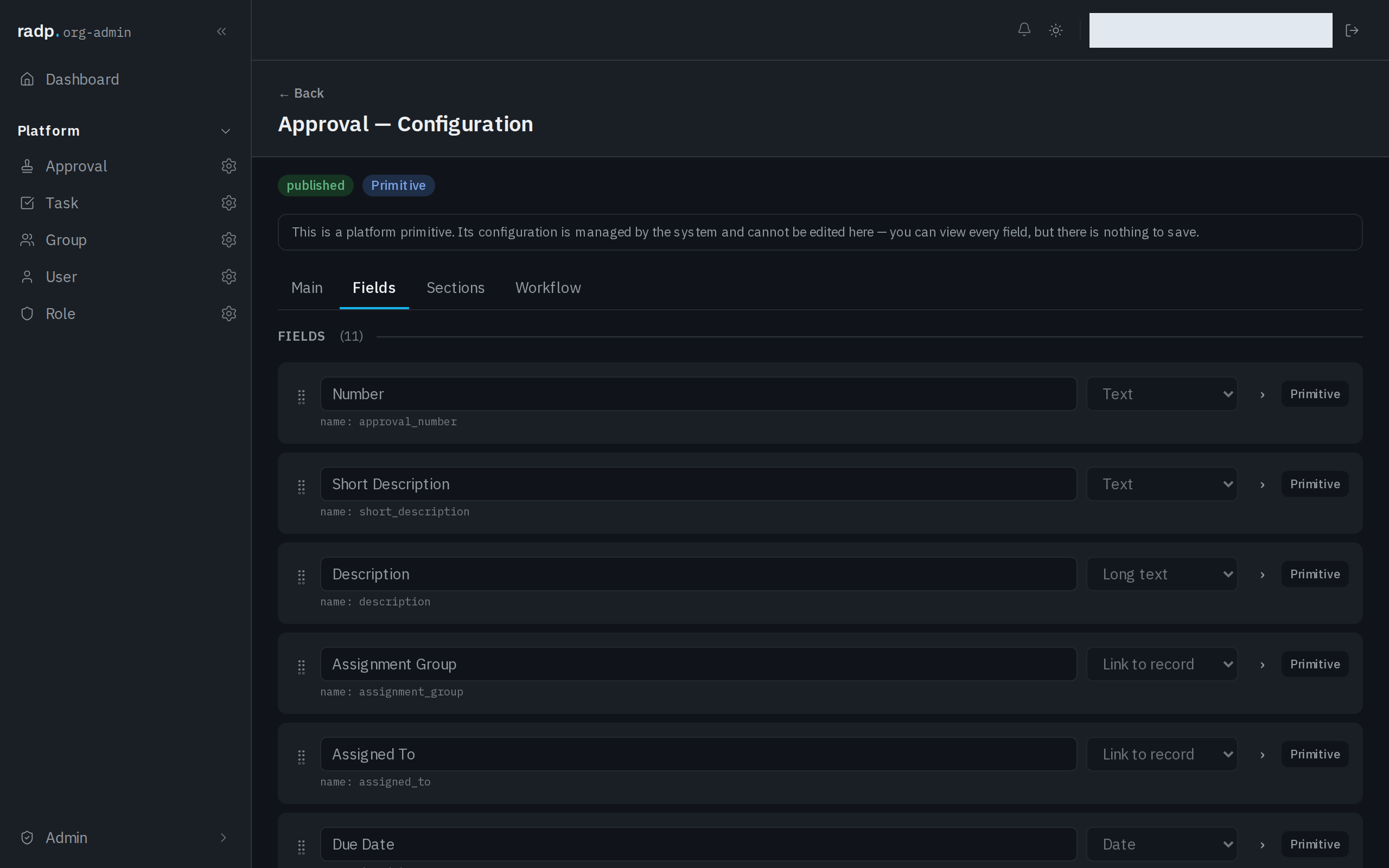
Only an org-admin or a radp-admin can add fields, and only inside a module that is checked out to them. The record type pictured above comes with the platform: its configuration can be read but not changed.
Bounding the value
A Number field can carry a minimum, a maximum, or both. Set them when a value outside the range would be a mistake rather than a surprise — a score out of ten, a quantity that cannot be negative.
The range is checked in the browser as the value is typed and again on the server when the record is saved. The server's check is the one that decides: a refused save comes back with a message against the field, and nothing is stored until the value is inside the range.
A minimum and maximum bind what people type from now on. They do not go back and re-check records that were saved before you set them.
Sorting and filtering
A Number field sorts and filters numerically — 9 comes before 10, not after it — but only once the field is marked sortable and filterable. Until then it can be displayed and edited, and that is all.
Marking a field sortable and filterable uses one of a small number of slots per record type, so spend them on the fields people actually sort by. If the same number is also stored as text somewhere, that copy sorts as text: 10 before 9.
Number or Amount
Use Amount for money and Number for everything else.
Amount is not simply a number with a symbol in front. The currency is a single setting for the whole workspace, so every Amount field on every record type is recorded and displayed in the same currency, and any two amounts are always directly comparable. To see or change it, open Admin, then Settings.
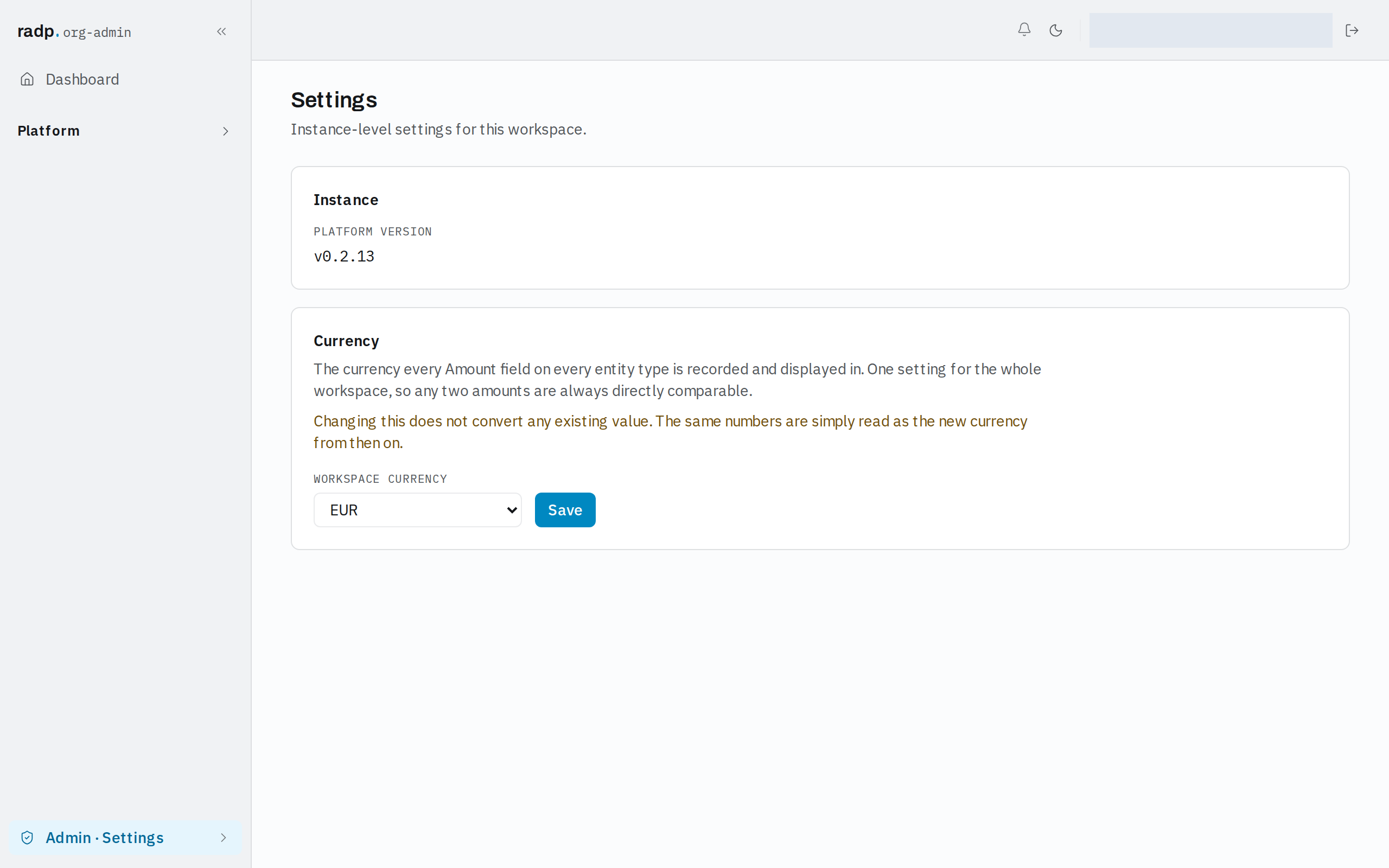
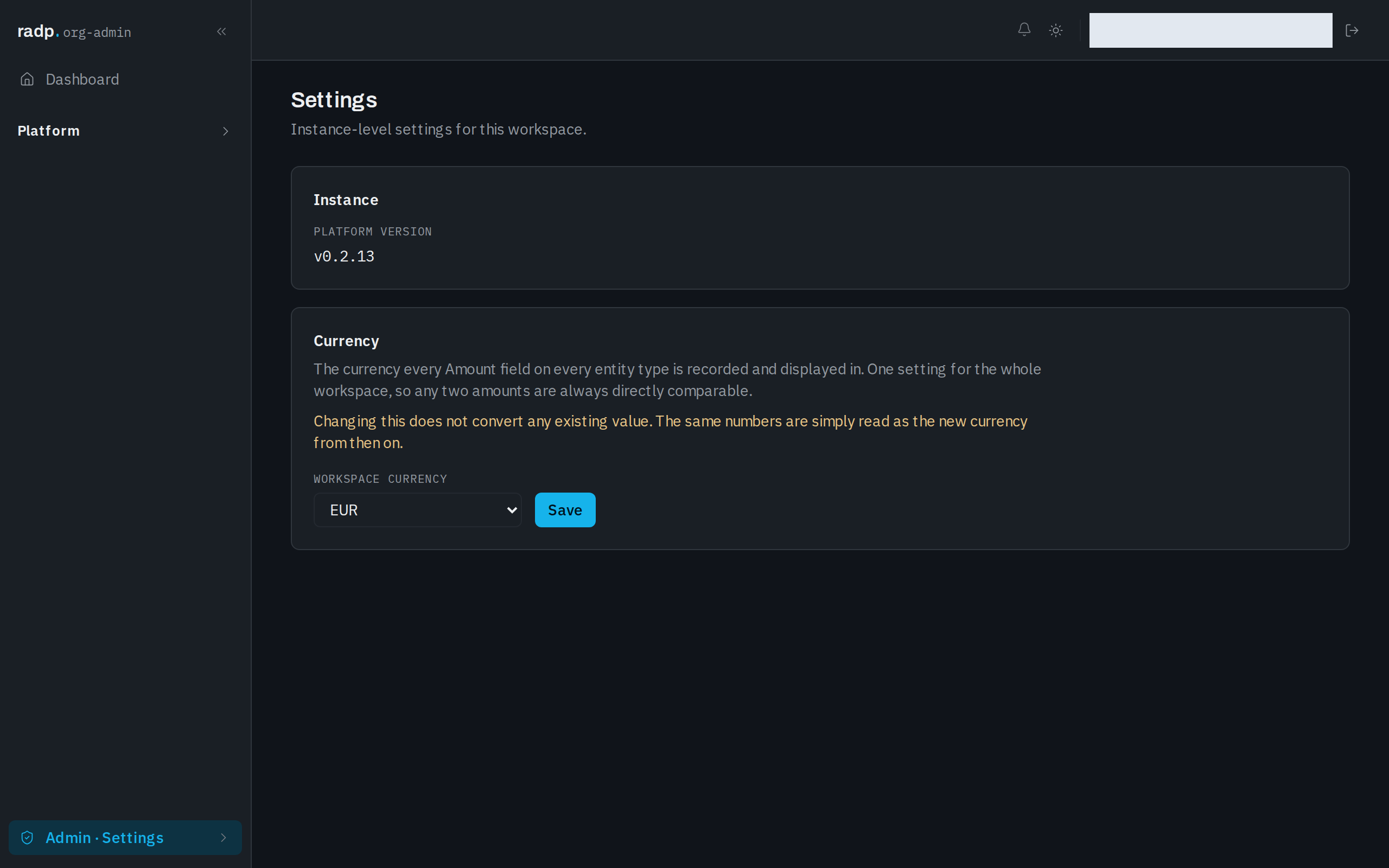
Changing the workspace currency does not convert any existing value. The same numbers are simply read as the new currency from then on. Only an org-admin or a radp-admin can reach this setting.
That is the reason to think before choosing. If your values are money, Amount gets you the currency for free and keeps every record consistent. If your workspace needs two different currencies side by side, the single workspace setting will not give you that, and a Number field with a separate drop down for the currency is the honest way to record it.
When a save is refused
The message appears against the field. The usual causes are a value outside the minimum or maximum, and a value that is not a number at all.