Link to record
Point a record at another record instead of repeating its details.
Use a Link to record field when a record needs to refer to another record — a ticket pointing at the customer it came from, or an inspection pointing at the site it covers. The link holds a reference, so the details stay on the record they belong to.
Field types are chosen in the Admin area, which only org-admins and radp-admins can open.
Choosing the type
- Open the record type's configuration from the Admin area and choose the Fields tab.
- Expand the field you are setting up.
- Choose Link to record from the field's type list.
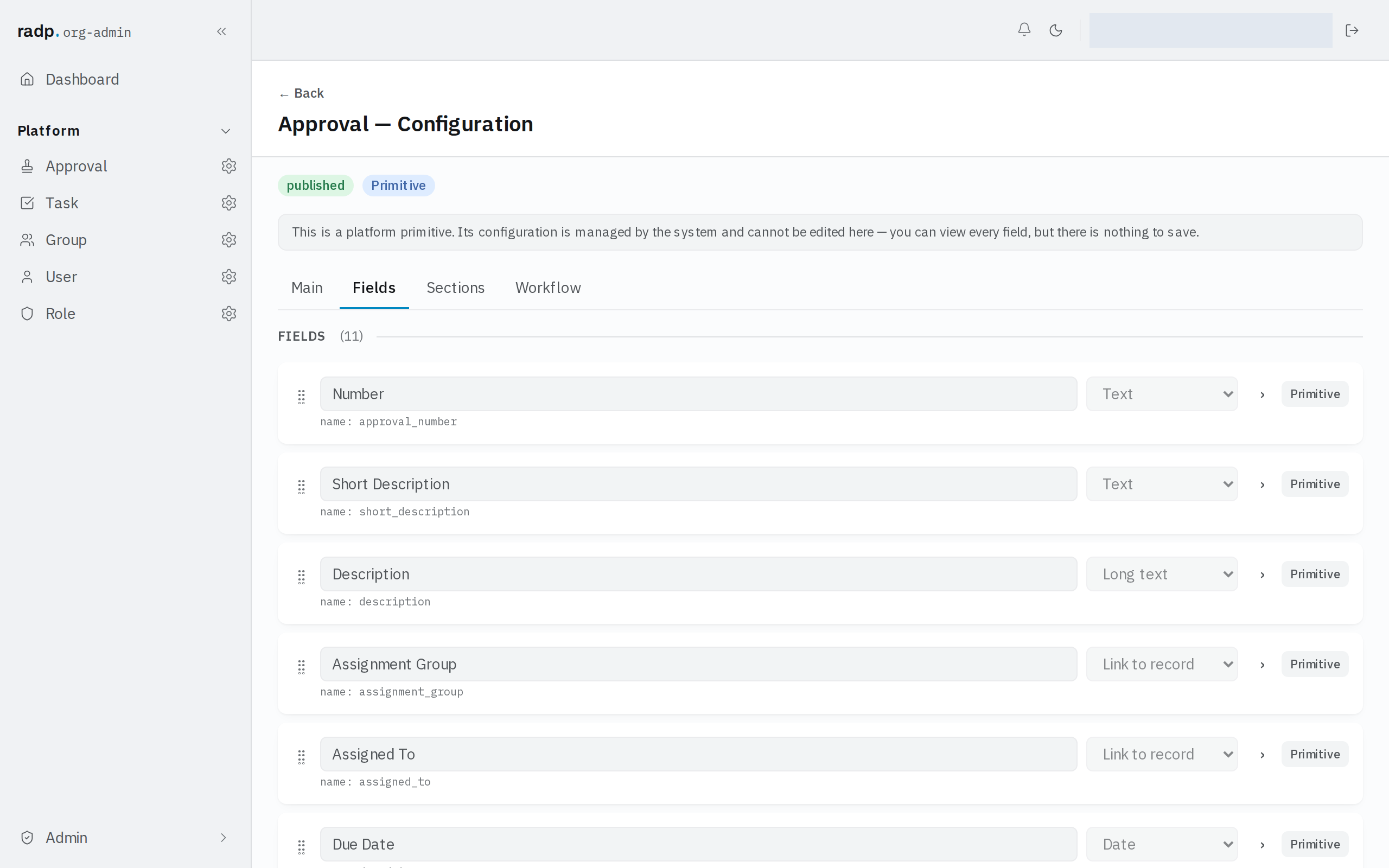
A link can point at one record of the other type, or at several.
What the link shows
A link shows the other record's display label — the field marked Display label on the record type being linked to. One field per record type can carry that mark. Set it on the type you are linking to before people start using the link, so they see something they recognise rather than a bare reference.
Sorting, filtering and views
A link field cannot be marked Sortable & filterable, so lists cannot be sorted or filtered by it. Nor can it stand behind a grouped list or a board: those are built on a Drop down field, and Grouped will also take a Yes / No field. If people need to narrow or group a list by the thing being linked to, keep a separate field they can be indexed on — a drop down, for example.