Rich text
Hold formatted text on a record, and know what is stored and where it cannot be used.
Use a Rich text field where a value needs shape as well as words — headings, lists, emphasis, links — such as a write-up, a set of instructions or findings. For plain paragraphs with no formatting, Long text is lighter; for a single line, use Text.
Field types are chosen in the Admin area, which only org-admins and radp-admins can open.
Choosing the type
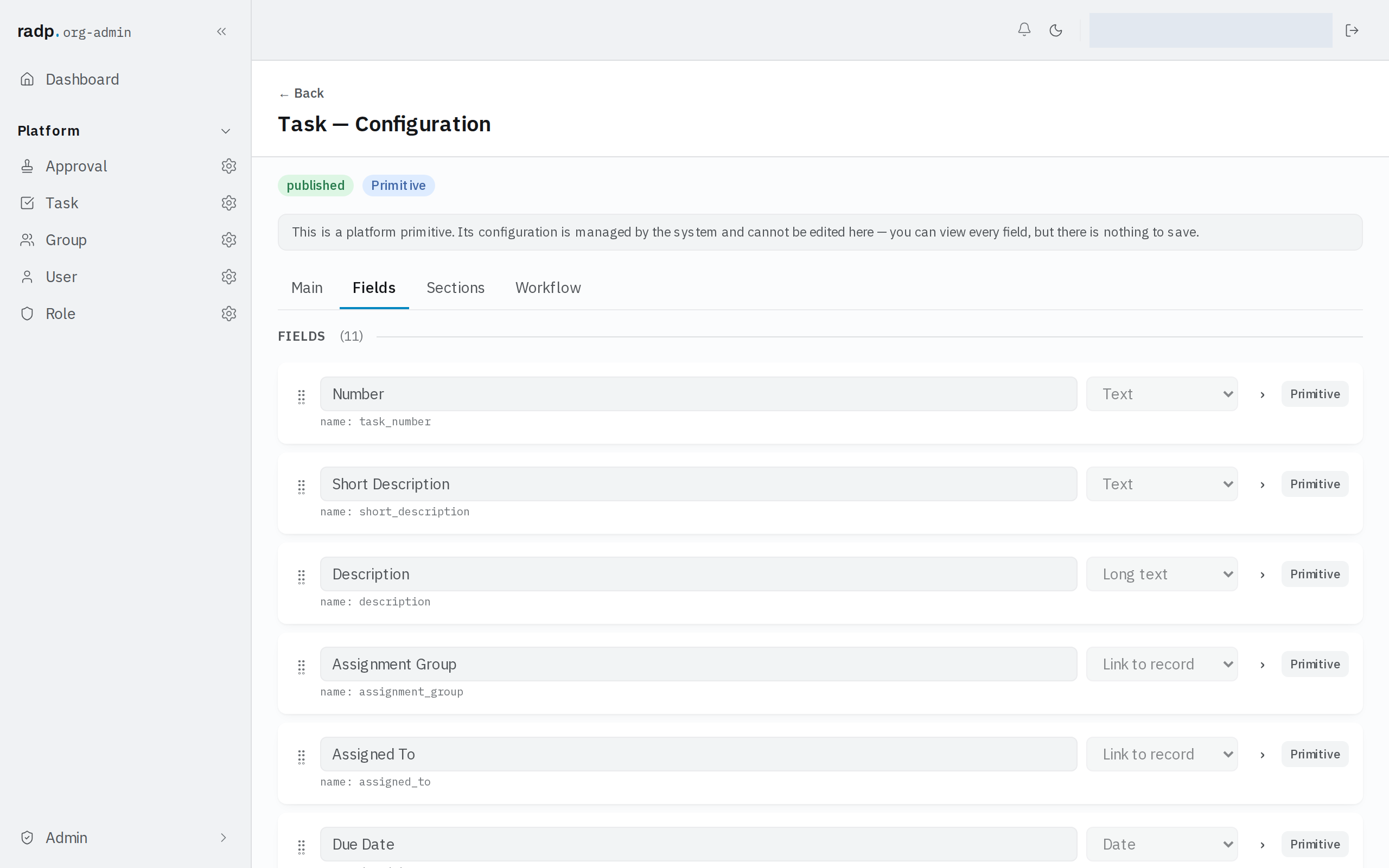
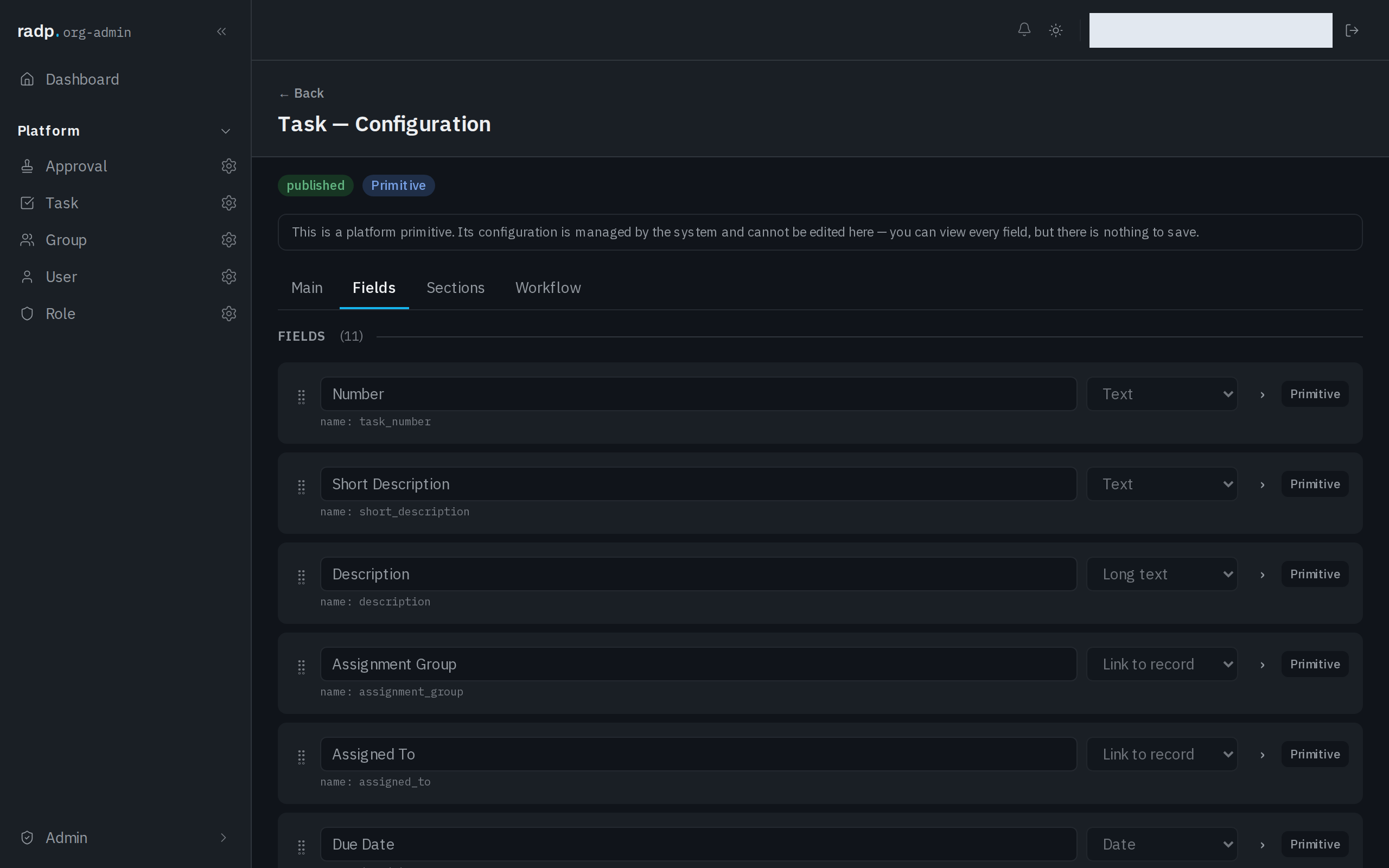
- Open the record type's configuration from the Admin area and choose the Fields tab.
- Expand the field you are setting up.
- Choose Rich text from the field's type list.
What is stored
The formatting is written and kept as Markdown. HTML is not stored, so markup pasted in from a web page or a word processor is not kept as markup.
Where it cannot be used
A rich text field cannot be marked sortable and filterable, so lists cannot be sorted or filtered by it, and it cannot stand behind a grouped, board, calendar or agenda view. If people need to find records by something written in the field, keep that something in a field of its own as well — a drop down or a short text field.