Comments
Give a record a comment thread instead of a single value.
A Comments field holds a thread of comments on the record. People add to it as the record moves along, and each comment stays with the record. Unlike every other field type, it does not hold one value that is typed over.
Field types are chosen in the Admin area, which only org-admins and radp-admins can open.
Adding a comment thread
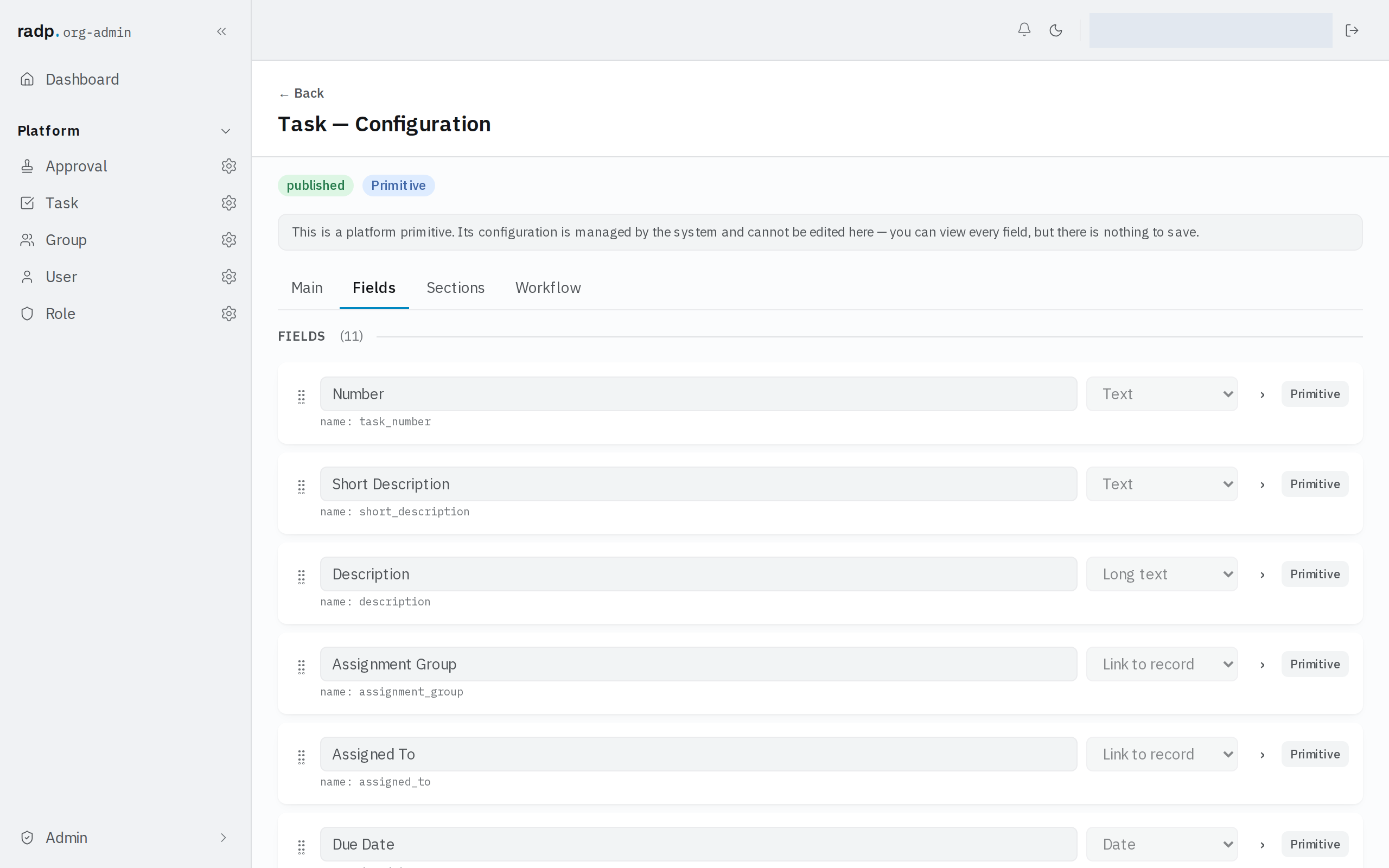
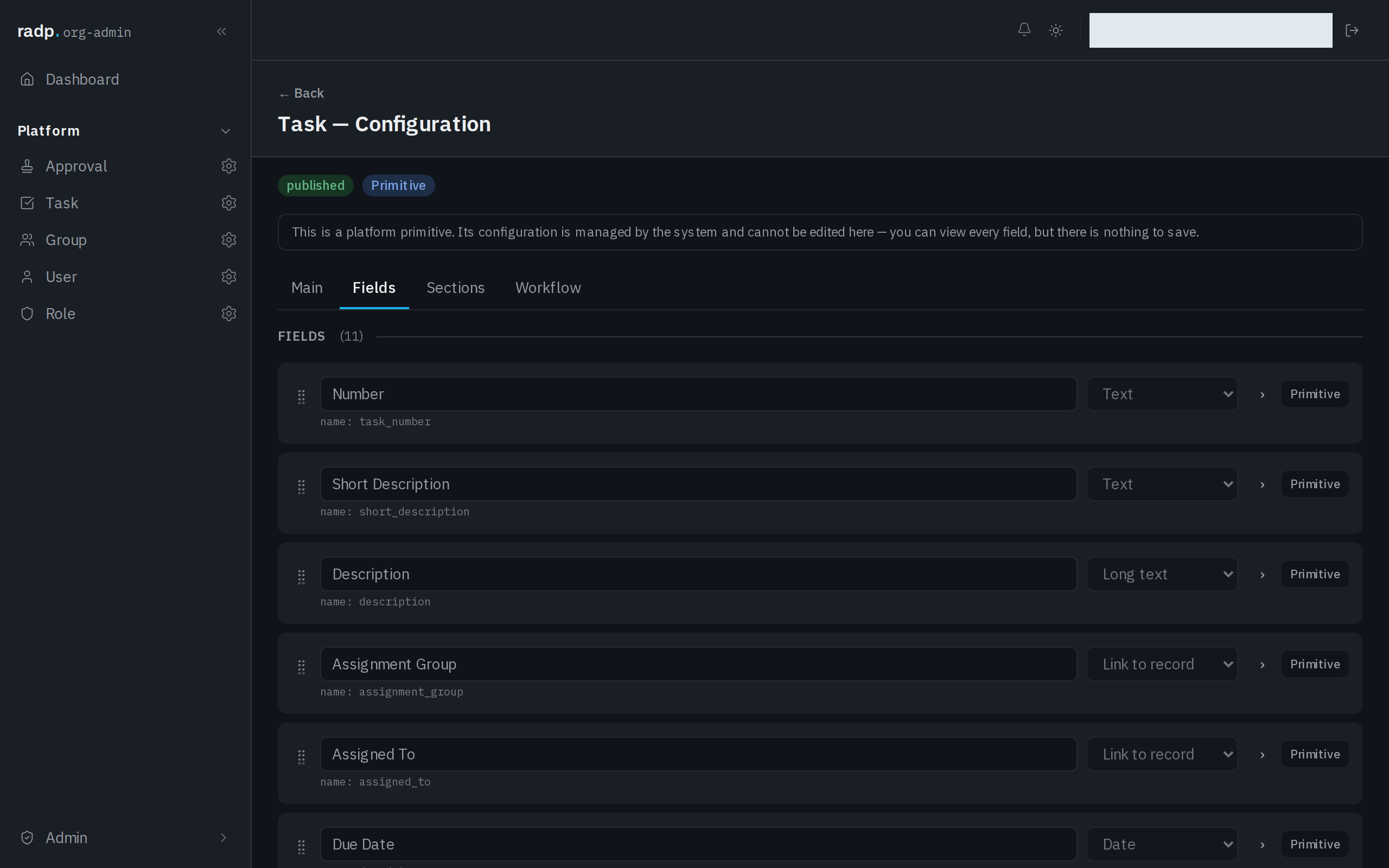
- Open the record type's configuration from the Admin area and choose the Fields tab.
- Expand the field you are setting up.
- Choose Comments from the field's type list.
One comment thread per record type is usually enough. Use the record's own fields for anything you need to report on later; a comment thread is for discussion, not for data you want to filter by.
Sorting and filtering
A comments field cannot be marked Sortable & filterable, so lists cannot be sorted or filtered by what is written in it.
Who hears about a comment
A comment thread can notify people when someone writes on it, so a comment is a way of reaching a colleague as well as a note on the record.