Date and time
Hold a date with a time on it, and know how the missing time zone affects what people read.
Use a Date & time field when the time of day is part of the answer: when a visit starts, when a meter was read, when a call came in.
Adding one
A field's type is chosen on the record type's Fields tab, from the list of types the platform offers. Pick Date & time from that list.
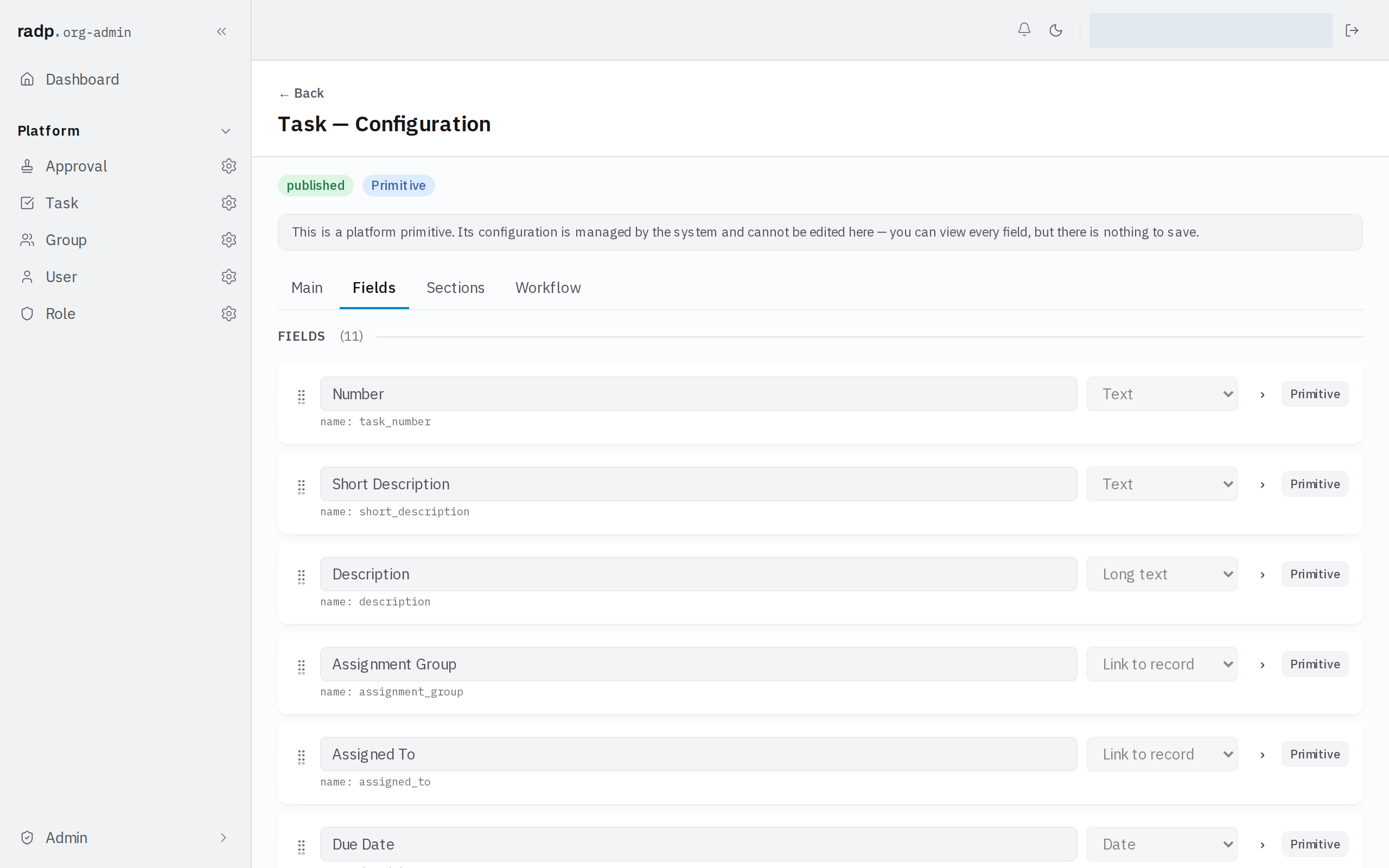
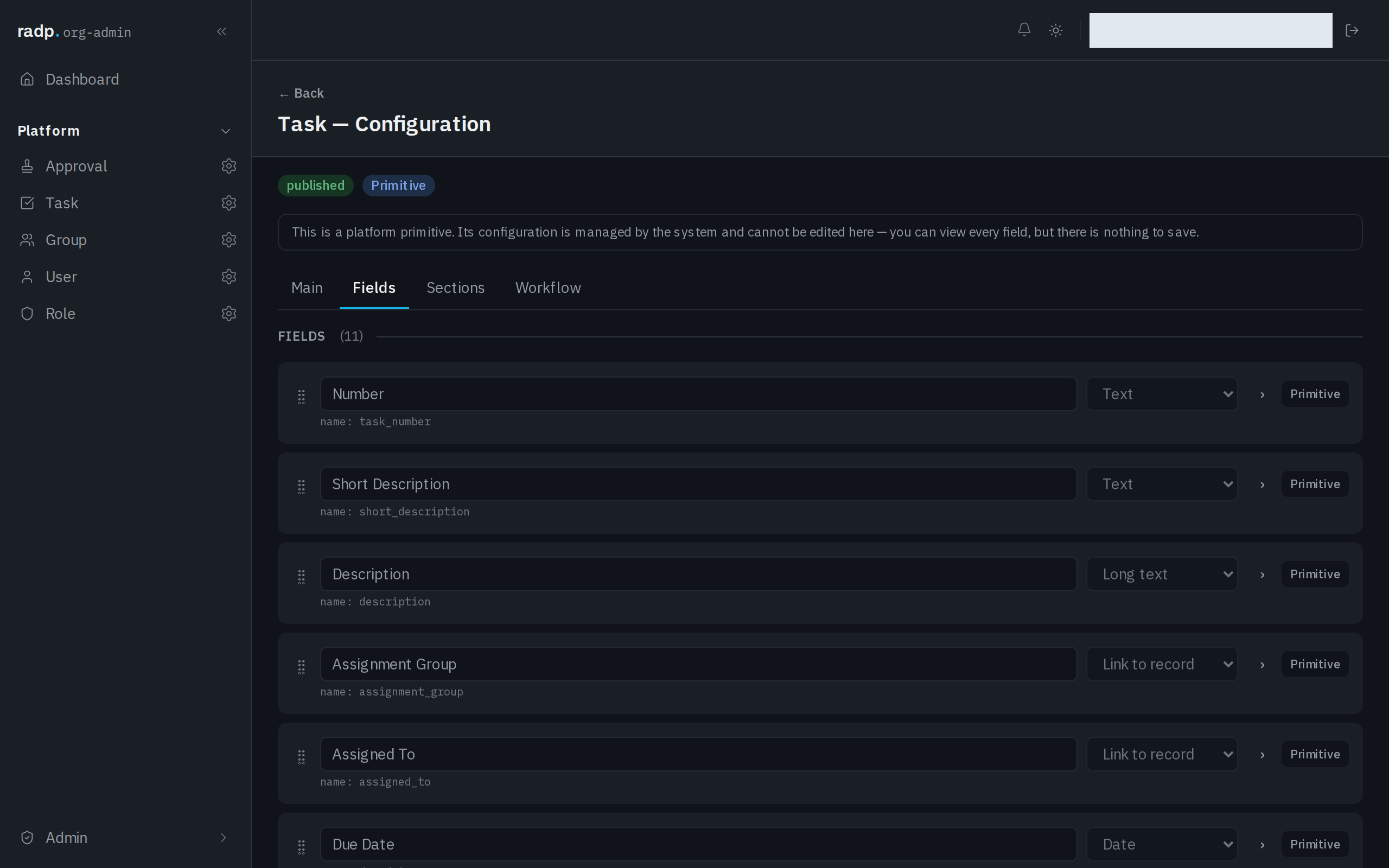
Only an org-admin or a radp-admin can add fields, and only inside a module that is checked out to them. Record types that come with the platform can be read, but nothing on them can be saved.
There is no time zone
A Date & time field stores a date and a clock time. It does not store a time zone, and it does not shift what it shows to suit whoever is reading.
That is the right behaviour when everyone who reads the record works to the same clock: 09:00 means the working day starting at nine, wherever the record is opened.
It is the wrong behaviour if you expect the value to be translated. Someone in another country reading 09:00 sees 09:00, not their local equivalent. If your organisation spans time zones, agree one clock for the workspace and say which it is — in the field's help text, or in a separate field beside it — rather than assuming people will work it out.
Date or Date & time
| Choose | When |
|---|---|
| Date | The day is the whole answer: a deadline, a date of birth, the day something is booked for. |
| Date & time | The time of day changes what someone does: an appointment, a reading, a cut-off. |
Prefer Date where it will do. It carries no clock time to be misread, and the Calendar and Agenda list views are built around a date field — see Date.
If a value is refused
What you type is checked in the browser and again on the server when you save. The server's check is the one that decides, and a refused save comes back with a message against the field.