Drop down
Offer a fixed list of options for someone to pick one from, and use that field to drive a board or a grouped list.
A Drop down field gives people a fixed list of options and lets them pick one of them. Use it wherever the answers are settled in advance — a priority, a category, a stage a piece of work is at.
Field types are chosen in the Admin area, which only org-admins and radp-admins can open.
Choosing the type
- Open the record type's configuration from the Admin area and choose the Fields tab.
- Expand the field you are setting up.
- Choose Drop down from the field's type list.
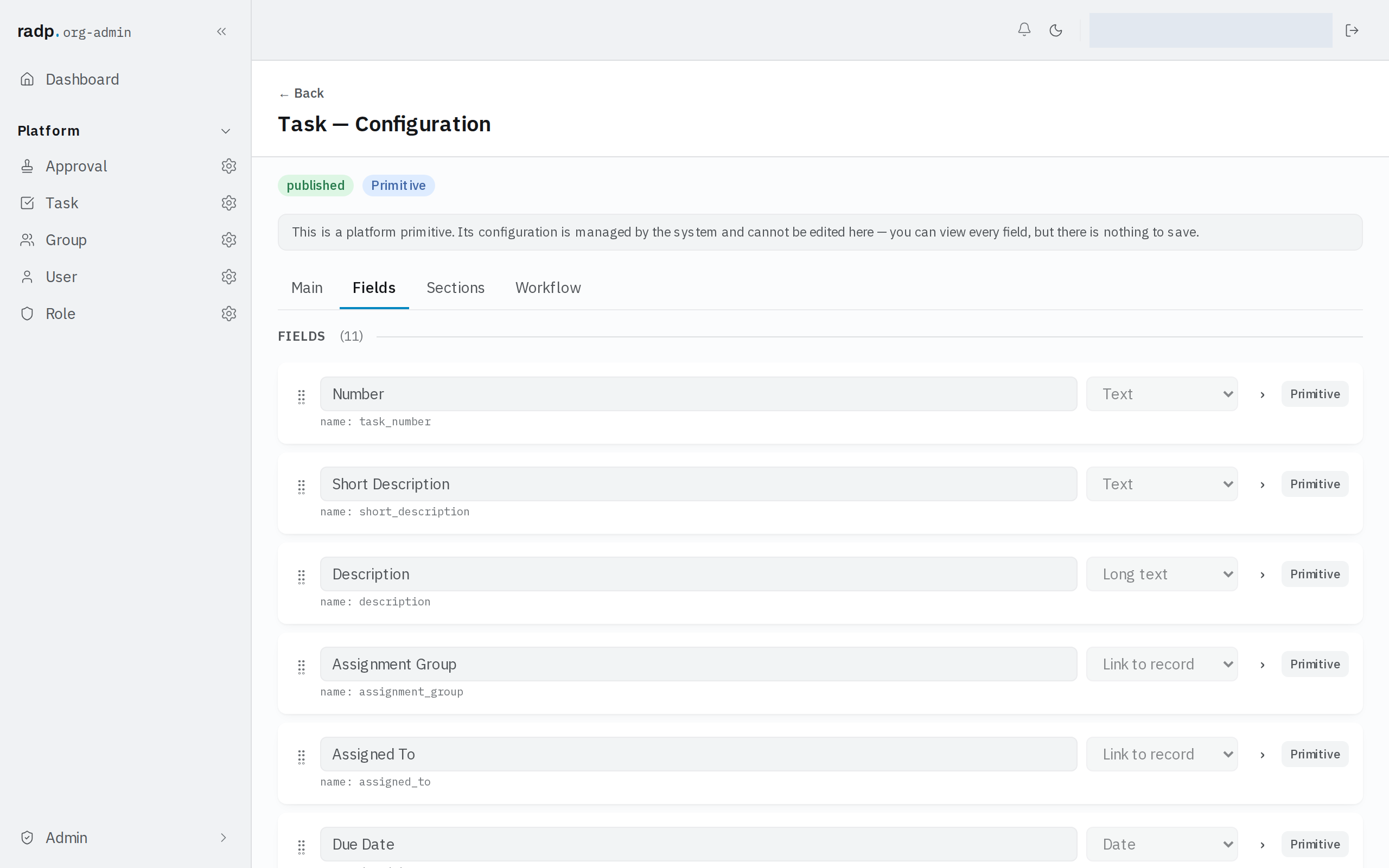
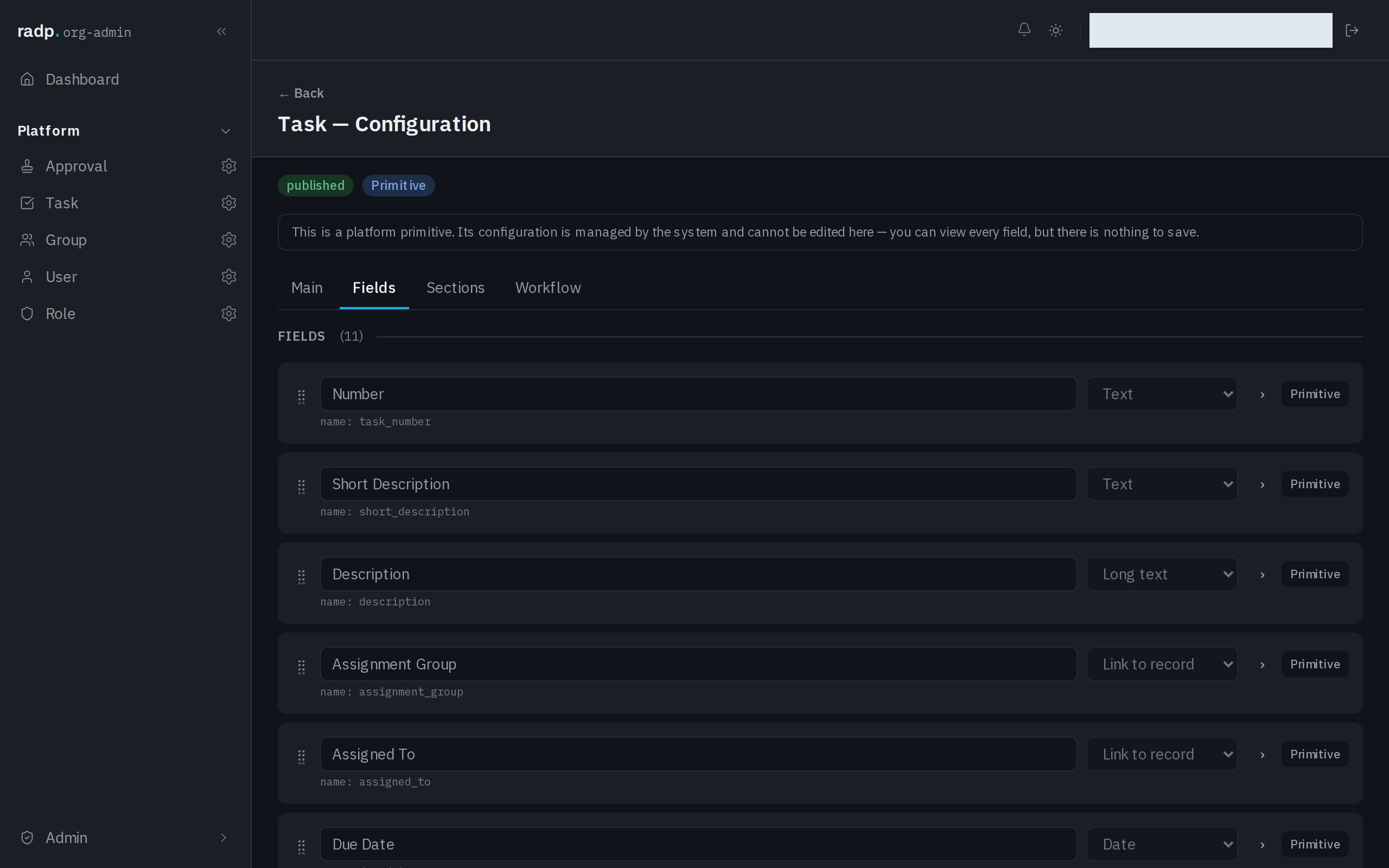
A value that is not one of the options is refused when the record is saved.
What a drop down unlocks
Two of the extra list views are built on a drop down. Both are turned on under List views on the record type's Main tab, and the plain table stays available whatever you turn on.
| View | What the drop down does |
|---|---|
| Grouped | Splits the table into collapsible groups by the field. A Yes / No field can be used instead. |
| Board | Gives the board one column per option of the field. Dragging a card to another column changes that record's value. |
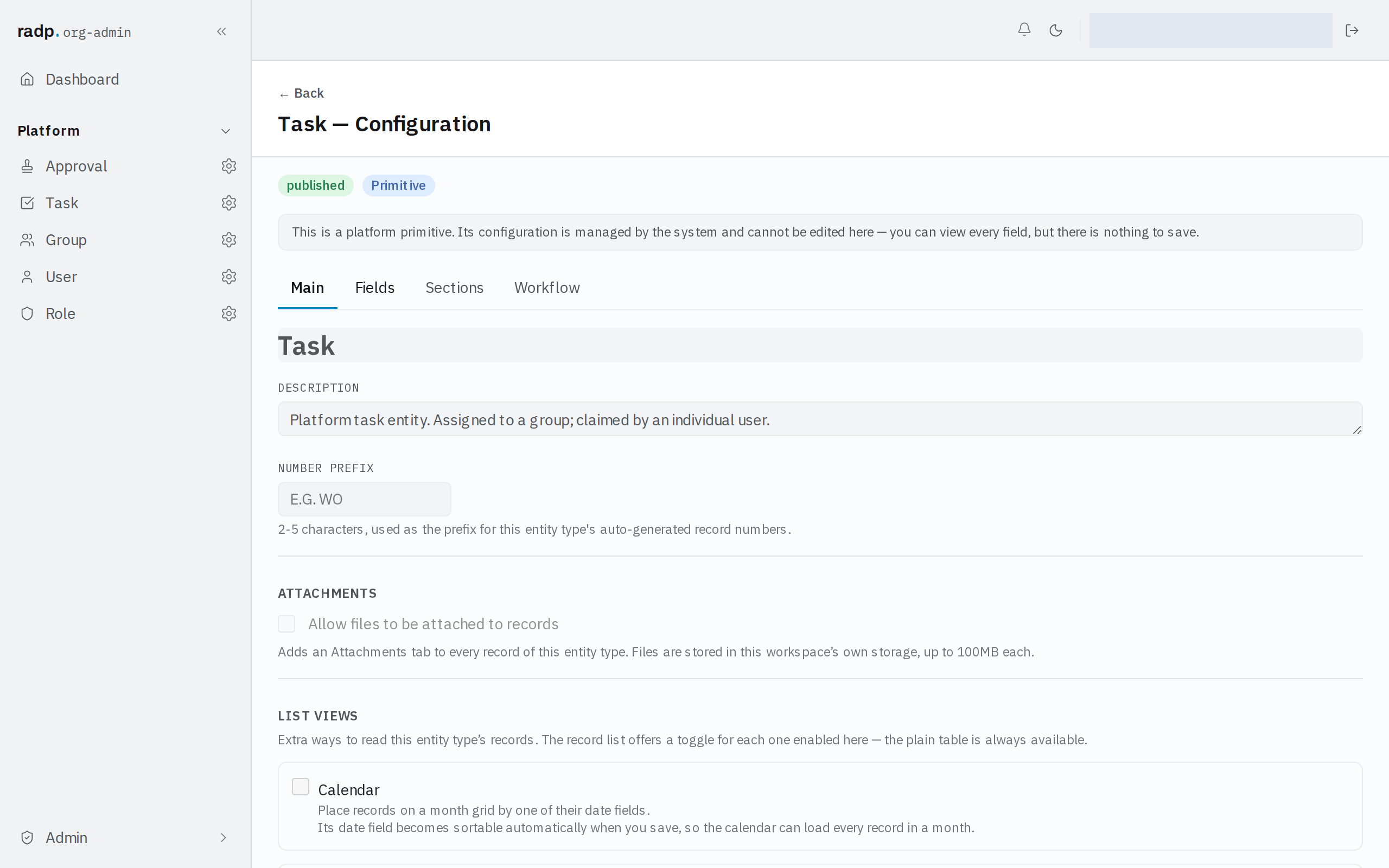
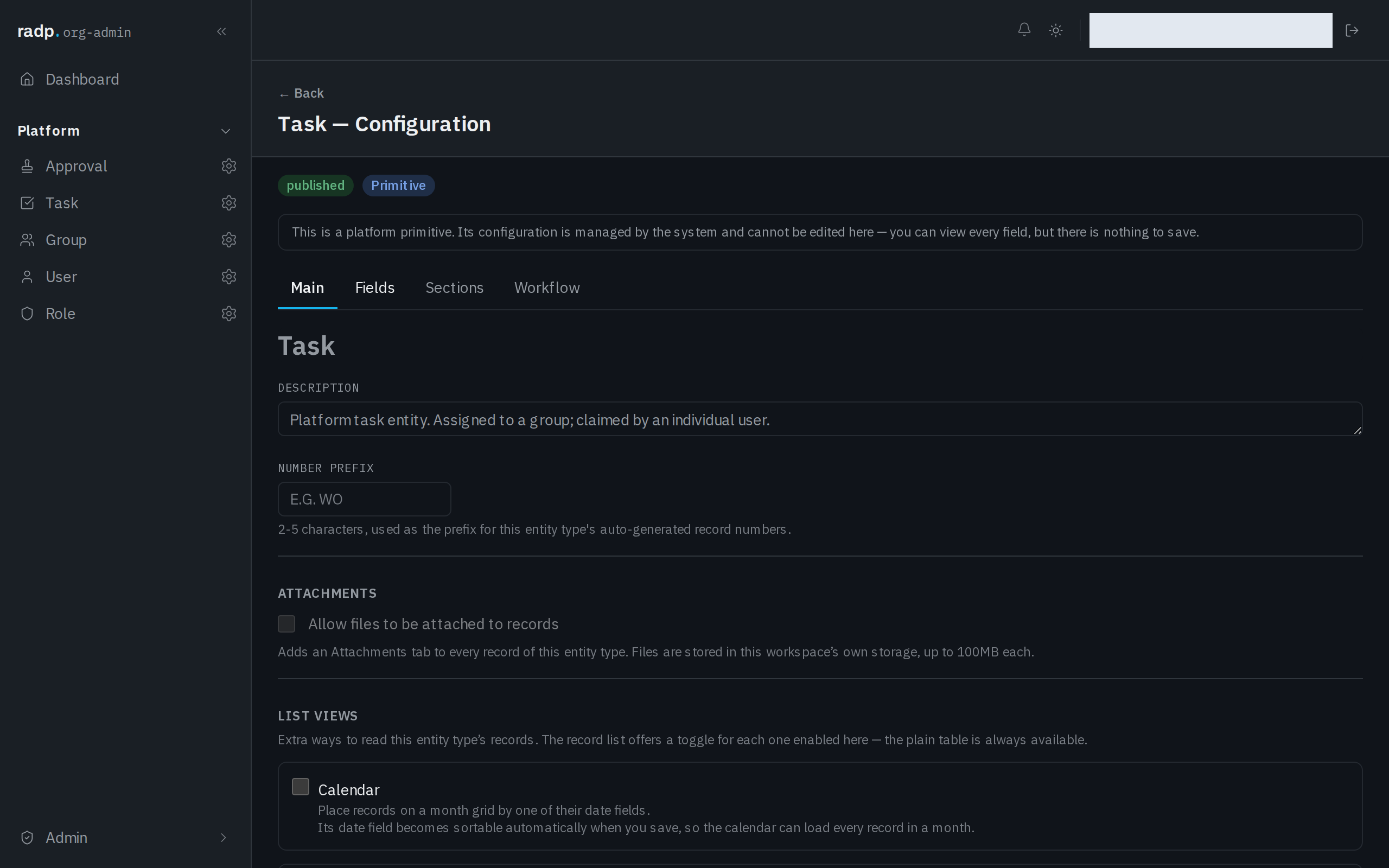
When you save, the field the view uses is made sortable on its own, so each group or column can be loaded directly. That makes it one of the record type's sortable and filterable fields, of which a record type may only have a few.
So if people will want to read these records as a board or in groups, a drop down is the field type to reach for. Multi-select cannot do it, because a record would belong in more than one column at once.