Text
Hold short text on one line, limit its length or shape, and know when a narrower type suits better.
Text holds short text on a single line: a name, a title, a reference, a code.
Text, or something narrower
The type list has separate entries for values with a shape of their own. Pick one of those where it fits, so what people type is checked for you.
| If the value is | Choose |
|---|---|
| An email address | |
| A web address | Web address (URL) |
| A phone number | Phone |
| Several lines of plain text | Long text |
| Text that needs formatting | Rich text |
| One of a fixed set of options | Drop down |
Setting up a Text field
- Open the record type's configuration and go to the Fields tab. Each field is one row.
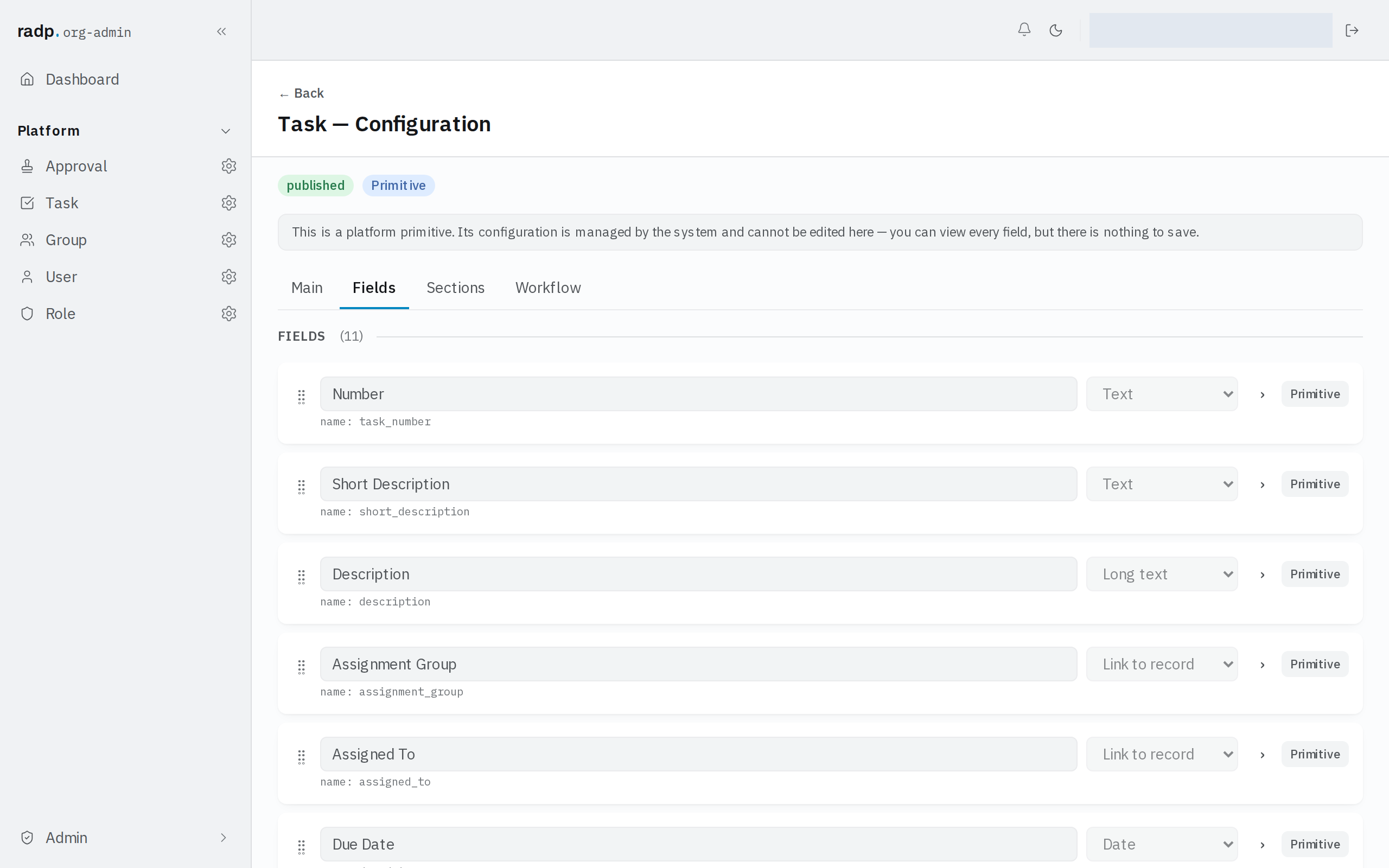
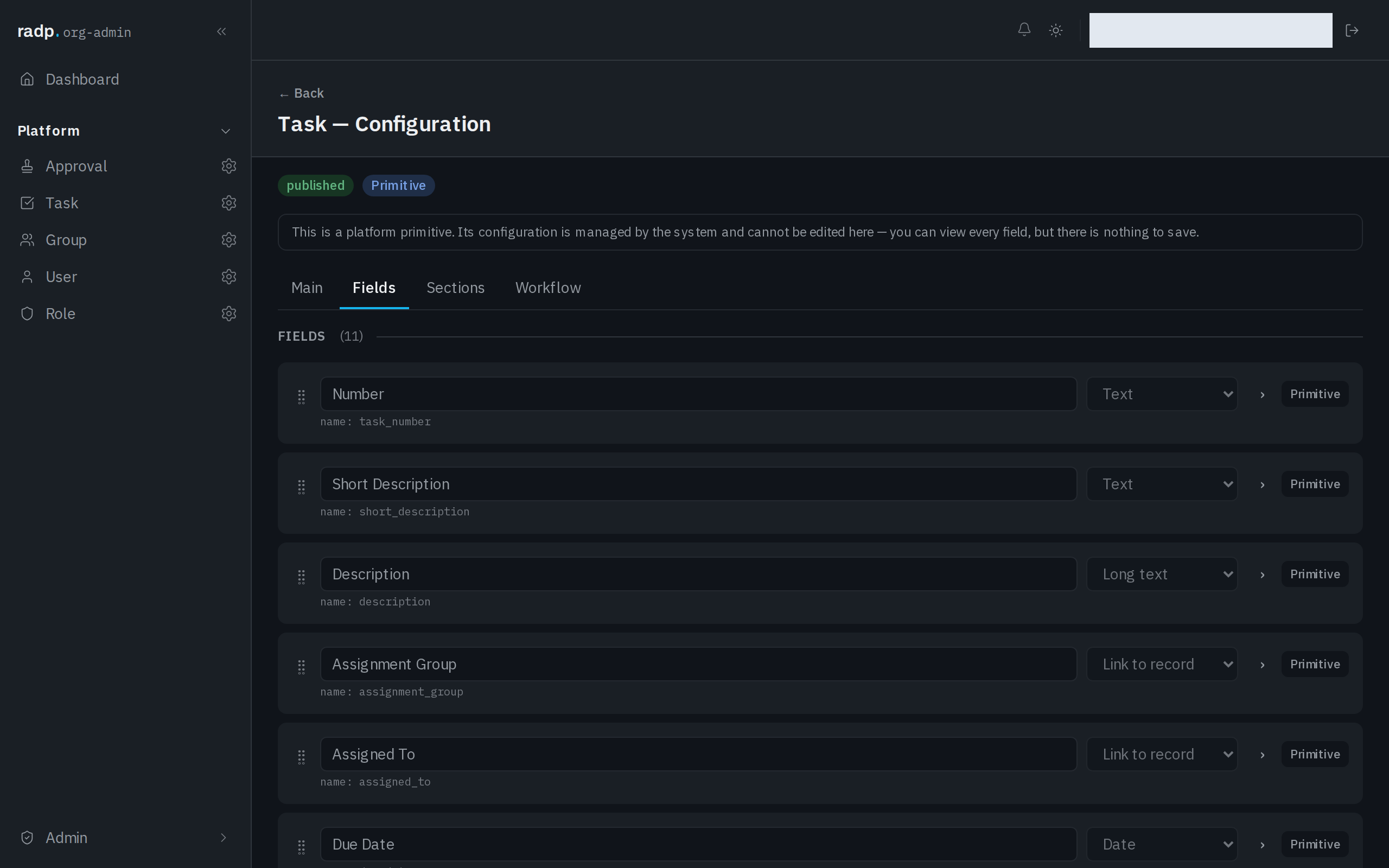
- Open the field's row to reach its settings.
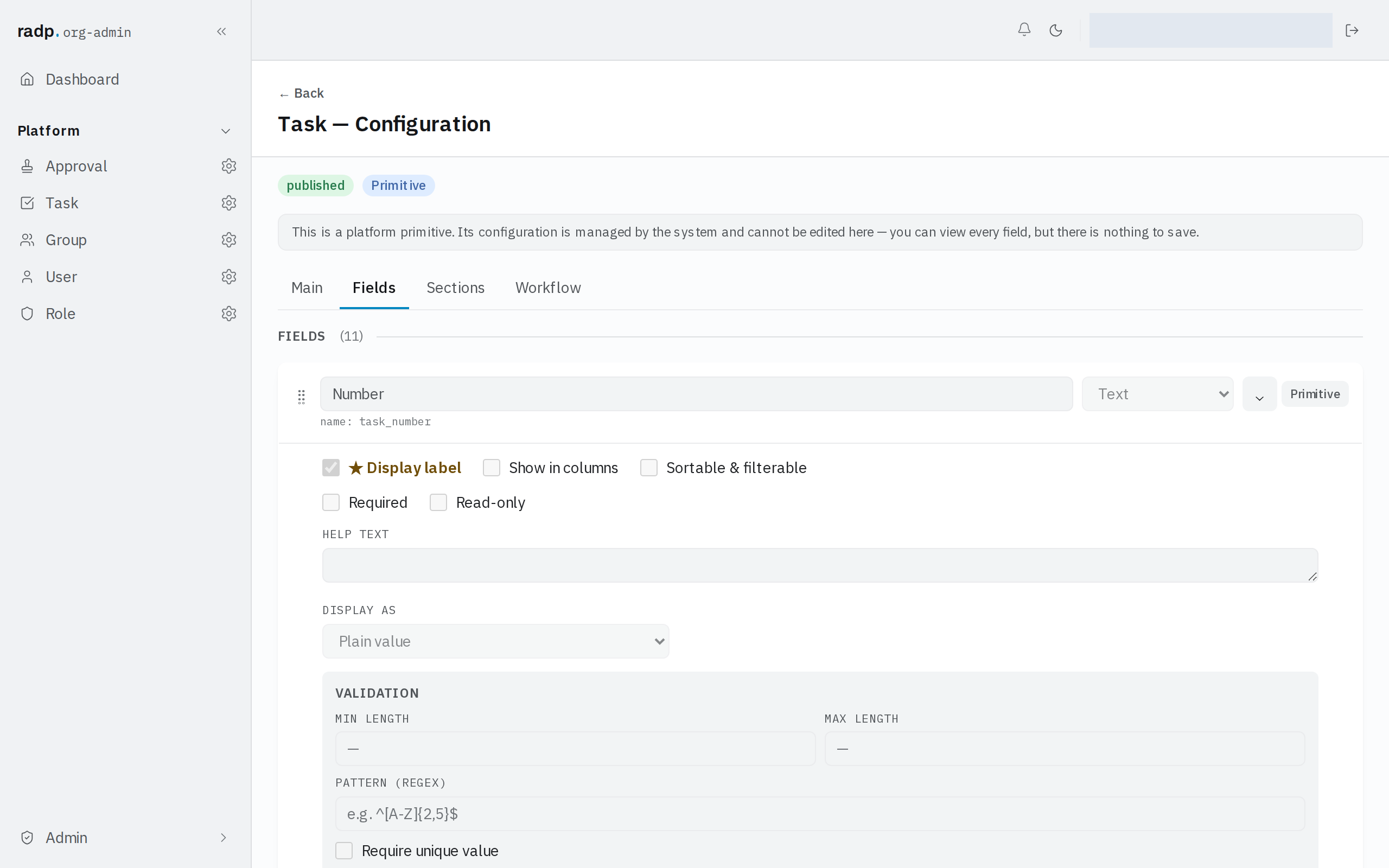
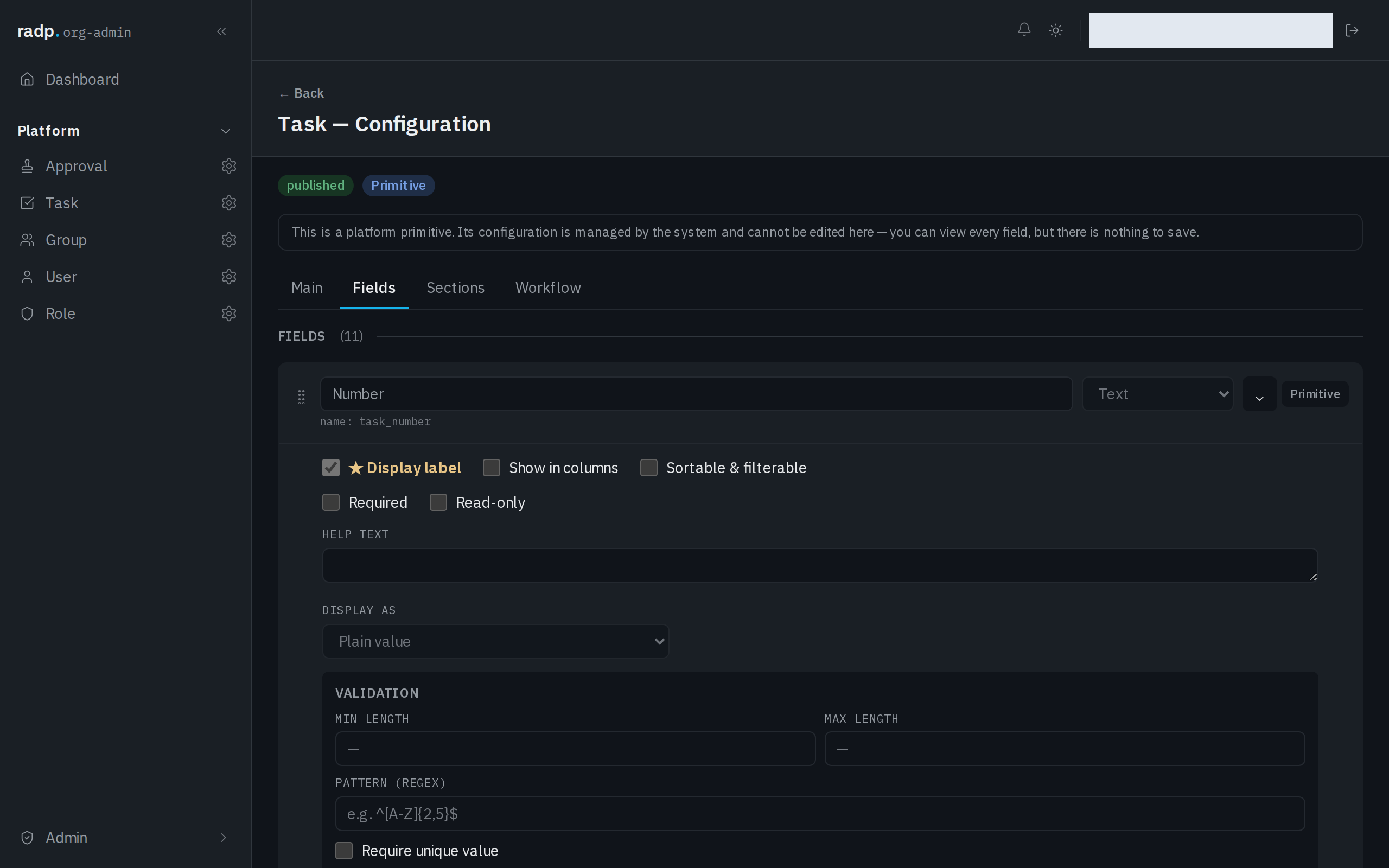
- Set what the field needs:
| Setting | What it does |
|---|---|
| Display label | Makes this field the one that stands for the record elsewhere. When another record links to this one, this is the value shown. One field per record type holds it. |
| Show in columns | Offers the field as a column in the record list. |
| Sortable & filterable | Lets the list sort and filter by this field. A record type has only a few of these to spend — see Sortable and filterable fields, and the limit. |
| Required | The record cannot be saved while the field is empty. |
| Read-only | People see the value but cannot type into it. |
| Help text | Guidance shown with the field on the form. |
| Display as | Choose Plain value or Large value for how the value appears on the record. |
On the record
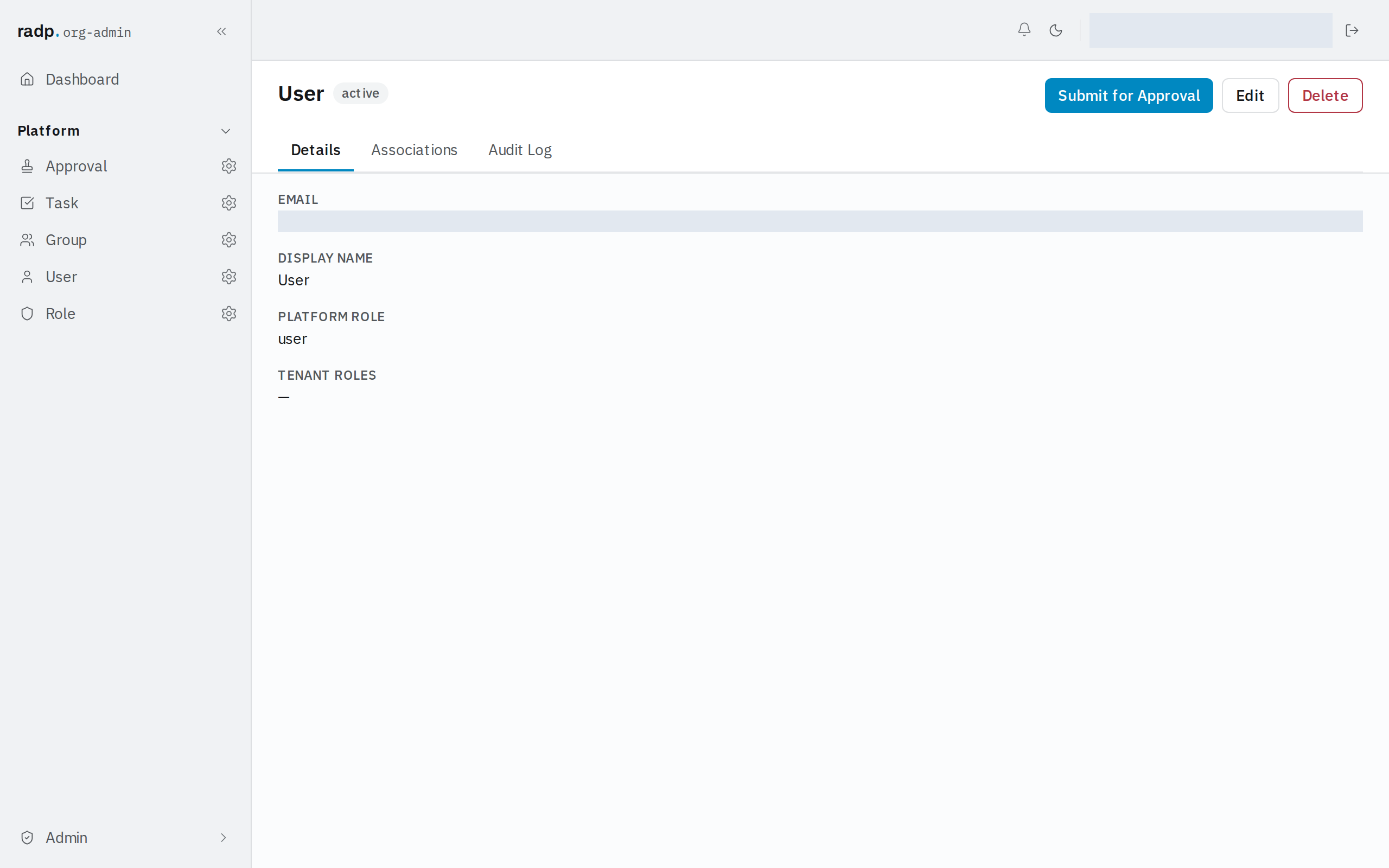
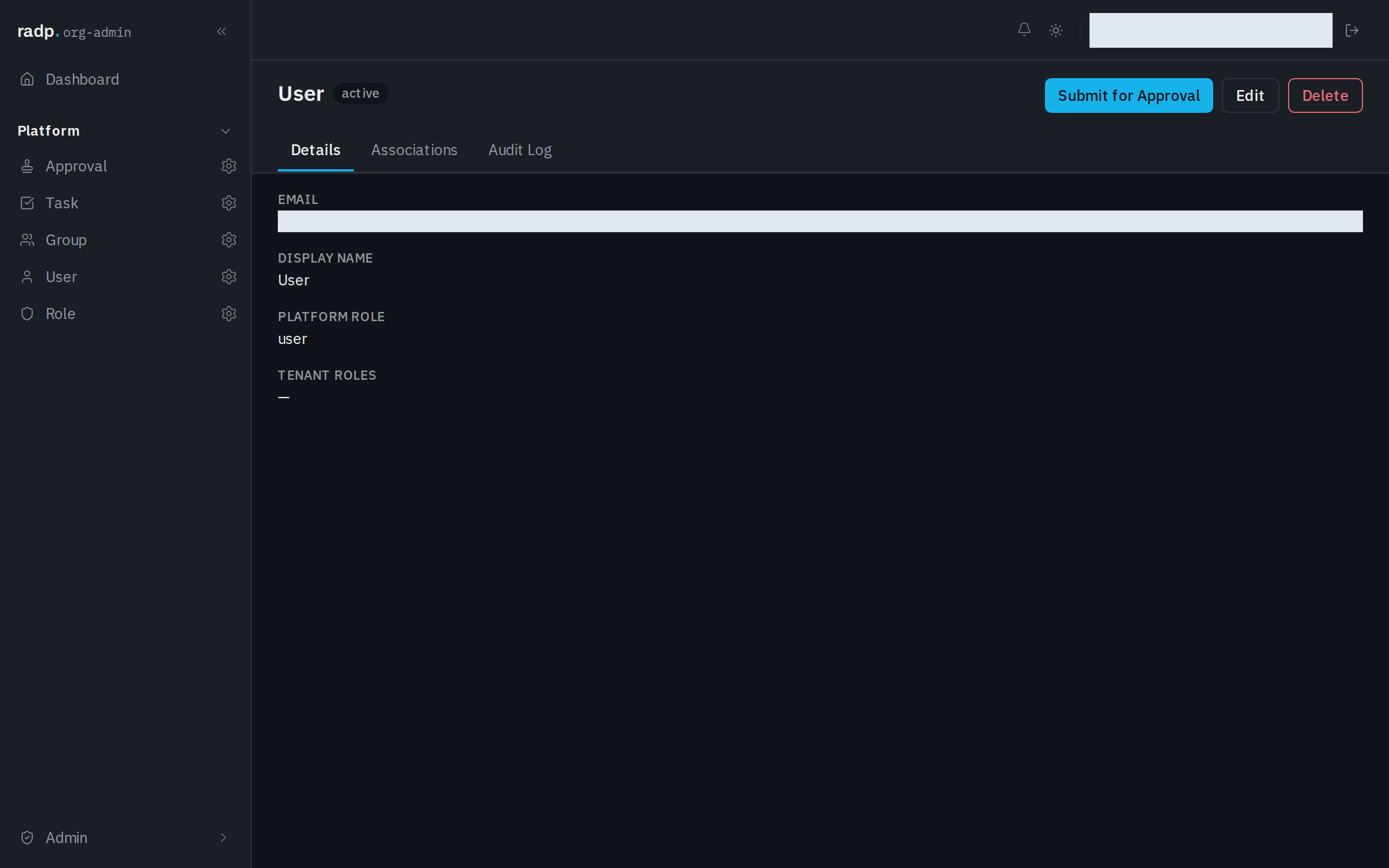
A Text value reads as plain text under the field's label, on the record's Details tab.
Limiting what people can type
The field's Validation settings decide what the workspace will accept.
| Setting | Use it for |
|---|---|
| Min length | Refusing values that are too short to be meaningful, such as a two-letter name. |
| Max length | Keeping a value short enough to read in a list column. |
| Pattern (regex) | A value with a house format of its own, such as a part code. |
| Require unique value | A value no two records of this type may share, such as a customer reference. |
Set only what you will really enforce. A pattern that is stricter than the values people actually have to enter will stop them saving real work.
When a save is refused
The form checks as you type, and the workspace checks again when you save. The second check is the one that decides. A refused save comes back with a message against each field that failed, so the value is still on screen for you to correct.
If a value looks right but is refused as not unique, another record of the same type already holds it — including one you cannot see from the list you are on.