Yes / No
Hold a true-or-false answer on a record, and use it to split a list into collapsible groups.
Use a Yes / No field for an answer that is one thing or the other: billable or not, on site or remote, signed off or not.
Adding one
A field's type is chosen on the record type's Fields tab, from the list of types the platform offers. Pick Yes / No from that list.
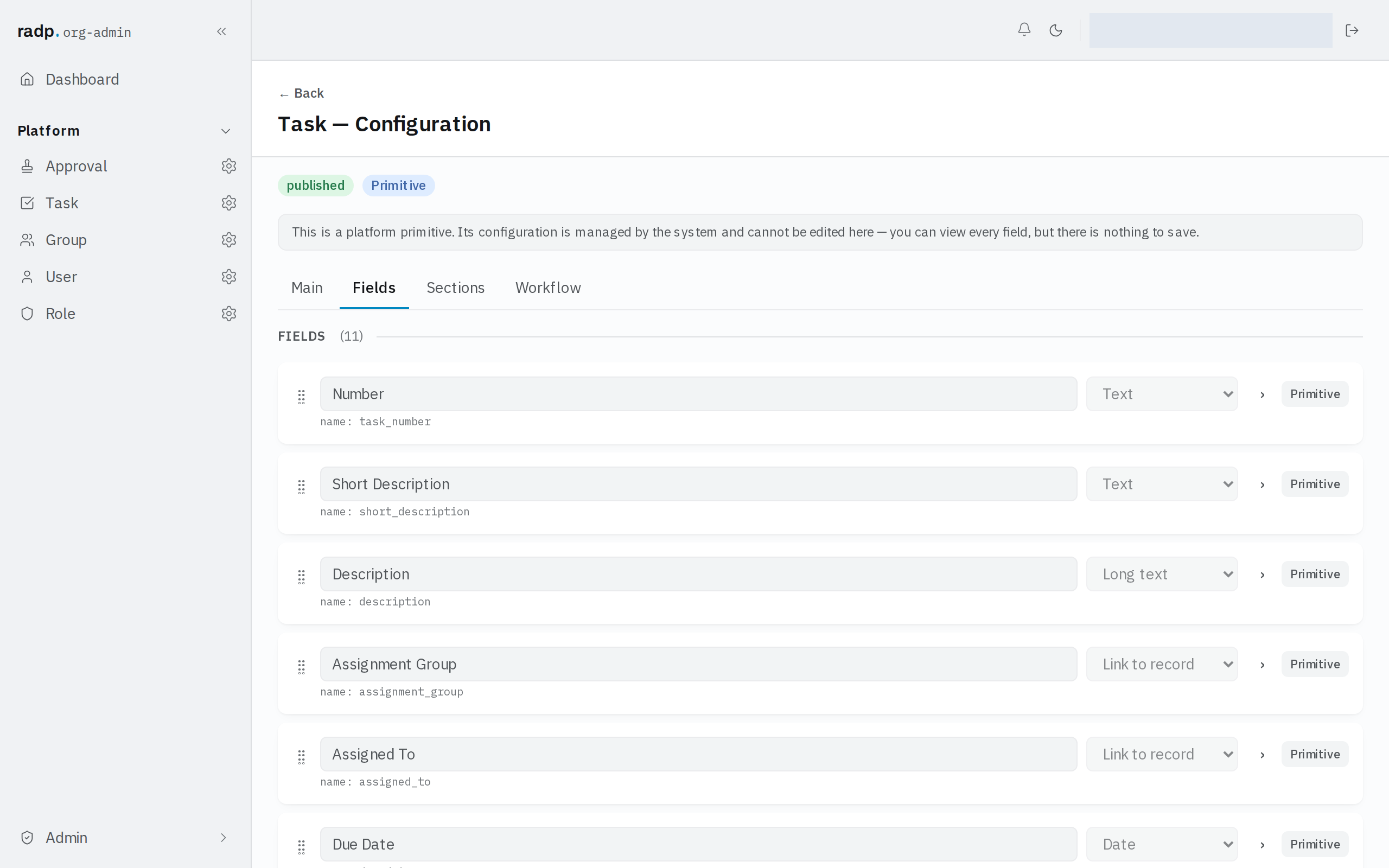
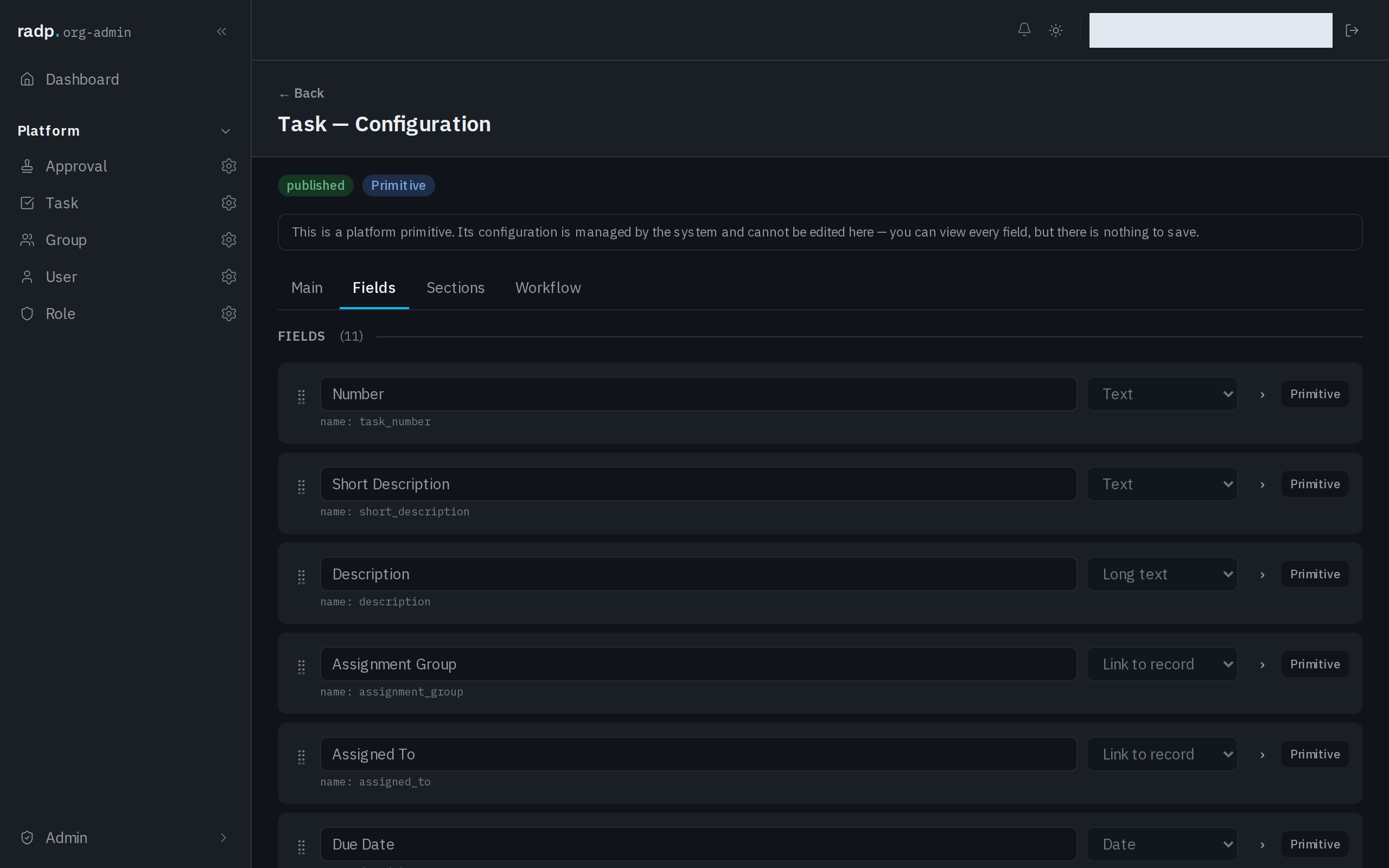
Only an org-admin or a radp-admin can add fields, and only inside a module that is checked out to them. Record types that come with the platform can be read, but nothing on them can be saved.
Its settings
Opening a field's row shows its settings: the display label, help text, whether it is Required, whether it is Read-only, whether it shows in the list columns, and whether it is Sortable & filterable.
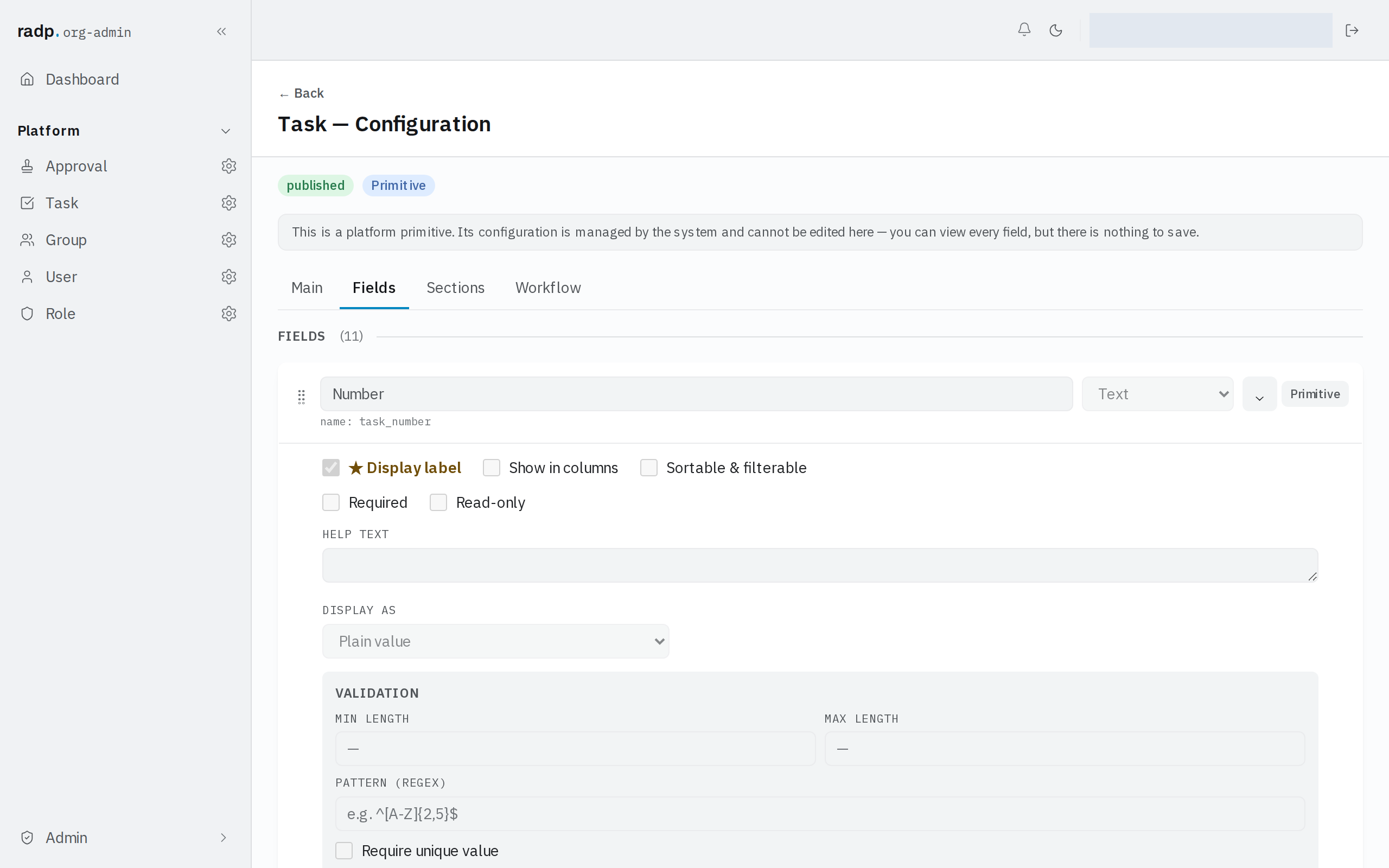
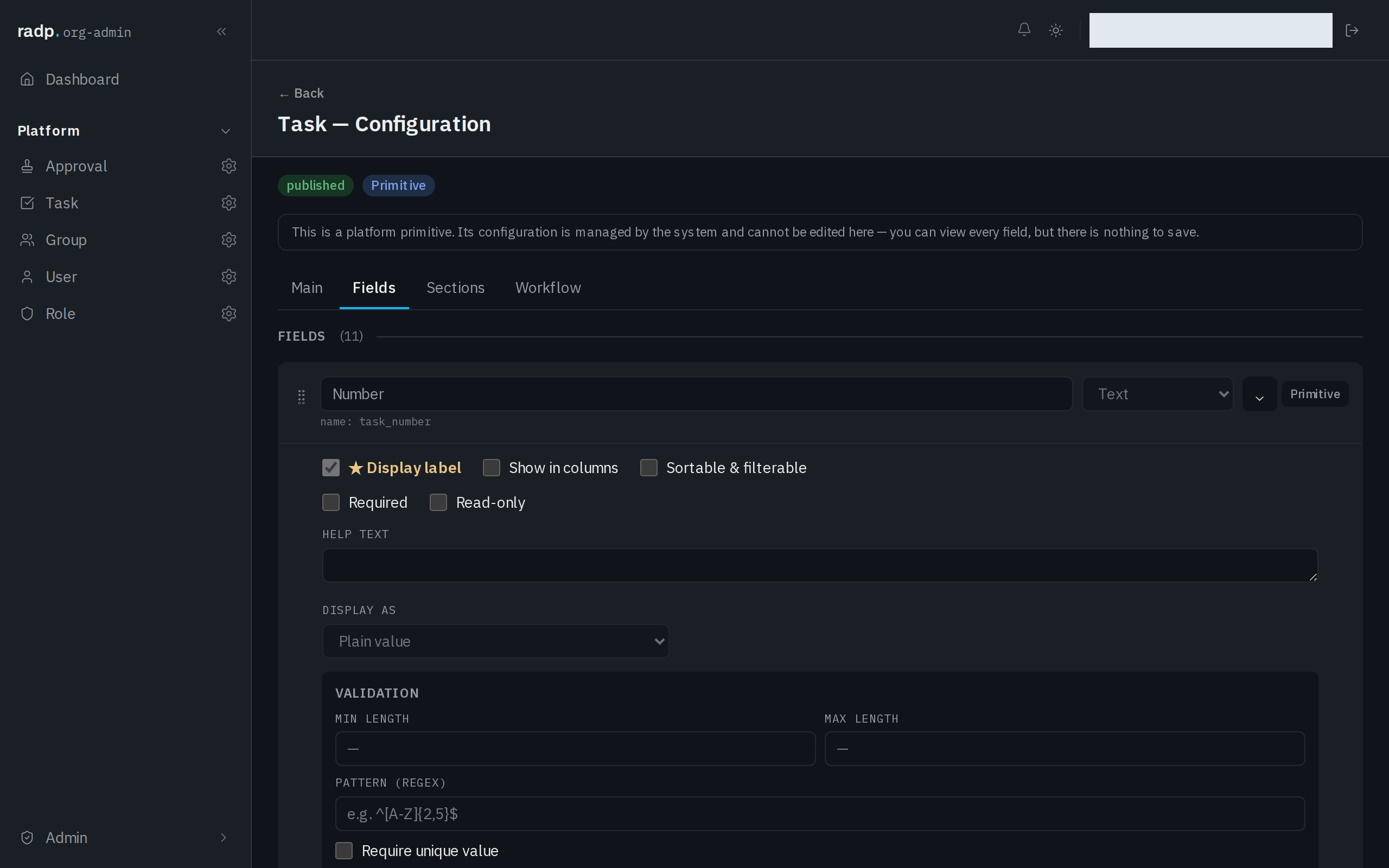
The settings at the top of the panel are offered by every field. The validation boxes below them depend on the type — the panel pictured above belongs to a text field.
Think before ticking Required. A Yes / No field has two answers and no third one, so if "not decided yet" is a real state in your process, a Drop down with three options records it honestly and a required Yes / No field does not.
Splitting a list by it
A Yes / No field is one of the two types the Grouped view can split a list by. Grouped is turned on per record type, under List views on the record type's Main tab: it is the ordinary table, split into collapsible groups by a Drop down or Yes / No field.
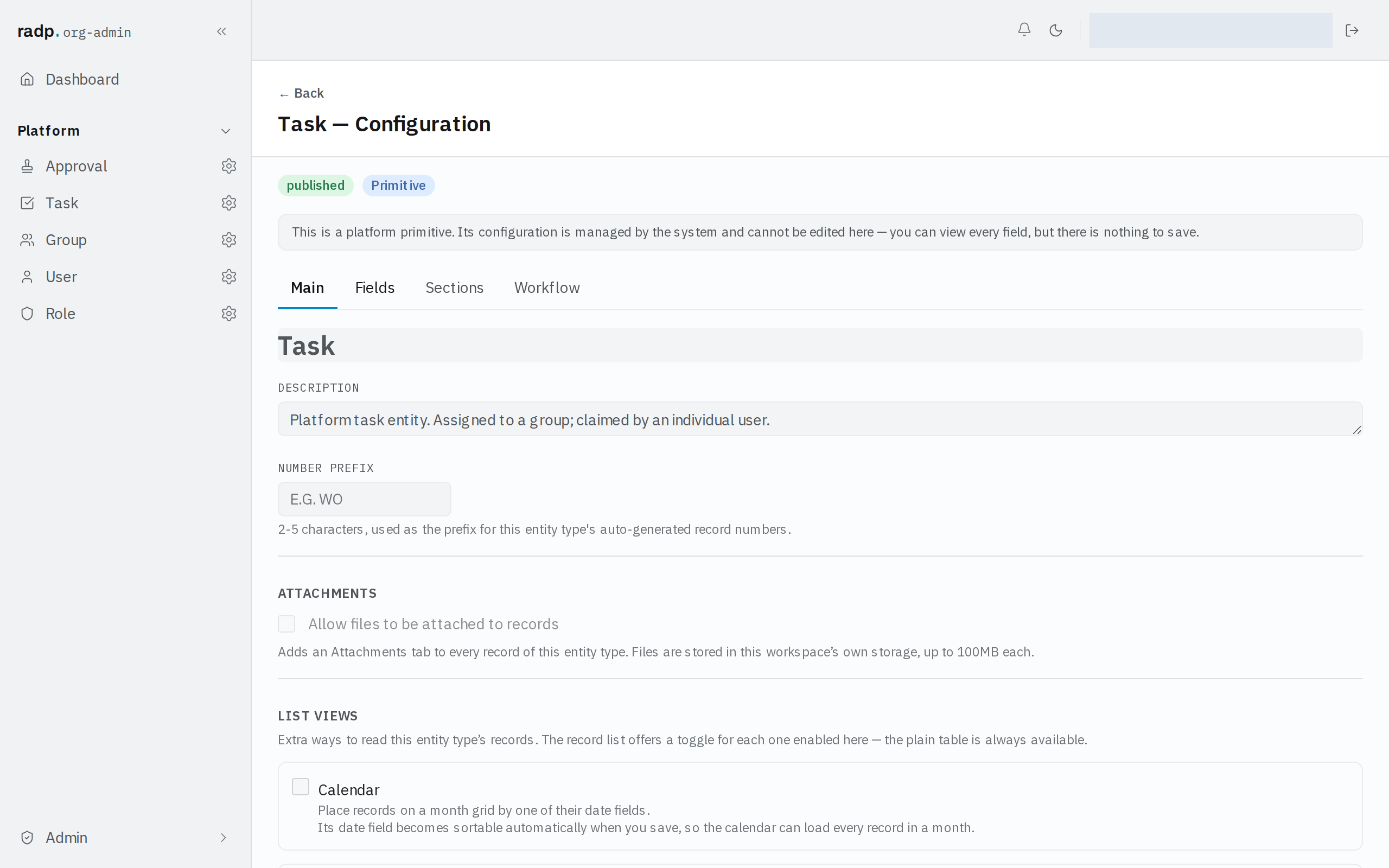
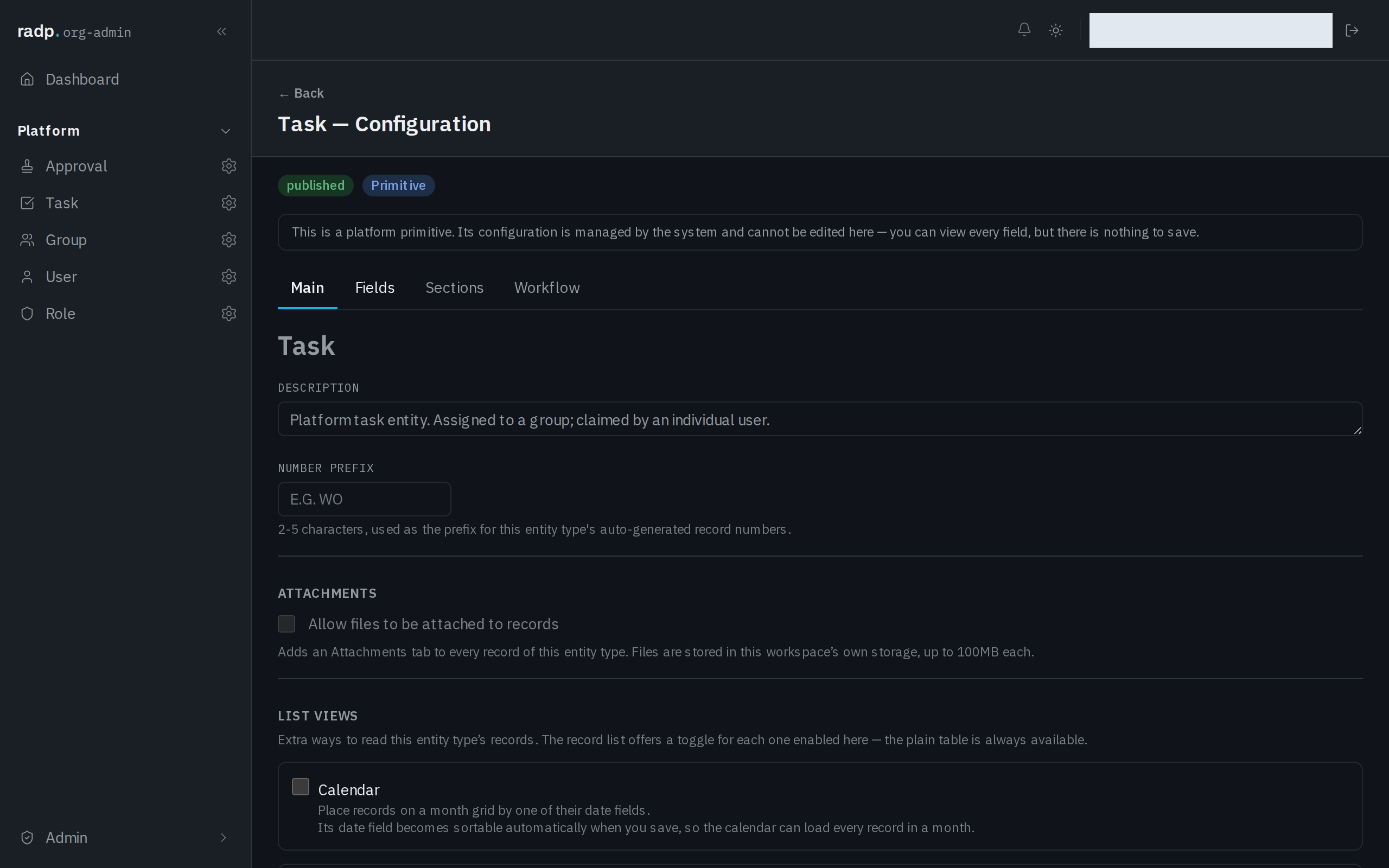
Turning Grouped on makes its group field sortable when you save, so each group loads directly. You do not have to mark the field yourself.
Board is the one view a Yes / No field cannot drive. A board's columns come from the options of a Drop down field. If you want people to drag a record from one side to the other, use a Drop down with two options rather than a Yes / No field.
Sorting and filtering
A Yes / No field can only be sorted or filtered on once it is marked Sortable & filterable. Enabling Grouped on that field does this for you; otherwise tick it yourself. Each record type has only a small number of these marks.