Web address (URL)
Hold a link on a record, with a check that what is typed looks like a web address.
Use a Web address (URL) field when a record needs to point at a page: a supplier's site, an article, an item in another system.
Adding one
A field's type is chosen on the record type's Fields tab, from the list of types the platform offers. Pick Web address (URL) from that list.
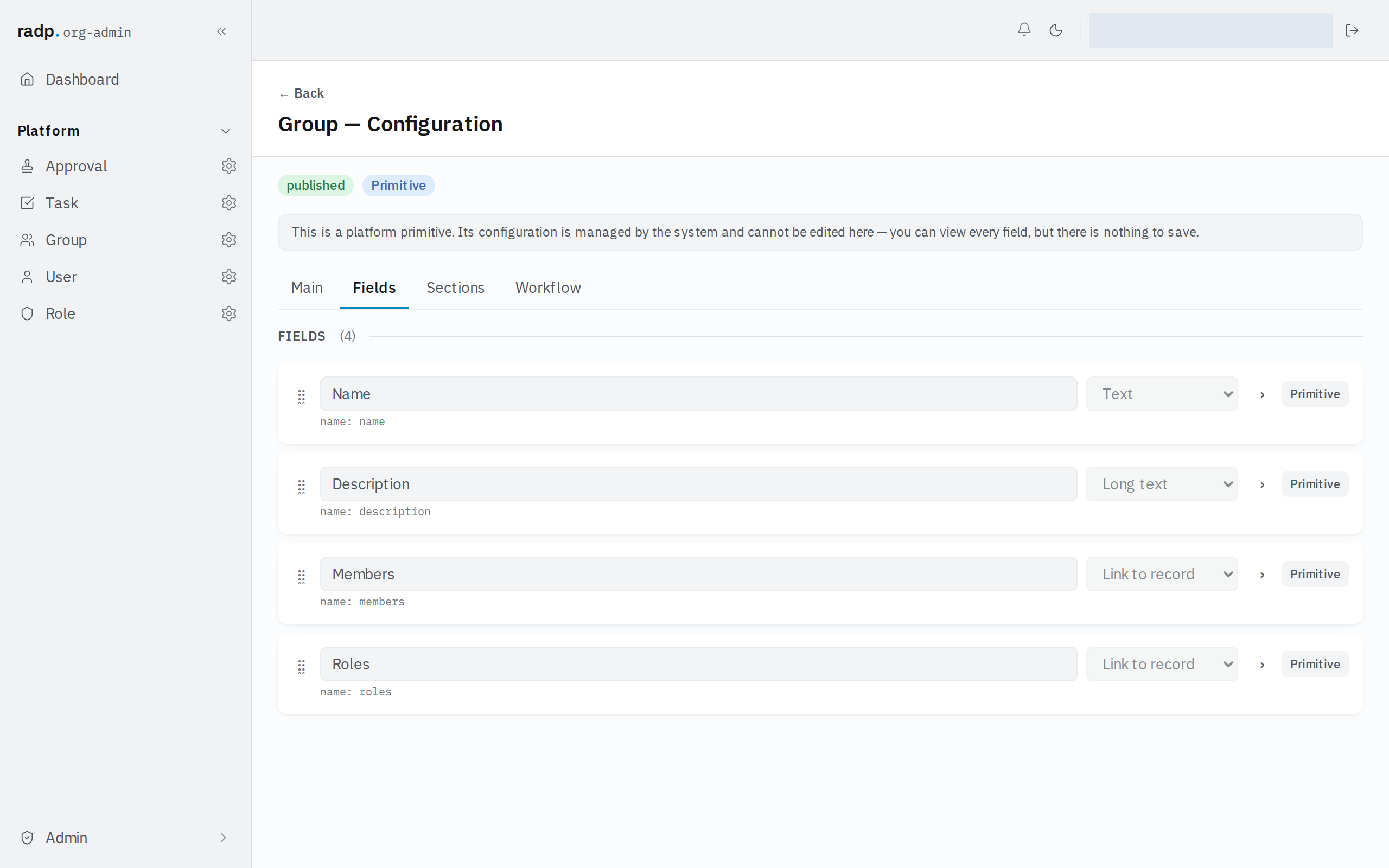
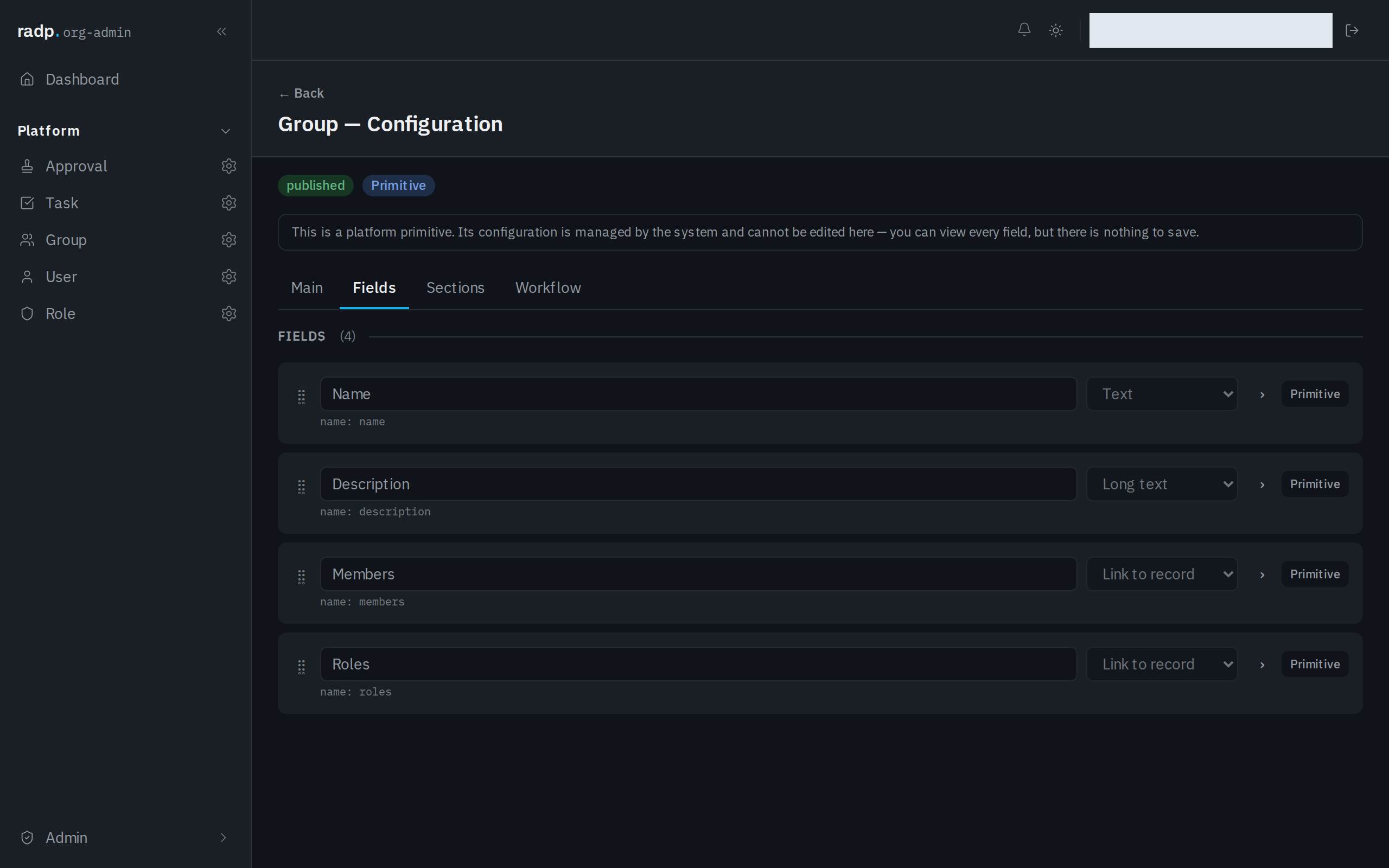
Only an org-admin or a radp-admin can add fields, and only inside a module that is checked out to them. The record type pictured above is one that comes with the platform: its configuration can be read but not changed, so its fields cannot be retyped.
What it stores
A Web address field stores text, and adds a format check on top of it. What you type is checked in the browser as you go and again on the server when you save. The server's answer is the one that decides — if it refuses, the record comes back with a message against the field, and nothing is saved until you fix it.
Because it is text underneath, everything the Text type offers applies: you can make it required, limit its length, and require the value to be unique among records of the same type.
Choosing between the text types
| Choose | When |
|---|---|
| Web address (URL) | The value is a link to a page. |
| The value is an email address. | |
| Phone | The value is a telephone number. |
| Text | Short text with no particular shape, or a shape you want to define yourself with a pattern. |
If the value is something you want to match loosely — an address written several ways, an internal reference with its own rules — use Text and give it a pattern instead. A Web address field refuses anything that does not look like a web address, which is the point of choosing it, but it also means it is the wrong home for a value that is only sometimes a link.
When a save is refused
The message appears against the field. Check for a missing scheme, a stray space, or two addresses pasted into one field — a Web address field holds one value.