Hold one email address with its shape checked, and know what that check can and cannot catch.
Email holds one email address. It is a text field with a check on the format, so a value that is not shaped like an address is refused without you having to write a pattern.
Pick Email in the type list on the field's row, in the record type's Fields tab.
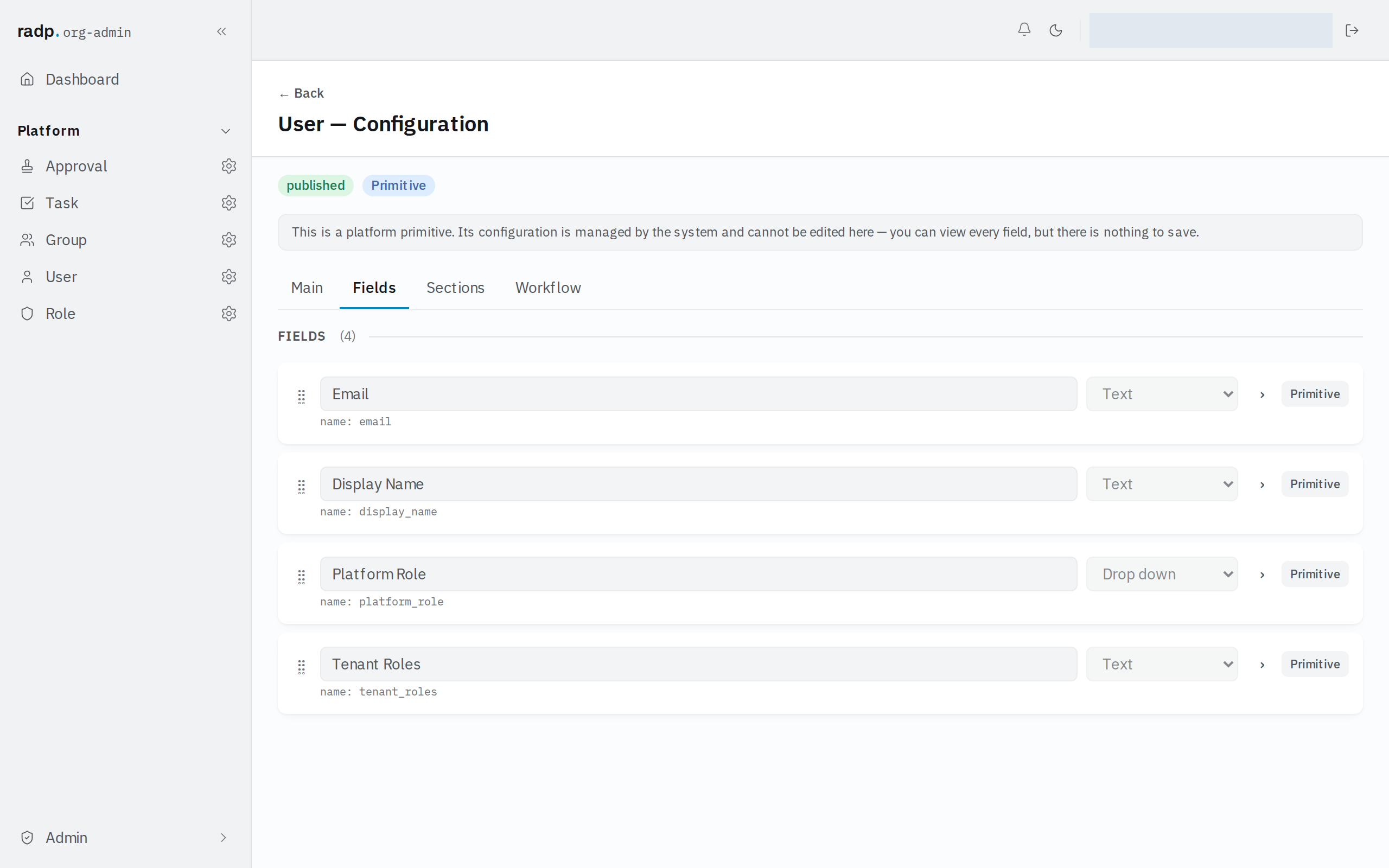
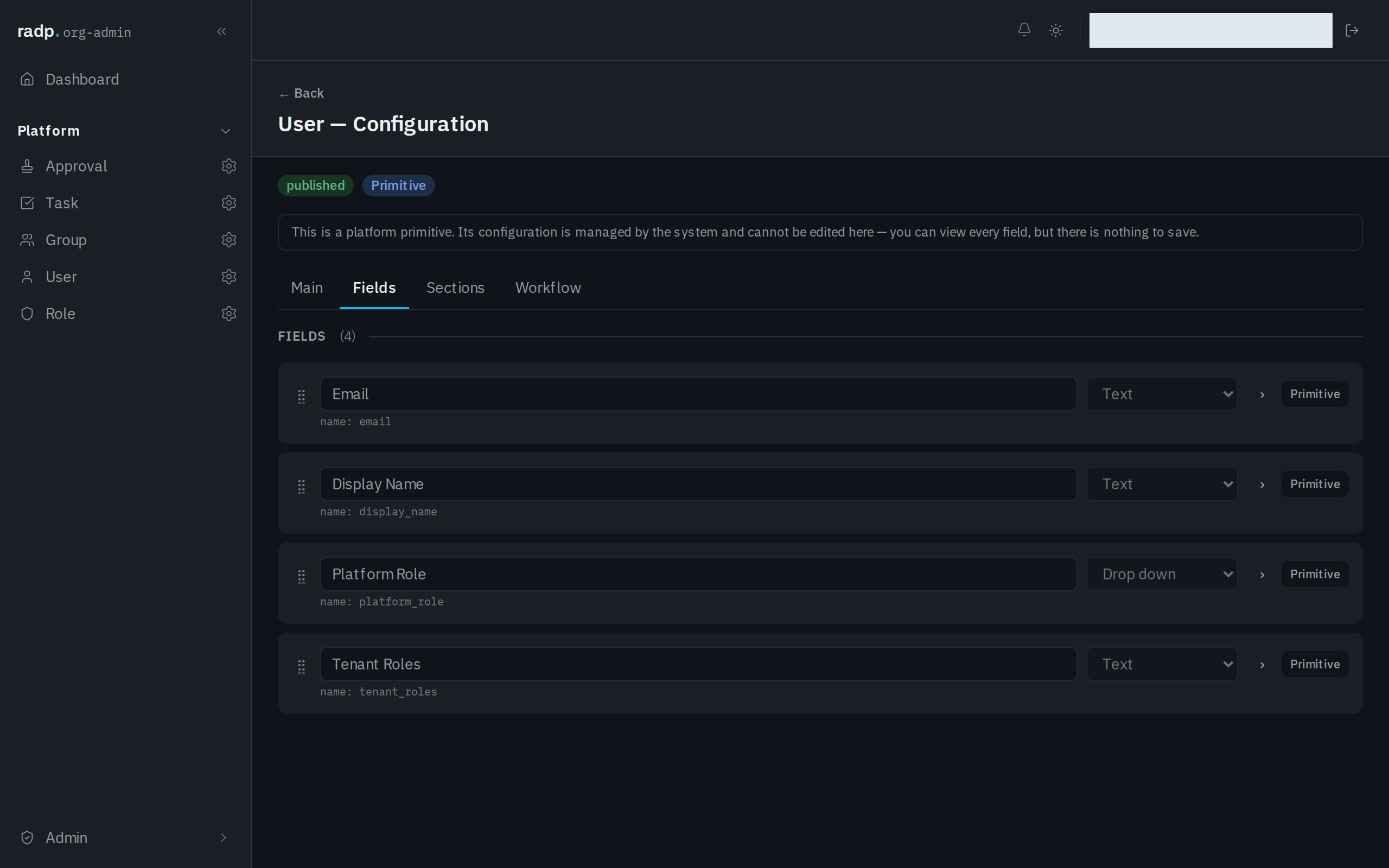
Because Email is text with a check added, the rest of the field's row works as it does for Text. Opening an Email field gives the same settings and the same Validation box — min length, max length, a pattern of your own and Require unique value. See Text for what each one does.
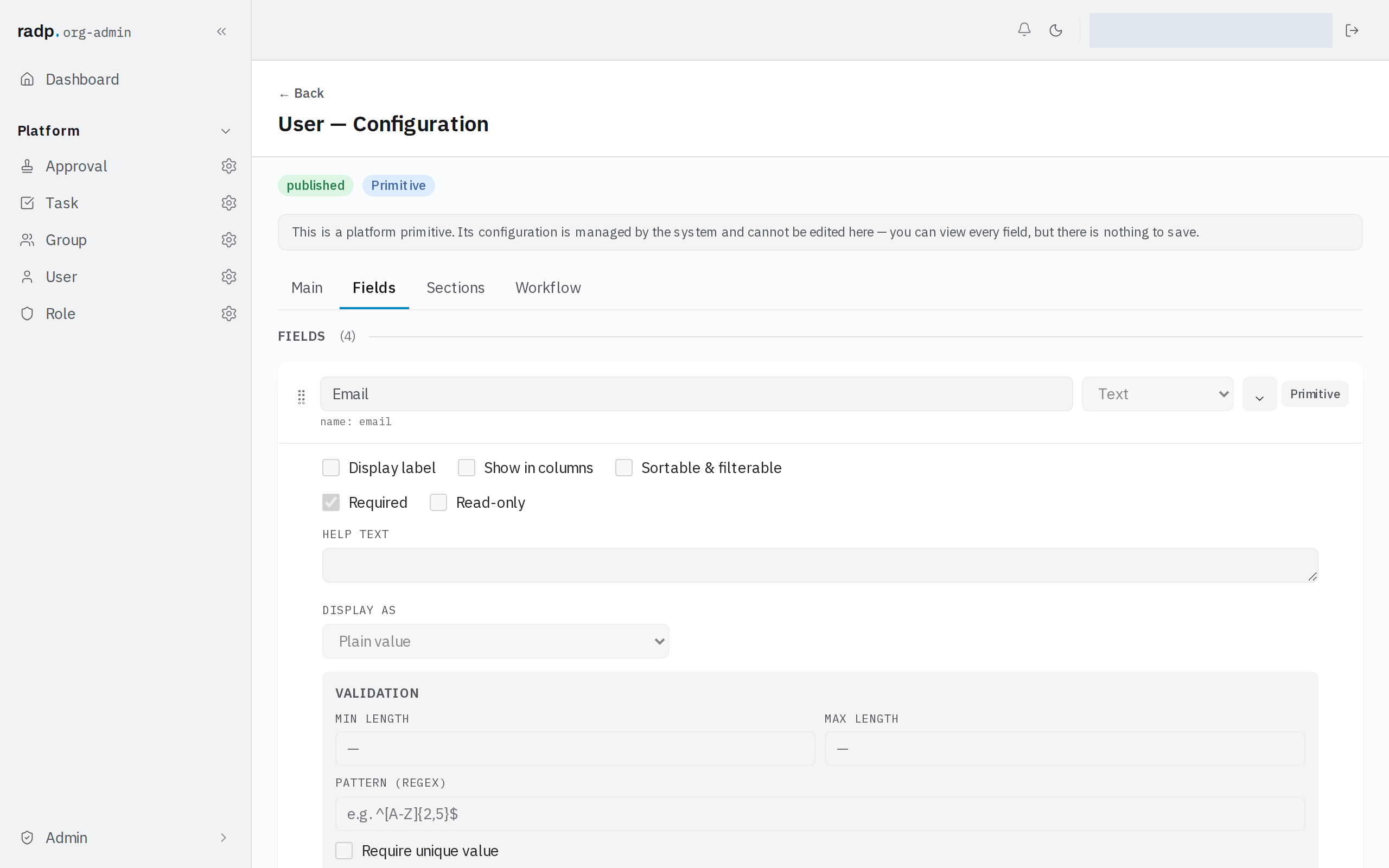
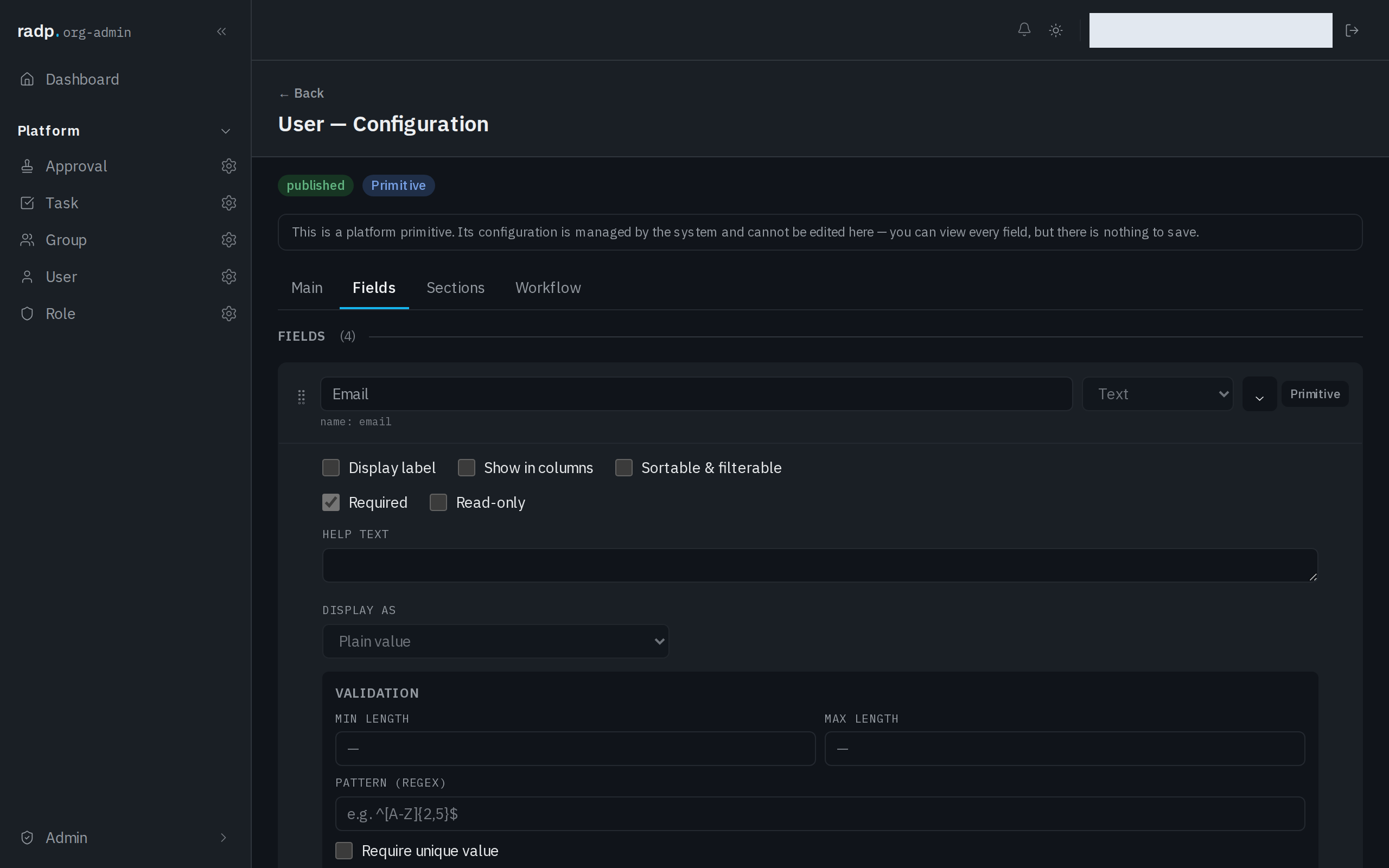
Mark it Require unique value where two records must never carry the same address, such as one address per supplier contact.
What the check does and does not catch
The check looks at the shape of what was typed. It cannot tell you anything about the address itself.
| It catches | It does not catch |
|---|---|
| A value that is not an address at all | An address that is correctly shaped but wrong, such as a misspelt name |
| A missing or malformed domain part | An address that no longer exists, or that nobody reads |
So treat a saved address as well formed, not as confirmed. If it matters that mail actually arrives, that has to be found out by sending something.
On the record
The address shows as plain text under the field's label, like any other short value.
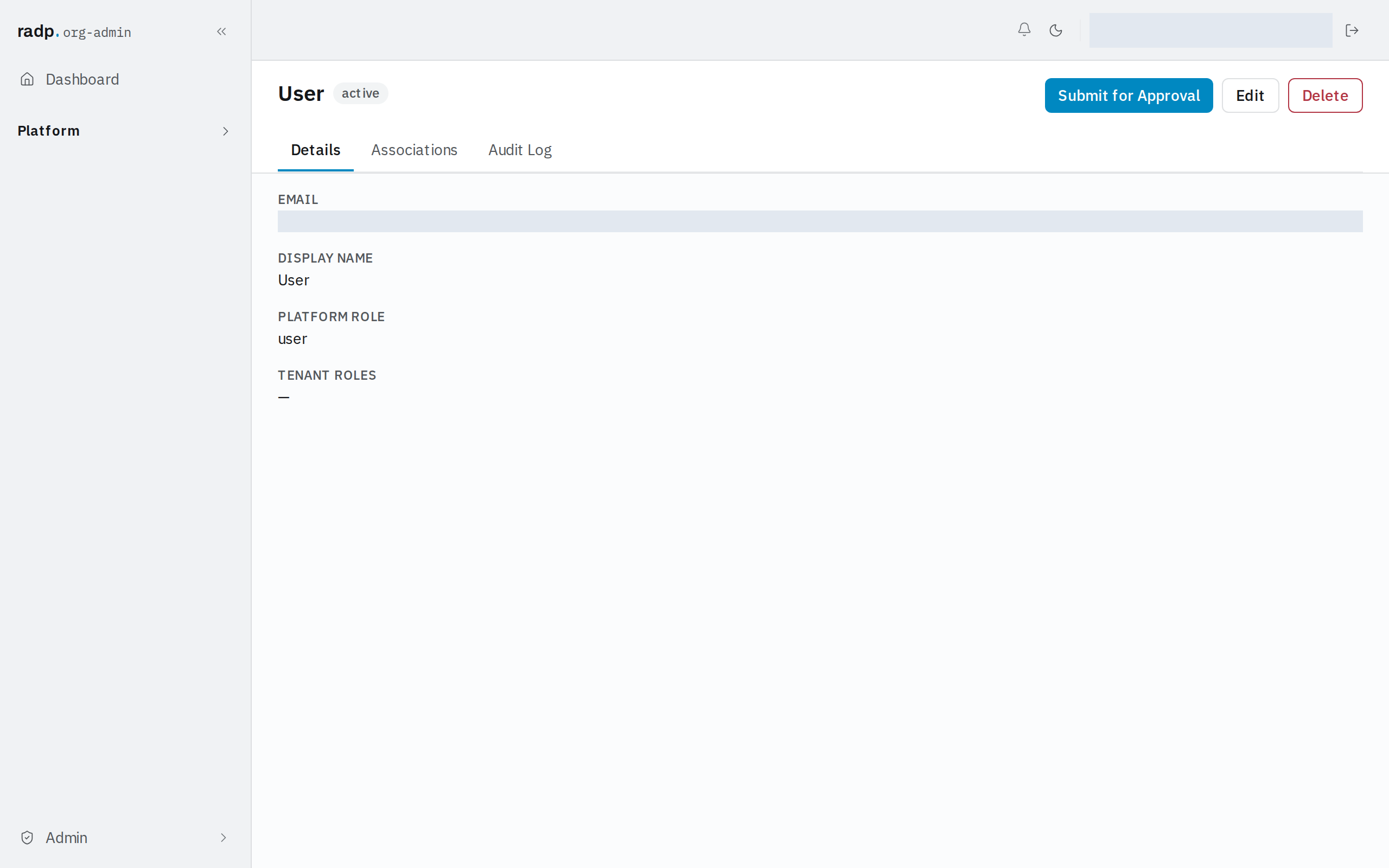
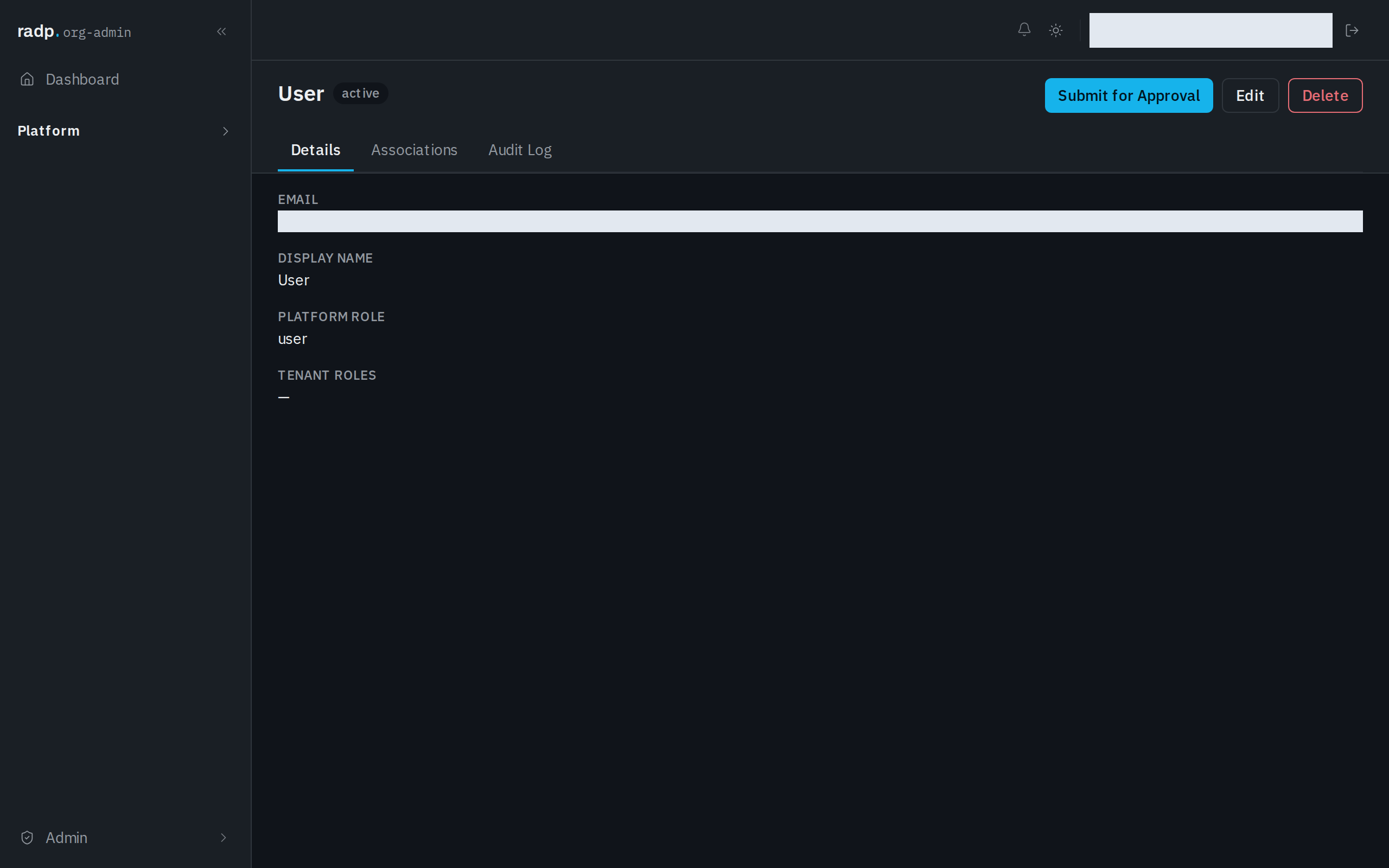
The address people sign in with
Each person's own address is held in the Email field of the platform User record type. That type is part of the platform, so the field cannot be reconfigured or removed — see Platform record types. If you need another address against a person, such as a personal or out-of-hours one, add a field of your own on a record type in a module rather than looking for room on the User type.