Duration
Hold a length of time on a record, rather than a point in time.
Use a Duration field when a record needs to hold how long something took or how long it may last — time spent on a job, the length of a visit. For a point in time, use Date or Date and time instead.
Field types are chosen in the Admin area, which only org-admins and radp-admins can open.
Choosing the type
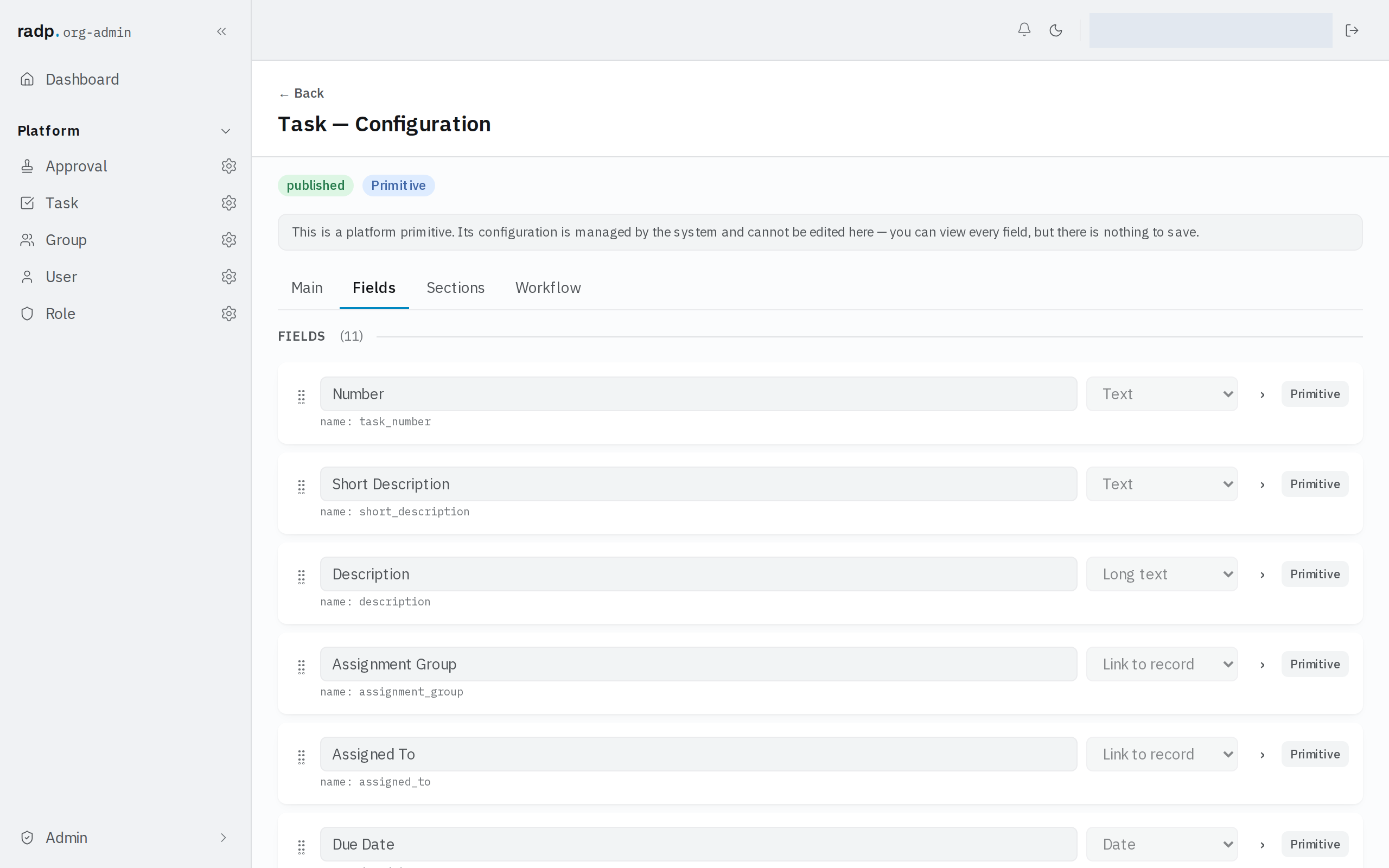
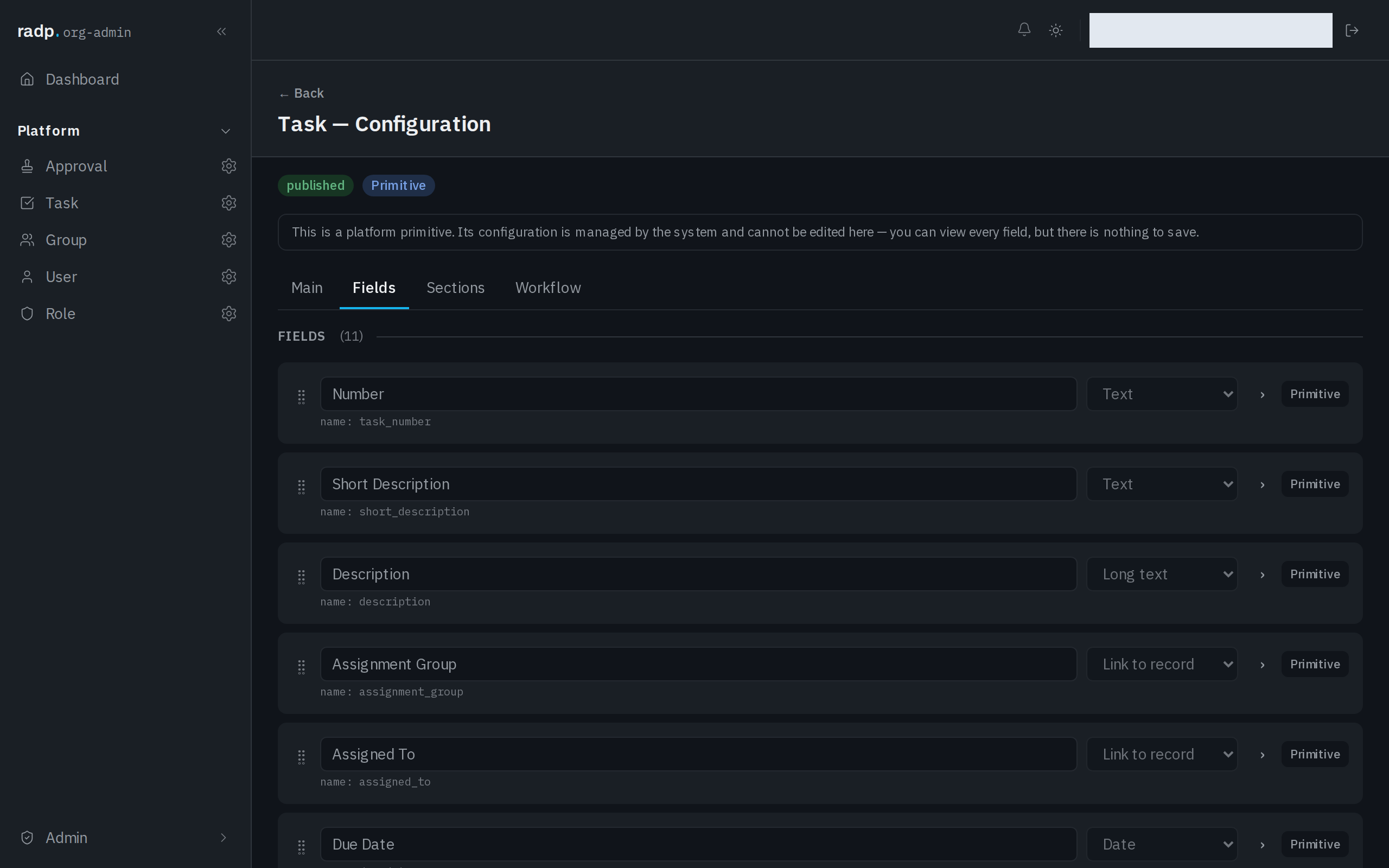
- Open the record type's configuration from the Admin area and choose the Fields tab.
- Expand the field you are setting up.
- Choose Duration from the field's type list.
What it holds
A duration is held as a whole number of minutes: an hour and a half is 90. Parts of a minute are not kept.
There is nothing on the field to change that unit. If people need to record a length in days or weeks, use a Number field and put the unit in the field's label, so everyone enters the same thing.