Long text
Hold several lines of plain text on a record, and know when rich text is the better choice.
Use a Long text field when someone needs room to write: what happened, what was agreed, the detail behind a one-line summary.
Adding one
A field's type is chosen on the record type's Fields tab, from the list of types the platform offers. Pick Long text from that list.
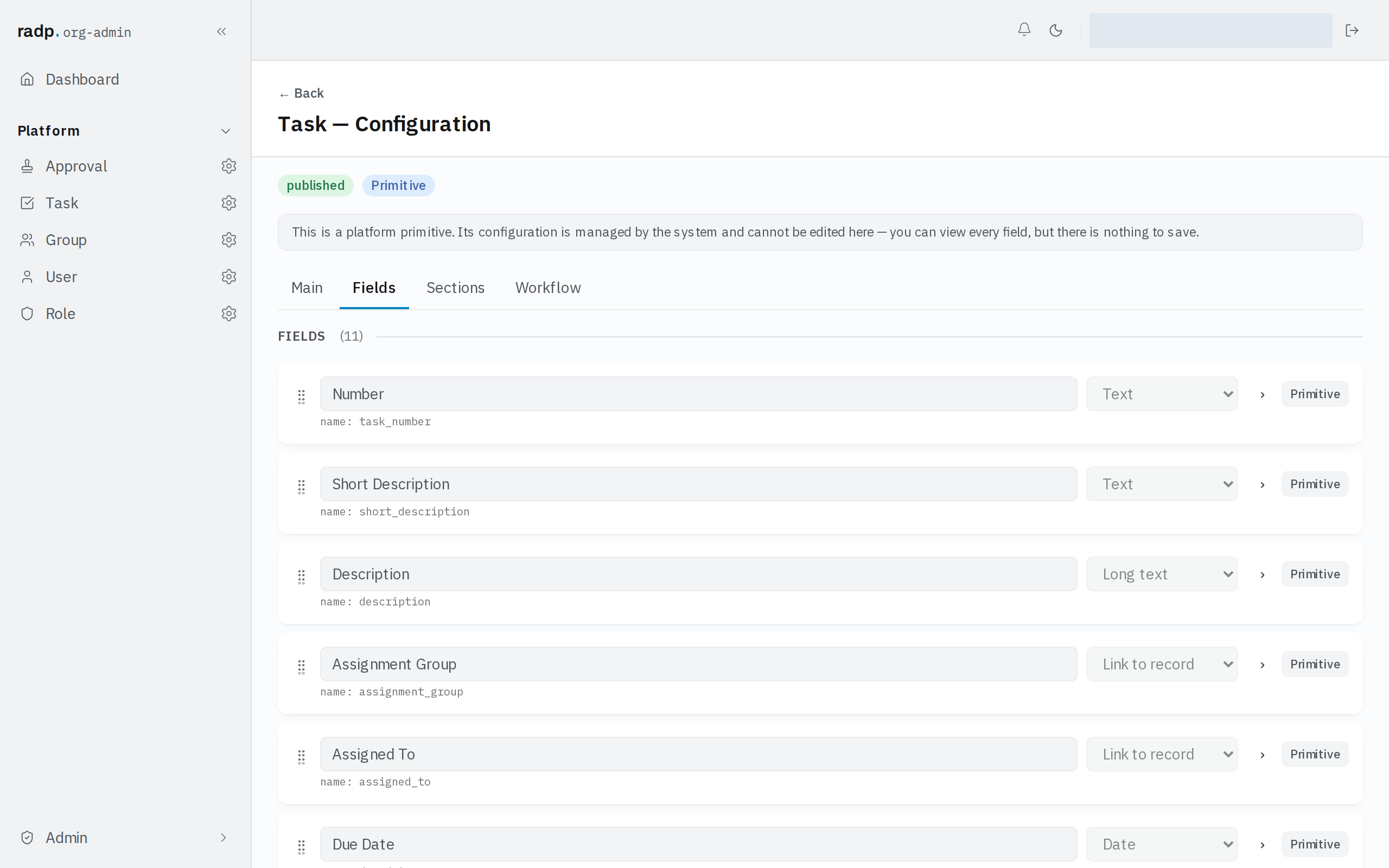
Only an org-admin or a radp-admin can add fields, and only inside a module that is checked out to them. The record type pictured above comes with the platform: its configuration can be read but not changed.
What it stores
Several lines of plain text. Line breaks are kept as typed. There is no formatting: no headings, no bold, no lists that render as lists.
On a form it appears as a box that takes more than one line, rather than the single line a Text field gives you.
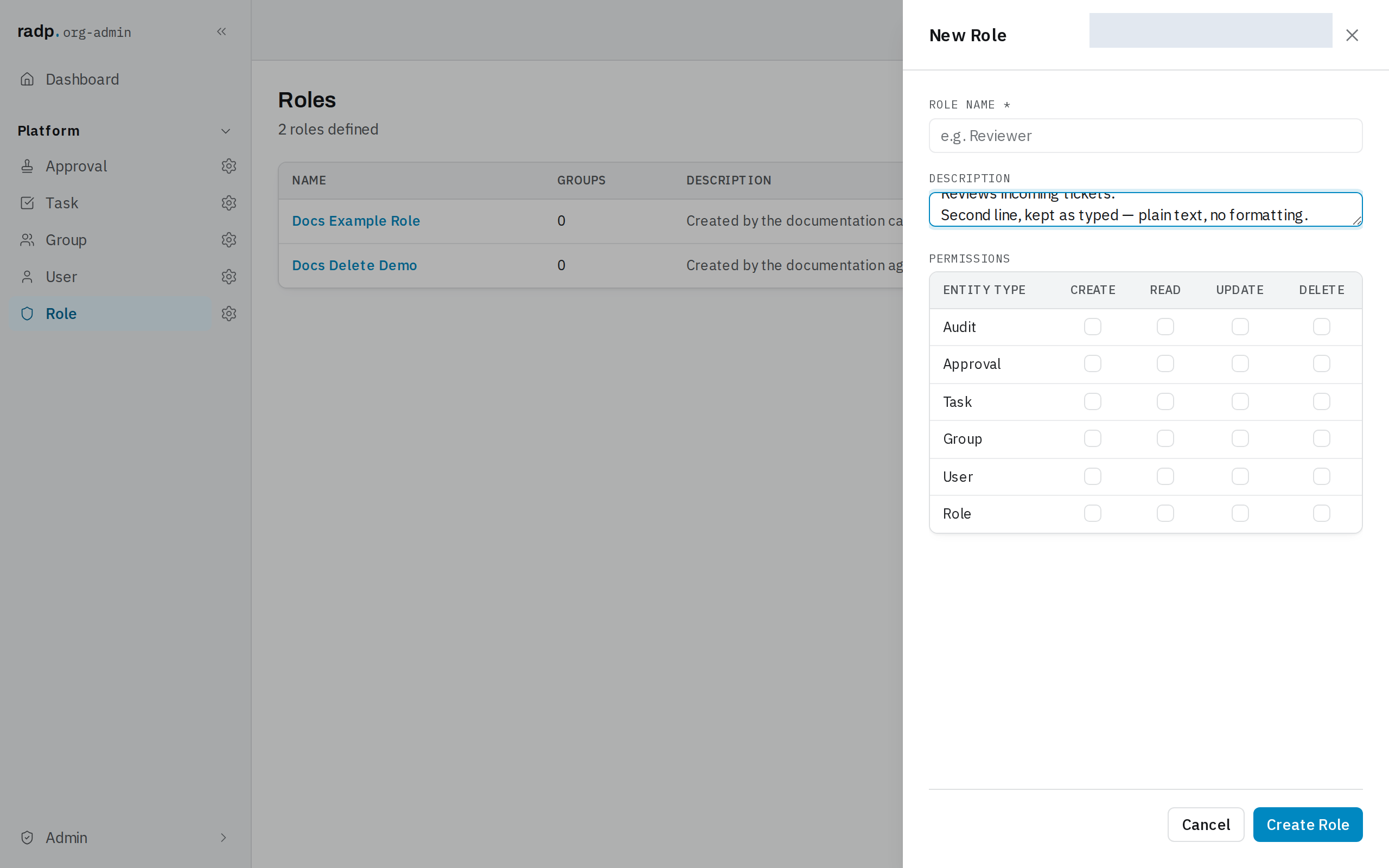
You can make the field required, and you can set a length limit. Both are checked in the browser as you type and again on the server when you save, and the server's check is the one that decides.
Long text or rich text
| Choose | When |
|---|---|
| Text | One short line — a title, a reference, a name. |
| Long text | Several lines of plain writing. Notes, a description, an explanation. |
| Rich text | The writing needs structure: headings, emphasis, lists. Rich text is written as Markdown. |
Reach for Rich text only when the shape of the text carries meaning. A long note that is simply prose reads the same either way, and plain text is the simpler thing to search, export and paste elsewhere.
One thing to weigh before choosing rich text: a rich text field cannot be marked sortable and filterable, so it can never be used to sort or filter a list.
Comments are a separate thing
If what you want is a running conversation on the record — several people adding entries over time, each stamped with who wrote it — that is the Comments field type, not a Long text field people keep appending to.