Phone
Hold a telephone number, with a format check, and know why it is stored as text rather than as a number.
Use a Phone field for a telephone number — a caller's number on a ticket, a contact number on a supplier.
Adding one
A field's type is chosen on the record type's Fields tab, from the list of types the platform offers. Pick Phone from that list.
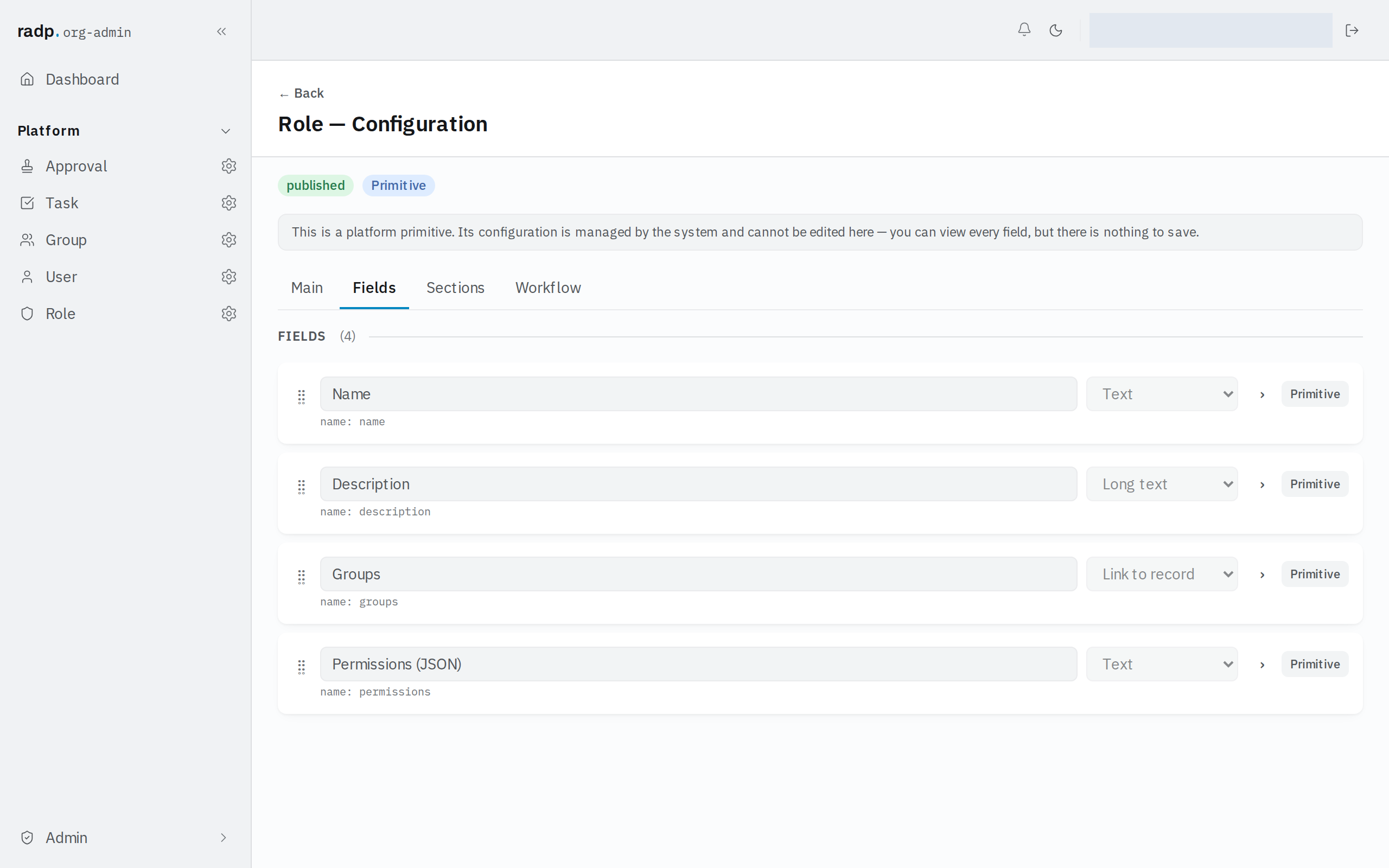
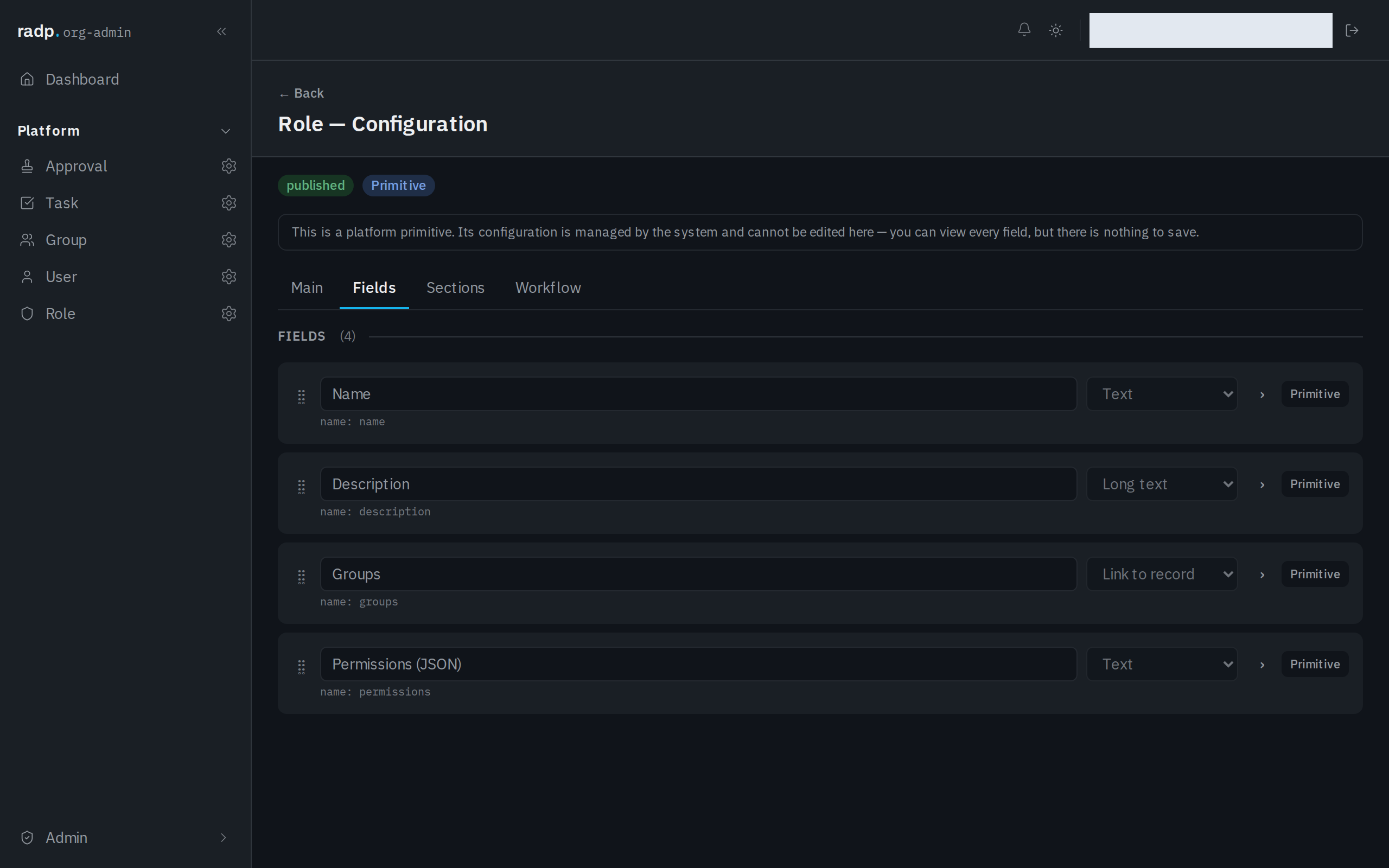
Only an org-admin or a radp-admin can add fields, and only inside a module that is checked out to them. The record type pictured above comes with the platform: its configuration can be read but not changed.
Why it is text, not a number
A Phone field stores text with a format check, not a numeric value. That is deliberate. Phone numbers keep leading zeroes, country prefixes, spaces and brackets, and none of those survive being stored as a number. Storing them as text means what you typed is what comes back.
It also means the arithmetic a Number field allows — a minimum, a maximum — does not apply here, and never needs to.
What it accepts
What you type is checked in the browser as you go and again on the server when you save. The server's check is the one that decides. A refused save comes back with a message against the field.
Because a Phone field is text underneath, the text rules are available: you can make it required, and you can require the number to be unique among records of the same type — useful when one number should identify one customer.
Choosing between the text types
| Choose | When |
|---|---|
| Phone | The value is a telephone number. |
| The value is an email address. | |
| Web address (URL) | The value is a link. |
| Text | The value has no fixed shape, or a shape you define yourself with a pattern. |
If your organisation writes numbers in a house style the Phone check does not enforce — always with a country code, say — use Text with a pattern and your own error message instead.
A Phone field holds one number. If you need a mobile and a landline, or a number and an extension, give each its own field.